

Brand CameraNovinka
A branded selfie camera your customers open with a QR code
Your logo, name and color on every selfie and short video your customers take and share. It builds itself from your Brand Kit, needs no app, and it's free.
Účet zdarma, bez karty. Už používáte aiKit? Přihlaste se a otevřete Brand Camera
Co získáte
A selfie camera with your logo, name and color that customers open from a link or QR code.
Builds itself from your brand
Your Brand Kit's logo, name and color fill the camera in, with a picker to switch brands. Change anything in a tap.
Effects that follow the face
A crown, a sticker badge, game-day face paint, a branded frame, and your logo popping out of a thumbs-up with confetti.
One QR code, no app
Share gives you a short link and a QR code to print. Customers open it in the phone's browser and start snapping.
Update without reprinting
Press Share again after a change and the same link and QR code show the new camera.
Private by design
Faces are tracked on the customer's phone. Nothing is uploaded unless they share their own photo.
Všechny funkce
Vše, co Brand Camera umí
Kompletní seznam podle toho, jak nástroj funguje dnes.
- Builds itself from your Brand Kit: logo, business name and color, with a brand picker to switch
- Six ready-made examples: a gym, a restaurant, a realtor's open house, a wedding, school spirit and a musician
- Effects that follow the face: a crown, a sticker badge, game-day face paint, a branded frame (clean bar or Polaroid) and a logo that pops out of a thumbs-up with confetti
- Remove background for a logo on a white box
- Photo and video (up to a minute) with your name on every save, to your Graphics Library (AR Studio folder)
- Share with customers: a short link and a QR code to print; press Share again after a change and the same link updates
- Customers need no app and no account; their photos stay on their phone until they share them
- A Learn guide with ideas for many businesses and a 5-minute challenge
Co je v ceně
Co získáte s Brand Camera a jak spolupracuje se zbytkem aiKit
Součástí bezplatného účtu aiKit
- Free on every aiKit account: it runs on the phone
- Six examples, five effects, photo and video up to a minute
- A short share link and QR code that update when you share again
Co využívá AI a co je zdarma
Brand Camera uses no AI and no tokens. Faces and hands are tracked on the phone itself.
Funguje s vašimi dalšími nástroji aiKit
- Brand Kit: The camera builds itself from the Brand Kit in use, and each Brand Kit card links to its brand camera.
- Graphics Library: Your photos and videos are saved to the AR Studio folder, and any library picture can be the logo.
- Clip Studio: Cut a saved video into short clips from What's next.
- Email Studio: Put a saved photo in an email from What's next.
Mějte Brand Camera v kterékoli ze svých sad vedle nástrojů, které s ním používáte. Jeden měsíční AI limit pokryje všechny nástroje, které přidáte.
Jak to funguje
Od prvního kliknutí po hotovo ve 4 krocích.
Open Brand Camera
Your Brand Kit fills in the logo, name and color, or start from an example: a gym, a restaurant, an open house, a wedding, school spirit or a musician.
Pick two or three effects
Frame, crown, badge, face paint or the thumbs-up pop, all in your color. Try it with your camera or a sample photo.
Sdílejte to
Copy the short link or print the QR code for the counter, table tents or a mirror.
Customers snap and post
Photos and short videos carry your name, and their friends see your business.
Pro koho to je
Jak Brand Camera používají různé firmy
"I showed up" at the gym
A made-up fitness studio puts a QR code by the water fountain. Members snap a post-workout selfie with the studio's frame and a thumbs-up pop.
A birthday selfie at the table
A made-up diner adds a QR code to every table tent. Birthday photos carry the diner's logo and "Best brunch in town".
"Just toured" at the open house
A made-up realty group's frame reads "Just toured 14 Maple Lane!". Visitors post it, and their friends see the listing.
A wedding camera on every table
A couple's monogram and date in a Polaroid frame, from a QR card at each table, instead of disposable cameras.
School spirit on game day
A made-up school's colors as face paint and the mascot as a cheek badge, shared in the parent newsletter before homecoming.
A new single, around every selfie
A made-up musician's cover art frames fans' selfies with "New single out now".
Ideální pro
- Gyms, salons and restaurants that want customers posting from the counter or the chair
- Event planners and couples replacing disposable cameras with a QR code on each table
- Schools, teams and leagues with game-day face paint in their colors
Dobré vědět
- Není pro: Filters inside social apps (this opens in the phone's browser)
- Není pro: Editing photos after they're taken
- Free: it runs on the phone and uses no tokens.
- Faces need decent light; big hats and dark sunglasses can hide a face (the frame still works).
- It works in the phone's browser, not as a filter inside social apps.
Otázky
Brand Camera: časté dotazy
Is there a free way to make a custom selfie filter with my logo?
Can customers use a branded camera without downloading an app?
How do I put a selfie QR code on my tables or counter?
What is AR Studio in aiKit?
Do the AR Studio tools cost anything?
Is my camera video uploaded?
Where do my AR photos and videos go?
How do I show a customer how big a sign will be on their building?
Does my customer need an app or an account to see it on their wall?
Which quote lines get See it at real size?
How do I make a branded selfie filter for my business?
Do my customers need an app for Brand Camera?
If I change my Brand Camera, do I need a new QR code?
How can a customer see furniture in their own room before buying?
Can I import my vendor's product list into Room Designer?
Dobře funguje s
Nástroje, které přidat do stejné sady
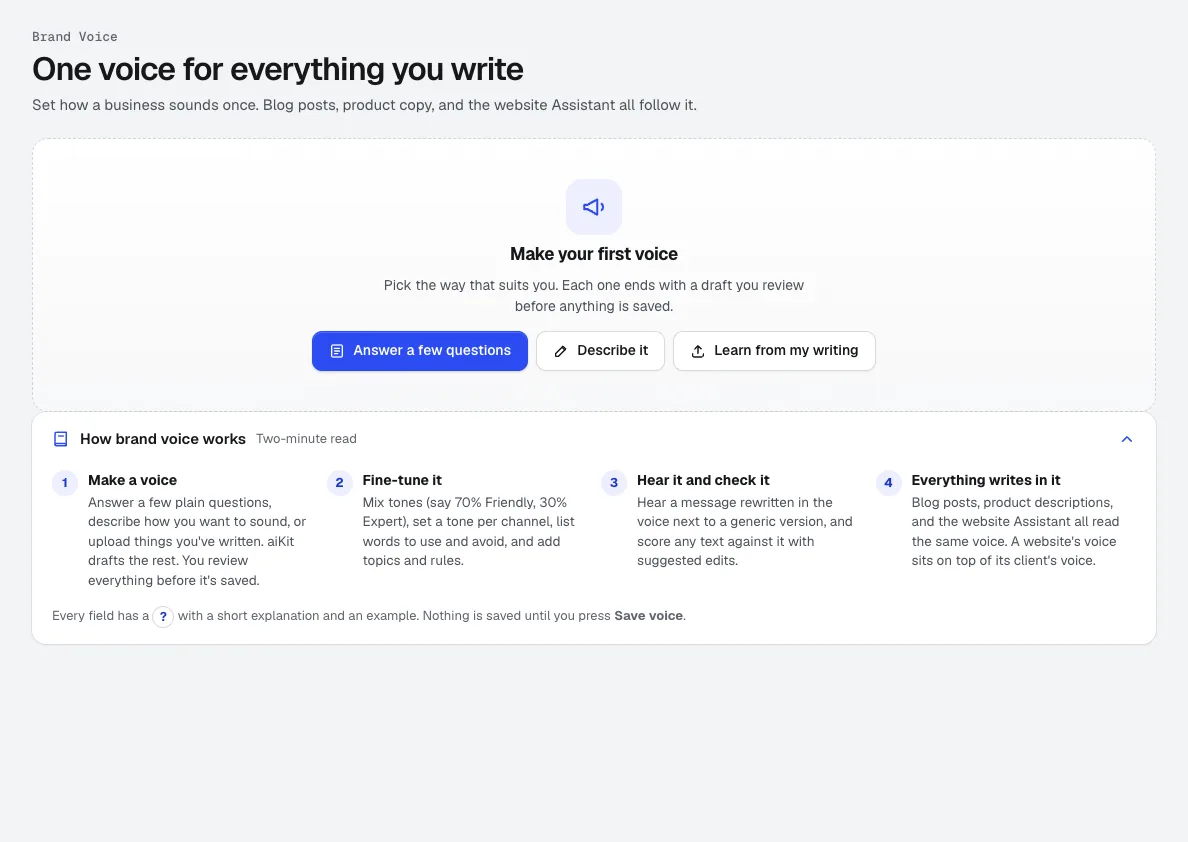
Brand Kit
NovinkaJedna Brand Kit: hlas značky naučený z vašich vlastních textů, plus vaše loga, barvy, písma, referenční e-maily a výsledky, které se vám líbily. E-maily, blogové příspěvky, videa, obrázky a návrhy se podle toho všechny řídí.
Life-Size
NovinkaSnap the storefront, lawn or wall and mark a door. The sign, banner or canvas appears at its true size. Or see it live through the phone. Free, and it runs on your device.
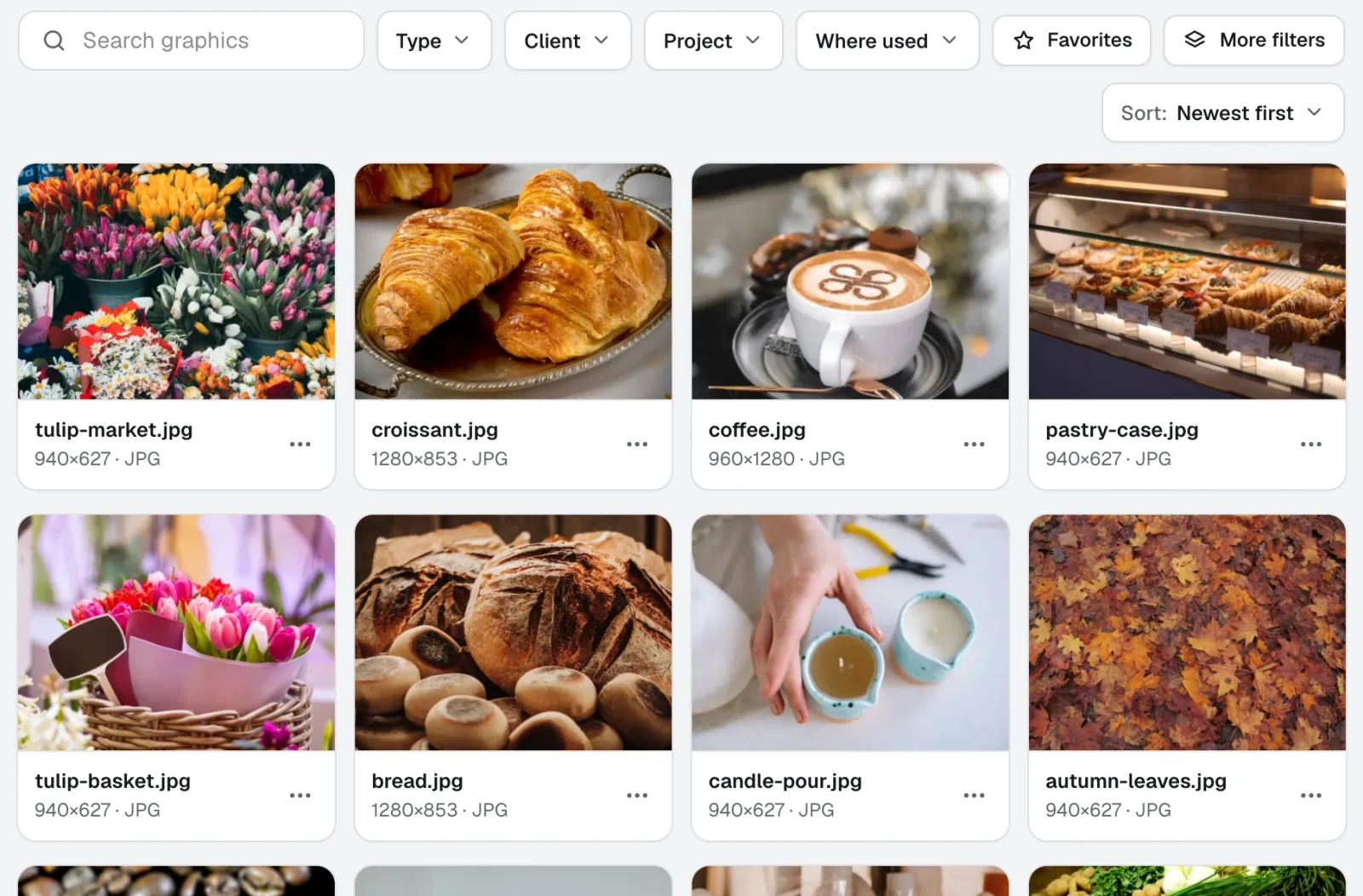
Graphics Library
NovinkaGraphics Library je software pro správu digitálních aktiv pro týmy: všechna loga, fotky a designové soubory každého klienta a projektu na jednom označeném místě. Vložte celé složky, označte stovky najednou a kdokoli z vašeho týmu najde soubor, který potřebuje.
Používejte Brand Camera už dnes.
Vytvořte si účet aiKit zdarma a otevřete Brand Camera i všechny ostatní nástroje ve své sadě.
Stránka naposledy porovnána s produktem dne 2026-11-22.