Can AI build me a website and host it too?
Yes. In aiKit's Your websites tool, you describe the business in a chat, the planner writes a plan with pages, tools, brand and open questions, and pressing Build this project makes the real site. Press Go live and it runs on aiKit hosting at a working https address, with no server to set up. Connect your own domain later from the project's Hosting tab. Forms such as quote requests, contact, booking and file uploads come from tested modules, and their entries land on the project's Requests tab. Read every page after the first build and replace anything you want worded differently, since the AI writes from what you told it.
How do I change my website without learning a website builder?
In aiKit, you ask. Open the Assistant on a project and type or say what you want, such as "add a FAQ page" or "make the phone number bigger in the header." You can also open the real live site with Edit on the live site, click any spot, and pin a note to it. The AI makes the change, saves it as a numbered version, and on a live site holds it as a draft until someone presses Publish. You can attach a menu, price list or brochure instead of typing it out. Questions to the Assistant are free; changes use AI edits.
Can I undo a change an AI made to my website?
Yes. Every change on an aiKit website, whether from the chat, a pin, a kit page, a connected tool or a restore, is saved as a numbered version in your website version history, with a full copy of the site's files. Open the Versions tab and press Restore on any older one. aiKit first saves the current state, so a restore can be undone as well. It keeps the original site, the newest 10 versions, the live version, any draft waiting for review, and up to 20 versions you star. If a home page change looks wrong, restore the version just before it and describe what you meant in the chat.
Will AI edits go straight to my live website?
Not unless you choose that. On a live aiKit website, every AI change is saved as a draft while the public site stays as it is. The review screen shows the draft next to the live page, side by side or with a slider, at computer, tablet and phone sizes, and automatic checks look for missing pictures, broken links, script errors and forms that stopped sending. Someone with edit rights then presses Publish, asks for more changes, or discards the draft. Owners who prefer instant updates can turn on Publish automatically in the project's Settings.
Can my clients give feedback on their website without an account?
Yes. With aiKit's Your websites tool, a client can open their live site with feedback turned on, click any spot, and leave a pin that lands on the project's Feedback tab with the page and the element. You can also send a proof of a draft: the client gets a private link with full-page pictures to mark up with pins, boxes and arrows, and can click through the draft as a working site. Approving a proof never publishes; your team still presses Publish. Each request shows Working on it while the AI makes the change and Fixed when it lands.
How do I send a client questions before building their website?
Open the Questions tab on any aiKit project. Type what you know, press Draft questions, and the AI proposes fill-in and multiple-choice questions, skipping anything already on file. Edit, add or remove questions, then press Send to get the project's link, which you copy or email from your own email app. The client answers with no account, saving as they go, and presses I'm done, send everything. Answers land in the project's Brief & rules, where the AI reads them on every build and edit. A real gap can bring one to three follow-up questions to the same link.
What's the best way to manage websites for many clients in one place?
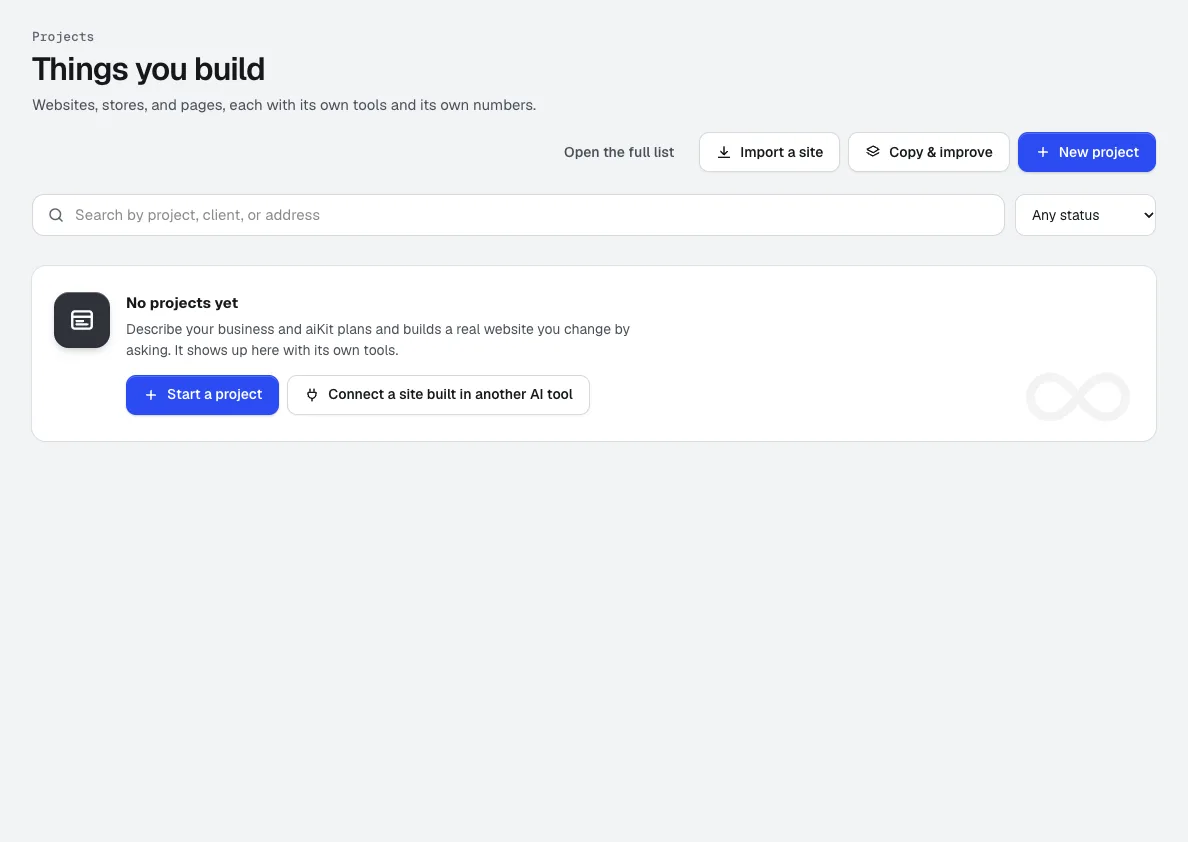
aiKit's Your websites tool groups every site by client. Each client card shows their sites marked Live, Not live yet or Draft, a picture of each homepage, and a count of what needs you. The projects list has search, filters and a Needs-me view. To make the same change across several sites, tick them, describe the change once, and aiKit runs it on each site in turn on its own server, so you can close the tab. Every site gets its own version and draft, and you publish one at a time or press Publish all ready.
Do the forms on an AI-built website actually work?
On aiKit, yes, when they come from the Kit. Quote requests, the contact form, online booking, lead capture, Send us your file and the quote builder are tested modules, set up with the business's own services, hours and contact details from the brief. Every entry lands on the project's Requests tab, and Check it works on each tool's card sends one marked test entry through the real form so you know it arrives. aiKit doesn't ask the AI to invent forms. Anything a site needs that isn't a ready module is planned as a work item instead of faked.
Can AI build an online store, admin system or client portal?
aiKit plans all of them. When you plan a project you can pick Website, Landing page, Online store, Admin system, Dashboard, Client portal, Blog or App, and the plan describes the real pages or screens for how your business works. aiKit hosts sites that don't need their own server: public pages, dashboards that show information, and working forms for quotes, contact, bookings, leads and file uploads. Customer logins checked against a database, payments completed on a server, or a paid service called with a secret key need their own hosting, and the plan lists those as separate work.
Can I move my existing website into an AI website tool?
Yes. aiKit's Import a site copies an existing site you own: type the address, press Find pages, untick any pages you don't need, confirm you own it or may copy it, and press Import. aiKit opens each page in a real browser at computer and phone width, copies the words, pictures, fonts and colors, and connects its contact forms to your Requests inbox. You get a match report with a score for every page and side-by-side views. The copy stays private until you press Go live, and the original site is never changed. From then on, you change it by asking.