

Brand Cameraחדש
A branded selfie camera your customers open with a QR code
Your logo, name and color on every selfie and short video your customers take and share. It builds itself from your Brand Kit, needs no app, and it's free.
חשבון חינם, בלי כרטיס אשראי. כבר משתמשים ב-aiKit? התחברו כדי לפתוח את Brand Camera
מה מקבלים
A selfie camera with your logo, name and color that customers open from a link or QR code.
Builds itself from your brand
Your Brand Kit's logo, name and color fill the camera in, with a picker to switch brands. Change anything in a tap.
Effects that follow the face
A crown, a sticker badge, game-day face paint, a branded frame, and your logo popping out of a thumbs-up with confetti.
One QR code, no app
Share gives you a short link and a QR code to print. Customers open it in the phone's browser and start snapping.
Update without reprinting
Press Share again after a change and the same link and QR code show the new camera.
Private by design
Faces are tracked on the customer's phone. Nothing is uploaded unless they share their own photo.
כל התכונות
כל מה שיש ב-Brand Camera
הרשימה המלאה, כפי שהכלי עובד היום.
- Builds itself from your Brand Kit: logo, business name and color, with a brand picker to switch
- Six ready-made examples: a gym, a restaurant, a realtor's open house, a wedding, school spirit and a musician
- Effects that follow the face: a crown, a sticker badge, game-day face paint, a branded frame (clean bar or Polaroid) and a logo that pops out of a thumbs-up with confetti
- Remove background for a logo on a white box
- Photo and video (up to a minute) with your name on every save, to your Graphics Library (AR Studio folder)
- Share with customers: a short link and a QR code to print; press Share again after a change and the same link updates
- Customers need no app and no account; their photos stay on their phone until they share them
- A Learn guide with ideas for many businesses and a 5-minute challenge
מה כלול
מה מקבלים עם Brand Camera, ואיך הוא עובד יחד עם שאר aiKit
כלול בחשבון aiKit חינמי
- Free on every aiKit account: it runs on the phone
- Six examples, five effects, photo and video up to a minute
- A short share link and QR code that update when you share again
מה משתמש ב-AI ומה בחינם
Brand Camera uses no AI and no tokens. Faces and hands are tracked on the phone itself.
עובד עם שאר כלי aiKit שלכם
- Brand Kit: The camera builds itself from the Brand Kit in use, and each Brand Kit card links to its brand camera.
- Graphics Library: Your photos and videos are saved to the AR Studio folder, and any library picture can be the logo.
- Clip Studio: Cut a saved video into short clips from What's next.
- Email Studio: Put a saved photo in an email from What's next.
שמרו את Brand Camera בכל אחת מהערכות שלכם, לצד הכלים שאתם משתמשים בהם איתו. מכסת AI חודשית אחת מכסה כל כלי שתוסיפו.
איך זה עובד
מהקליק הראשון ועד התוצאה הסופית, ב-4 שלבים.
Open Brand Camera
Your Brand Kit fills in the logo, name and color, or start from an example: a gym, a restaurant, an open house, a wedding, school spirit or a musician.
Pick two or three effects
Frame, crown, badge, face paint or the thumbs-up pop, all in your color. Try it with your camera or a sample photo.
משתפים
Copy the short link or print the QR code for the counter, table tents or a mirror.
Customers snap and post
Photos and short videos carry your name, and their friends see your business.
למי זה מתאים
איך עסקים שונים משתמשים ב-Brand Camera
"I showed up" at the gym
A made-up fitness studio puts a QR code by the water fountain. Members snap a post-workout selfie with the studio's frame and a thumbs-up pop.
A birthday selfie at the table
A made-up diner adds a QR code to every table tent. Birthday photos carry the diner's logo and "Best brunch in town".
"Just toured" at the open house
A made-up realty group's frame reads "Just toured 14 Maple Lane!". Visitors post it, and their friends see the listing.
A wedding camera on every table
A couple's monogram and date in a Polaroid frame, from a QR card at each table, instead of disposable cameras.
School spirit on game day
A made-up school's colors as face paint and the mascot as a cheek badge, shared in the parent newsletter before homecoming.
A new single, around every selfie
A made-up musician's cover art frames fans' selfies with "New single out now".
מתאים במיוחד ל
- Gyms, salons and restaurants that want customers posting from the counter or the chair
- Event planners and couples replacing disposable cameras with a QR code on each table
- Schools, teams and leagues with game-day face paint in their colors
טוב לדעת
- לא מתאים ל: Filters inside social apps (this opens in the phone's browser)
- לא מתאים ל: Editing photos after they're taken
- Free: it runs on the phone and uses no tokens.
- Faces need decent light; big hats and dark sunglasses can hide a face (the frame still works).
- It works in the phone's browser, not as a filter inside social apps.
שאלות
Brand Camera: שאלות נפוצות
Is there a free way to make a custom selfie filter with my logo?
Can customers use a branded camera without downloading an app?
How do I put a selfie QR code on my tables or counter?
What is AR Studio in aiKit?
Do the AR Studio tools cost anything?
Is my camera video uploaded?
Where do my AR photos and videos go?
How do I show a customer how big a sign will be on their building?
Does my customer need an app or an account to see it on their wall?
Which quote lines get See it at real size?
How do I make a branded selfie filter for my business?
Do my customers need an app for Brand Camera?
If I change my Brand Camera, do I need a new QR code?
How can a customer see furniture in their own room before buying?
Can I import my vendor's product list into Room Designer?
עובד היטב עם
כלים להוסיף לאותה ערכה
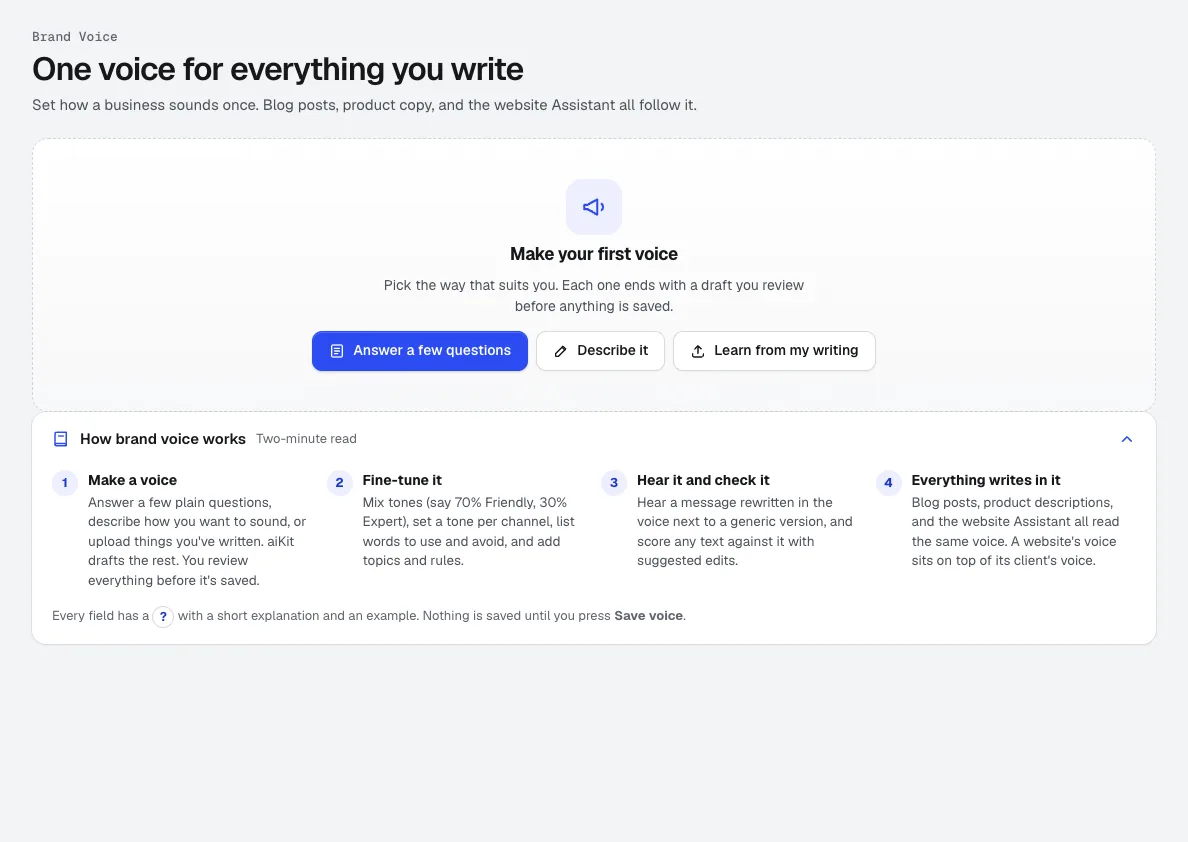
Brand Kit
חדשערכת מותג אחת: קול מותג שנלמד מהכתיבה שלכם, יחד עם הלוגואים, הצבעים, הגופנים, המיילים לדוגמה והתוצאות שאהבתם. מיילים, פוסטים בבלוג, סרטונים, תמונות ועיצובים פועלים כולם לפיה.
Life-Size
חדשSnap the storefront, lawn or wall and mark a door. The sign, banner or canvas appears at its true size. Or see it live through the phone. Free, and it runs on your device.
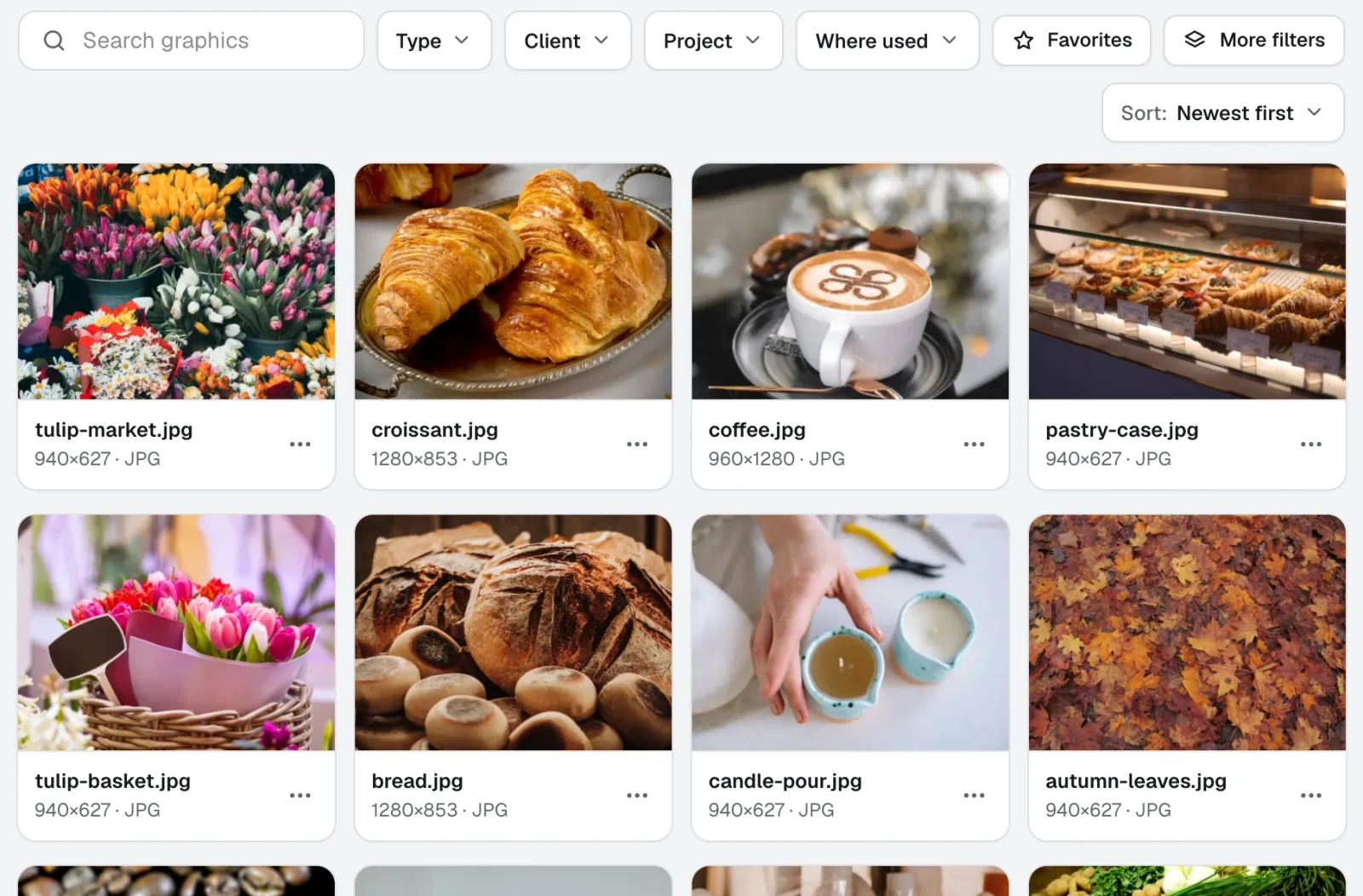
Graphics Library
חדשGraphics Library הוא תוכנת ניהול נכסים דיגיטליים לצוותים: כל הלוגואים, התמונות וקובצי העיצוב של כל לקוח ופרויקט במקום אחד מתויג. גררו לתוכו תיקיות שלמות, תייגו מאות בבת אחת, וכל אחד בצוות שלכם מוצא את הקובץ שהוא צריך.
השתמשו ב-Brand Camera כבר היום.
פתחו חשבון aiKit חינמי והתחילו עם Brand Camera, ועם כל שאר הכלים בערכה שלכם.
העמוד נבדק מול המוצר בתאריך 2026-11-22.