

Room DesignerНовое
See the sofa in their living room, at its real size
Place real 3D furniture, TVs and decor true to size in a 360 room or a photo of your customer's room. Import your product list, compare layouts and send a picture. Free.
Бесплатный аккаунт, без карты. Уже используете aiKit? Войдите, чтобы открыть Room Designer
Что вы получите
Place real 3D sofas, tables, lamps and TVs true to size in a 360 room or a photo of your customer's room, import your own product list, and save layouts to compare.
True to size, with shadows
Click a product, click the floor. It lands at its real size with a soft shadow, and turns and moves with a drag.
Their room, three ways
A 360 room to look around, a normal photo anyone can take, or one product live on the floor through a phone.
Your catalog, not ours
Import a CSV or JSON product list with sizes, prices, 3D model links and Buy links, or upload a GLB.
Layouts side by side
Save this layout, build two more, and click between them in front of the client, with a room total.
From photo to 3D to their room
Turn product photos into a model in Infinite 3D Studio, then Place it in a room at its real height.
Все функции
Всё, что есть в Room Designer
Полный список — так, как инструмент работает сегодня.
- Four real examples: a furniture store, an interior decorator, a TV installer and a home stager
- Three ways to show a room: a 360 room you can look around, a normal room photo, or one product live in the room through a phone
- Real 3D products placed true to size with soft shadows: click a product, click the floor, drag to move, turn with the handle
- Swap for another product in the same spot, duplicate, delete, lift off the floor, and a room total with prices
- Your own products: upload a GLB or glTF (plus USDZ for iPhone), or import a product list as CSV or JSON with sizes, prices, model links and Buy links
- Place it in a room from Infinite 3D Studio: your model arrives at its real height
- Save layouts and click between them, then save a picture or a walk-through video to your Graphics Library (AR Studio folder)
- Live on a phone with a QR code, in the browser with no app
Что входит
Что вы получаете с Room Designer и как он работает с остальными инструментами aiKit
Входит в бесплатный аккаунт aiKit
- Free on every aiKit account: it runs on your device
- Four examples, 360 room, room photo and live view
- CSV and JSON product import, GLB and USDZ uploads, saved layouts
Что использует ИИ, а что бесплатно
Room Designer uses no AI and no tokens. Building a new model in Infinite 3D Studio uses tokens there, shown before it runs.
Работает с другими вашими инструментами aiKit
- Infinite 3D Studio: Place it in a room brings a 3D Studio model in at the real height you set.
- Graphics Library: Room photos come in from the library, and pictures and videos are saved to the AR Studio folder.
- Email Studio: Send a saved room picture into an email from What's next.
Держите Room Designer в любом из своих наборов рядом с инструментами, с которыми вы его используете. Один ежемесячный лимит ИИ действует для всех добавленных инструментов.
Как это работает
От первого клика до готового результата за 4 шагов.
Pick a room
A 360 photo, a room photo or a ready-made example: a furniture store, a decorator, a TV installer or a home stager.
Line up the floor
One slider for a 360 room, or Horizon and Camera height for a photo, until the grid lies flat.
Place and compare
Click products onto the floor, swap them in place, duplicate, and save layouts to compare.
Отправьте
Save a clean picture or a walk-through video, then send it to the client or put it in an email.
Для кого
Как Room Designer используют разные компании
"Will it fit?" answered on the spot
A made-up furniture store asks for a photo of the living room, drops in the 84-inch sofa and sends it back the same hour.
Size the TV before the install
A made-up home theater installer shows a 55, 65 and 75 inch on the real wall so the customer picks with confidence.
Stage a vacant listing
A made-up stager furnishes an empty room for the listing photos and labels them "virtually staged".
Three layouts in one meeting
A made-up interior decorator builds the classic, the conversation and the reading-corner layout and clicks between them.
Отлично подходит для
- Furniture, appliance and rug shops answering "will it fit?" with the customer's own room
- Interior decorators and home stagers showing several layouts in one visit
- TV and home theater installers sizing the screen on the real wall
Полезно знать
- Не подходит для: Floor plans and architecture drawings
- Не подходит для: Exact install measurements (still measure before delivery)
- Free: it runs on your device and uses no tokens.
- Your product list and layouts are kept in this browser on this device.
- Products you uploaded stay on this computer; the phone QR shows the built-in products.
Вопросы
Room Designer: частые вопросы
Is there a free way to see furniture in a customer's room at the real size?
How do I show a TV at its real size on a customer's wall?
Can I put my own furniture catalog into a room visualizer?
What is AR Studio in aiKit?
Do the AR Studio tools cost anything?
Is my camera video uploaded?
Where do my AR photos and videos go?
How do I show a customer how big a sign will be on their building?
Does my customer need an app or an account to see it on their wall?
Which quote lines get See it at real size?
How do I make a branded selfie filter for my business?
Do my customers need an app for Brand Camera?
If I change my Brand Camera, do I need a new QR code?
How can a customer see furniture in their own room before buying?
Can I import my vendor's product list into Room Designer?
Хорошо сочетается с
Инструменты, которые можно добавить в тот же набор
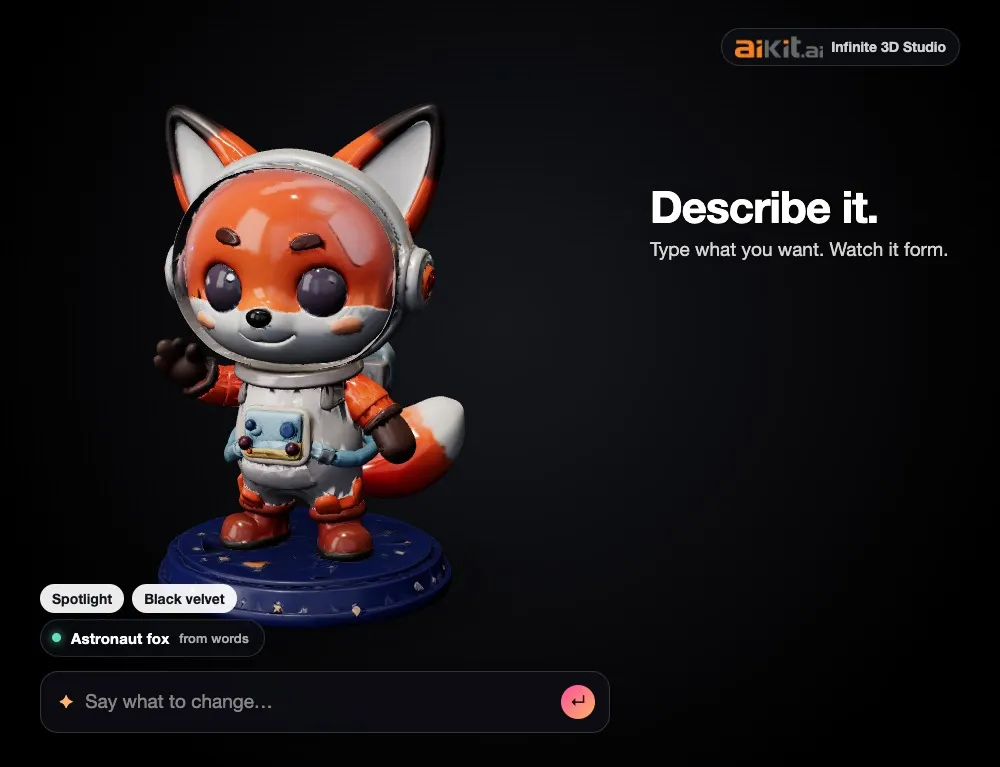
Infinite 3D Studio
НовоеОпишите товар или загрузите фото, рисунок или логотип. Смотрите, как формируется 3D-модель, меняйте её внешний вид обычными словами, а затем получайте фото товара, видео с вращением и 3D-файлы — всё из одной модели.
Life-Size
НовоеSnap the storefront, lawn or wall and mark a door. The sign, banner or canvas appears at its true size. Or see it live through the phone. Free, and it runs on your device.
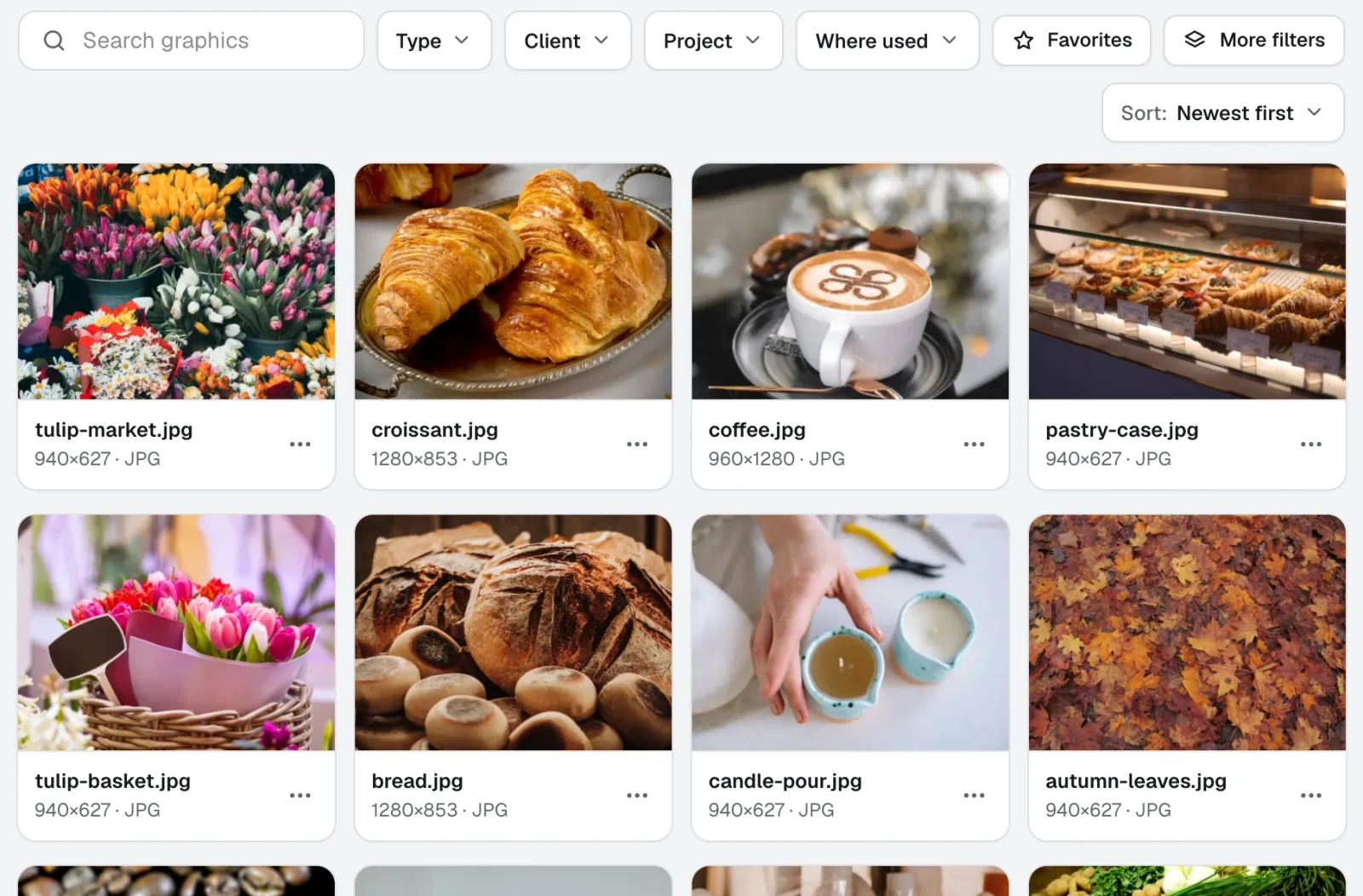
Graphics Library
НовоеGraphics Library — это программное обеспечение для управления цифровыми активами для команд: логотипы, фото и дизайн-файлы каждого клиента и проекта в одном месте с метками. Перетащите целые папки, присвойте метки сотням файлов сразу, и любой участник команды найдёт нужный файл.
Используйте Room Designer уже сегодня.
Создайте бесплатный аккаунт aiKit и откройте Room Designer, а также все остальные инструменты вашего набора.
Страница сверена с продуктом 2026-11-22.