

Life-SizeMới
See the sign at its real size, on their building
Snap the storefront, lawn or wall and mark a door. The sign, banner or canvas appears at its true size. Or see it live through the phone. Free, and it runs on your device.
Tài khoản miễn phí, không cần thẻ. Bạn đã dùng aiKit rồi? Đăng nhập để mở Life-Size
Bạn nhận được gì
Show a sign, banner, menu board or canvas at its real size on a photo of the customer's own wall, lawn or storefront, or live through their phone.
True scale from one thing you know
Drag two dots onto a door (80 in tall), a parking space or anything you measured, and every size on the photo is right.
Any shape, any surface
On a wall with a soft shadow, standing on the ground with a yard stake or an easel, or flat on the floor as a decal. Corner pins lay it flat on an angled wall.
Live through the phone
Switch to Live on your phone to see it in the real room through the camera, with nothing to install. A computer shows a QR code to open it on the phone.
Right from the quote
A quote line that says its size, like "Yard sign, 24 x 18 in", gives the customer a See it at real size button on their quote. No setup.
Saved where your work lives
Save mockup puts a full-size picture, with the real size in the corner, in your Graphics Library, ready for an email, a post or your website.
Tất cả tính năng
Mọi thứ trong Life-Size
Danh sách đầy đủ, theo cách công cụ hoạt động hiện nay.
- Six real examples to start from: a yard sign, a storefront sign, a canvas over a sofa, a menu board, a welcome sign at a venue door and a floor safety sign
- True scale from one thing you know: a door, a garage door, a parking space, or anything you measured
- Any size in inches, feet, centimeters or meters, with common sizes one tap away
- On a wall, standing on the ground (yard stake or easel) or flat on the floor, with corner pins for angled walls and a lit sign glow
- Live on your phone: the product in the real room through the camera, with a QR code to open it on a phone
- Save mockup to your Graphics Library (AR Studio folder) with the real size in the corner, then What's next to an email, a post, your website or a print file
- See it at real size on Quote Studio quotes, from the size written in the line, for customers with no account
- A Learn guide inside the tool with ideas for many businesses and a 5-minute challenge
Bao gồm những gì
Những gì bạn nhận được với Life-Size và cách nó phối hợp với phần còn lại của aiKit
Có sẵn trong tài khoản aiKit miễn phí
- Free on every aiKit account: it runs on your phone or computer
- Six real example scenes, photo mode and Live on your phone
- Mockups saved to your Graphics Library (AR Studio folder) and a customer view with no sign-in
Phần nào dùng AI và phần nào miễn phí
Life-Size uses no AI and no tokens. The photo, the scale and the live view are worked out on your device.
Hoạt động cùng các công cụ aiKit khác của bạn
- Quote Studio: A quote line with a real size gives the customer a See it at real size button that opens Life-Size at that size.
- Graphics Library: Mockups are saved to the AR Studio folder, and any library picture can be the art.
- Email Studio: Send a saved mockup into an email from What's next.
- Writing Pack: Write captions and ads for a saved mockup from What's next.
Giữ Life-Size trong bất kỳ bộ công cụ nào của bạn, cạnh các công cụ bạn dùng cùng. Một hạn mức AI hằng tháng dùng cho mọi công cụ bạn thêm.
Cách hoạt động
Từ cú nhấp đầu tiên đến khi hoàn tất, chỉ 4 bước.
Snap the spot
Take or choose a photo of the storefront, wall, lawn or room. Or start from one of six real examples.
Mark one thing you know
Pick a door, a garage door, a parking space or type your own, then drag the two orange dots to both ends of it.
Drop in the product
Add the art and type its real size, or tap a common size. Drag it into place and pick where it goes.
Save it and send it
Save mockup, then send it with your quote, in an email or as a post. Customers can see it on their own building before they say yes.
Dành cho ai
Các doanh nghiệp khác nhau dùng Life-Size như thế nào
The yard sign on the seller's lawn
A made-up realty group shows the seller an 18×24 in yard sign on their own lawn and a 2×6 ft open-house banner on the porch rail before ordering.
The menu board people can read
A made-up noodle bar photographs the wall by the register and tries a 24×36 in and a 48×48 in board, then picks the one people read from the line.
Close the sign order on the spot
A made-up sign maker snaps the customer's storefront, marks the door and drops in the 8×4 ft sign. The customer approves it on their own building.
The welcome sign at the venue door
A made-up event planner shows a couple their 24×36 in welcome sign on an easel at the venue entrance, approved by text in minutes.
The right canvas over the sofa
A made-up gallery asks buyers for a photo of their living room and sends back the 36×48 in canvas over their sofa. Fewer returns.
Safety signs before install
A made-up warehouse places a floor safety decal on a photo of the aisle to check the size before it is printed.
Phù hợp nhất cho
- Realtors showing a seller the yard sign on their own lawn
- Restaurants and shops choosing a menu board or window decal size
- Sign makers, artists, framers and event planners who want the customer's yes on their own wall
Nên biết
- Không dành cho: Exact install measurements (still measure before you install)
- Không dành cho: 3D products like furniture
- Free: it runs on your device and uses no tokens.
- Accuracy depends on marking something you really know, at about the same distance as the product; measure before you install.
- Live mode needs a phone with AR: iPhone opens Apple's own viewer, Android opens in Chrome.
Câu hỏi
Life-Size: câu hỏi thường gặp
Is there a free app to see how big a sign will look on my building?
How do I show a customer a yard sign or banner on their own property?
Can a customer see a sign live through their phone camera?
What is AR Studio in aiKit?
Do the AR Studio tools cost anything?
Is my camera video uploaded?
Where do my AR photos and videos go?
How do I show a customer how big a sign will be on their building?
Does my customer need an app or an account to see it on their wall?
Which quote lines get See it at real size?
How do I make a branded selfie filter for my business?
Do my customers need an app for Brand Camera?
If I change my Brand Camera, do I need a new QR code?
How can a customer see furniture in their own room before buying?
Can I import my vendor's product list into Room Designer?
Kết hợp tốt với
Công cụ nên thêm vào cùng bộ
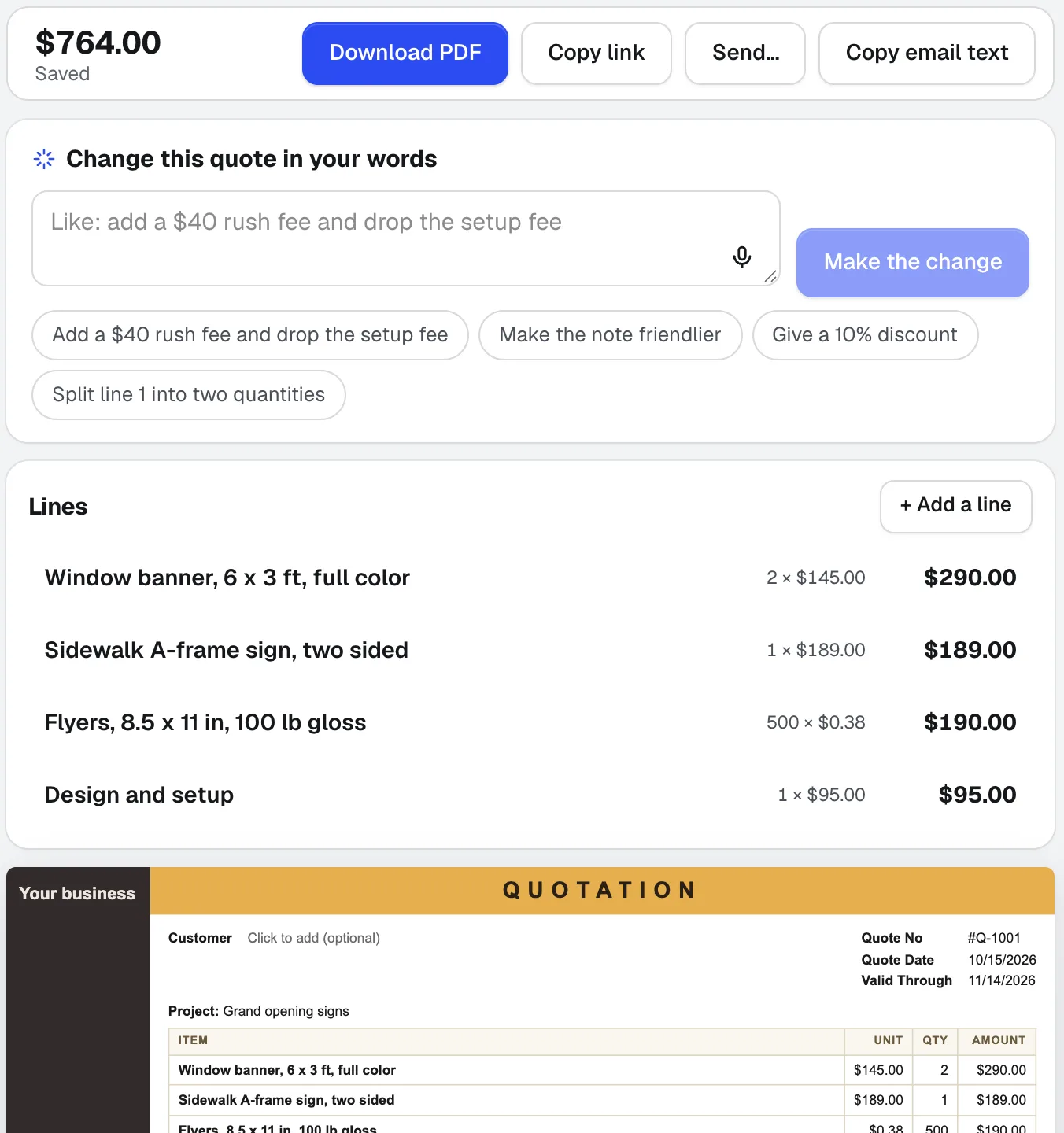
Quote Studio
MớiDán email của khách hàng, đọc chính tả công việc, hoặc thêm ảnh một danh sách viết tay. Quote Studio là phần mềm báo giá soạn thảo một báo giá một trang chỉ dùng giá của chính bạn, sau đó bạn tải PDF xuống hoặc gửi một trang trực tuyến để khách hàng chấp nhận.
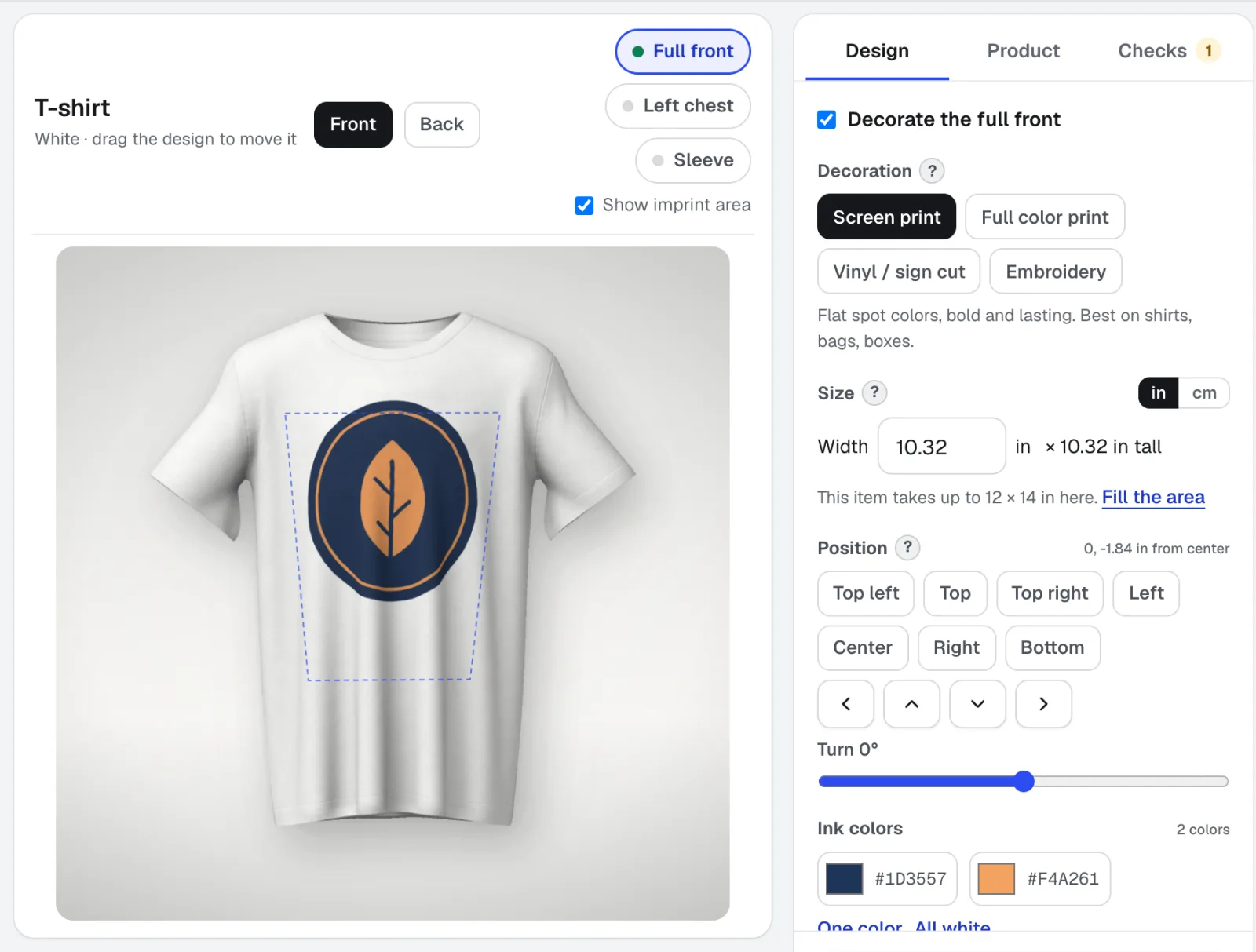
Mockup Studio
Mockup Studio là công cụ tạo mockup logo cho áo, cốc, biển hiệu, bao bì và in ấn, hoặc bất kỳ ảnh sản phẩm nào bạn tải lên. Công cụ kiểm tra các quy tắc trang trí mà cửa hàng in kiểm tra và đưa cho bạn tệp thông số kỹ thuật để báo giá.
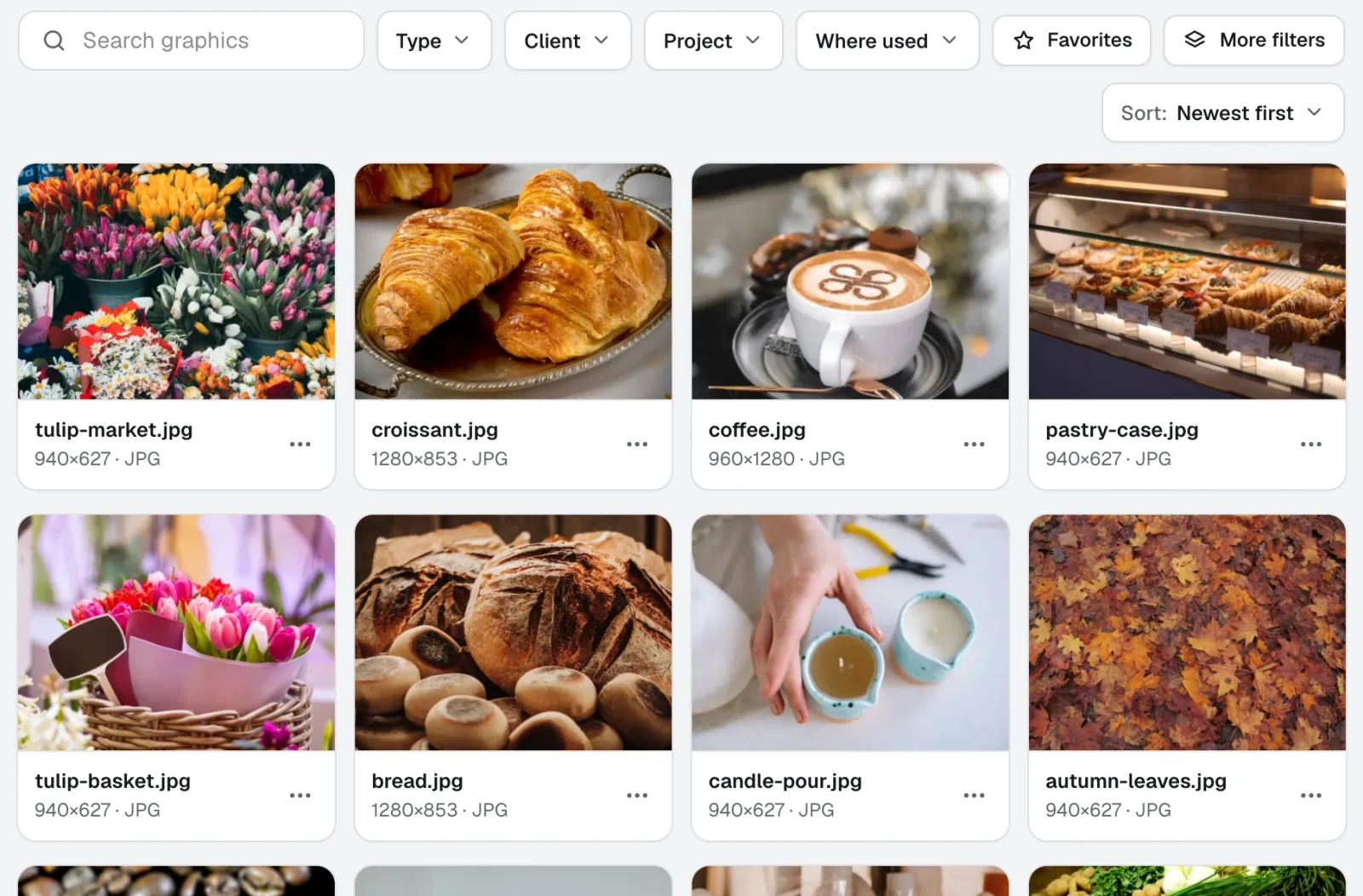
Graphics Library
MớiGraphics Library là phần mềm quản lý tài sản số dành cho nhóm: mọi logo, ảnh và tệp thiết kế của từng khách hàng và dự án được đặt ở một nơi có nhãn rõ ràng. Thả cả thư mục vào, gắn nhãn hàng trăm tệp cùng lúc, và mọi thành viên trong nhóm đều tìm được tệp mình cần.
Dùng Life-Size ngay hôm nay.
Tạo tài khoản aiKit miễn phí và mở Life-Size, cùng mọi công cụ khác trong bộ công cụ của bạn.
Trang được kiểm tra với sản phẩm lần gần nhất vào 2026-11-22.