

Brand Camera新
A branded selfie camera your customers open with a QR code
Your logo, name and color on every selfie and short video your customers take and share. It builds itself from your Brand Kit, needs no app, and it's free.
免费账户,无需绑卡。 已经在用 aiKit 了? 登录后打开 Brand Camera
你将获得
A selfie camera with your logo, name and color that customers open from a link or QR code.
Builds itself from your brand
Your Brand Kit's logo, name and color fill the camera in, with a picker to switch brands. Change anything in a tap.
Effects that follow the face
A crown, a sticker badge, game-day face paint, a branded frame, and your logo popping out of a thumbs-up with confetti.
One QR code, no app
Share gives you a short link and a QR code to print. Customers open it in the phone's browser and start snapping.
Update without reprinting
Press Share again after a change and the same link and QR code show the new camera.
Private by design
Faces are tracked on the customer's phone. Nothing is uploaded unless they share their own photo.
全部功能
Brand Camera 的全部功能
完整列表,基于工具当前的实际功能。
- Builds itself from your Brand Kit: logo, business name and color, with a brand picker to switch
- Six ready-made examples: a gym, a restaurant, a realtor's open house, a wedding, school spirit and a musician
- Effects that follow the face: a crown, a sticker badge, game-day face paint, a branded frame (clean bar or Polaroid) and a logo that pops out of a thumbs-up with confetti
- Remove background for a logo on a white box
- Photo and video (up to a minute) with your name on every save, to your Graphics Library (AR Studio folder)
- Share with customers: a short link and a QR code to print; press Share again after a change and the same link updates
- Customers need no app and no account; their photos stay on their phone until they share them
- A Learn guide with ideas for many businesses and a 5-minute challenge
包含内容
了解 Brand Camera 能为你做什么,以及它如何与 aiKit 的其他工具配合
免费 aiKit 账户即可使用
- Free on every aiKit account: it runs on the phone
- Six examples, five effects, photo and video up to a minute
- A short share link and QR code that update when you share again
哪些功能用 AI,哪些免费
Brand Camera uses no AI and no tokens. Faces and hands are tracked on the phone itself.
与你的其他 aiKit 工具配合使用
- Brand Kit: The camera builds itself from the Brand Kit in use, and each Brand Kit card links to its brand camera.
- Graphics Library: Your photos and videos are saved to the AR Studio folder, and any library picture can be the logo.
- Clip Studio: Cut a saved video into short clips from What's next.
- Email Studio: Put a saved photo in an email from What's next.
把 Brand Camera 放进你的任何工具包,和你搭配使用的工具放在一起。你添加的所有工具共用每月一份 AI 额度。
使用方式
从第一次点击到完成,只需 4 步。
Open Brand Camera
Your Brand Kit fills in the logo, name and color, or start from an example: a gym, a restaurant, an open house, a wedding, school spirit or a musician.
Pick two or three effects
Frame, crown, badge, face paint or the thumbs-up pop, all in your color. Try it with your camera or a sample photo.
分享
Copy the short link or print the QR code for the counter, table tents or a mirror.
Customers snap and post
Photos and short videos carry your name, and their friends see your business.
适合谁用
不同行业如何使用 Brand Camera
"I showed up" at the gym
A made-up fitness studio puts a QR code by the water fountain. Members snap a post-workout selfie with the studio's frame and a thumbs-up pop.
A birthday selfie at the table
A made-up diner adds a QR code to every table tent. Birthday photos carry the diner's logo and "Best brunch in town".
"Just toured" at the open house
A made-up realty group's frame reads "Just toured 14 Maple Lane!". Visitors post it, and their friends see the listing.
A wedding camera on every table
A couple's monogram and date in a Polaroid frame, from a QR card at each table, instead of disposable cameras.
School spirit on game day
A made-up school's colors as face paint and the mascot as a cheek badge, shared in the parent newsletter before homecoming.
A new single, around every selfie
A made-up musician's cover art frames fans' selfies with "New single out now".
最适合
- Gyms, salons and restaurants that want customers posting from the counter or the chair
- Event planners and couples replacing disposable cameras with a QR code on each table
- Schools, teams and leagues with game-day face paint in their colors
温馨提示
- 不适合: Filters inside social apps (this opens in the phone's browser)
- 不适合: Editing photos after they're taken
- Free: it runs on the phone and uses no tokens.
- Faces need decent light; big hats and dark sunglasses can hide a face (the frame still works).
- It works in the phone's browser, not as a filter inside social apps.
问题
Brand Camera:常见问题
Is there a free way to make a custom selfie filter with my logo?
Can customers use a branded camera without downloading an app?
How do I put a selfie QR code on my tables or counter?
What is AR Studio in aiKit?
Do the AR Studio tools cost anything?
Is my camera video uploaded?
Where do my AR photos and videos go?
How do I show a customer how big a sign will be on their building?
Does my customer need an app or an account to see it on their wall?
Which quote lines get See it at real size?
How do I make a branded selfie filter for my business?
Do my customers need an app for Brand Camera?
If I change my Brand Camera, do I need a new QR code?
How can a customer see furniture in their own room before buying?
Can I import my vendor's product list into Room Designer?
搭配效果很好
可加入同一工具包的工具
Brand Kit
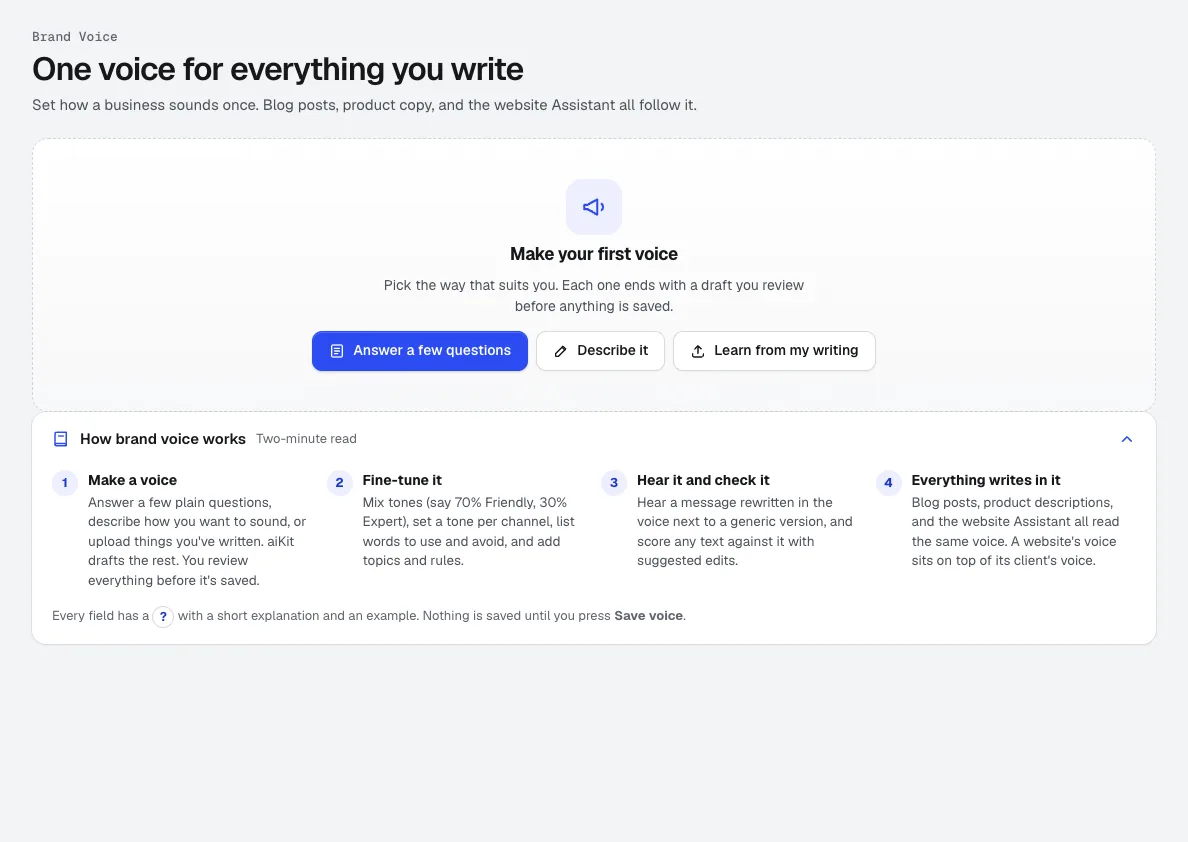
新一个 Brand Kit:从您自己的写作中学习到的品牌语气,加上您的标志、颜色、字体、参考邮件以及您喜欢的成果。邮件、博客文章、视频、图片和设计都会遵循它。
Life-Size
新Snap the storefront, lawn or wall and mark a door. The sign, banner or canvas appears at its true size. Or see it live through the phone. Free, and it runs on your device.
Graphics Library
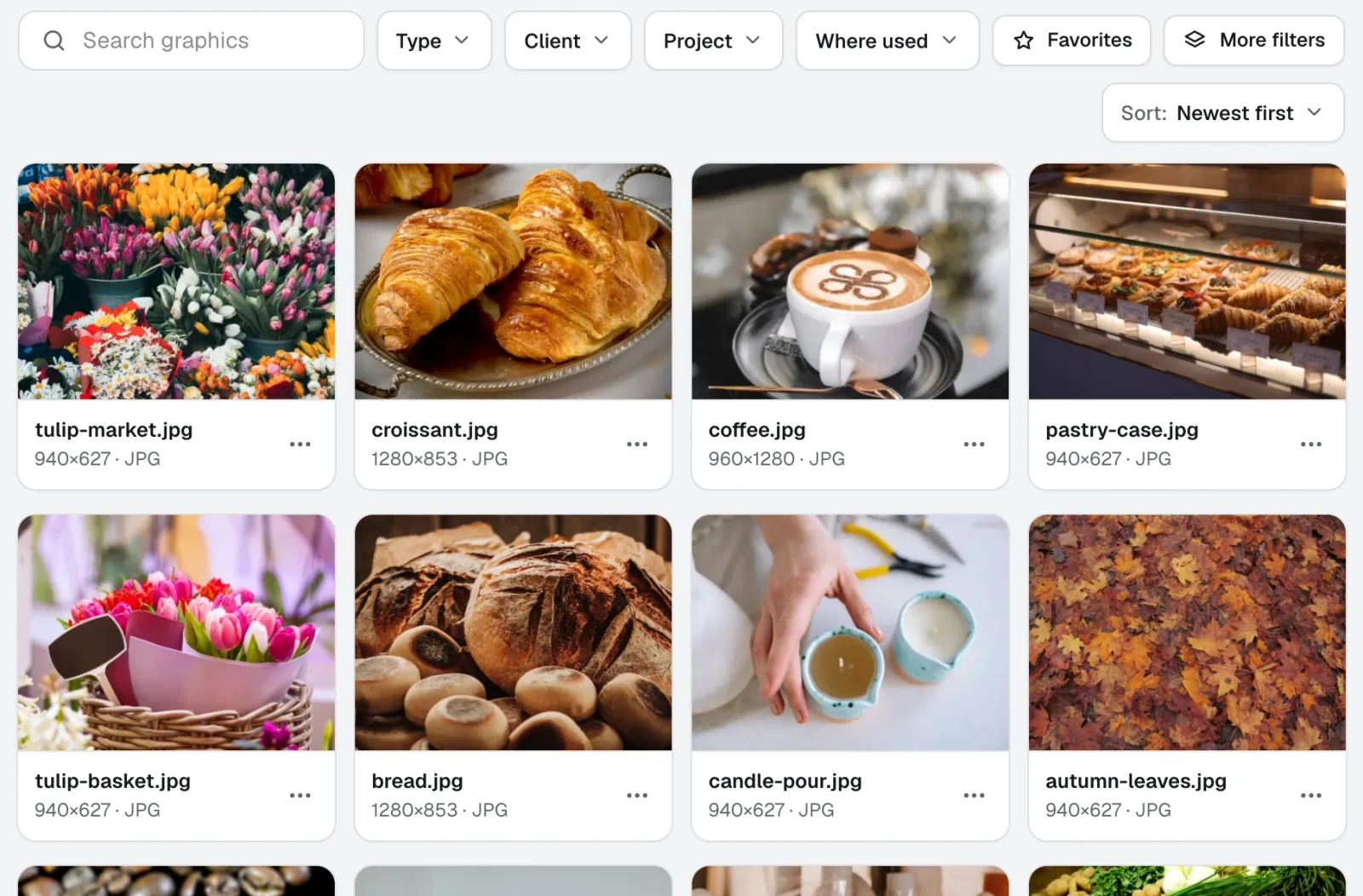
新图形库是面向团队的数字资产管理软件:每个客户和项目的标志、照片和设计文件都集中在一个带标签的位置。拖入整个文件夹,一次为数百个文件添加标签,团队中的任何人都能找到所需文件。
本页内容已于 2026-11-22 对照产品核查。