

Room Designer新
See the sofa in their living room, at its real size
Place real 3D furniture, TVs and decor true to size in a 360 room or a photo of your customer's room. Import your product list, compare layouts and send a picture. Free.
免费账户,无需绑卡。 已经在用 aiKit 了? 登录后打开 Room Designer
你将获得
Place real 3D sofas, tables, lamps and TVs true to size in a 360 room or a photo of your customer's room, import your own product list, and save layouts to compare.
True to size, with shadows
Click a product, click the floor. It lands at its real size with a soft shadow, and turns and moves with a drag.
Their room, three ways
A 360 room to look around, a normal photo anyone can take, or one product live on the floor through a phone.
Your catalog, not ours
Import a CSV or JSON product list with sizes, prices, 3D model links and Buy links, or upload a GLB.
Layouts side by side
Save this layout, build two more, and click between them in front of the client, with a room total.
From photo to 3D to their room
Turn product photos into a model in Infinite 3D Studio, then Place it in a room at its real height.
全部功能
Room Designer 的全部功能
完整列表,基于工具当前的实际功能。
- Four real examples: a furniture store, an interior decorator, a TV installer and a home stager
- Three ways to show a room: a 360 room you can look around, a normal room photo, or one product live in the room through a phone
- Real 3D products placed true to size with soft shadows: click a product, click the floor, drag to move, turn with the handle
- Swap for another product in the same spot, duplicate, delete, lift off the floor, and a room total with prices
- Your own products: upload a GLB or glTF (plus USDZ for iPhone), or import a product list as CSV or JSON with sizes, prices, model links and Buy links
- Place it in a room from Infinite 3D Studio: your model arrives at its real height
- Save layouts and click between them, then save a picture or a walk-through video to your Graphics Library (AR Studio folder)
- Live on a phone with a QR code, in the browser with no app
包含内容
了解 Room Designer 能为你做什么,以及它如何与 aiKit 的其他工具配合
免费 aiKit 账户即可使用
- Free on every aiKit account: it runs on your device
- Four examples, 360 room, room photo and live view
- CSV and JSON product import, GLB and USDZ uploads, saved layouts
哪些功能用 AI,哪些免费
Room Designer uses no AI and no tokens. Building a new model in Infinite 3D Studio uses tokens there, shown before it runs.
与你的其他 aiKit 工具配合使用
- Infinite 3D Studio: Place it in a room brings a 3D Studio model in at the real height you set.
- Graphics Library: Room photos come in from the library, and pictures and videos are saved to the AR Studio folder.
- Email Studio: Send a saved room picture into an email from What's next.
把 Room Designer 放进你的任何工具包,和你搭配使用的工具放在一起。你添加的所有工具共用每月一份 AI 额度。
使用方式
从第一次点击到完成,只需 4 步。
Pick a room
A 360 photo, a room photo or a ready-made example: a furniture store, a decorator, a TV installer or a home stager.
Line up the floor
One slider for a 360 room, or Horizon and Camera height for a photo, until the grid lies flat.
Place and compare
Click products onto the floor, swap them in place, duplicate, and save layouts to compare.
发送
Save a clean picture or a walk-through video, then send it to the client or put it in an email.
适合谁用
不同行业如何使用 Room Designer
"Will it fit?" answered on the spot
A made-up furniture store asks for a photo of the living room, drops in the 84-inch sofa and sends it back the same hour.
Size the TV before the install
A made-up home theater installer shows a 55, 65 and 75 inch on the real wall so the customer picks with confidence.
Stage a vacant listing
A made-up stager furnishes an empty room for the listing photos and labels them "virtually staged".
Three layouts in one meeting
A made-up interior decorator builds the classic, the conversation and the reading-corner layout and clicks between them.
最适合
- Furniture, appliance and rug shops answering "will it fit?" with the customer's own room
- Interior decorators and home stagers showing several layouts in one visit
- TV and home theater installers sizing the screen on the real wall
温馨提示
- 不适合: Floor plans and architecture drawings
- 不适合: Exact install measurements (still measure before delivery)
- Free: it runs on your device and uses no tokens.
- Your product list and layouts are kept in this browser on this device.
- Products you uploaded stay on this computer; the phone QR shows the built-in products.
问题
Room Designer:常见问题
Is there a free way to see furniture in a customer's room at the real size?
How do I show a TV at its real size on a customer's wall?
Can I put my own furniture catalog into a room visualizer?
What is AR Studio in aiKit?
Do the AR Studio tools cost anything?
Is my camera video uploaded?
Where do my AR photos and videos go?
How do I show a customer how big a sign will be on their building?
Does my customer need an app or an account to see it on their wall?
Which quote lines get See it at real size?
How do I make a branded selfie filter for my business?
Do my customers need an app for Brand Camera?
If I change my Brand Camera, do I need a new QR code?
How can a customer see furniture in their own room before buying?
Can I import my vendor's product list into Room Designer?
搭配效果很好
可加入同一工具包的工具
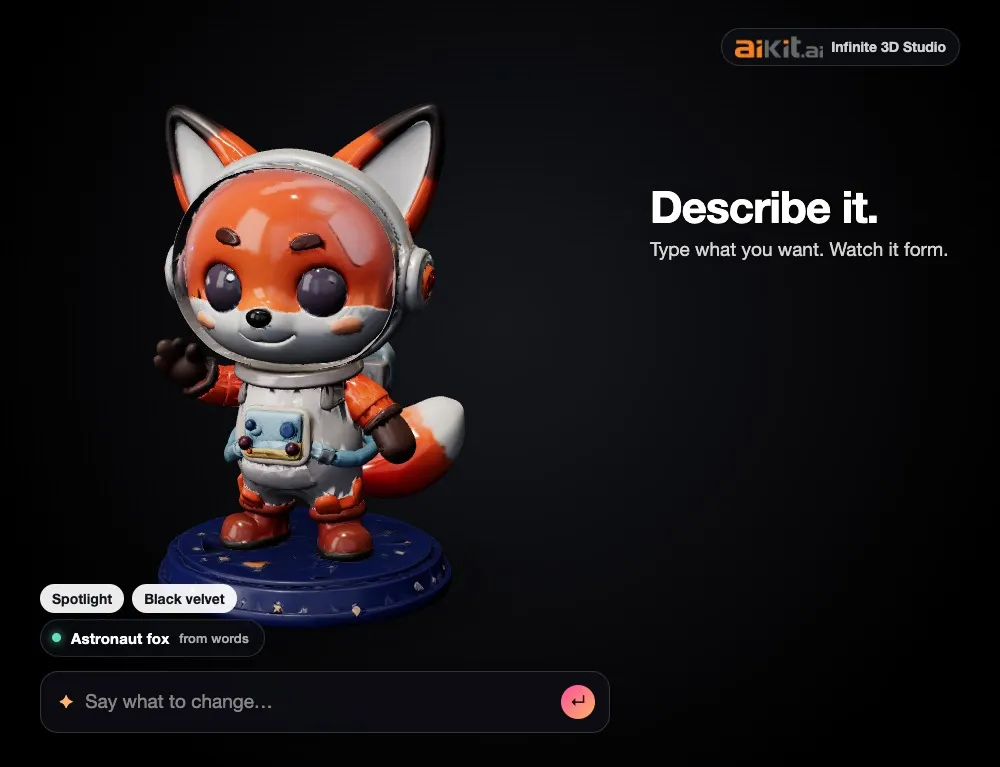
Infinite 3D Studio
新描述你的产品,或拖入照片、草图或标志。观看 3D 模型成形,用简单的文字更改它的外观,然后从同一个模型获取产品图、旋转视频和 3D 文件。
Life-Size
新Snap the storefront, lawn or wall and mark a door. The sign, banner or canvas appears at its true size. Or see it live through the phone. Free, and it runs on your device.
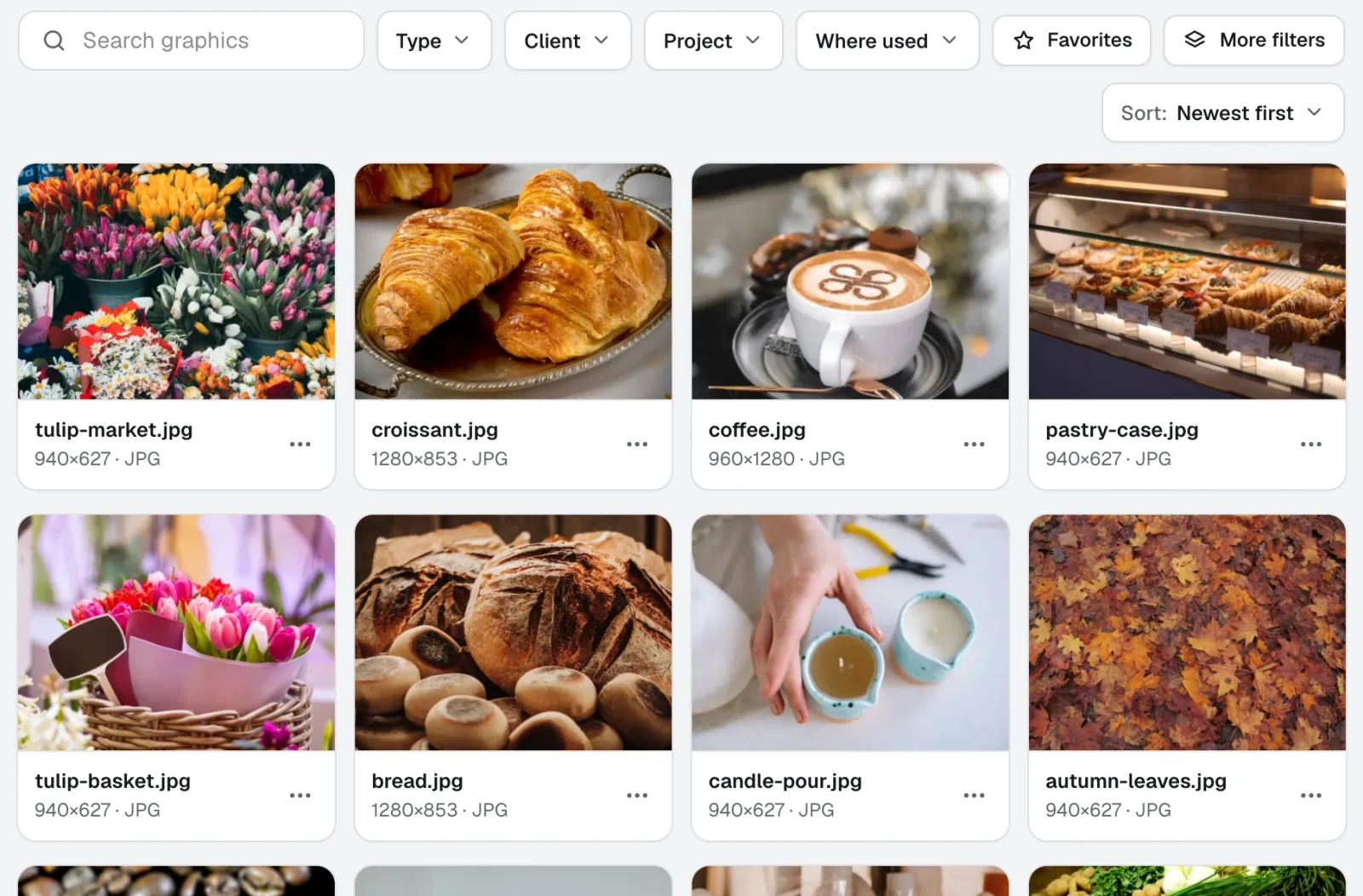
Graphics Library
新图形库是面向团队的数字资产管理软件:每个客户和项目的标志、照片和设计文件都集中在一个带标签的位置。拖入整个文件夹,一次为数百个文件添加标签,团队中的任何人都能找到所需文件。
本页内容已于 2026-11-22 对照产品核查。