

Life-Size신규
See the sign at its real size, on their building
Snap the storefront, lawn or wall and mark a door. The sign, banner or canvas appears at its true size. Or see it live through the phone. Free, and it runs on your device.
무료 계정, 카드 필요 없음. 이미 aiKit을 사용 중이신가요? 로그인하고 Life-Size 열기
제공 내용
Show a sign, banner, menu board or canvas at its real size on a photo of the customer's own wall, lawn or storefront, or live through their phone.
True scale from one thing you know
Drag two dots onto a door (80 in tall), a parking space or anything you measured, and every size on the photo is right.
Any shape, any surface
On a wall with a soft shadow, standing on the ground with a yard stake or an easel, or flat on the floor as a decal. Corner pins lay it flat on an angled wall.
Live through the phone
Switch to Live on your phone to see it in the real room through the camera, with nothing to install. A computer shows a QR code to open it on the phone.
Right from the quote
A quote line that says its size, like "Yard sign, 24 x 18 in", gives the customer a See it at real size button on their quote. No setup.
Saved where your work lives
Save mockup puts a full-size picture, with the real size in the corner, in your Graphics Library, ready for an email, a post or your website.
모든 기능
Life-Size의 모든 것
현재 도구가 작동하는 방식 그대로 정리한 전체 목록이에요.
- Six real examples to start from: a yard sign, a storefront sign, a canvas over a sofa, a menu board, a welcome sign at a venue door and a floor safety sign
- True scale from one thing you know: a door, a garage door, a parking space, or anything you measured
- Any size in inches, feet, centimeters or meters, with common sizes one tap away
- On a wall, standing on the ground (yard stake or easel) or flat on the floor, with corner pins for angled walls and a lit sign glow
- Live on your phone: the product in the real room through the camera, with a QR code to open it on a phone
- Save mockup to your Graphics Library (AR Studio folder) with the real size in the corner, then What's next to an email, a post, your website or a print file
- See it at real size on Quote Studio quotes, from the size written in the line, for customers with no account
- A Learn guide inside the tool with ideas for many businesses and a 5-minute challenge
포함된 내용
Life-Size으로 할 수 있는 일과 다른 aiKit 도구와 함께 쓰는 방법
무료 aiKit 계정에 포함
- Free on every aiKit account: it runs on your phone or computer
- Six real example scenes, photo mode and Live on your phone
- Mockups saved to your Graphics Library (AR Studio folder) and a customer view with no sign-in
AI를 쓰는 기능과 무료 기능
Life-Size uses no AI and no tokens. The photo, the scale and the live view are worked out on your device.
다른 aiKit 도구와 함께 사용하세요
- Quote Studio: A quote line with a real size gives the customer a See it at real size button that opens Life-Size at that size.
- Graphics Library: Mockups are saved to the AR Studio folder, and any library picture can be the art.
- Email Studio: Send a saved mockup into an email from What's next.
- Writing Pack: Write captions and ads for a saved mockup from What's next.
Life-Size을(를) 함께 쓰는 도구 옆에 두고 어떤 키트에든 담아 보세요. 매달 AI 사용량 하나로 추가한 모든 도구를 쓸 수 있어요.
사용 방법
첫 클릭부터 완성까지, 4단계로.
Snap the spot
Take or choose a photo of the storefront, wall, lawn or room. Or start from one of six real examples.
Mark one thing you know
Pick a door, a garage door, a parking space or type your own, then drag the two orange dots to both ends of it.
Drop in the product
Add the art and type its real size, or tap a common size. Drag it into place and pick where it goes.
Save it and send it
Save mockup, then send it with your quote, in an email or as a post. Customers can see it on their own building before they say yes.
이런 분께 추천해요
다양한 업종에서 Life-Size을(를) 쓰는 방법
The yard sign on the seller's lawn
A made-up realty group shows the seller an 18×24 in yard sign on their own lawn and a 2×6 ft open-house banner on the porch rail before ordering.
The menu board people can read
A made-up noodle bar photographs the wall by the register and tries a 24×36 in and a 48×48 in board, then picks the one people read from the line.
Close the sign order on the spot
A made-up sign maker snaps the customer's storefront, marks the door and drops in the 8×4 ft sign. The customer approves it on their own building.
The welcome sign at the venue door
A made-up event planner shows a couple their 24×36 in welcome sign on an easel at the venue entrance, approved by text in minutes.
The right canvas over the sofa
A made-up gallery asks buyers for a photo of their living room and sends back the 36×48 in canvas over their sofa. Fewer returns.
Safety signs before install
A made-up warehouse places a floor safety decal on a photo of the aisle to check the size before it is printed.
이런 분께 좋아요
- Realtors showing a seller the yard sign on their own lawn
- Restaurants and shops choosing a menu board or window decal size
- Sign makers, artists, framers and event planners who want the customer's yes on their own wall
알아 두세요
- 맞지 않는 경우: Exact install measurements (still measure before you install)
- 맞지 않는 경우: 3D products like furniture
- Free: it runs on your device and uses no tokens.
- Accuracy depends on marking something you really know, at about the same distance as the product; measure before you install.
- Live mode needs a phone with AR: iPhone opens Apple's own viewer, Android opens in Chrome.
질문
Life-Size: 자주 묻는 질문
Is there a free app to see how big a sign will look on my building?
How do I show a customer a yard sign or banner on their own property?
Can a customer see a sign live through their phone camera?
What is AR Studio in aiKit?
Do the AR Studio tools cost anything?
Is my camera video uploaded?
Where do my AR photos and videos go?
How do I show a customer how big a sign will be on their building?
Does my customer need an app or an account to see it on their wall?
Which quote lines get See it at real size?
How do I make a branded selfie filter for my business?
Do my customers need an app for Brand Camera?
If I change my Brand Camera, do I need a new QR code?
How can a customer see furniture in their own room before buying?
Can I import my vendor's product list into Room Designer?
함께 쓰면 좋은 도구
같은 키트에 추가할 도구
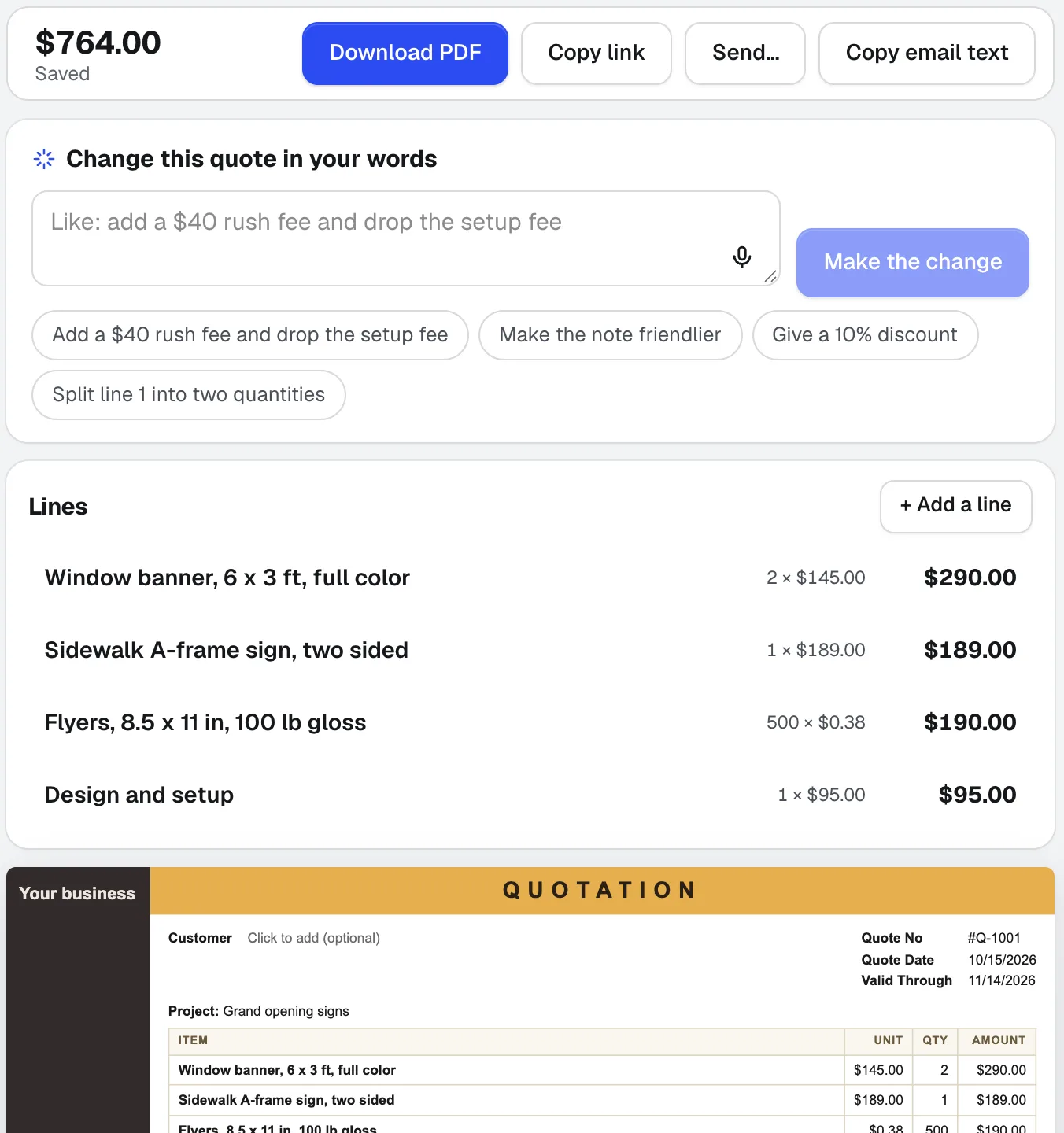
Quote Studio
신규고객 이메일을 붙여넣거나, 작업 내용을 말로 불러주거나, 손으로 쓴 목록 사진을 추가하세요. Quote Studio는 귀하의 가격만 사용해 한 페이지짜리 견적서 초안을 작성하는 견적 소프트웨어입니다. 이후 PDF를 다운로드하거나, 고객이 온라인에서 수락할 수 있는 실시간 페이지를 보낼 수 있습니다.
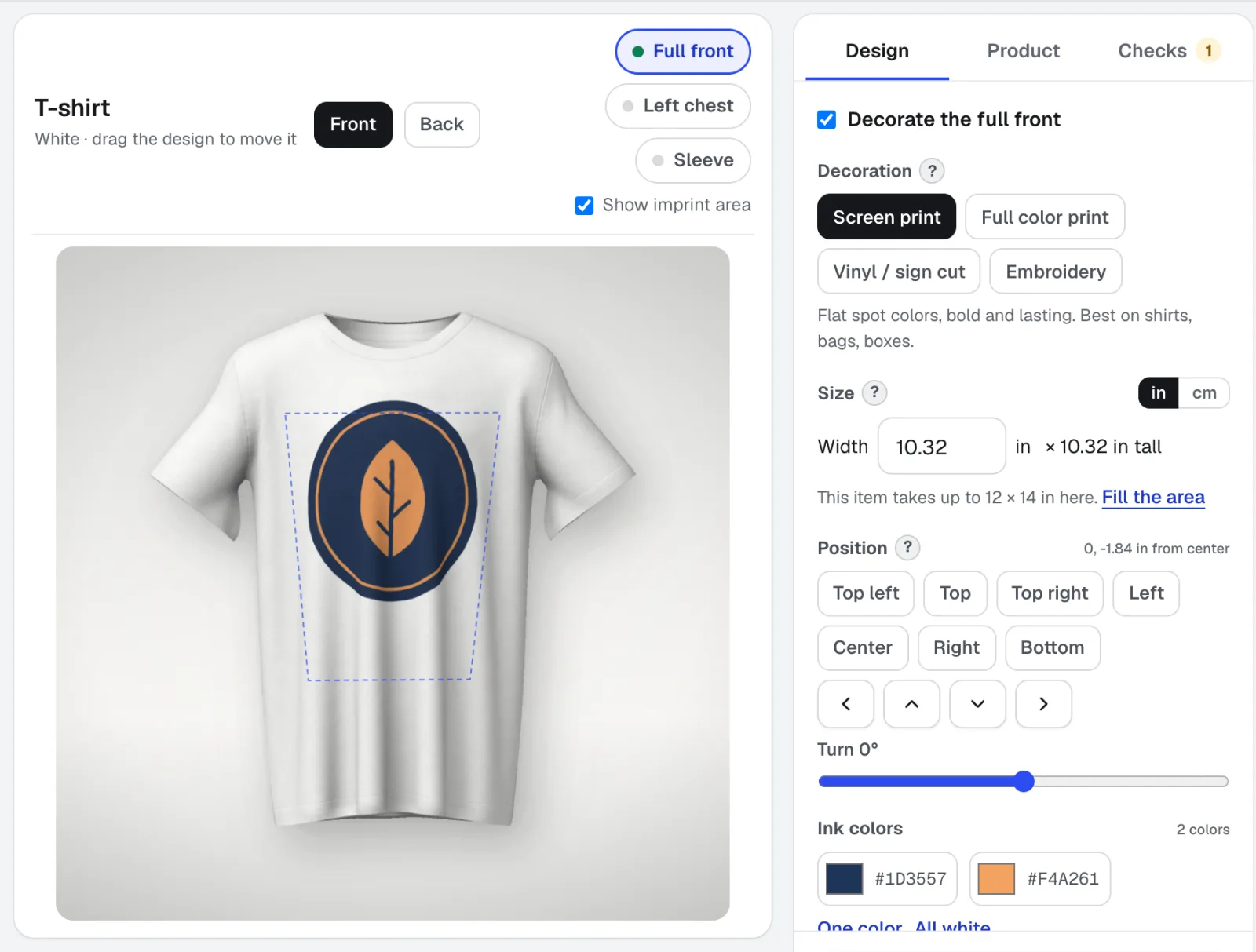
Mockup Studio
목업 스튜디오는 셔츠, 머그, 간판, 포장재, 인쇄물 또는 직접 가져온 제품 사진을 위한 로고 목업 생성기입니다. 인쇄소가 확인하는 장식 규칙을 검사하고, 견적을 위한 사양서를 제공합니다.
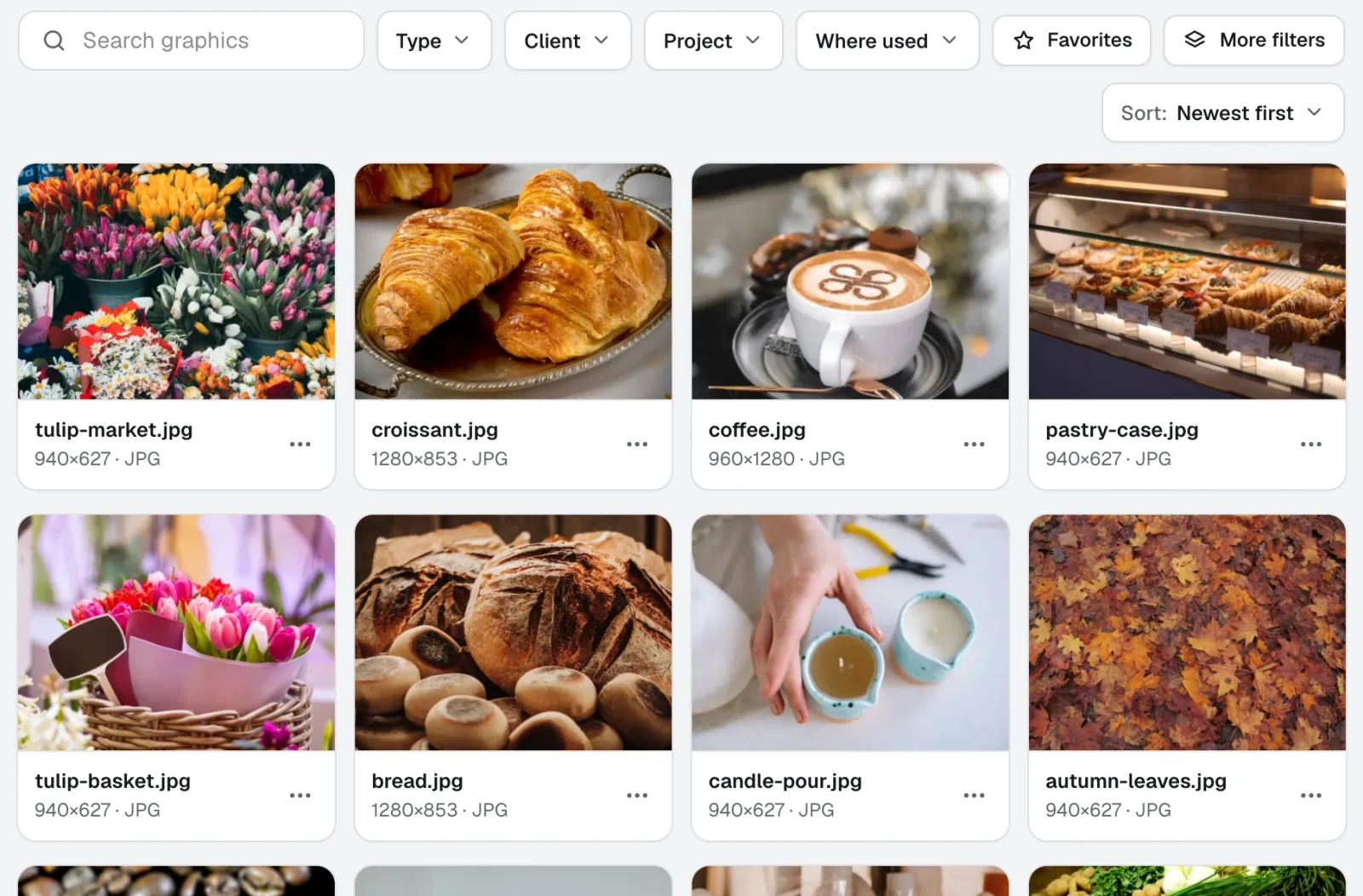
Graphics Library
신규Graphics Library는 팀을 위한 디지털 자산 관리 소프트웨어입니다. 모든 고객과 프로젝트의 로고, 사진, 디자인 파일을 하나의 라벨이 붙은 공간에 보관합니다. 폴더 전체를 넣고, 수백 개에 한 번에 라벨을 붙이면, 팀원 누구나 필요한 파일을 찾을 수 있습니다.
2026-11-22에 제품 기준으로 마지막 확인한 페이지예요.