

Room Designer신규
See the sofa in their living room, at its real size
Place real 3D furniture, TVs and decor true to size in a 360 room or a photo of your customer's room. Import your product list, compare layouts and send a picture. Free.
무료 계정, 카드 필요 없음. 이미 aiKit을 사용 중이신가요? 로그인하고 Room Designer 열기
제공 내용
Place real 3D sofas, tables, lamps and TVs true to size in a 360 room or a photo of your customer's room, import your own product list, and save layouts to compare.
True to size, with shadows
Click a product, click the floor. It lands at its real size with a soft shadow, and turns and moves with a drag.
Their room, three ways
A 360 room to look around, a normal photo anyone can take, or one product live on the floor through a phone.
Your catalog, not ours
Import a CSV or JSON product list with sizes, prices, 3D model links and Buy links, or upload a GLB.
Layouts side by side
Save this layout, build two more, and click between them in front of the client, with a room total.
From photo to 3D to their room
Turn product photos into a model in Infinite 3D Studio, then Place it in a room at its real height.
모든 기능
Room Designer의 모든 것
현재 도구가 작동하는 방식 그대로 정리한 전체 목록이에요.
- Four real examples: a furniture store, an interior decorator, a TV installer and a home stager
- Three ways to show a room: a 360 room you can look around, a normal room photo, or one product live in the room through a phone
- Real 3D products placed true to size with soft shadows: click a product, click the floor, drag to move, turn with the handle
- Swap for another product in the same spot, duplicate, delete, lift off the floor, and a room total with prices
- Your own products: upload a GLB or glTF (plus USDZ for iPhone), or import a product list as CSV or JSON with sizes, prices, model links and Buy links
- Place it in a room from Infinite 3D Studio: your model arrives at its real height
- Save layouts and click between them, then save a picture or a walk-through video to your Graphics Library (AR Studio folder)
- Live on a phone with a QR code, in the browser with no app
포함된 내용
Room Designer으로 할 수 있는 일과 다른 aiKit 도구와 함께 쓰는 방법
무료 aiKit 계정에 포함
- Free on every aiKit account: it runs on your device
- Four examples, 360 room, room photo and live view
- CSV and JSON product import, GLB and USDZ uploads, saved layouts
AI를 쓰는 기능과 무료 기능
Room Designer uses no AI and no tokens. Building a new model in Infinite 3D Studio uses tokens there, shown before it runs.
다른 aiKit 도구와 함께 사용하세요
- Infinite 3D Studio: Place it in a room brings a 3D Studio model in at the real height you set.
- Graphics Library: Room photos come in from the library, and pictures and videos are saved to the AR Studio folder.
- Email Studio: Send a saved room picture into an email from What's next.
Room Designer을(를) 함께 쓰는 도구 옆에 두고 어떤 키트에든 담아 보세요. 매달 AI 사용량 하나로 추가한 모든 도구를 쓸 수 있어요.
사용 방법
첫 클릭부터 완성까지, 4단계로.
Pick a room
A 360 photo, a room photo or a ready-made example: a furniture store, a decorator, a TV installer or a home stager.
Line up the floor
One slider for a 360 room, or Horizon and Camera height for a photo, until the grid lies flat.
Place and compare
Click products onto the floor, swap them in place, duplicate, and save layouts to compare.
보내기
Save a clean picture or a walk-through video, then send it to the client or put it in an email.
이런 분께 추천해요
다양한 업종에서 Room Designer을(를) 쓰는 방법
"Will it fit?" answered on the spot
A made-up furniture store asks for a photo of the living room, drops in the 84-inch sofa and sends it back the same hour.
Size the TV before the install
A made-up home theater installer shows a 55, 65 and 75 inch on the real wall so the customer picks with confidence.
Stage a vacant listing
A made-up stager furnishes an empty room for the listing photos and labels them "virtually staged".
Three layouts in one meeting
A made-up interior decorator builds the classic, the conversation and the reading-corner layout and clicks between them.
이런 분께 좋아요
- Furniture, appliance and rug shops answering "will it fit?" with the customer's own room
- Interior decorators and home stagers showing several layouts in one visit
- TV and home theater installers sizing the screen on the real wall
알아 두세요
- 맞지 않는 경우: Floor plans and architecture drawings
- 맞지 않는 경우: Exact install measurements (still measure before delivery)
- Free: it runs on your device and uses no tokens.
- Your product list and layouts are kept in this browser on this device.
- Products you uploaded stay on this computer; the phone QR shows the built-in products.
질문
Room Designer: 자주 묻는 질문
Is there a free way to see furniture in a customer's room at the real size?
How do I show a TV at its real size on a customer's wall?
Can I put my own furniture catalog into a room visualizer?
What is AR Studio in aiKit?
Do the AR Studio tools cost anything?
Is my camera video uploaded?
Where do my AR photos and videos go?
How do I show a customer how big a sign will be on their building?
Does my customer need an app or an account to see it on their wall?
Which quote lines get See it at real size?
How do I make a branded selfie filter for my business?
Do my customers need an app for Brand Camera?
If I change my Brand Camera, do I need a new QR code?
How can a customer see furniture in their own room before buying?
Can I import my vendor's product list into Room Designer?
함께 쓰면 좋은 도구
같은 키트에 추가할 도구
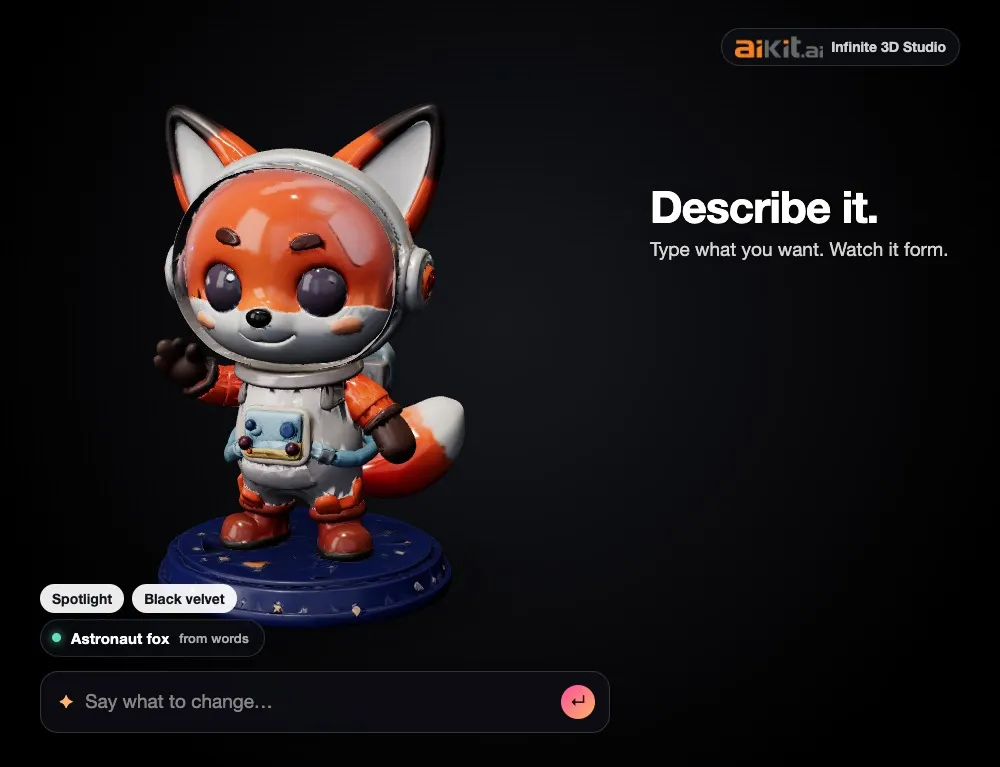
Infinite 3D Studio
신규제품을 설명하거나 사진, 그림 또는 로고를 끌어다 놓으세요. 3D 모델이 만들어지는 과정을 보고, 평범한 말로 모양을 바꾸고, 하나의 모델로 제품 사진, 회전 영상, 3D 파일까지 모두 받으세요.
Life-Size
신규Snap the storefront, lawn or wall and mark a door. The sign, banner or canvas appears at its true size. Or see it live through the phone. Free, and it runs on your device.
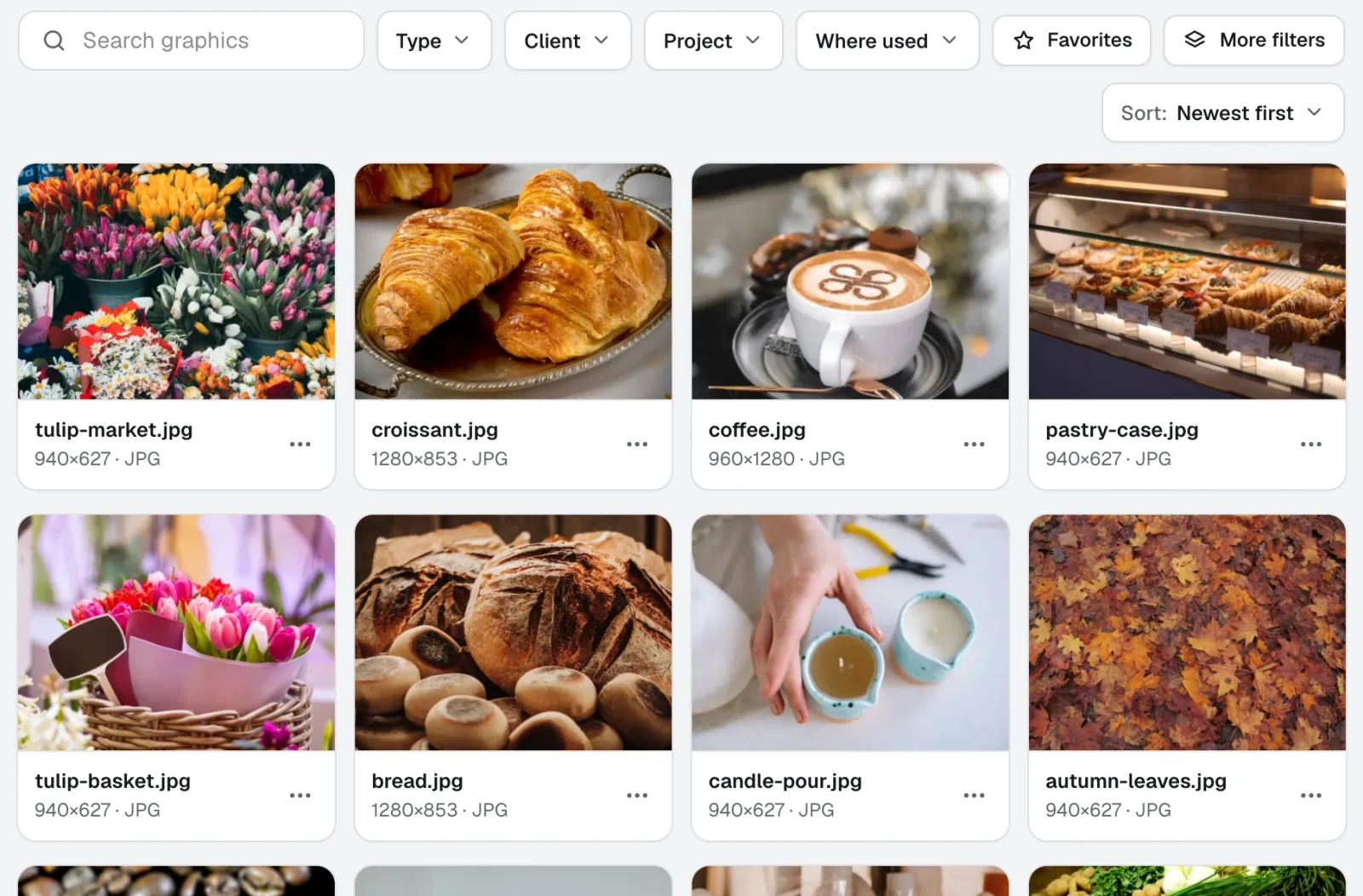
Graphics Library
신규Graphics Library는 팀을 위한 디지털 자산 관리 소프트웨어입니다. 모든 고객과 프로젝트의 로고, 사진, 디자인 파일을 하나의 라벨이 붙은 공간에 보관합니다. 폴더 전체를 넣고, 수백 개에 한 번에 라벨을 붙이면, 팀원 누구나 필요한 파일을 찾을 수 있습니다.
2026-11-22에 제품 기준으로 마지막 확인한 페이지예요.