

Brand Studio新
Your whole brand set, made in your look
Brand Studio reads your logo, colors and old materials, then makes matching business cards, letterhead, flyers, postcards, menus, signs, social covers, ads and email headers, print-ready and online.
免费账户,无需绑卡。 已经在用 aiKit 了? 登录后打开 Brand Studio
你将获得
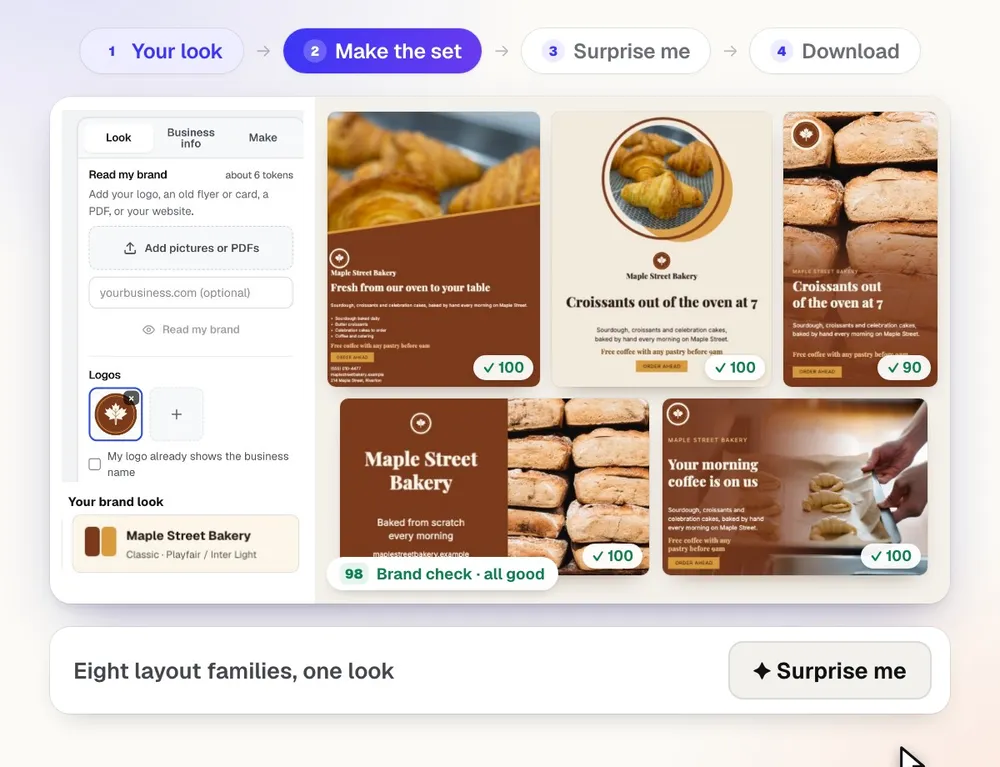
Reads your brand from your Brand Kit, logo, old flyers or website, then makes your whole set of matching materials.
Starts from the brand you have
Your Brand Kit and Logo Kit logos are read on their own. Add an old flyer, a card, a PDF or your website and the colors, fonts, style and tone come back for you to check.
Seventeen products, real sizes
Business cards, letterhead, envelopes, postcards, flyers, tri-fold brochures, rack cards, menus, yard signs, social covers and posts, display ads, email headers, title slides, QR codes and an email signature.
Eight layout families, never one template
Photo hero, Big type, Diagonal split, Spotlight, Ribbon and more. A new set mixes them; Shuffle a product or press Surprise me for a fresh mix.
A brand check on every piece
Each design is scored for readability, contrast, print safety and brand fit, with a one-click fix for anything that needs it.
Campaigns in one click
A sale, grand opening, holiday hours, a season or an event gets its own matching set, written for it, plus a version in another language when you need one.
Change anything in plain words
"Bigger logo on the card", "make the banner darker", "use our fall photo". Whole-set changes move every design at once; anything not done is said first.
Print files a printer accepts
PDFs at the printer's size with bleed, every PDF box set, checked after they're made. Run Printer's Helper's file check on any print piece in one click.
One download for everything
Print PDFs, PNG and JPG for online sizes, SVG, a paste-ready email signature and your brand look sheet, all in one ZIP.
See it work
What Brand Studio does, shown with real results
Every picture is the tool's own output, made for an example business.
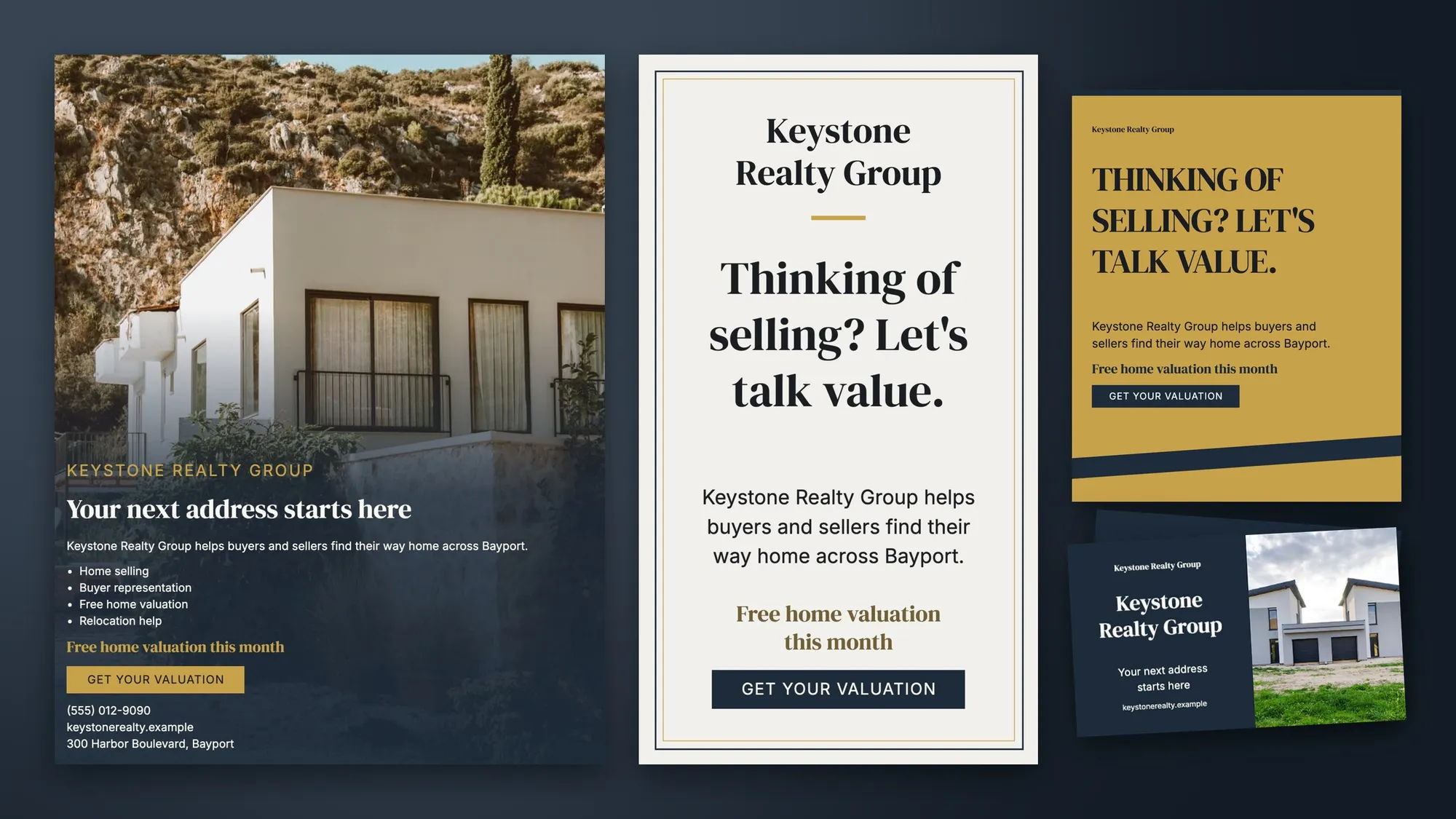
Home-valuation marketing for a real estate team
Photo-led flyer, story and post with the free-valuation offer, plus business cards, in navy and gold.
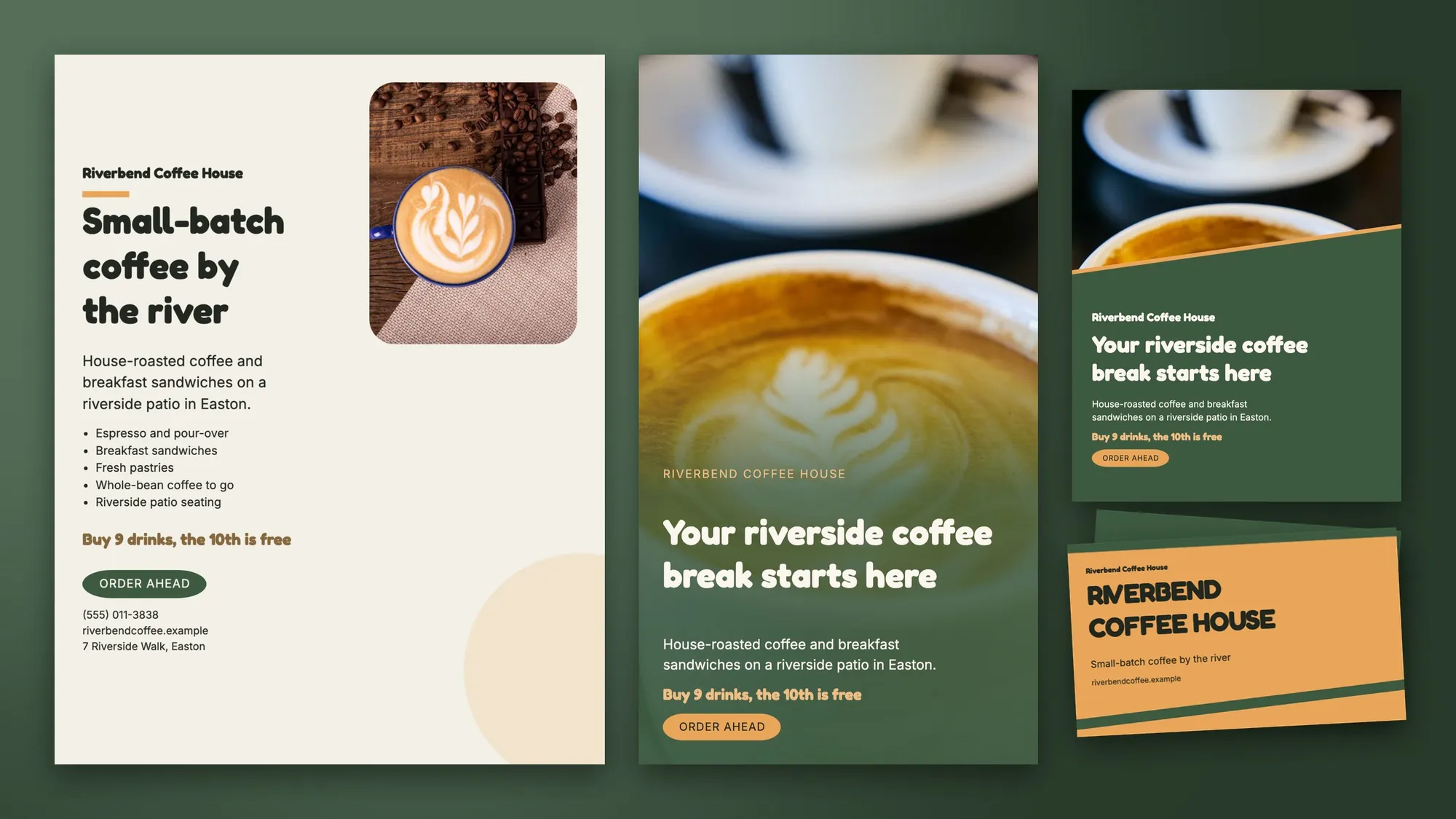
A café's flyer, social posts and cards
A flyer, story, post and business cards in the café's green and amber, with the loyalty offer on each.
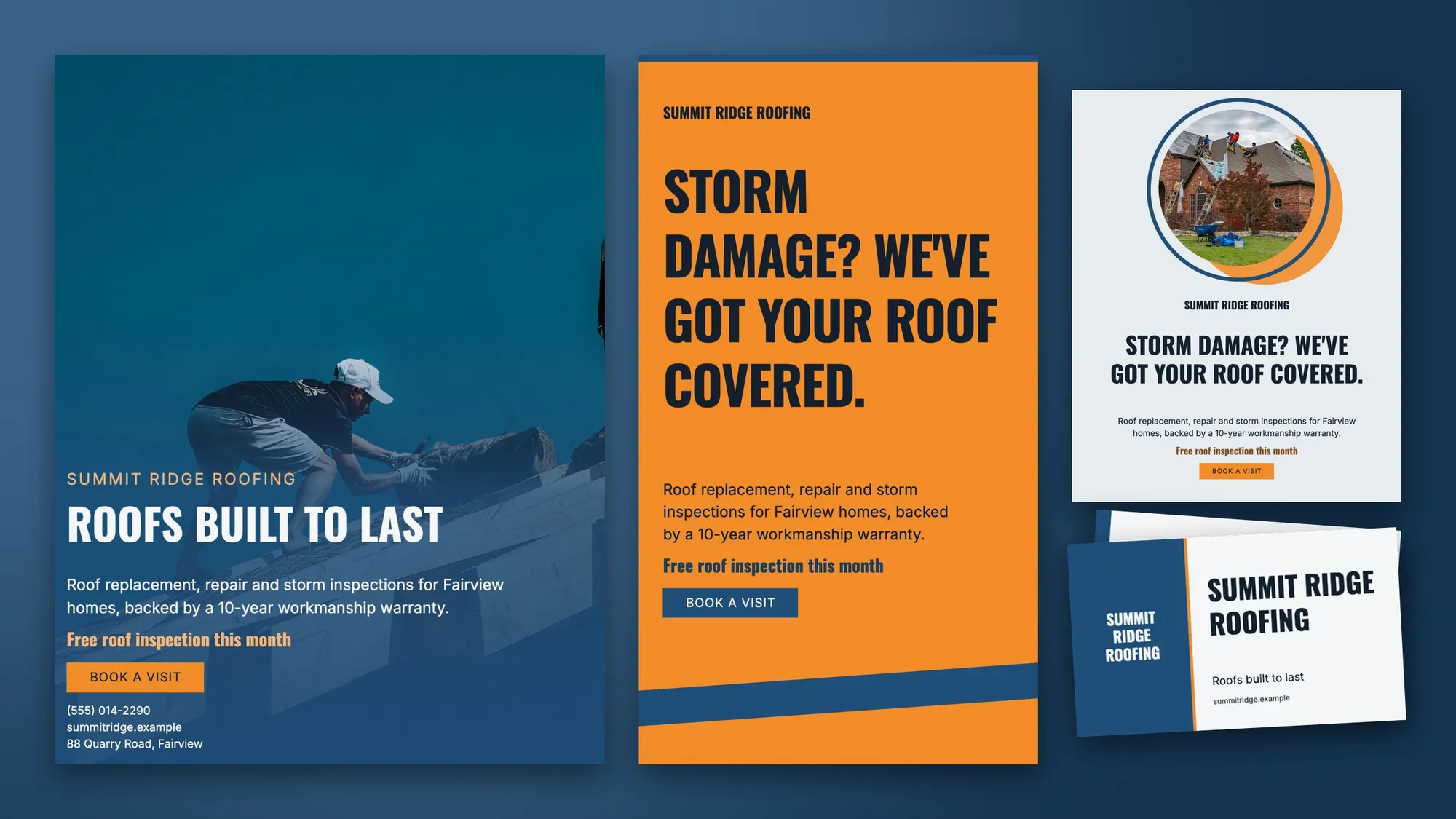
Bold print and social for a roofing contractor
A photo flyer, a big-type story, a spotlight post and business cards, with the free-inspection offer on every piece.
全部功能
Brand Studio 的全部功能
完整列表,基于工具当前的实际功能。
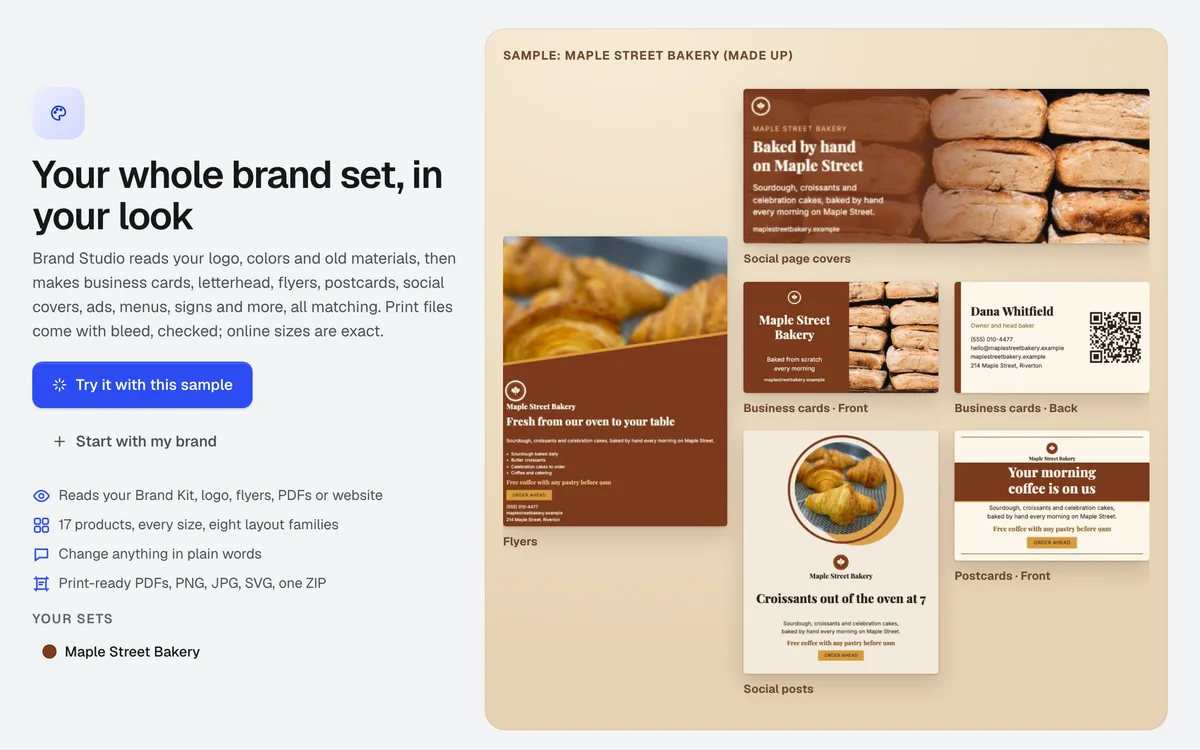
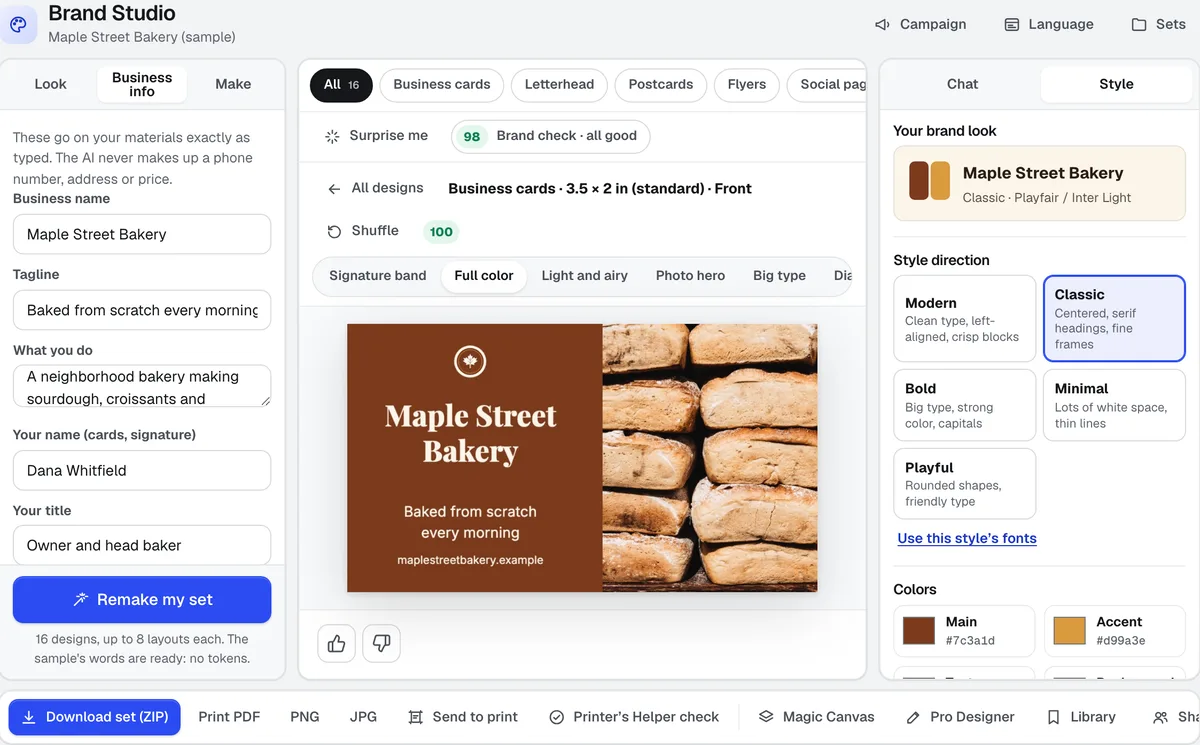
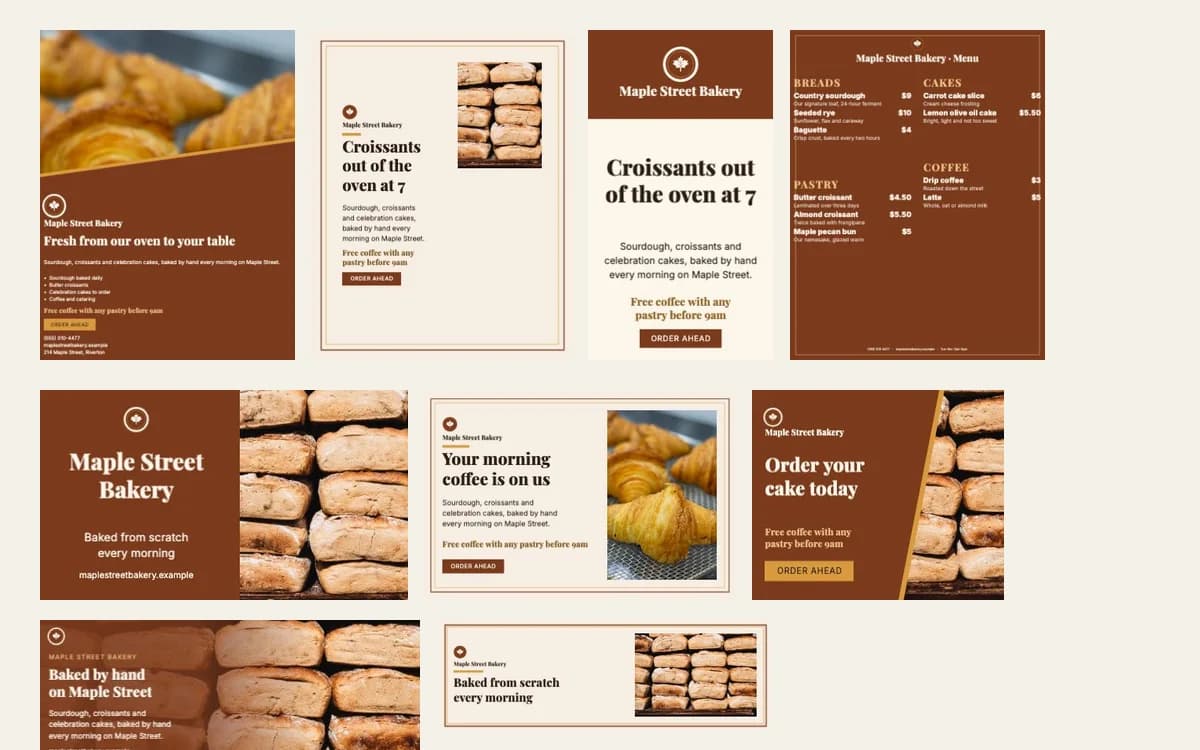
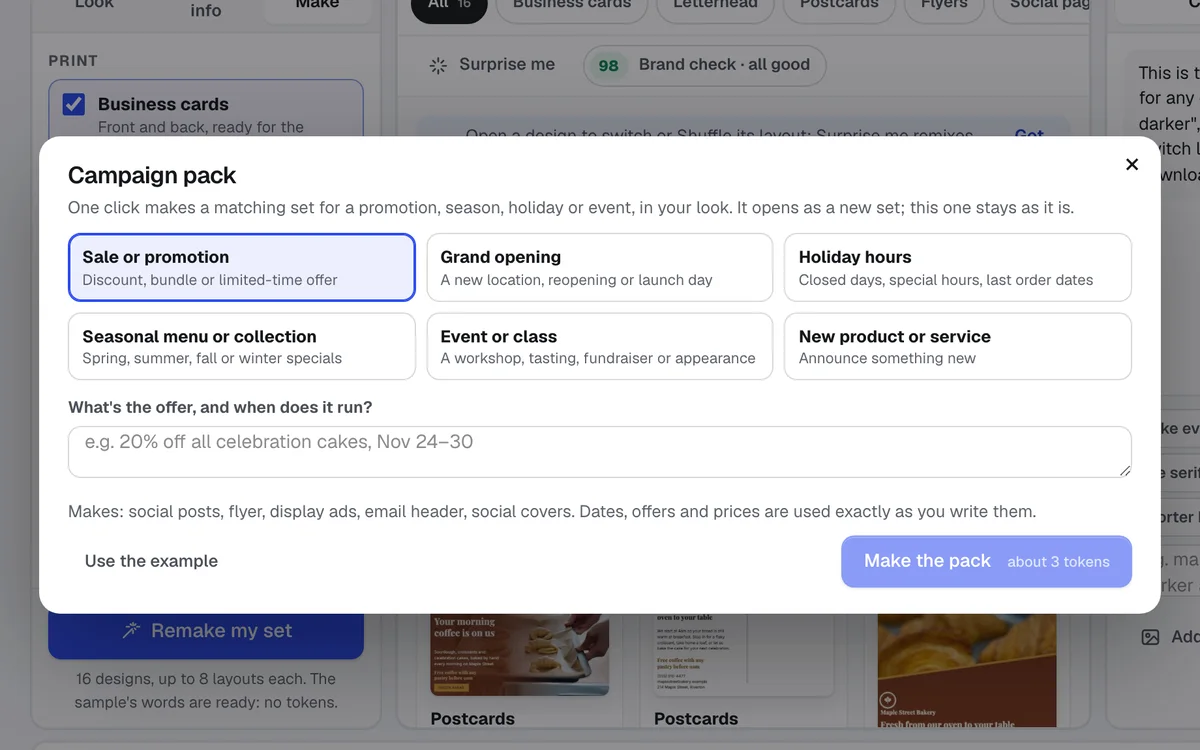
- A first screen with a finished sample set (an invented bakery) and one-click Try it with this sample
- Read my brand: your Brand Kit and Logo Kit logos are read automatically, plus any logo, old flyer, card, photo, PDF or website you add; the look comes back as colors, fonts, style, photo style and tone you can edit
- Your brand look on the right: five style directions (modern, classic, bold, minimal, playful), four brand colors, heading and text fonts from 28 open-license faces, capitals on or off, logo size, photos on or off; saved with each set and, in one click, back to your Brand Kit
- A checklist of 17 products with their real sizes: business cards, letterhead, envelopes, postcards, flyers, tri-fold brochures, rack cards, menus, yard signs, social covers, social posts, web and display ads, website banner, email header, title slide, QR code and email signature
- Eight layout families for every promo piece (Signature band, Full color, Light and airy, Photo hero, Big type, Diagonal split, Spotlight, Ribbon; three for cards' backs, letterhead, envelopes, brochures and menus), front and back where it applies, drawn in your browser as you watch; Shuffle per product and Surprise me for the whole set
- Brand check: a score per design and for the set (easy to read, contrast, print safe, on brand, nothing left out), each issue with a one-click fix
- Campaign packs: one click makes a matching set for a sale, grand opening, holiday hours, a season, an event or a launch, with words written for it
- Language versions: a copy of the set with every word translated into a Latin-alphabet language (names, numbers, addresses and prices kept)
- Your own templates: save a look with its products, sizes and layouts, and start future sets from it
- Words written once for the whole set from your business info; your phone, email, address and prices are used exactly as typed and never made up
- A chat for any change in plain words, on one design or the whole set ("bigger logo on the card", "make the banner darker", "use our fall photo"); anything not done is listed first
- Print PDFs at the printer's size with bleed (Printer's Helper's sizes; every PDF box at the full sheet, or a standard TrimBox), checked after they are made, plus Printer's Helper's own file check on any print piece
- PNG, JPG and SVG for online pieces, the email signature as paste-ready HTML, and the whole set as one ZIP
- Photos: upload, pick from your Graphics Library, make an on-brand picture, or cut out a background, right in the Look panel
- Share for approval: the whole set becomes a Customer Proof you send for comments and approval
- Send to print: a print piece goes to Printer's Helper with its file, quantity and paper, ready for the final check
- Open any design in Magic Canvas with every layer editable, or in Pro Designer; save one design or the whole set to the Graphics Library
- A webhook when a set is ready (Zapier, Make or your own server, signed), and list_brand_sets for AI assistants through the aiKit connector
包含内容
了解 Brand Studio 能为你做什么,以及它如何与 aiKit 的其他工具配合
免费 aiKit 账户即可使用
- 使用您账户的代币,与所有 aiKit AI 工具使用的代币相同
- Drawing, every layout, Shuffle, Surprise me, Brand check, style changes and every download use no tokens
- A sample set to try before you use any tokens
- Saved sets you can reopen, with their own shareable address
哪些功能用 AI,哪些免费
Reading your brand uses about 6 tokens, writing the set's words about 3, and a chat change about 2 plus 2 for each design it changes. A step that fails uses nothing.
与你的其他 aiKit 工具配合使用
- Brand Kit: Your Brand Kit's logos, colors, fonts, picture style and voice are the starting look and the voice of the words.
- Vectorize Kit: Logos saved from Logo Kit are one click away in the Look panel.
- Magic Canvas: Any design opens in Magic Canvas with every layer editable.
- Pro Designer: Any design opens in Pro Designer for pixel editing.
- Printer’s Helper: Print pieces get Printer's Helper's sizes, bleed rule and file check.
- Graphics Library: Save one design or the whole set to your Graphics Library.
Keep Brand Studio in any of your kits, next to the tools you use with it. One monthly AI allowance covers every tool you add.
使用方式
从第一次点击到完成,只需 4 步。
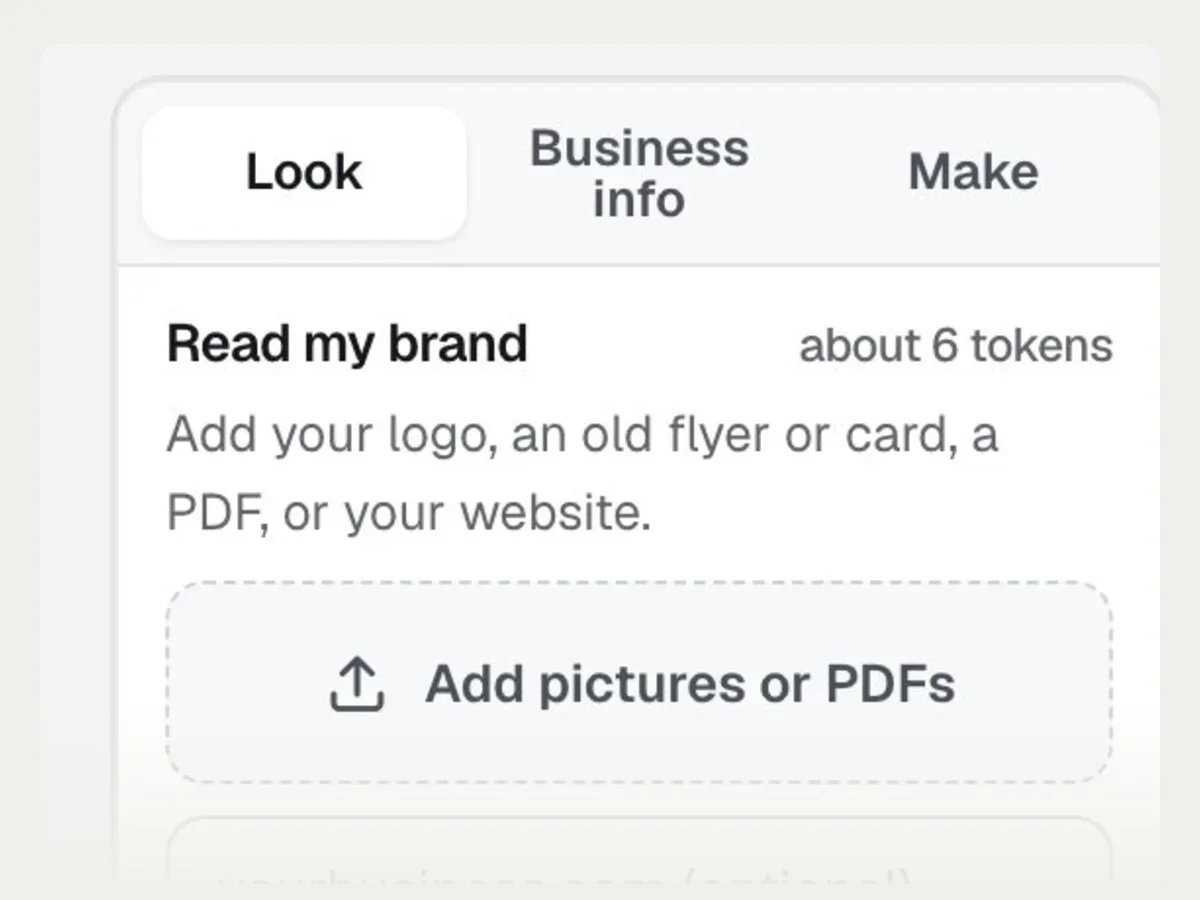
Read your brand
Open Brand Studio. Your Brand Kit is already in; add a logo, an old flyer or your website and press Read my brand, or set colors and fonts by hand.
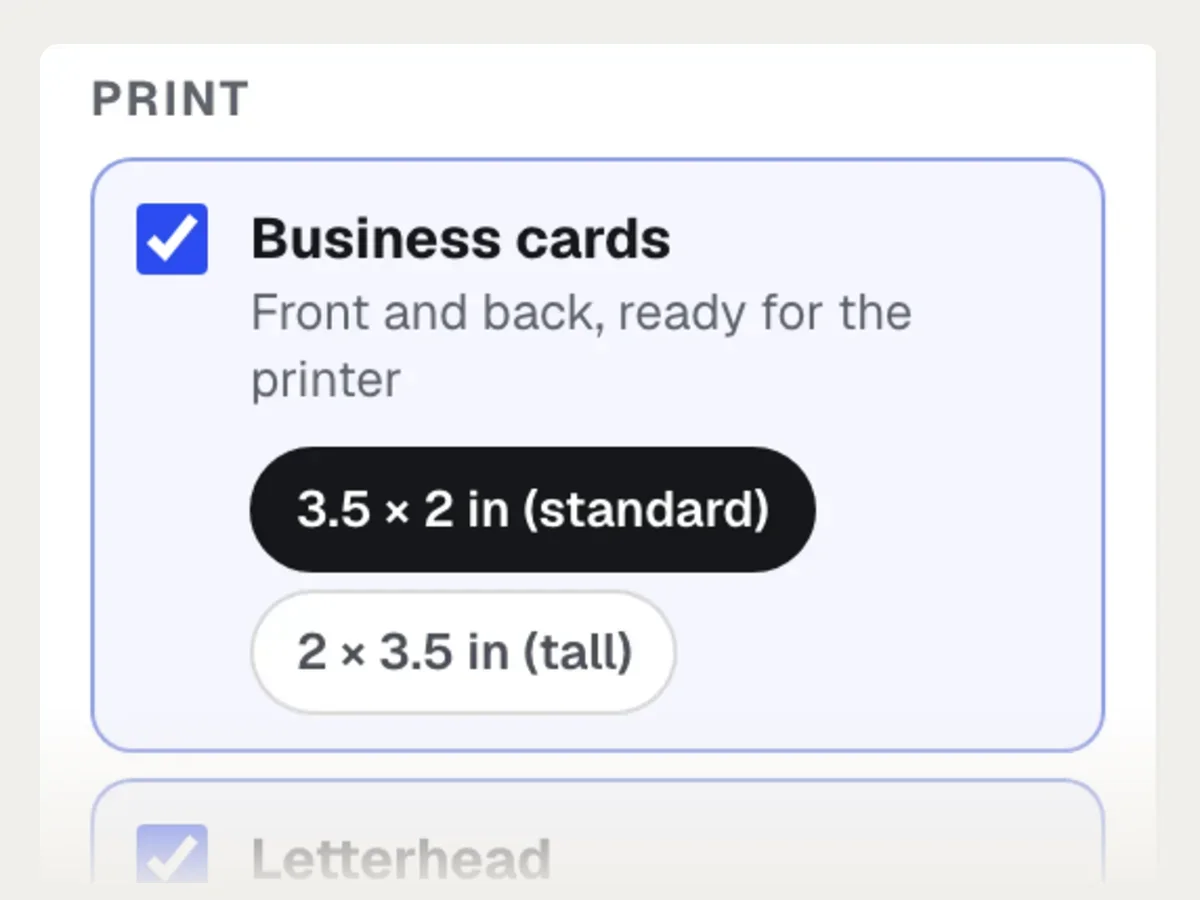
Tick what you need
Pick products and sizes from the checklist, and type your business details once: name, phone, website, services and any offer.
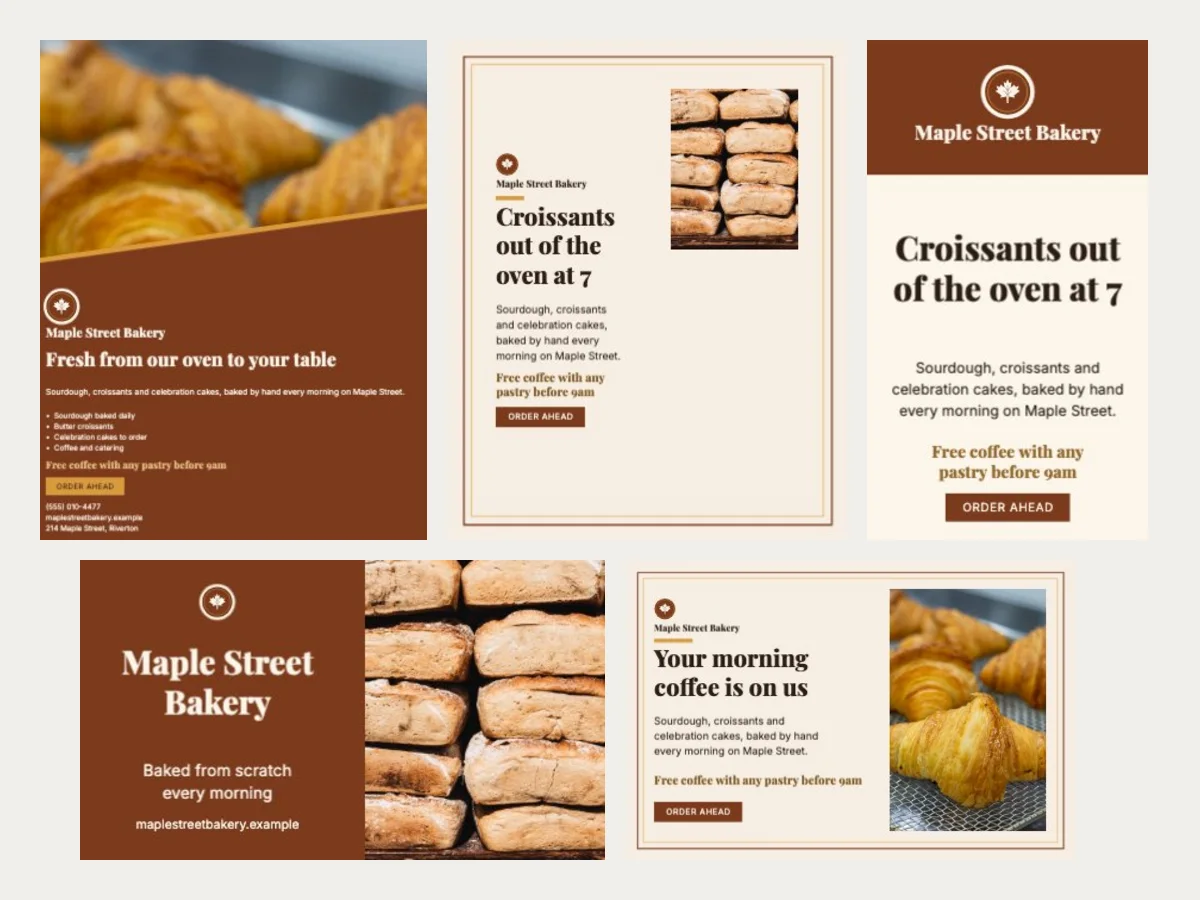
Make the set
Press Make my set. The words are written once for everything, and every design draws in front of you, in a mix of layout families.
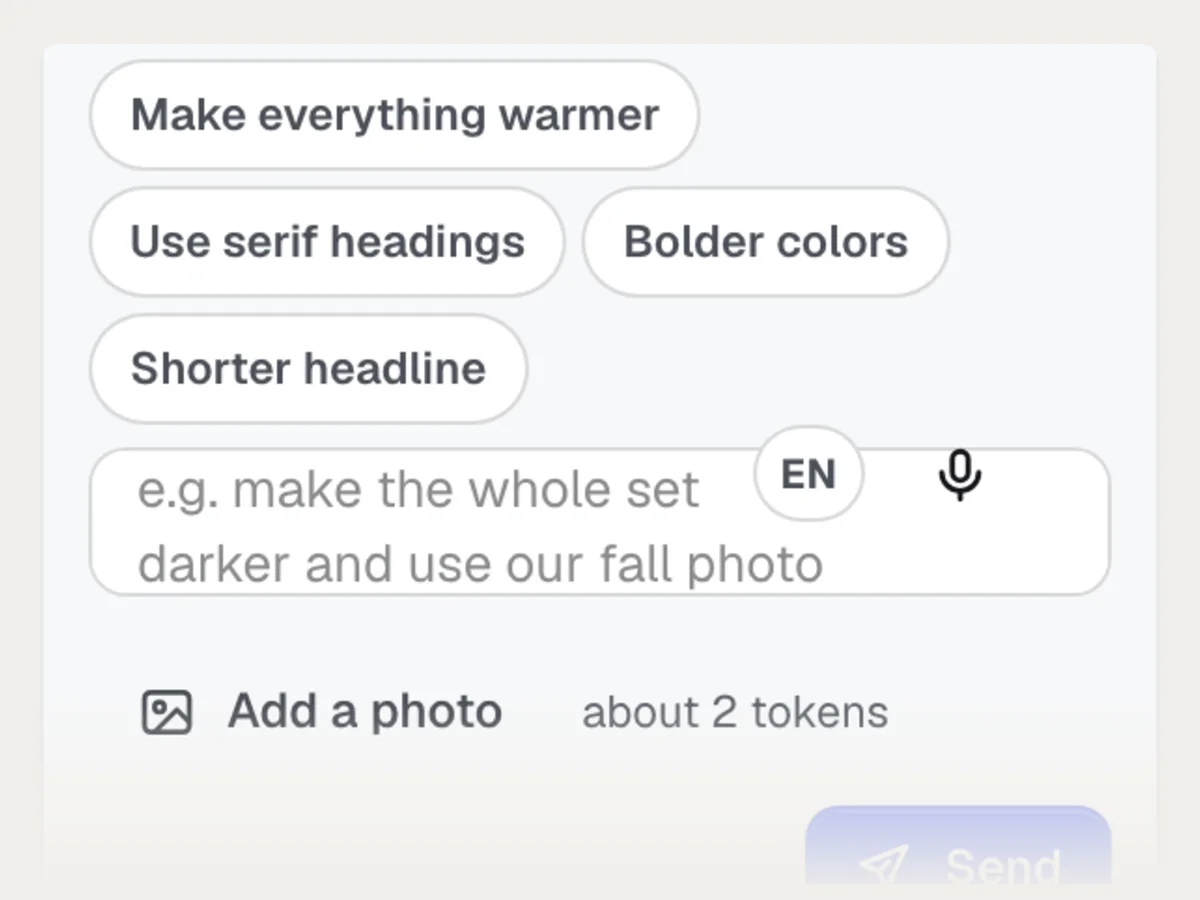
Change and download
Ask for changes in the chat, pick a layout per product, then download the ZIP, save to your Graphics Library or open any design in Magic Canvas.
More it does
More of Brand Studio at work
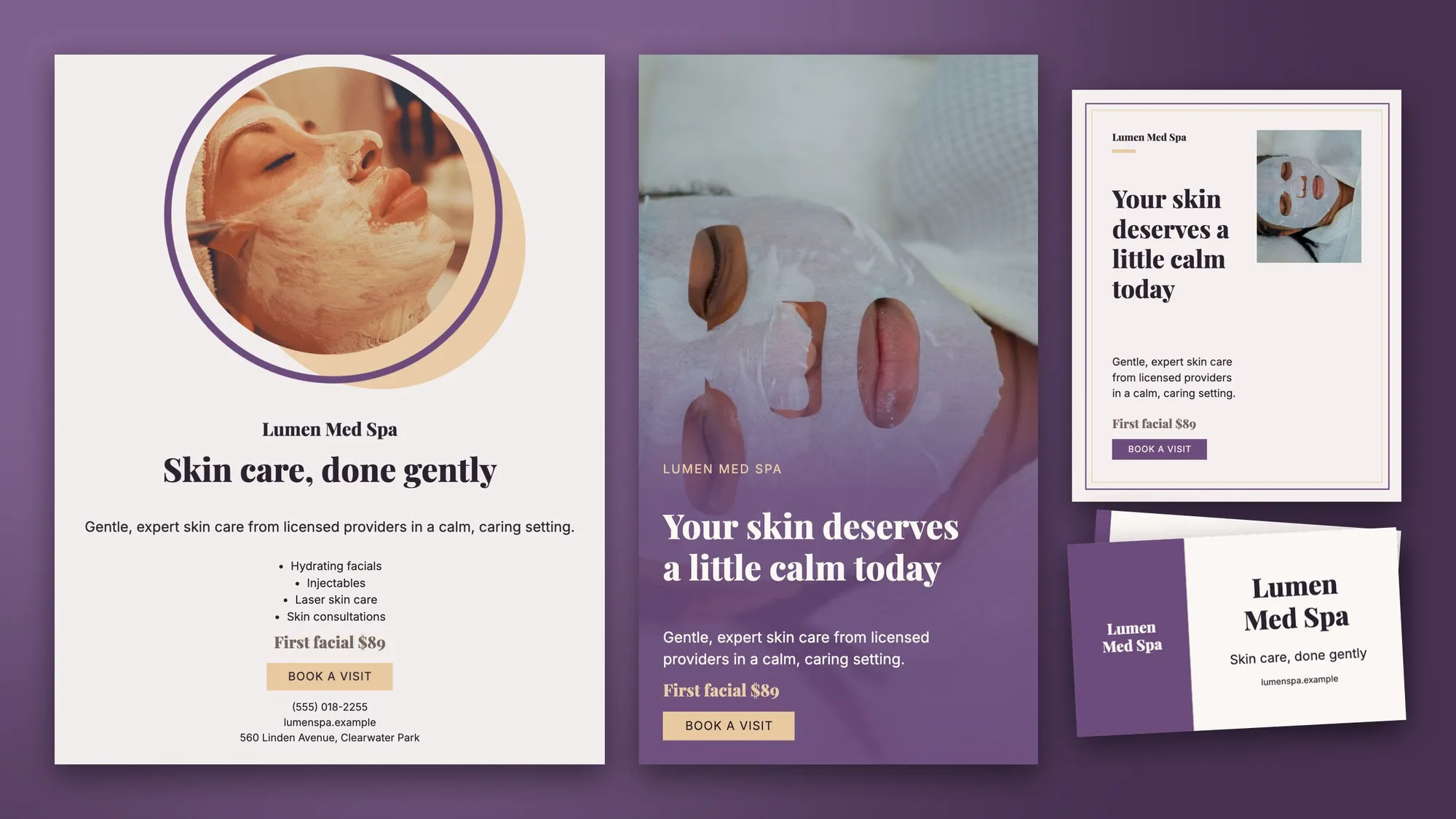
A med spa's whole set, in one look
A spotlight flyer, a photo story, a framed Instagram post and business cards, all from one brand look and one set of business details.
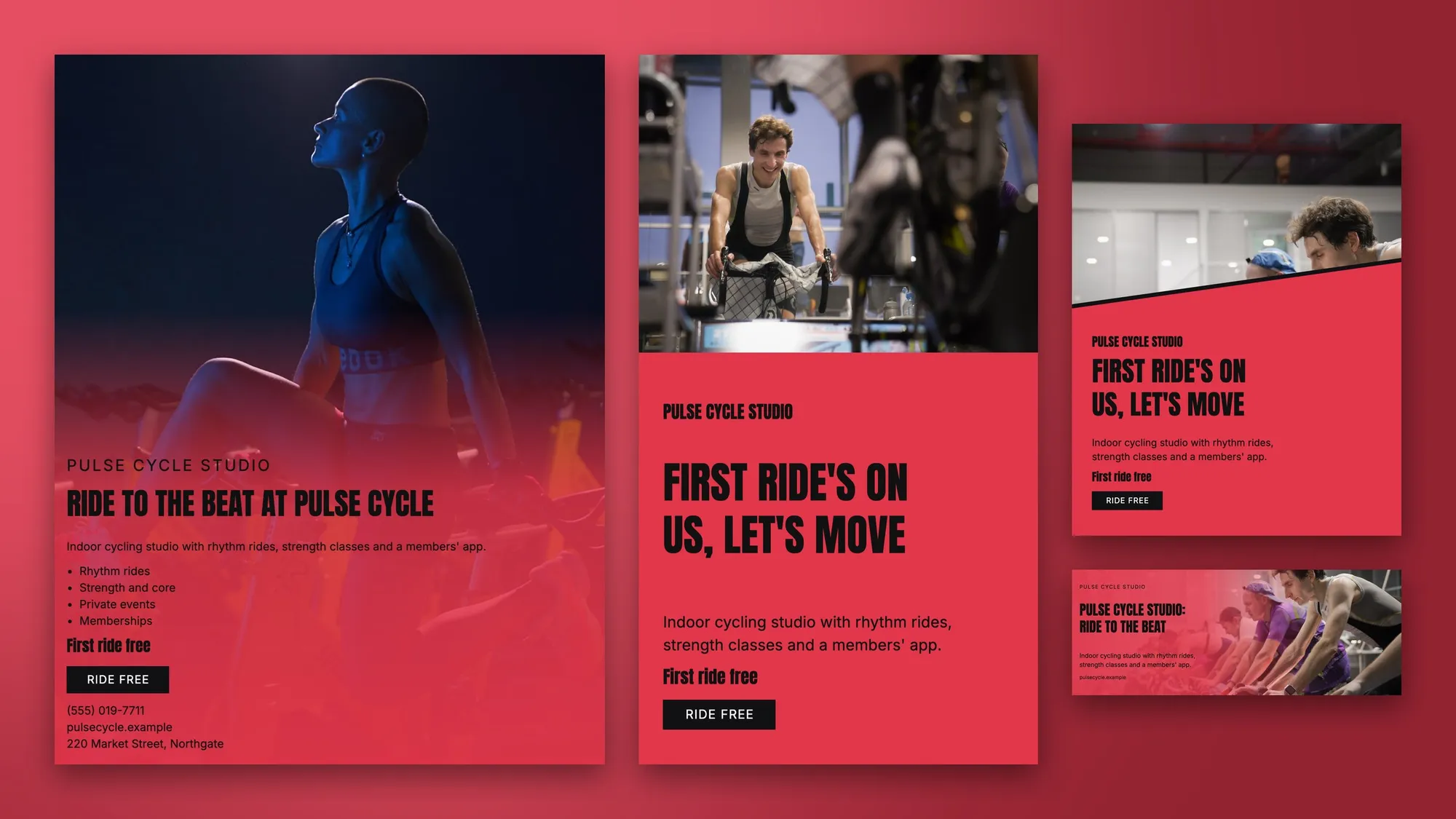
High-energy social for a fitness studio
A photo flyer, a full-color story, a diagonal-split post and a Facebook cover, all selling the first ride free.
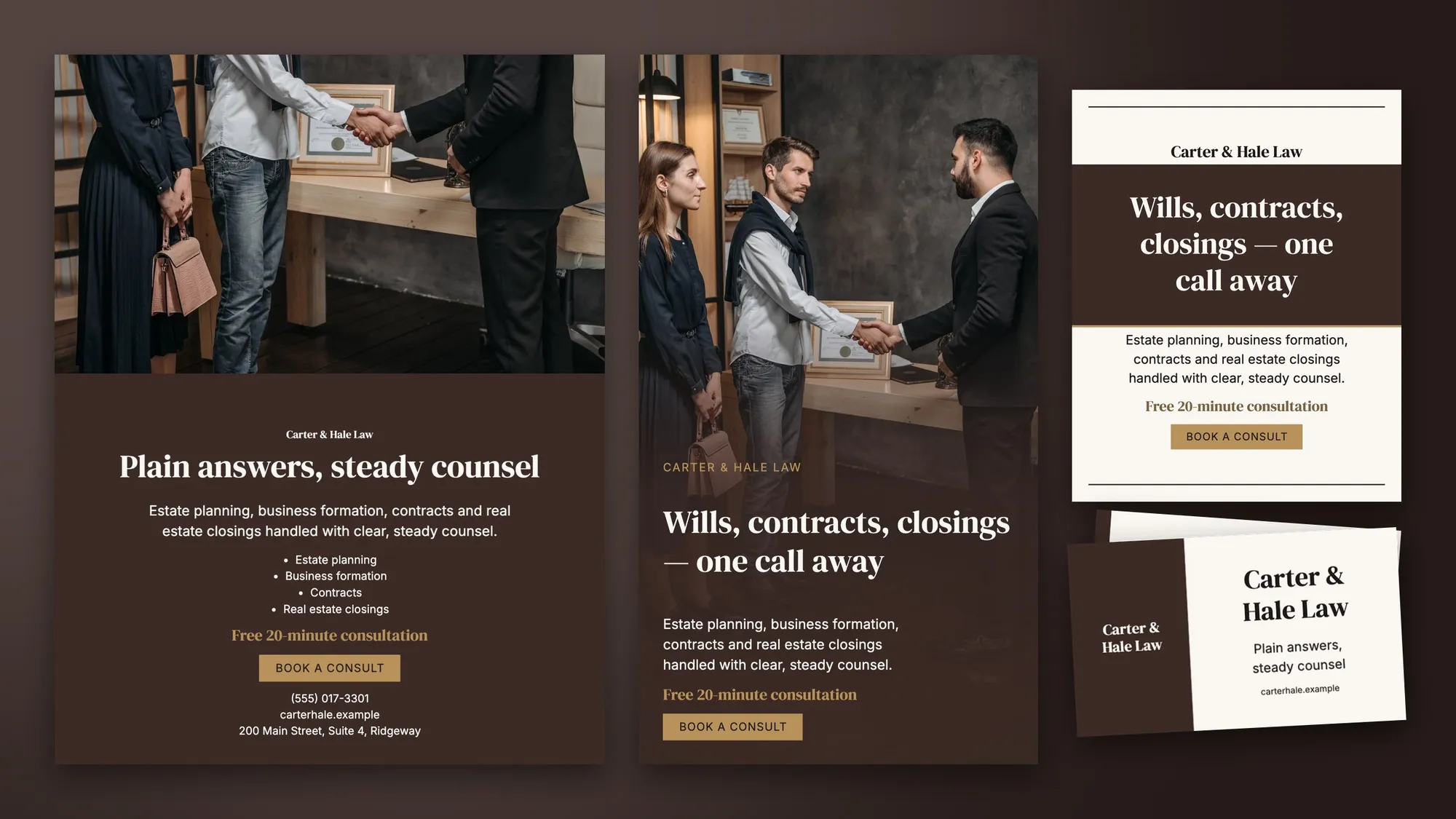
Quiet, polished pieces for a law firm
Serif headings and a restrained palette: a flyer, story, Instagram post and business cards that look like the same firm.
适合谁用
不同行业如何使用 Brand Studio
A cafe's menu, cards and social kit
A made-up corner cafe reads its logo and an old menu photo, then gets a menu, business cards, an Instagram post and a Facebook cover that all match.
A trades company that looks established
An invented plumbing company adds its website, ticks cards, yard signs, door-ready postcards and display ads, and has a matching set before lunch.
Stationery for a new print client
A print shop sets up a client's cards, letterhead and envelopes from the client's logo, then checks every PDF with Printer's Helper before it goes to press.
A launch kit in one sitting
A small agency picks a style direction with the client on a call, changes colors live, and sends the whole set as one ZIP the same day.
Signs, flyers and covers for an office
A made-up brokerage keeps its navy and gold, makes yard signs, listing flyers and LinkedIn banners, and changes the headline across all of them in one request.
A coach's everyday brand
A consultant gets a title slide, email signature, email header and QR code card that match, with her own photo on the covers.
最适合
- Businesses that have a logo and colors and need cards, flyers, covers and ads that finally match
- Agencies and print shops setting up a new client's stationery and social kit in one sitting
- Anyone refreshing a look: change the colors or style once and the whole set follows
温馨提示
- 不适合: Designing a new logo (use Logo Kit or Design Contest first)
- 不适合: Long multi-page documents such as catalogs or reports
- Reading your brand uses about 6 tokens, writing the set's words about 3 (a campaign pack too), a language version about 1, an on-brand picture 5, and each chat change about 2 plus 2 for every design it changes. Drawing, layouts, Brand check, style changes and downloads use none.
- Language versions work for languages written in the Latin alphabet; others need fonts the designs don't have yet.
- The AI can misread colors or fonts from a picture: check Your brand look before you make the set.
- Print files are high-resolution pictures inside the PDF (300 per inch, signs 150), not editable vector type; open a design in Magic Canvas for layers.
- Email signature logos show for other people only from a public web address; the ZIP includes the logo as a PNG to upload to your site.
温馨提示
使用Brand Studio之前
印刷前先检查. AI can misread a color or a detail, and words it writes can be wrong. Proof every piece, especially phone numbers, addresses and prices, before you print or post it. Use only logos, photos and fonts you have the right to use.
问题
Brand Studio:常见问题
Is there an AI tool that makes matching business cards, flyers and social covers from my logo?
Can I get print-ready files with bleed for my printer?
What sizes does it make for social media and ads?
Can I change the style and colors after the set is made?
Can Brand Studio send my finished set to Zapier or my own system?
What should I check before I print a Brand Studio design?
What is Brand Studio?
Does Brand Studio use my Brand Kit?
How much does Brand Studio cost to use?
Can I edit a Brand Studio design by hand?
Are the print files vector?
Can someone else see my Brand Studio sets?
What is the Brand check in Brand Studio?
Can Brand Studio make a set for a sale or a holiday?
搭配效果很好
可加入同一工具包的工具
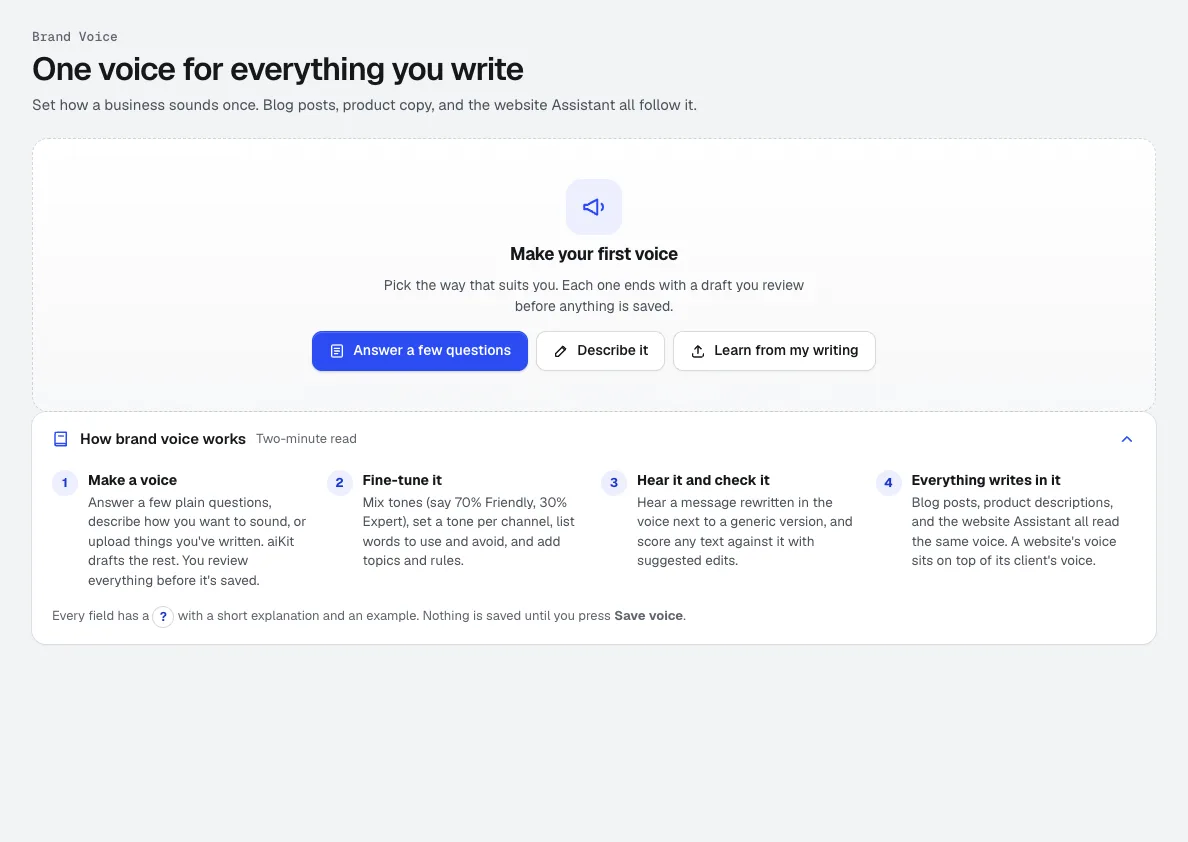
Brand Kit
新一个 Brand Kit:从您自己的写作中学习到的品牌语气,加上您的标志、颜色、字体、参考邮件以及您喜欢的成果。邮件、博客文章、视频、图片和设计都会遵循它。
Vectorize Kit
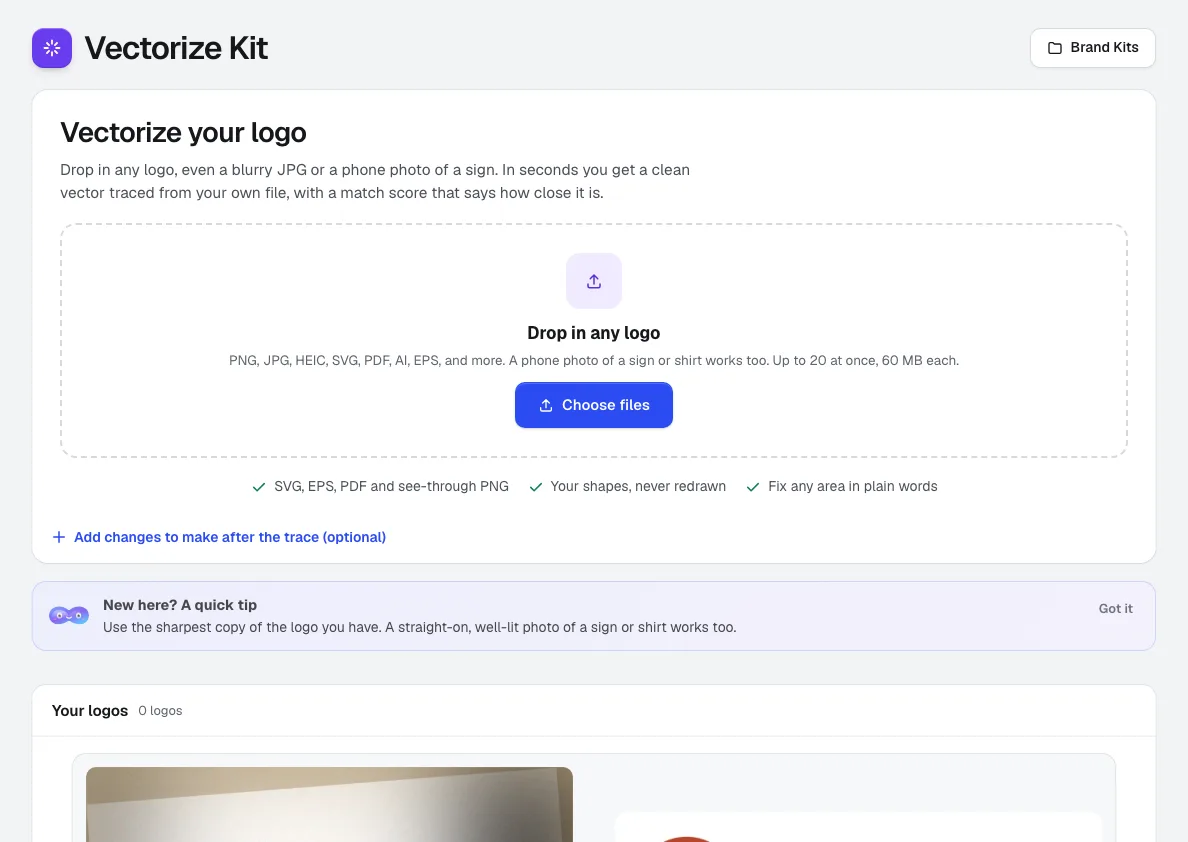
上传模糊的 JPG、小尺寸 PNG、PDF,或标牌的手机照片。Vectorize Kit 会将您的原始文件描摹为干净的矢量图,并通过评分和可缩放的前后对比图显示匹配程度,一键即可导出 SVG、EPS、PDF 和 PNG。
Magic Canvas
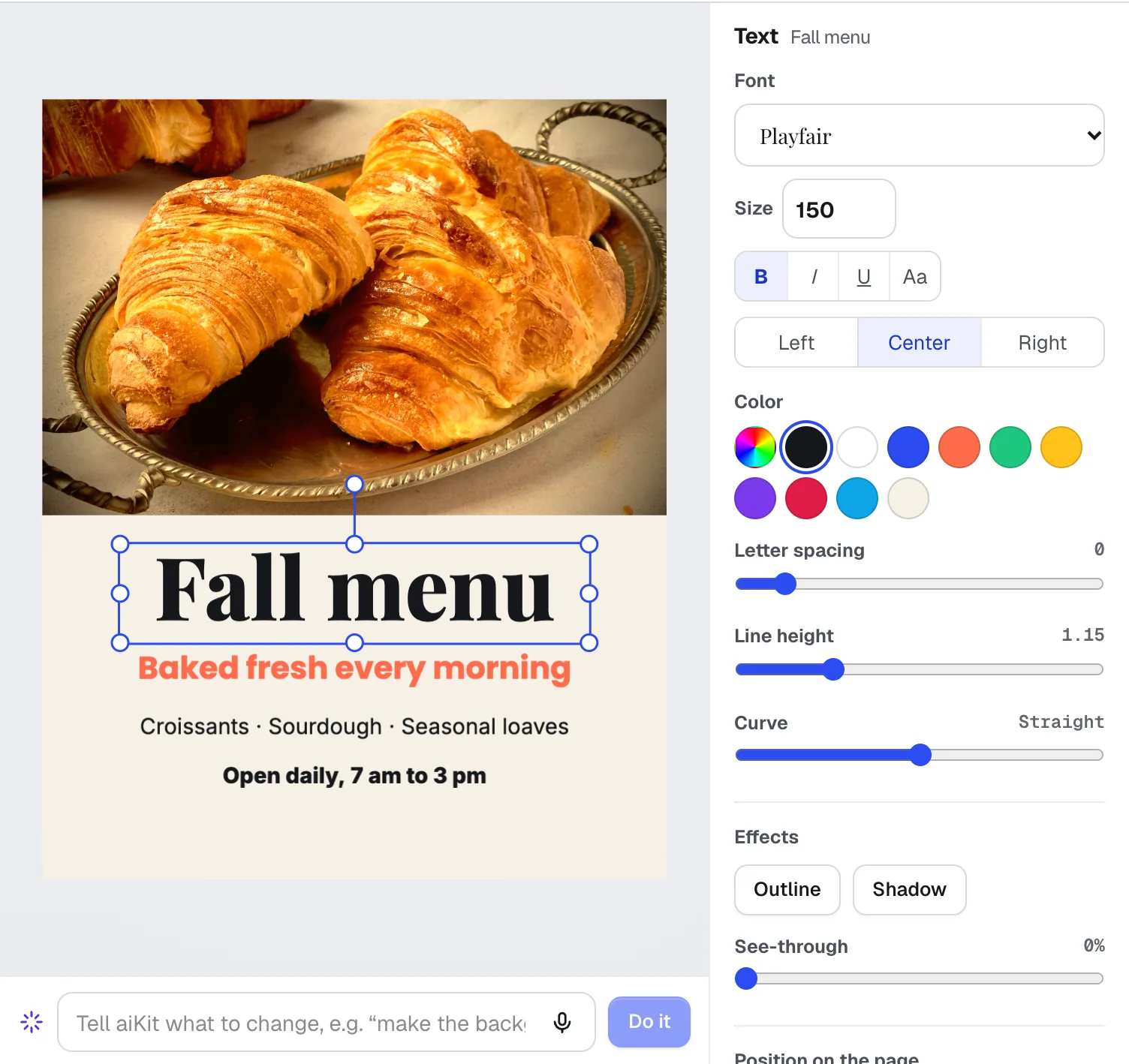
新Magic Canvas 是一款 AI 传单和社交帖子设计工具:它根据您的文字为帖子、传单、卡片、横幅和电子邮件页眉排版,并可让您手动或用语音修改任何内容。您的品牌色和标志只需一键即可使用。
本页内容已于 2026-11-01 对照产品核查。