

4 ways to start
Type a description, or drop what you already have. Each way ends in the same 3D model you can restyle, photograph and export.
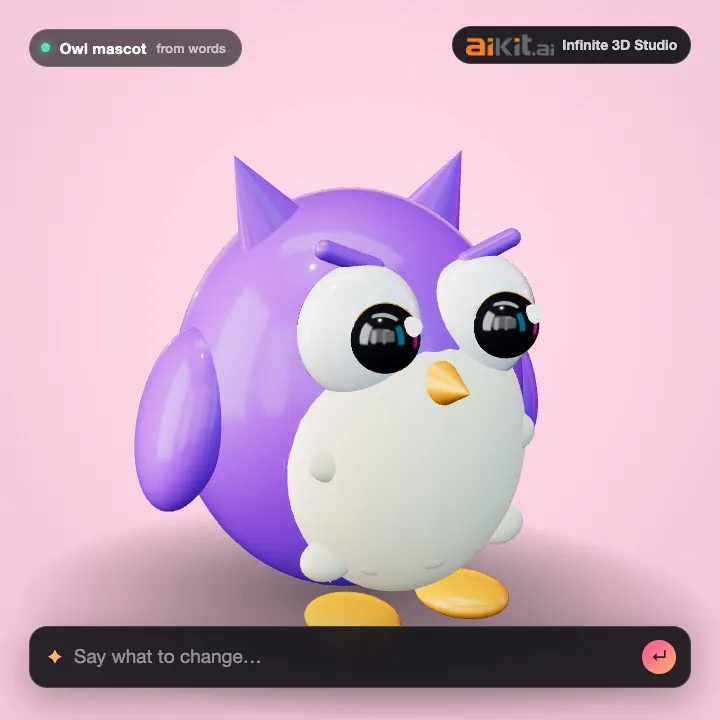
Describe a character
Type what you picture, like a friendly owl mascot with big round eyes. Watch it form, then restyle it in your own words.
What you need
- One object, said in a sentence or two: what it is, its main colors and what it is made of.
- Skip whole scenes and crowds. Say the scene afterwards, it is free to change.
- About 5 to 30 words works best. A Quick draft reads the first 200 characters.
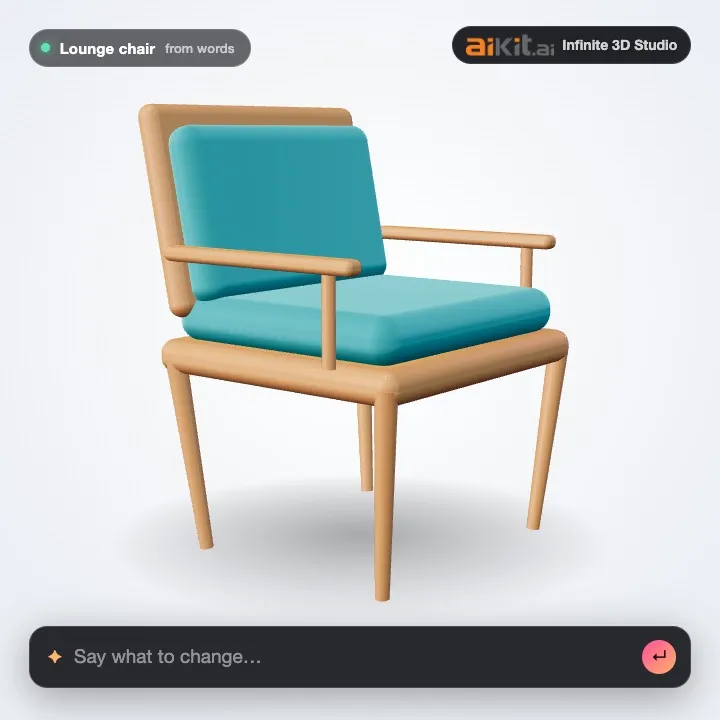
Describe a product
A mid-century lounge chair, a bottle, a box. Say it in plain words and get a 3D model you can spin and photograph.
What you need
- One object, said in a sentence or two: what it is, its main colors and what it is made of.
- Skip whole scenes and crowds. Say the scene afterwards, it is free to change.
- About 5 to 30 words works best. A Quick draft reads the first 200 characters.
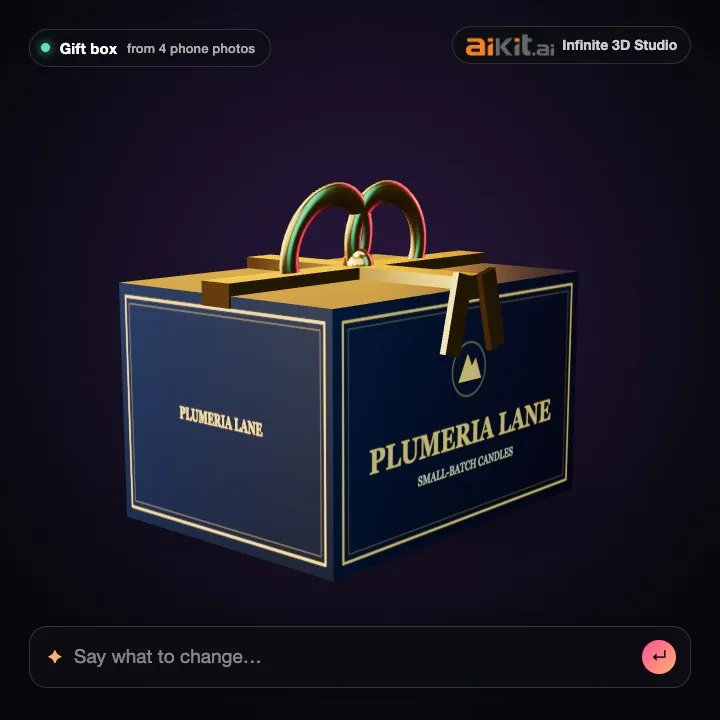
Drop photos of your product
One photo, or 2 to 4 from different sides. Your phone shots become a 3D model with the real colors.
What you need
- One photo: the product alone, in the middle, sharp and fully in view.
- Several photos: 2 to 4 of the same product from different sides, in the order front, left side, back, right side.
- A plain or clean background, soft even light and no shadows across the product. Keep the same light in every photo.
- No hands, text or filters over the product. Shiny glass and thin parts come out best from a straight-on view.
- JPG, PNG or WebP up to 25 MB each. iPhone HEIC photos: share them as Most Compatible (JPG) first. They are made smaller on your device before they are sent.
- Coming soon: a phone video walking once around the product. It is not ready yet, so video files are not accepted today.
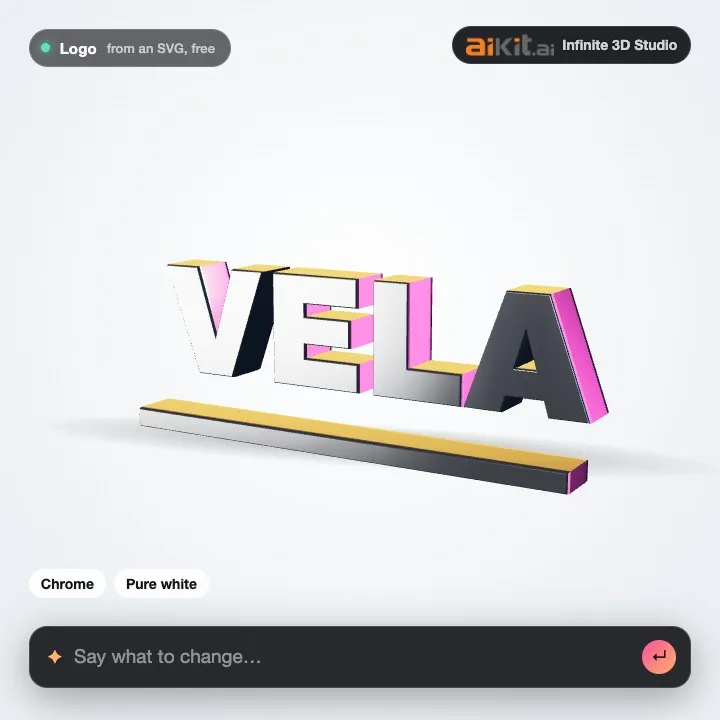
Drop a logo or a sketch
An SVG logo becomes exact 3D for free: chrome, gold, neon. A drawing or a PNG logo is built with AI.
What you need
- SVG logo (up to 5 MB): needs solid filled shapes. Outline-only lines are skipped. It is made 3D from its real shapes, in your browser, free.
- PNG logo, sketch or drawing: one subject on a plain background with clear, dark lines. It is built with AI and shows its cost first.
Also works with: a sketch (a napkin drawing or a kid's crayon robot)a 3d file (glb, gltf, stl, obj, ply or fbx)
One model, every asset
Other 3D generators give you a file. Infinite 3D Studio gives you the file and everything you make from it, with the look you picked.
Describe it, get a model
Type what you picture, a character, a mascot or a product, and the 3D model forms in front of you. Or start from one photo, 2 to 8 photos from different sides, a sketch, a logo or your own 3D file. Drag and drop anywhere, on a computer or a phone.
Watch it come to life
The real steps of the build show as they happen, then the model forms in front of you and settles into a slow turn.
Change it in your own words
"Rose gold on a sunset beach, close-up." Material, color, light, scene and camera changes are instant and free. A new shape shows its tokens first.
44 looks to start from
18 materials from chrome to holographic, 8 lighting setups, 10 scenes and 8 moods, all searchable, plus any color and a Make it pop button.
Every asset from one model
Product photos in 12 social, ad and web sizes, a transparent cut-out, a turntable video and GLB, USDZ, STL and OBJ files at a real size, made in your browser for free.
Exact 3D logos
An SVG logo becomes 3D from its real shapes, with depth and a bevel, so the lettering stays crisp. Free, and nothing is redrawn.
Photo sizes: Instagram post, Instagram portrait, Story / Reel / TikTok, Pinterest pin, Facebook feed ad, Display ad (300 x 250, 2x), Leaderboard (728 x 90, 2x), Website hero, Store product photo, YouTube thumbnail, Email header, 4K still. Looks: 44, including Luxe, Bold color, Clean studio, Playful, Tech, Earthy, Dreamy, Hero shot.
Made with it
Every clip is the tool's own viewer, replaying a free sample. Looks, light and scenes cost no tokens.
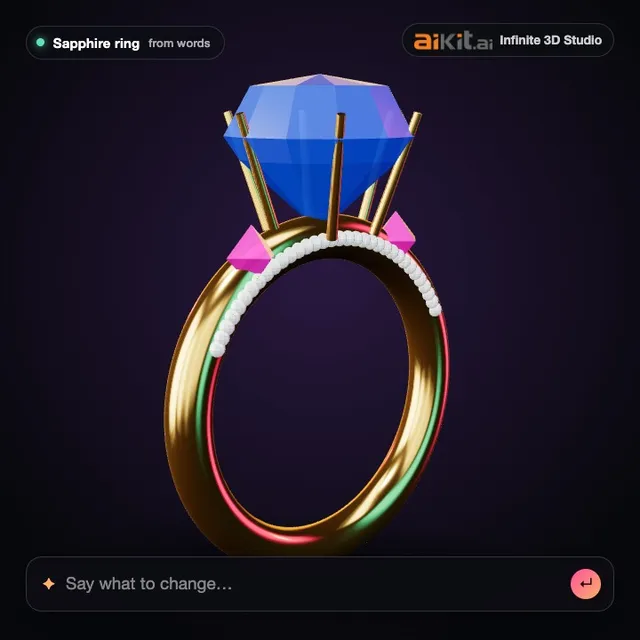
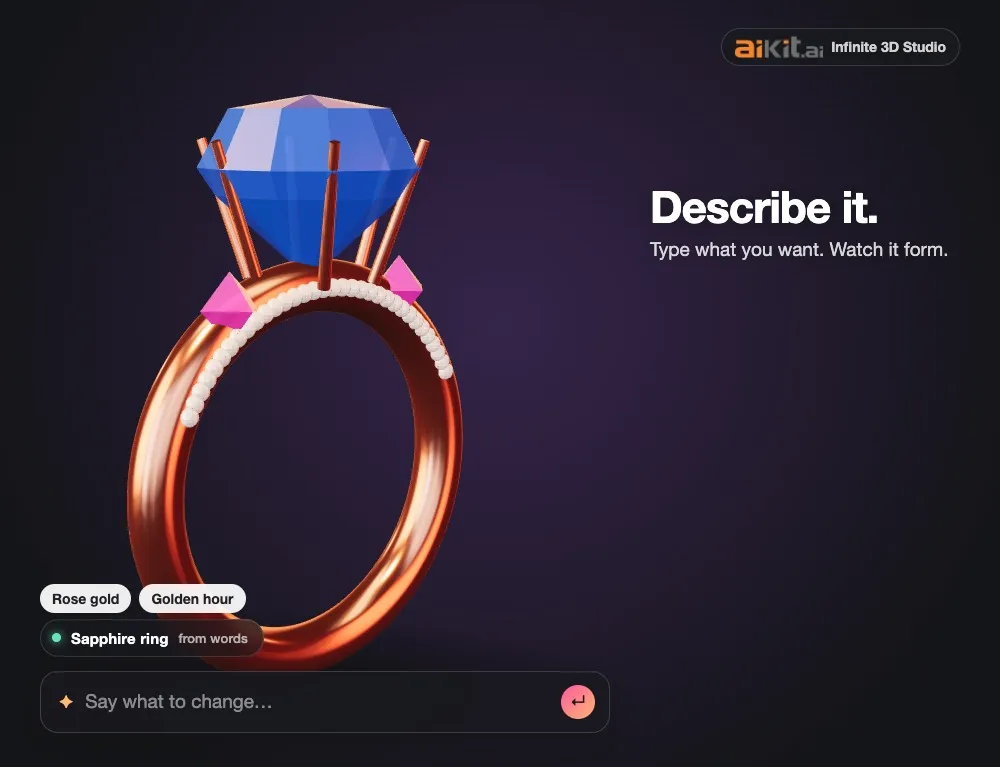
From one sentence to a ring
Type it, watch it form, then switch to platinum for free.
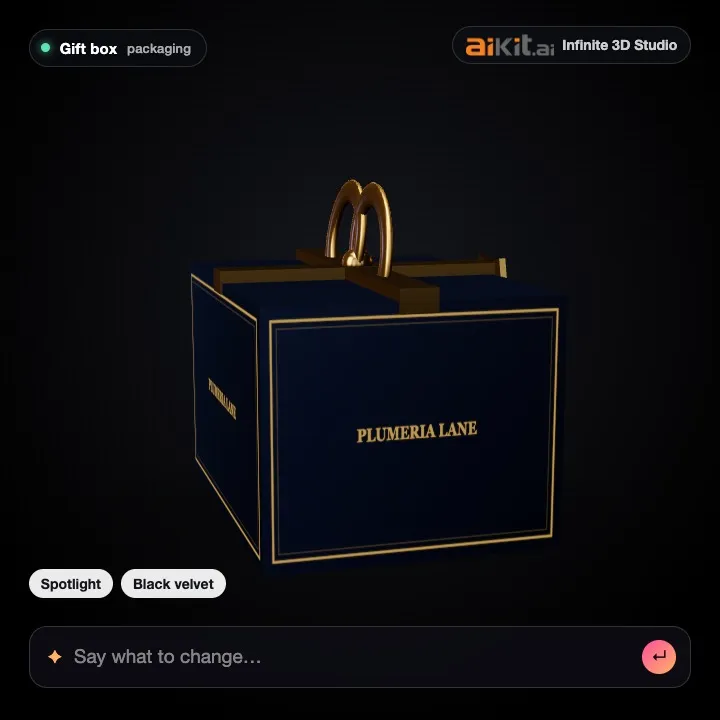
Packaging on any backdrop
The same gift box on white, black, pastel and concrete, for every campaign.
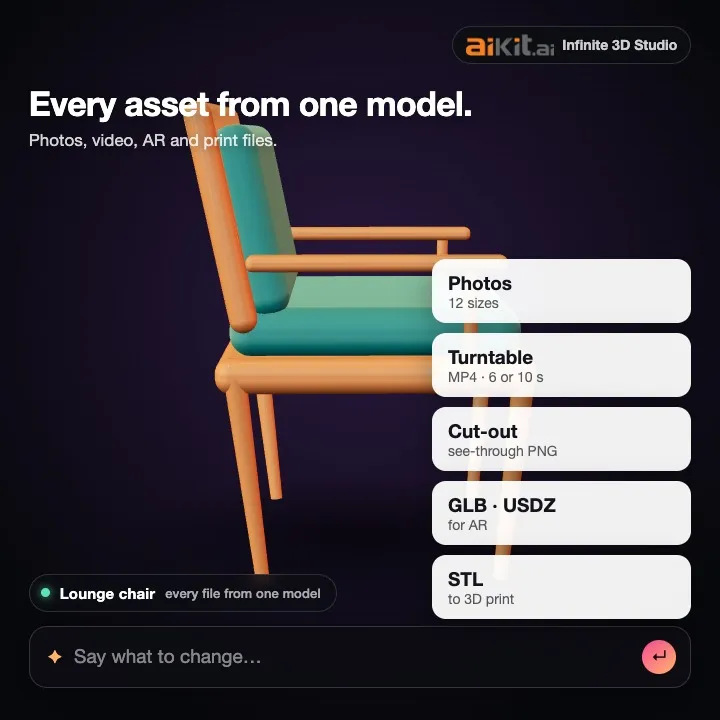
Every file from one model
Photos in 12 sizes, a turntable video, AR and 3D print files.
Spin one yourself
This is the live viewer. Four free samples form and turn here, and nothing is sent anywhere.
- Sapphire ring
- aiKit ∞ logo
- Jeweled watch
- Toy robot
How it works
- 1
Start
Type a description or drop photos, a drawing or a logo. Pick Quick draft, Standard or Best detail; the tokens show on the Build button.
- 2
Watch it form
See each real step, then the model forms on the stage. Spin it, zoom it, and try the Clay and Wire views.
- 3
Pick a look
Click a look or type what you want under the model. Gold, glass, neon, studio white, golden hour: free and instant.
- 4
Get your assets
Download photos, a cut-out, a turntable video or 3D files, save them to your Graphics Library, or send them to Photo Studio, Mockup Studio, Motion Maker, Video Kit or Email Studio.
Who it's for
A candle shop's new scent line
A candle maker photographs one jar from four sides, builds the model once, and makes the launch posts in amber, sage and blush by typing the color, with a story-size turntable for each.
Show the bottle before the order
A promo shop drops a customer's SVG logo in, turns it into a glossy 3D logo, and sends the cut-out to Mockup Studio for the approval email.
Pitch visuals in an afternoon
A small creative team describes a concept sneaker in words, picks a moody black-velvet look, and exports 12 sizes of hero shots for the pitch deck.
A maker's printable figure
A hobby maker turns a child's crayon robot into a 3D model and downloads an STL at 14 centimeters tall for the printer.
A spinning logo for the stage screen
An event company makes the client's logo 3D in chrome, records a 10-second wide turntable, and sends it to Video Kit for the opening loop.
A product photo without a studio
A bakery supply shop builds its new mixing bowl from photos and saves a transparent cut-out and a white-background store photo the same day.
Compared with 3d model generators that stop at the file
| Infinite 3D Studio | The usual way | |
|---|---|---|
| What you get | The model plus product photos in 12 sizes, a turntable video, a cut-out and four 3D file types | A model file to download |
| Changes | Type any change; looks, colors, light and camera are free and instant | Sliders and menus in a 3D editor |
| Logos | SVG logos made 3D from their real shapes, so lettering stays crisp | Logos redrawn by the AI, often garbled |
| Cost | Tokens shown on the button before you build; a failed model is given back | Credits taken per try |
| Next steps | One click to Photo Studio, Mockup Studio, Motion Maker, Video Kit or Email Studio | Export, then find another tool |
What it costs, in tokens
The cost shows on the Build button before every model. A model that fails is given back automatically.
Questions
Is there a free AI 3D model generator?
In Infinite 3D Studio the samples, SVG logos to 3D, opening your own 3D files, every look and every asset (photos, cut-outs, turntable videos and GLB, USDZ, STL and OBJ downloads) use no tokens. Building a new model from words or pictures uses your account's tokens: about 34 for a quick draft, shown on the button before you press it. A free aiKit account comes with tokens each month.
Can I 3D print the model?
Yes. In Get your assets, set the real height in centimeters and download the STL, which comes out in millimeters for slicers. AI models are not checked for printing yet (walls, overhangs and holes), so look the model over in your slicer before printing. A print check is coming next.
Does it work on a phone?
Yes. The stage takes the top of the screen, you turn the model with a finger and pinch to zoom, panels slide up from the bottom, and Drop or choose files opens your photos or camera. Photos are made smaller on the phone before they are sent.
Can I use the 3D models and photos commercially?
The models, photos and videos you make are yours to use in your own marketing and products, as long as what you upload is yours or you have the rights to it (for example, not someone else's trademarked product or character).
What is Infinite 3D Studio?
It is an aiKit tool at aikit.ai/tools/3d-studio that turns a description, photos, a drawing or a logo into a 3D model of your product. You watch it form, spin it, change its look in plain words ("rose gold", "sunset beach", "close-up"), and then get product photos in social, ad and web sizes, a transparent cut-out, a turntable video and 3D files (GLB, USDZ, STL, OBJ). It opens with free samples so you can see it work first. You need to be signed in.
How many tokens does a 3D model cost?
Only building a new model uses tokens, and the Build button shows the number before you press it: about 34 tokens for a Quick draft, 60 for Standard and 90 for Best detail. If a model fails, the tokens are given back automatically. Everything after the model is free: looks, colors, lights, scenes, product photos, cut-outs, turntable videos and 3D file downloads are made in your browser.
Can I turn photos of my product into a 3D model?
Yes. Add one photo, or two to eight photos of the same product from different sides for a better result. Put the front photo first; the labels under the thumbnails show which side each photo is used as, and with more than four the first four are used. Photos are made smaller in your browser before they are sent. iPhone HEIC photos need to be shared as JPG first.
Can I make a 3D model from a sketch or a kid's drawing?
Yes. Add the drawing as a picture (a photo of the paper works) and press Build. The model is built from the drawing's shapes and colors. For the cleanest result, use a drawing on plain paper with clear outlines. If the first try is off, rate it and build again, or describe the product in words alongside the drawing.
Can I make my logo 3D?
Yes. An SVG logo becomes an exact 3D logo straight away, made from the real shapes with depth and a bevel, in your browser and free: nothing is redrawn, so the letters stay crisp. Then try chrome, glass, gold or holographic in the Looks panel. A PNG or JPG logo is built by the AI instead, which can change small lettering, so use the SVG when you have one.
Which 3D files can I download, and at what size?
GLB (websites, online stores and most 3D apps), USDZ (iPhone and iPad), STL (3D printing, in millimeters) and OBJ (older 3D apps). Set the real height in centimeters first and the file comes out at that size. You can also open your own GLB, glTF, STL, OBJ, PLY or FBX file to view it, restyle it and save it in another format; it stays on your device.
Can I change the model by typing what I want?
Yes. The box under the model takes any change in your words. Color, material, light, scene, camera and motion changes happen at once and are free, for example "matte black on a white background" or "golden hour, close-up". Loose wording like "make it feel luxurious" is read by a quick AI step that uses well under a token. A new shape, like "add a handle", needs a new model: it shows the tokens and waits for your OK.
How do I get product photos and a video from my 3D model?
Open Get your assets (step 3). Tick the sizes you need (Instagram, Story, Pinterest, Facebook ad, display ads, website hero, store photo, YouTube thumbnail, email header, 4K) and download them or save them to your Graphics Library. Make the turntable video records one full turn in square, story or wide shape. A transparent cut-out PNG is there too. All free.
Can I send my 3D product to other aiKit tools?
Yes. What's next in the Assets panel saves to your Graphics Library and opens Photo Studio with your cut-out ready for a scene, Mockup Studio, Motion Maker or Video Kit with the turntable video, or Email Studio with a header picture.
What do my photos, logo or description need to make a good 3D model?
Describe one object in a sentence or two (what it is, its colors and what it is made of). For photos, use the product alone, in the middle and sharp, on a plain background with soft even light. Several photos should be 2 to 4 shots of the same product from different sides, in the order front, left side, back, right side, with the same light in each. JPG, PNG or WebP up to 25 MB each; iPhone HEIC photos need to be shared as Most Compatible (JPG) first. An SVG logo (up to 5 MB) needs solid filled shapes. A PNG logo or sketch works best as one subject with clear dark lines on a plain background. A 3D file (GLB, glTF, STL, OBJ, PLY or FBX up to 100 MB) opens on your device. Video of a product is not accepted yet; a phone walk-around is planned for a later update, so add 2 to 4 photos for now. The same list sits under What you need in the Start panel.
Is what I upload private?
Your pictures are sent only to build your model, and your models are visible only to your account. SVG logos and 3D files you open are never uploaded: they stay in your browser. Saved photos and videos go to your own Graphics Library.
See your product in 3D
Start with a free sample, then make your own.
Open Infinite 3D Studio