Video
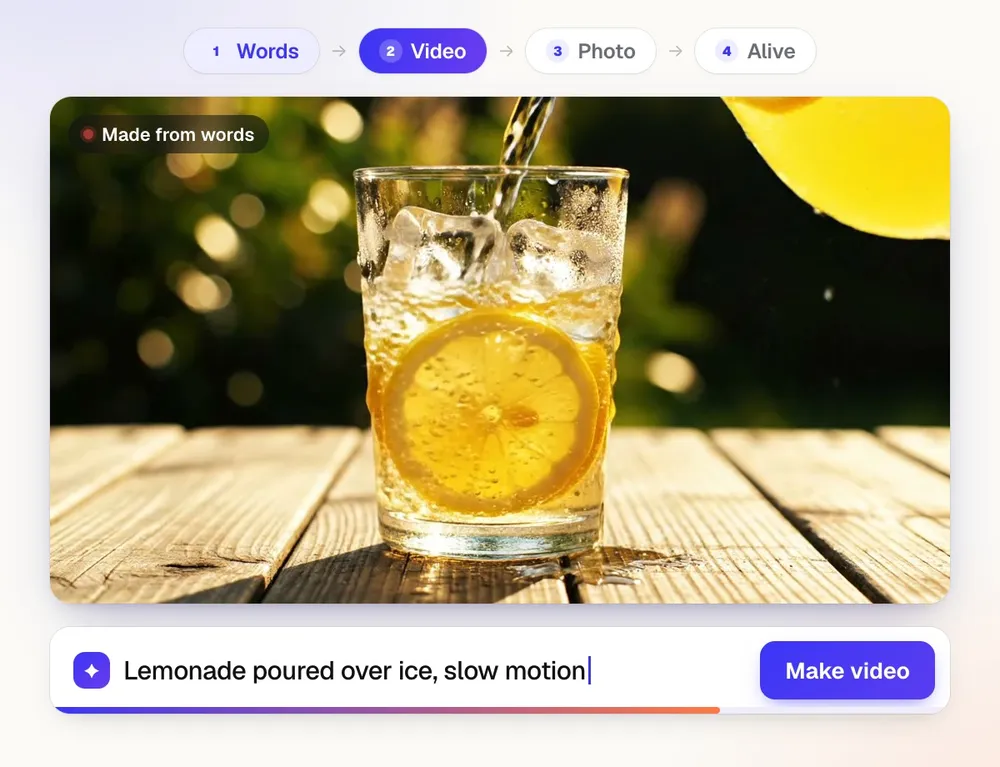
A video from a sentence.
Type the scene and get a short clip. Then cut it for 9:16, 1:1 or 16:9, with captions that follow the voice.
43 AI tools · build your own kit
Most AI apps do one job. aiKit does the whole week’s work.
Make the photo, cut the video, write the jingle, send the email, fix the print file and launch the website. 43 AI tools, and you keep the ones you use in kits of your own.
Free to start. No card needed.

1/4 One sentence in: “a golden retriever, a lot of bubbles, a yellow van.” Photo out.
Real screens from aiKit. The dog-grooming van is made up; the tools are not.
How it works

Photos, video, songs, voice-overs, posts, emails, quotes and print files. What one tool makes, the next one can pick up.
See the tools →


Group the tools you use into kits, like Marketing or Bookings. Rename them, add a tool, drop one, any time.
See example kits →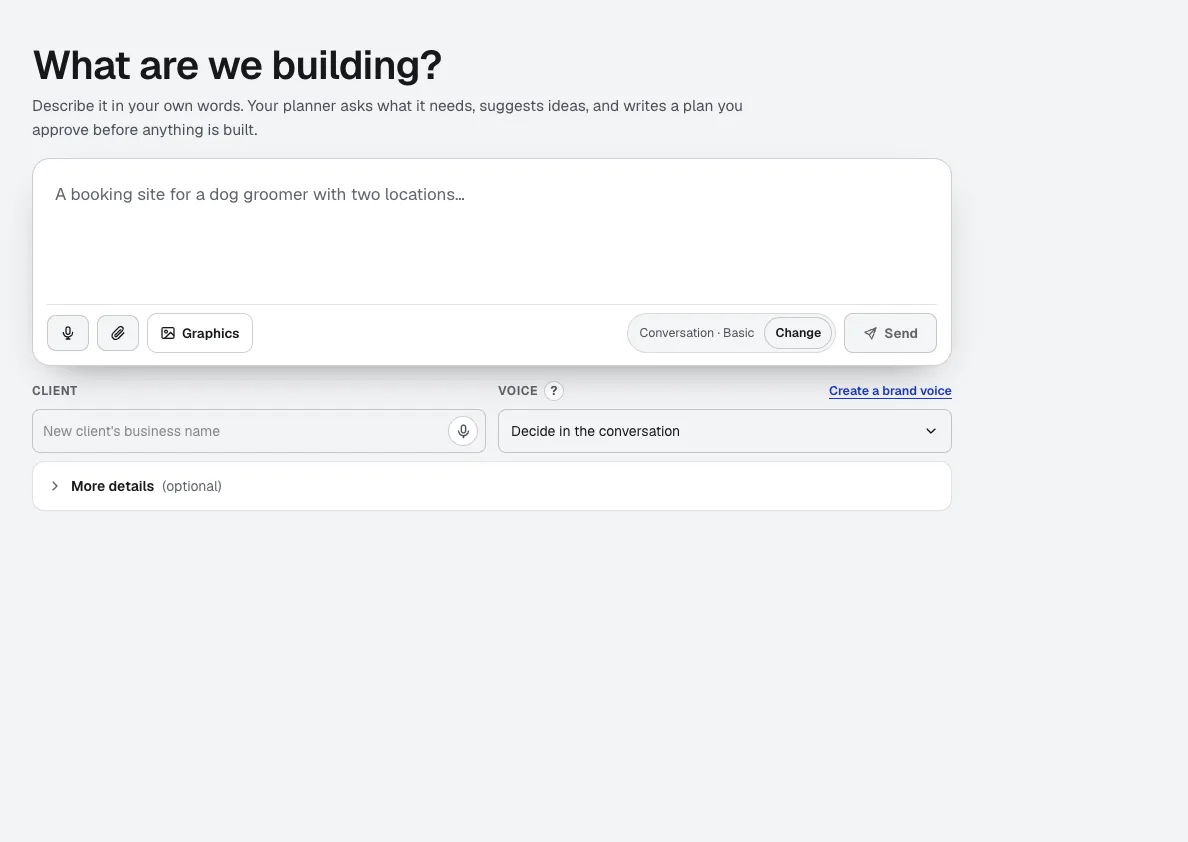
Websites, booking systems, client portals and modules. aiKit plans them, builds them and hosts them.
What you can build →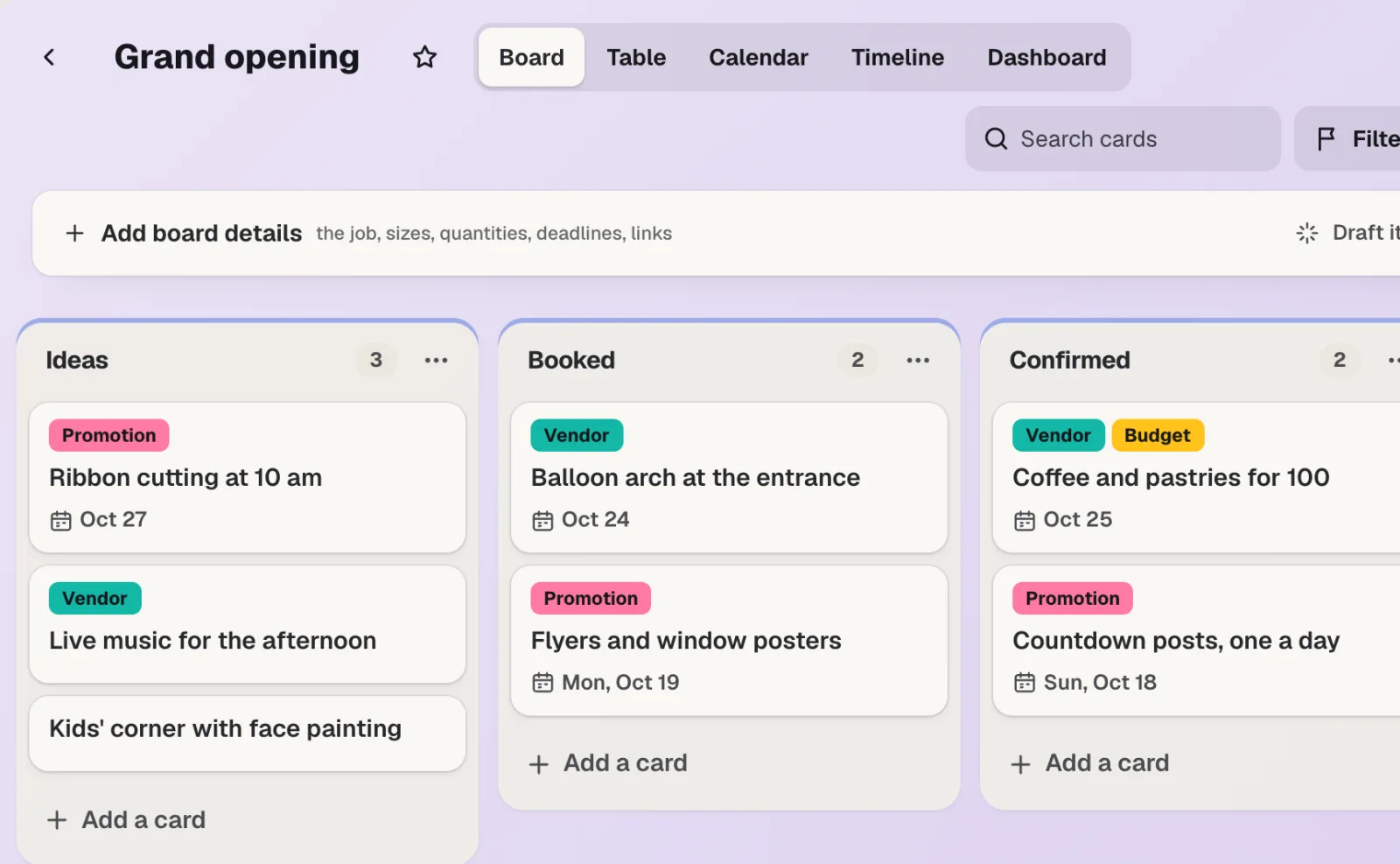
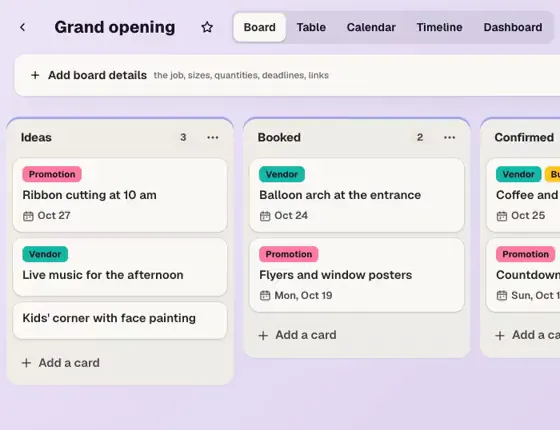
aiKit Hub keeps every job and client. Brand Kit keeps your voice and colors. Graphics Library finds any logo. Share with your team or a client.
Tour aiKit Hub →Video · Photos · Writing · Music · Print · Websites
Recorded in the app. Each one is a full tool with its own page, not a button buried in a menu.
Video
Type the scene and get a short clip. Then cut it for 9:16, 1:1 or 16:9, with captions that follow the voice.
Photos & design
New photos, product scenes and logos, plus layers and sliders when you want control.
Writing
Blog posts, emails and captions, checked before they go out.
Music & voice
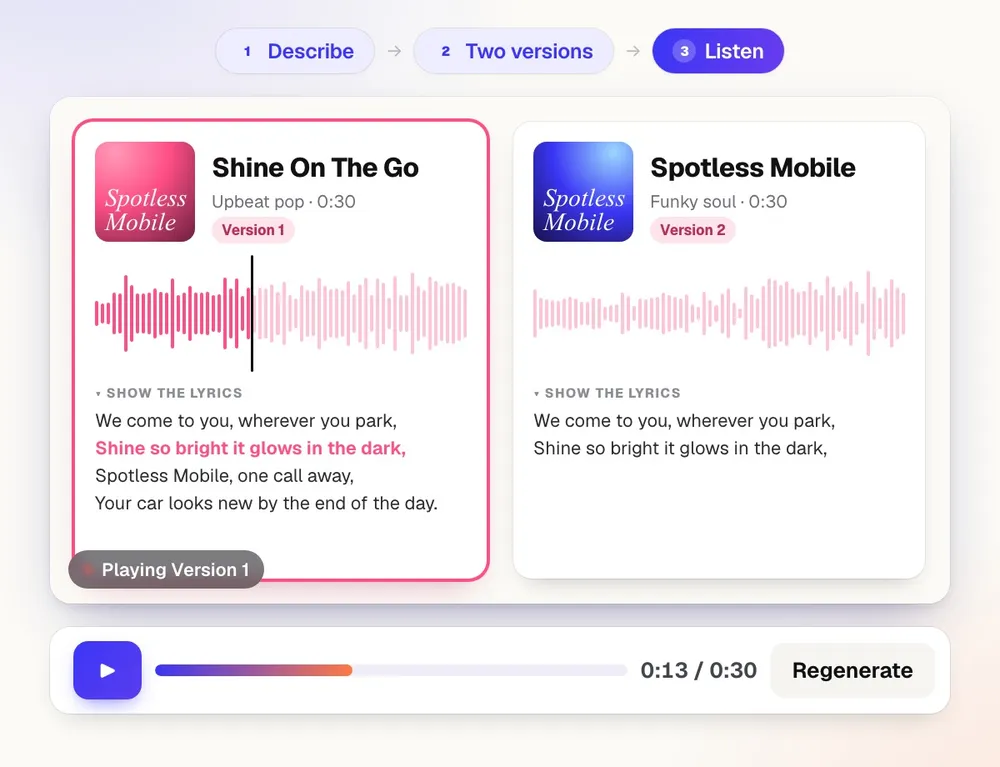
Describe it, hear two versions, keep one. Add a voice-over from a script.
Size, bleed and color checked, then shown on shirts, mugs and signs.
Websites
aiKit plans it, builds it, hosts it and adds working modules, then changes anything you ask, with every version saved.
Sales & customers
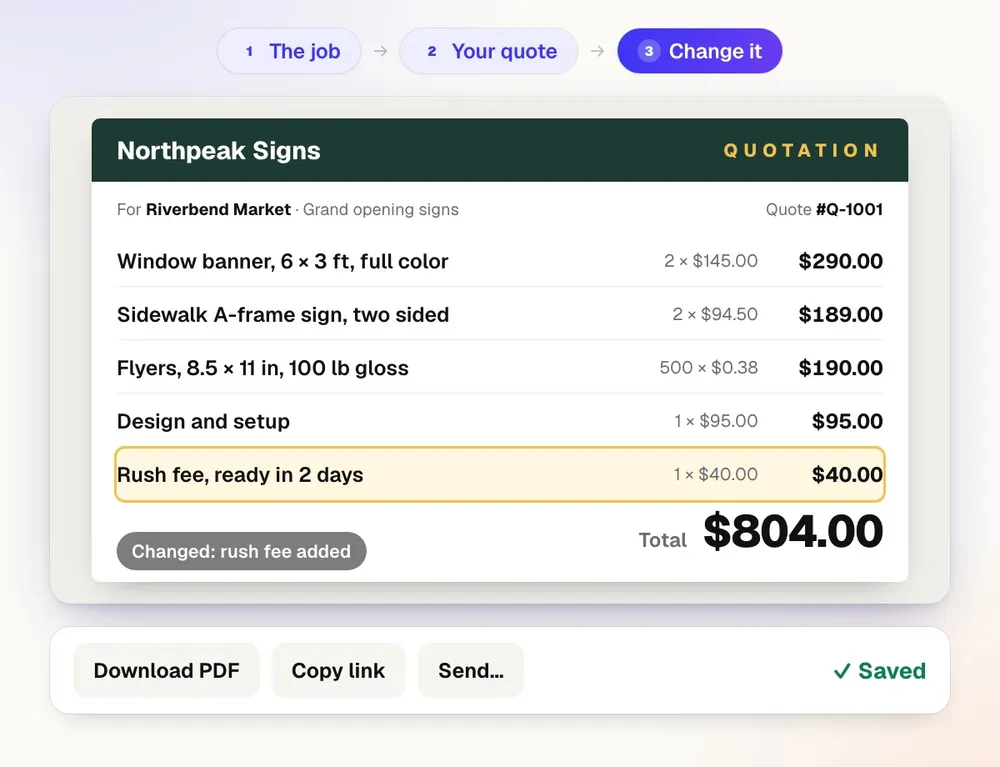
Quotes, emails, reviews, live chat and a card for every job, right next to the tools that make the work.
Kits
A kit is a set of tools for one part of your work. Make one for marketing, one for quotes, one for each client.


Build your own
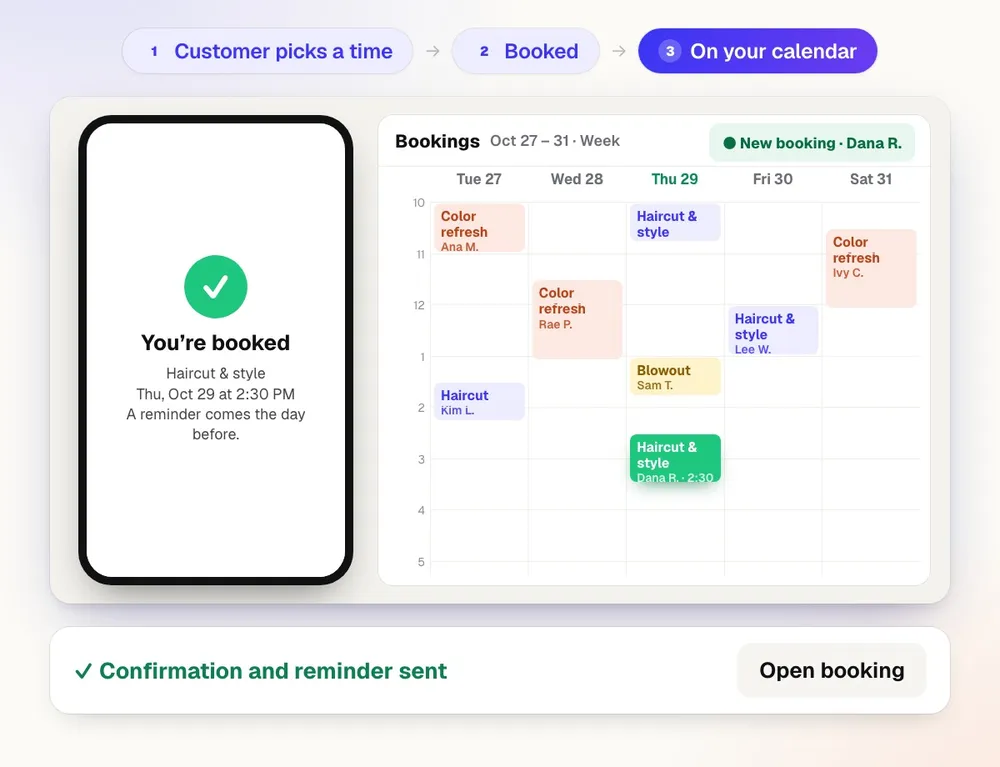
Describe what you need: a website, a booking system, a client portal, a tool of your own. aiKit writes the plan, builds it with working modules and hosts it. Then you change anything by asking, with every version saved.
Modules you can add today
The module library is new. We’re adding modules all the time, and you can ask for the one you need.
Find your tools
Snap together the kit your work runs on.
Find your tools:
Agencies & freelancers
Retail & e-commerce
Food & hospitality
Home & local services
Health & wellness
Professional services
Print & signs
Education
Nonprofits & faith
Events & entertainment
Creators

Suggested from aiKit’s real tools. Fine-tune it in the Toolkit Builder →
Plans
Every tool is on the free plan. Paid plans give you more AI tokens each month, plus more voices and room for your team.
Questions
Writing, video, music, design, print, voice and websites. Add the tools you use to your own kit. Free to start, no card needed.