

Room Designer新機能
See the sofa in their living room, at its real size
Place real 3D furniture, TVs and decor true to size in a 360 room or a photo of your customer's room. Import your product list, compare layouts and send a picture. Free.
無料アカウント、カード不要。 すでにaiKitをご利用ですか? ログインしてRoom Designerを開く
できること
Place real 3D sofas, tables, lamps and TVs true to size in a 360 room or a photo of your customer's room, import your own product list, and save layouts to compare.
True to size, with shadows
Click a product, click the floor. It lands at its real size with a soft shadow, and turns and moves with a drag.
Their room, three ways
A 360 room to look around, a normal photo anyone can take, or one product live on the floor through a phone.
Your catalog, not ours
Import a CSV or JSON product list with sizes, prices, 3D model links and Buy links, or upload a GLB.
Layouts side by side
Save this layout, build two more, and click between them in front of the client, with a room total.
From photo to 3D to their room
Turn product photos into a model in Infinite 3D Studio, then Place it in a room at its real height.
すべての機能
Room Designerのすべて
現在のツールの機能を完全にまとめた一覧です。
- Four real examples: a furniture store, an interior decorator, a TV installer and a home stager
- Three ways to show a room: a 360 room you can look around, a normal room photo, or one product live in the room through a phone
- Real 3D products placed true to size with soft shadows: click a product, click the floor, drag to move, turn with the handle
- Swap for another product in the same spot, duplicate, delete, lift off the floor, and a room total with prices
- Your own products: upload a GLB or glTF (plus USDZ for iPhone), or import a product list as CSV or JSON with sizes, prices, model links and Buy links
- Place it in a room from Infinite 3D Studio: your model arrives at its real height
- Save layouts and click between them, then save a picture or a walk-through video to your Graphics Library (AR Studio folder)
- Live on a phone with a QR code, in the browser with no app
含まれるもの
Room Designerでできることと、aiKitのほかのツールとの連携
aiKitの無料アカウントに含まれます
- Free on every aiKit account: it runs on your device
- Four examples, 360 room, room photo and live view
- CSV and JSON product import, GLB and USDZ uploads, saved layouts
AIを使うものと無料のもの
Room Designer uses no AI and no tokens. Building a new model in Infinite 3D Studio uses tokens there, shown before it runs.
aiKitのほかのツールと連携
- Infinite 3D Studio: Place it in a room brings a 3D Studio model in at the real height you set.
- Graphics Library: Room photos come in from the library, and pictures and videos are saved to the AR Studio folder.
- Email Studio: Send a saved room picture into an email from What's next.
Room Designerは、どのキットにも入れて、一緒に使うツールと並べられます。毎月のAI利用枠は、追加したすべてのツールで共通です。
使い方
最初のクリックから完成まで、4ステップ。
Pick a room
A 360 photo, a room photo or a ready-made example: a furniture store, a decorator, a TV installer or a home stager.
Line up the floor
One slider for a 360 room, or Horizon and Camera height for a photo, until the grid lies flat.
Place and compare
Click products onto the floor, swap them in place, duplicate, and save layouts to compare.
送信する
Save a clean picture or a walk-through video, then send it to the client or put it in an email.
こんな方におすすめ
さまざまなビジネスでのRoom Designerの使い方
"Will it fit?" answered on the spot
A made-up furniture store asks for a photo of the living room, drops in the 84-inch sofa and sends it back the same hour.
Size the TV before the install
A made-up home theater installer shows a 55, 65 and 75 inch on the real wall so the customer picks with confidence.
Stage a vacant listing
A made-up stager furnishes an empty room for the listing photos and labels them "virtually staged".
Three layouts in one meeting
A made-up interior decorator builds the classic, the conversation and the reading-corner layout and clicks between them.
こんな方に最適
- Furniture, appliance and rug shops answering "will it fit?" with the customer's own room
- Interior decorators and home stagers showing several layouts in one visit
- TV and home theater installers sizing the screen on the real wall
知っておきたいこと
- 向いていない用途: Floor plans and architecture drawings
- 向いていない用途: Exact install measurements (still measure before delivery)
- Free: it runs on your device and uses no tokens.
- Your product list and layouts are kept in this browser on this device.
- Products you uploaded stay on this computer; the phone QR shows the built-in products.
質問
Room Designerについてよくある質問
Is there a free way to see furniture in a customer's room at the real size?
How do I show a TV at its real size on a customer's wall?
Can I put my own furniture catalog into a room visualizer?
What is AR Studio in aiKit?
Do the AR Studio tools cost anything?
Is my camera video uploaded?
Where do my AR photos and videos go?
How do I show a customer how big a sign will be on their building?
Does my customer need an app or an account to see it on their wall?
Which quote lines get See it at real size?
How do I make a branded selfie filter for my business?
Do my customers need an app for Brand Camera?
If I change my Brand Camera, do I need a new QR code?
How can a customer see furniture in their own room before buying?
Can I import my vendor's product list into Room Designer?
相性のいいツール
同じキットに追加したいツール
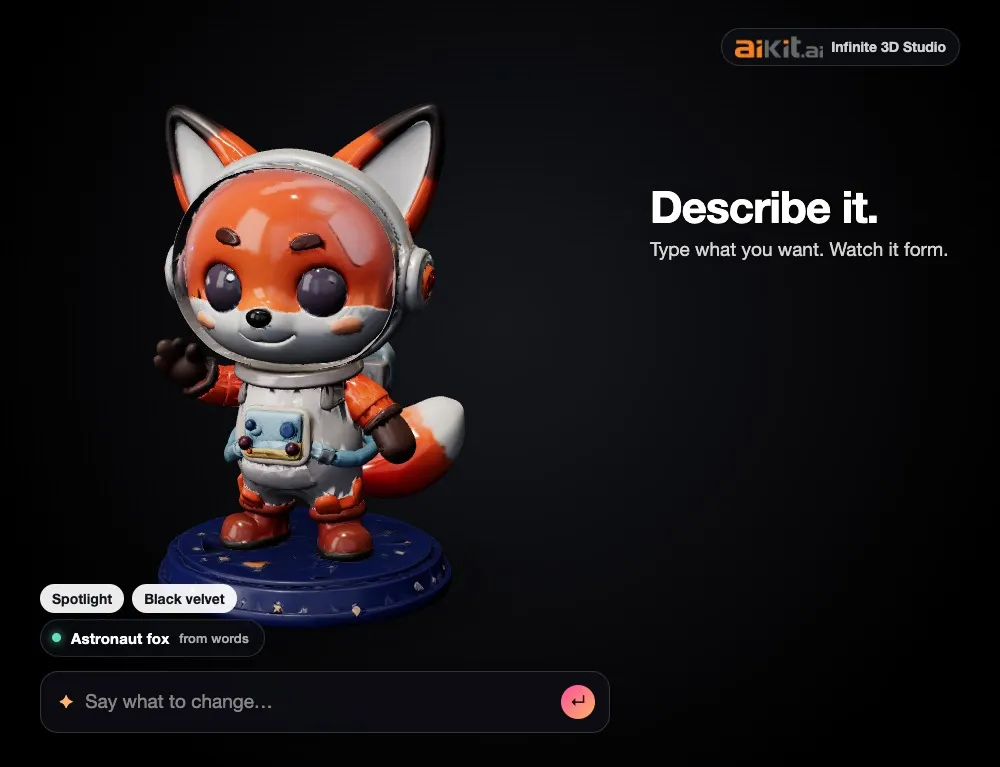
Infinite 3D Studio
新機能商品を文章で説明するか、写真、スケッチ、ロゴをドロップしてください。3Dモデルが形作られる様子を見て、見た目を言葉で変更でき、そのあと商品写真、回転動画、3Dファイルをすべて1つのモデルから作成できます。
Life-Size
新機能Snap the storefront, lawn or wall and mark a door. The sign, banner or canvas appears at its true size. Or see it live through the phone. Free, and it runs on your device.
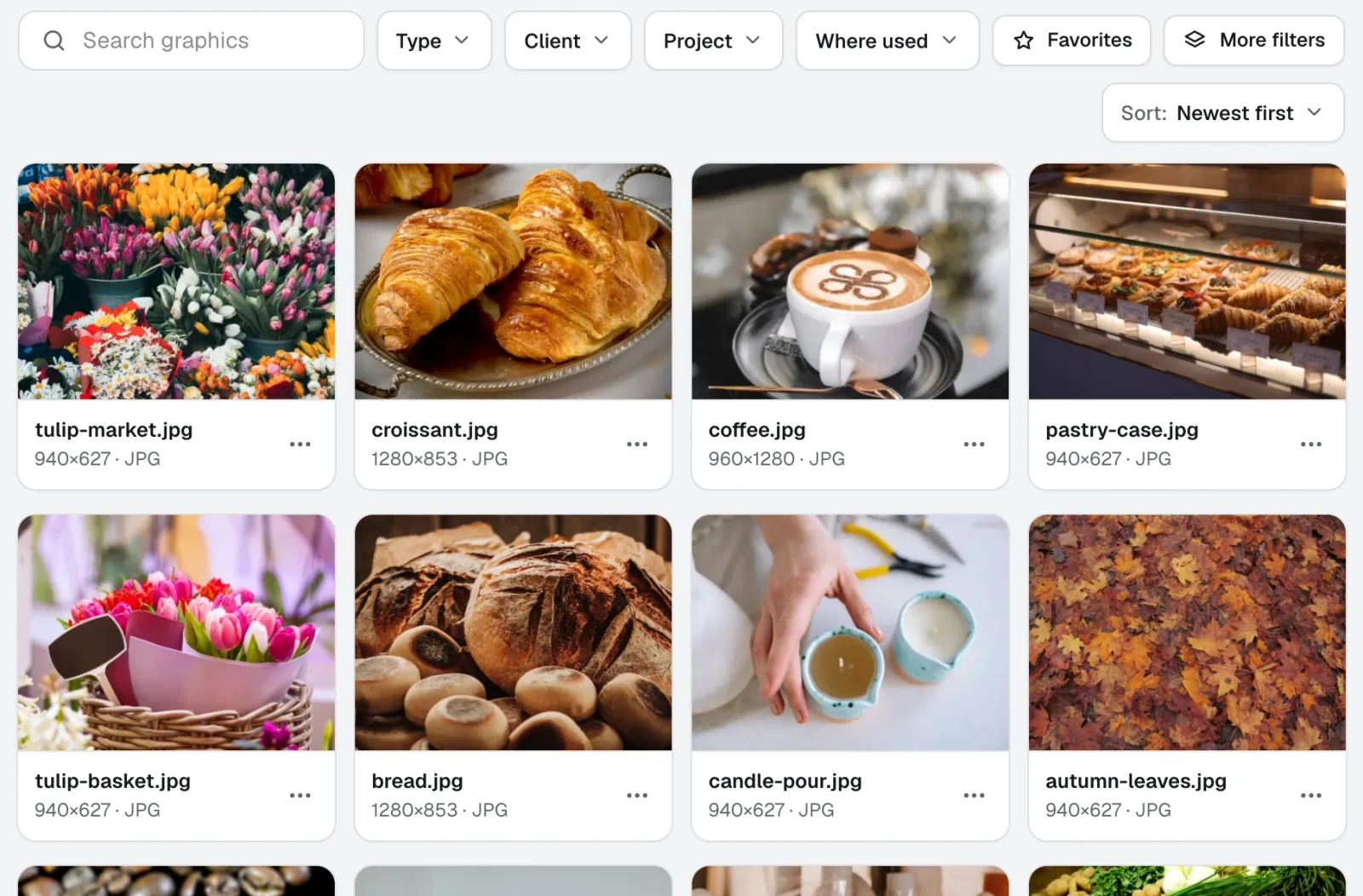
Graphics Library
新機能Graphics Libraryは、チーム向けのデジタルアセット管理ソフトです。すべてのクライアントとプロジェクトのロゴ、写真、デザインファイルを、ラベル付きで1か所にまとめます。フォルダーごと投入でき、数百件を一度にラベル付けできるため、チームの誰もが必要なファイルをすぐに見つけられます。
このページは2026-11-22に製品の内容と照合して確認しました。