

Bring in a site you built elsewhere
Give the site you built elsewhere a real address that stays up
Built a site in another AI tool or by hand? Host an AI-built website on aiKit: publish it straight from that tool's chat, and keep updating it from there or in aiKit, with every change saved as a version you can undo.
Free account, no card. Already using aiKit? Log in to open Bring in a site you built elsewhere
What you get
Built a site in another AI tool? Give it a real address on aiKit and keep updating it from that tool.
A real address, not a laptop preview
A site an AI tool made lives in a folder or a preview link that stops when your computer sleeps. Publishing to aiKit gives it a normal https address that stays up on any device.
Publish from the chat you build in
Make a key on the Connect page, follow the numbered steps for your kind of tool, then say "publish this site to aiKit." Later changes send only the changed files, and each one becomes a version.
Keys you stay in control of
Each key is shown once and labeled with the tool's name. Set it to expire in 30 days, 90 days or a year, make it read-only so it can look but never publish, and revoke it any time.
A prompt that shapes the files right
Every route comes with a copy-paste prompt that tells your tool the folder shape aiKit hosts, what every page must carry, how to build forms so aiKit can wire them up, and to use placeholders instead of invented facts.
The same tools as any aiKit site
Once it's in, the site gets the Assistant chat, pins on the live page, versions, drafts with automatic checks before Publish, working forms from the Kit, and your own domain when you're ready.
Already in a Git repository?
Connect your code links an existing repository and where it runs, on your own server or on aiKit. Ask for a change in words, review the diff and the checks, and nothing deploys until someone presses Approve and deploy.
Every feature
Everything in Bring in a site you built elsewhere
The complete list, from the tool as it works today.
- A connection key and step-by-step setup for your tool
- A copy-paste prompt for that tool
- Hosting, your own domain, and the same project tools as any aiKit site
What’s included
What you get with Bring in a site you built elsewhere, and how it works with the rest of aiKit
Included with a free aiKit account
- A connection key and numbered setup for your tool, with the key filled in
- A copy-paste prompt for that tool
- Or upload a zip up to 300 MB, or paste a public GitHub link
- A working https address with Go live, and your own domain from the Hosting tab
- The same project tools as any aiKit site: versions, pins, the Assistant, and forms
What uses AI, and what’s free
Publishing from your own tool uses none of your aiKit AI allowance: your tool does the building, and a plain site that's ready as exported is hosted as it is. aiKit's AI comes in only when you ask for it: edits through aiKit's Assistant count like any aiKit site's AI edits, and the setup helper's answers use your account's monthly AI credits.
Works with your other aiKit tools
- Your websites: A connected site sits in Your websites with the same tools as any aiKit site.
- Site Plan: A site that arrives without a plan gets a Site Plan started for it.
- Customer Proofs: Send any version of the site to your client as a proof.
Keep Bring in a site you built elsewhere in any of your kits, next to the tools you use with it. One account and one monthly AI allowance cover every tool.
How it works
From first click to finished, in 4 steps.
Pick how you built it
Open Connect a site and choose your kind of tool: an AI chat app, a coding assistant in a terminal, a code editor, or anything else that exports a zip or a GitHub link.
Make a key and set up the tool
Create a key, then follow the numbered steps with every address and command already filled in. Stuck? Ask here reads a screenshot of your screen and says which field comes next.
Publish
Say "publish this site to aiKit" in your tool's chat, or upload a zip or public GitHub link under New project. The project appears ready, and Go live puts it on a working address.
Keep working from either side
Send updates from your tool, or use pins and the Assistant in aiKit. On a live site, each change waits as a draft until it's published, and every change can be undone.
Who it’s for
How different businesses use Bring in a site you built elsewhere
A coach's site built over a weekend
An invented life coach builds a booking-ready site in an AI chat app, publishes it to aiKit from the same chat, and adds a working booking page from the Kit.
Designers keep their own tool
A fictional design studio keeps building client sites in its own editor and sends updates through a key per teammate, while clients leave pins on the live pages in aiKit.
A handmade landing page goes live
A made-up cleaning service exports a one-page site as a zip, uploads it, and gets its plain HTML form wired to a Requests inbox with no changes to the design.
A course page that stays up
An invented tutoring center publishes a course information site it built in an AI tool, so families can open it whether or not the teacher's laptop is on.
Ideal for
- Websites and landing pages made in an AI tool that are ready for real visitors
- Teams who want to keep editing in their own tool and still use aiKit's pins and Assistant
Good to know
- Not for: Apps with logins and a database; they need their own server, and the page says so before you start
- Only what the files contain gets published. A site that depends on its own server publishes as a stripped-down shell, so check the result before you share it.
Why aiKit
Bring in a site you built elsewhere vs. hosting it yourself
| Point | aiKit Bring in a site you built elsewhere | Hosting it yourself |
|---|---|---|
| Getting it online | Say "publish this site to aiKit" in your tool's chat, or upload a zip | Set up a hosting account, upload files and configure the address yourself |
| Updating it | Your tool sends only the changed files; each update becomes a version you can undo | Re-upload by hand and hope nothing breaks |
| Forms | Plain HTML forms are wired to aiKit's quote, contact and booking system, with entries on a Requests tab | Find and connect a separate form service |
| Changes from people who don't code | Teammates and clients can pin spots on the live page or ask the Assistant | Every change waits for whoever built the site |
| Access control | One key per tool, optional expiry, read-only keys, revoke any time | Shared passwords or a single deploy login |
Questions
Bring in a site you built elsewhere: questions people ask
How do I host an AI-built website I made in another tool?
Can I keep editing my site in my AI tool after it's hosted?
Is it safe to give an AI tool a key to my hosting?
Can aiKit host an app with logins and a database?
What kinds of sites can I bring into aiKit from another tool?
Why is my AI-built site only working while my computer is on?
Will aiKit change my design when I upload my site?
Can AI make changes to my code on my own server, with approval first?
What if I get stuck connecting my AI tool?
Do I need to tell my AI tool anything special before it builds the site?
Works well with
Tools to add to the same kit
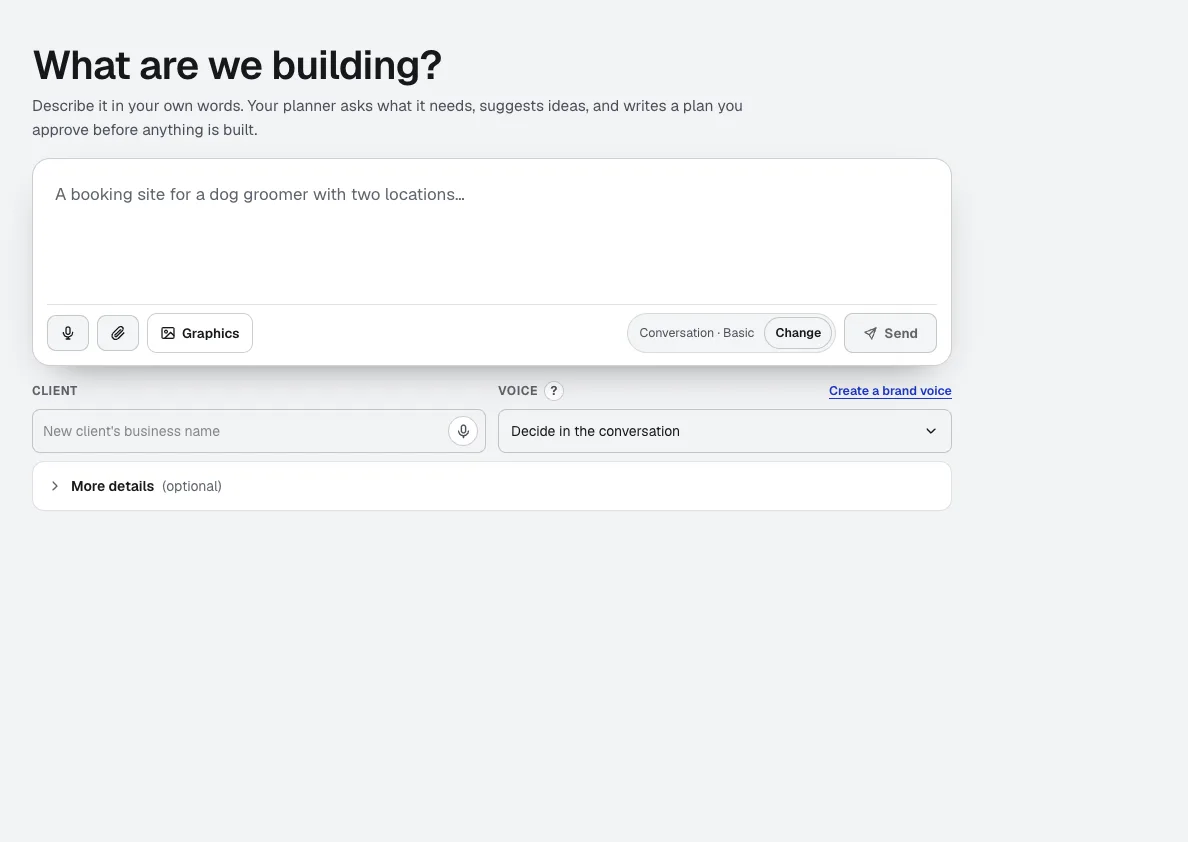
Your websites
aiKit is an AI website builder with hosting: it plans the pages, writes the copy, builds the site and hosts it. Every later change is a request in your own words, saved as a version you can undo, for your own business or for every client you run sites for.
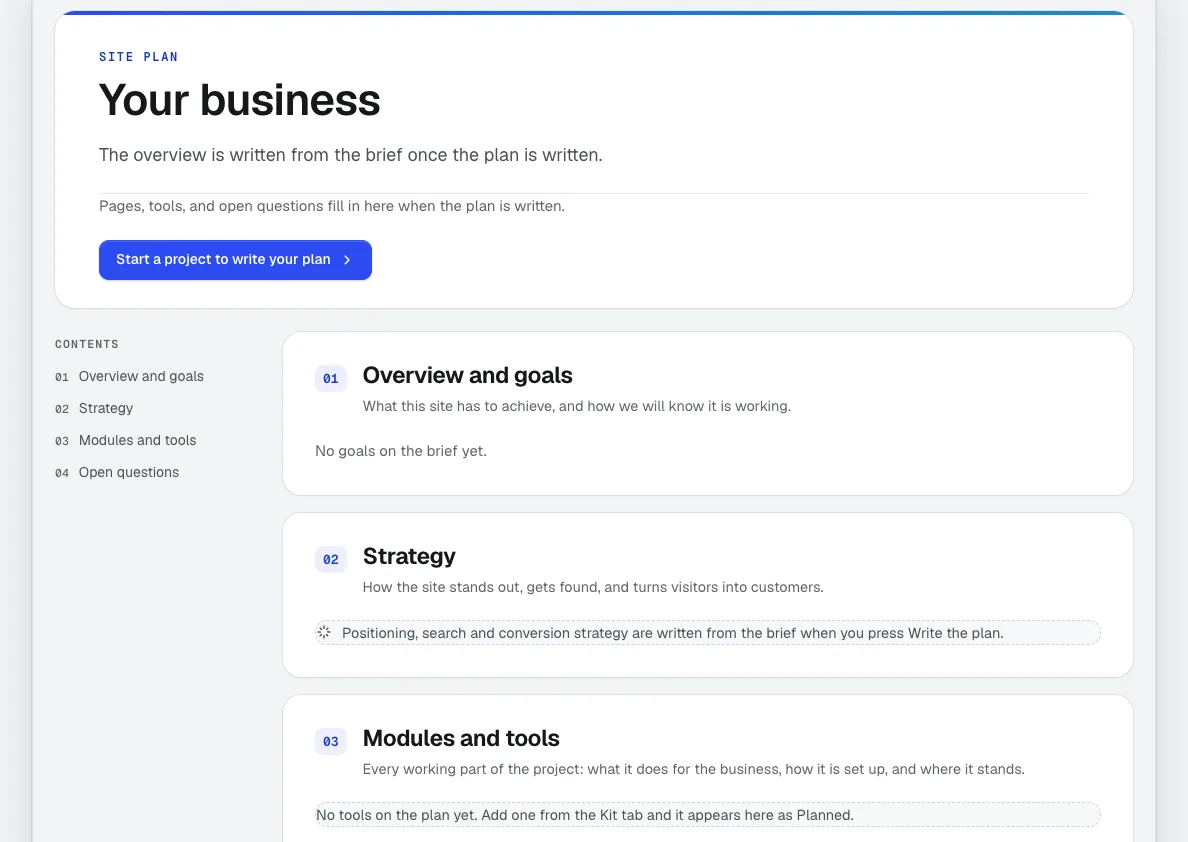
Site Plan
Every aiKit website gets a professional website project plan: goals, audience, strategy, sitemap, every tool explained, timeline and open questions. It's measured against the real site after each change, with a Make it button on every build step and a private link for your client.
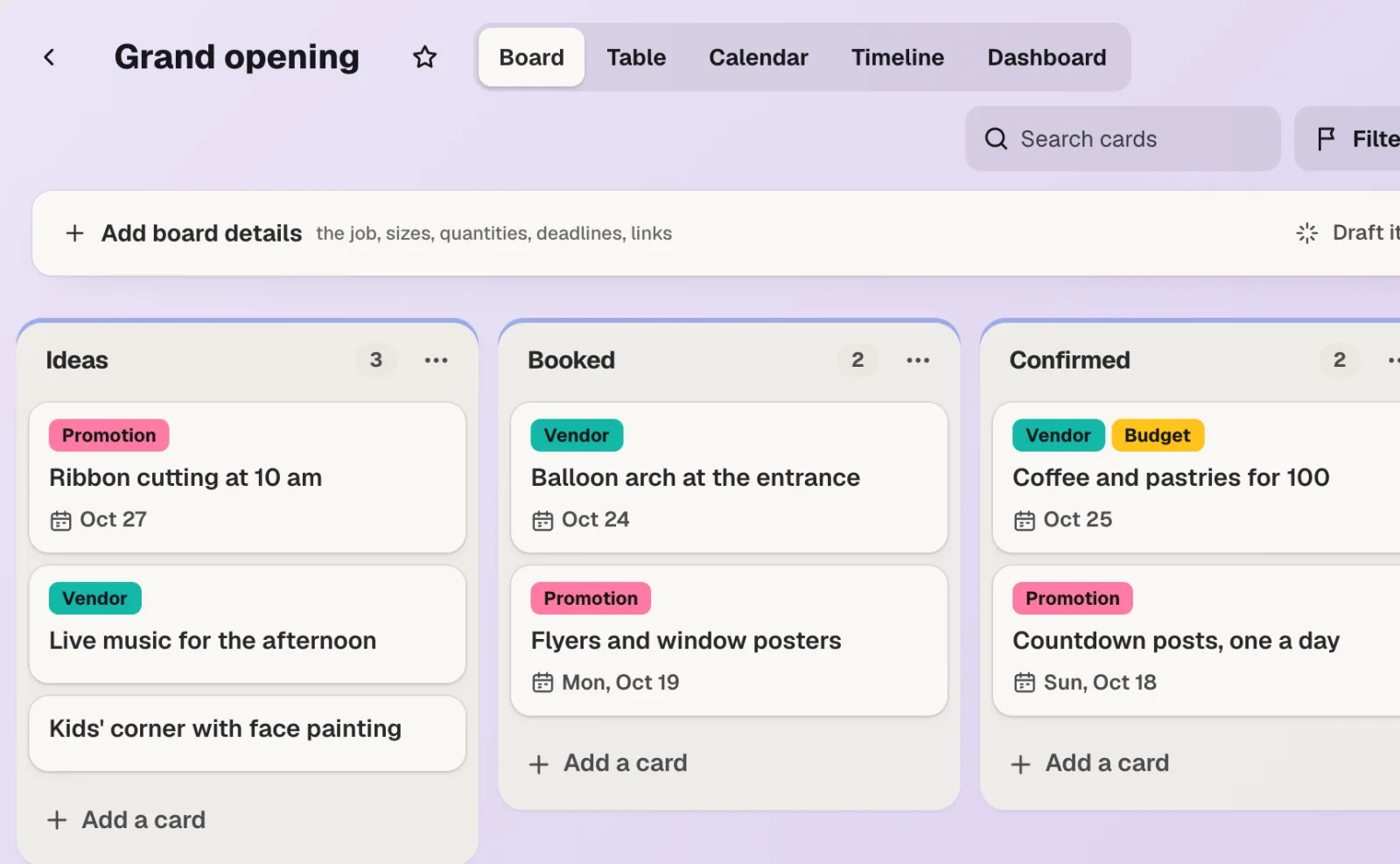
aiKit Hub
NewaiKit Hub is client project management software: to-do lists that flip into boards, messages, chat, a shared schedule, docs and files, and a client view that shows only what you choose. Your quotes, proofs, bookings and website requests live on the cards they belong to.
Use Bring in a site you built elsewhere today.
Make a free aiKit account and open Bring in a site you built elsewhere, plus every other tool in your kit.
Page last checked against the product on 2026-10-16.