

360 Tour新功能
A 360 walk-through of any space, on their phone or in VR
Turn 360 photos into a tour with room-to-room arrows and info labels. Publish a link, a QR code or a website embed, or run a hazard hunt for new staff. Free, no app.
免費帳號,無需信用卡。 已經在使用 aiKit 了嗎? 登入以開啟 360 Tour
您會得到什麼
Turn 360 photos into a walk-through tour with info labels and room-to-room arrows, plus VR headsets and a hazard-hunt training mode.
From photos to a tour in minutes
Drop in 360 photos from a 360 camera or a phone's photo sphere mode. Each one becomes a room you name.
Arrows and labels
Click the photo to add a Go to room arrow or an info label with a short note, like "Quartz counters, redone 2025".
Phone, computer or VR
Visitors drag, move their phone to look around, or step inside with a VR headset's browser.
Hazard hunt training
Mark labels as hazards. New staff tap what looks unsafe and see their score, before day one.
Link, QR code or embed
Publish once for a short link, a QR code and an embed code. Publish again and the same link updates.
所有功能
360 Tour 的全部功能
完整清單,依工具目前的實際運作整理。
- Three real examples: an open house, a venue and a warehouse hazard-training tour
- Rooms from 360 photos (a 360 camera, a phone's photo sphere mode or a free 360 photo app), named, reordered and replaced
- Go to room arrows and info labels with a short note, placed by clicking the photo
- A start room and view, a room menu, a slow spin after a quiet moment, full screen, look-around by moving the phone, and Enter VR on a headset's browser
- Training mode: mark labels as hazards; visitors tap to find them and get a score
- Publish and share: a short link, a QR code and an embed code for your website; publish again and the same link updates
- Record a walk-through video or save a still to your Graphics Library (AR Studio folder)
- Export and import a tour file as a backup
包含內容
使用 360 Tour 能獲得什麼,以及它如何與 aiKit 其他工具搭配
免費 aiKit 帳號即可使用
- Free on every aiKit account
- Three examples, arrows, info labels, VR and training mode
- Publish for a short link, QR code and website embed that update when you publish again
哪些會用到 AI,哪些免費
360 Tour uses no AI and no tokens.
可與你的其他 aiKit 工具搭配使用
- Graphics Library: Add a 360 photo from the library as a room; walk-through videos and stills are saved to the AR Studio folder.
- Clip Studio: Cut a recorded walk-through into short clips from What's next.
- Your websites: Paste the embed code into your site, or ask your aiKit site's Assistant to add it.
把 360 Tour 放進你的任一工具組,和你搭配使用的工具放在一起。每月一份 AI 額度,涵蓋你加入的所有工具。
運作方式
從第一次點擊到完成,只要 4 個步驟。
Add your rooms
Drop 360 photos in, name each room, and click a thumbnail to step inside.
Place arrows and labels
Click where a doorway is for an arrow, or on a feature for an info label.
Pick where visitors start
Turn to the best view and press Start here, looking this way, then preview it as a visitor.
Publish and share
Copy the link, print the QR code, or paste the embed code into your website.
適用對象
不同行業如何使用 360 Tour
The listing, room by room
A made-up realty group publishes an open-house tour with labels on the new kitchen and the backyard, and embeds it on the listing page.
Walk the venue before the visit
A made-up event hall shares a tour of the ballroom and patio, so couples arrive at the showing already in love with it.
Safety training before day one
A made-up warehouse marks three hazards on its shop floor tour; new hires hunt for them on their phones before their first shift.
See the space before booking
A made-up salon embeds a tour of its stations and lounge on the booking page.
A campus tour from home
A made-up school shares a tour of its labs and library with families who live too far to visit in person.
最適合
- Realtors putting a listing walk-through on the listing page
- Venues, salons and gyms showing the space before people book a visit
- Warehouses and shops training new staff to spot hazards before day one
注意事項
- 不適合: Measured floor plans
- 不適合: Video tours shot with a regular camera (use Video Kit or Clip Studio)
- Free: it runs on your device and uses no tokens.
- Published room photos are made smaller (up to 4096 pixels wide) to load quickly on phones.
- Training scores show to the visitor; they aren't saved per person yet.
問題
360 Tour:常見問題
Is there a free 360 virtual tour maker I can embed on my website?
Can I make a 360 tour with just my phone?
How do I train new employees to spot hazards with a virtual tour?
What is AR Studio in aiKit?
Do the AR Studio tools cost anything?
Is my camera video uploaded?
Where do my AR photos and videos go?
How do I show a customer how big a sign will be on their building?
Does my customer need an app or an account to see it on their wall?
Which quote lines get See it at real size?
How do I make a branded selfie filter for my business?
Do my customers need an app for Brand Camera?
If I change my Brand Camera, do I need a new QR code?
How can a customer see furniture in their own room before buying?
Can I import my vendor's product list into Room Designer?
搭配效果很好
可加入同一工具組的工具
Room Designer
新功能Place real 3D furniture, TVs and decor true to size in a 360 room or a photo of your customer's room. Import your product list, compare layouts and send a picture. Free.
Life-Size
新功能Snap the storefront, lawn or wall and mark a door. The sign, banner or canvas appears at its true size. Or see it live through the phone. Free, and it runs on your device.
Graphics Library
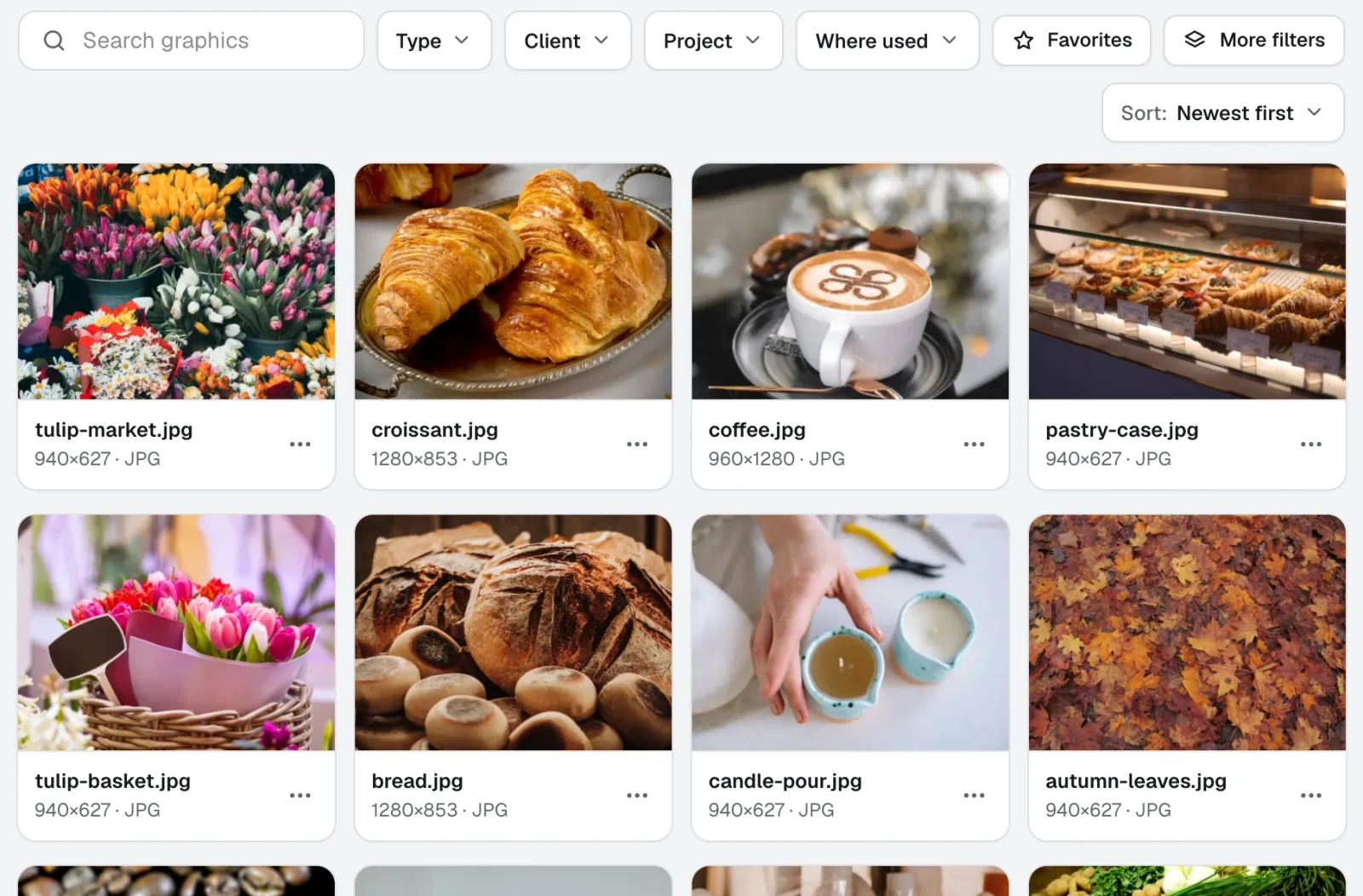
新功能Graphics Library 是供團隊使用的數位資產管理軟體:每位客戶和每個專案的標誌、照片與設計檔案,都集中在一個有標籤的地方。整批拖入資料夾,一次為數百個檔案加上標籤,團隊中的任何人都能找到所需檔案。
本頁內容已於 2026-11-22 對照產品確認。