

Booking
Online booking from your real open times, and one calendar to run the day
aiKit Booking gives your website a booking page where customers pick a service, a person and a time that is really open, and gives you the Bookings tool: a day, week and month calendar, every booking in a searchable list, and each customer's history.
Free account, no card. Already using aiKit? Log in to open Booking
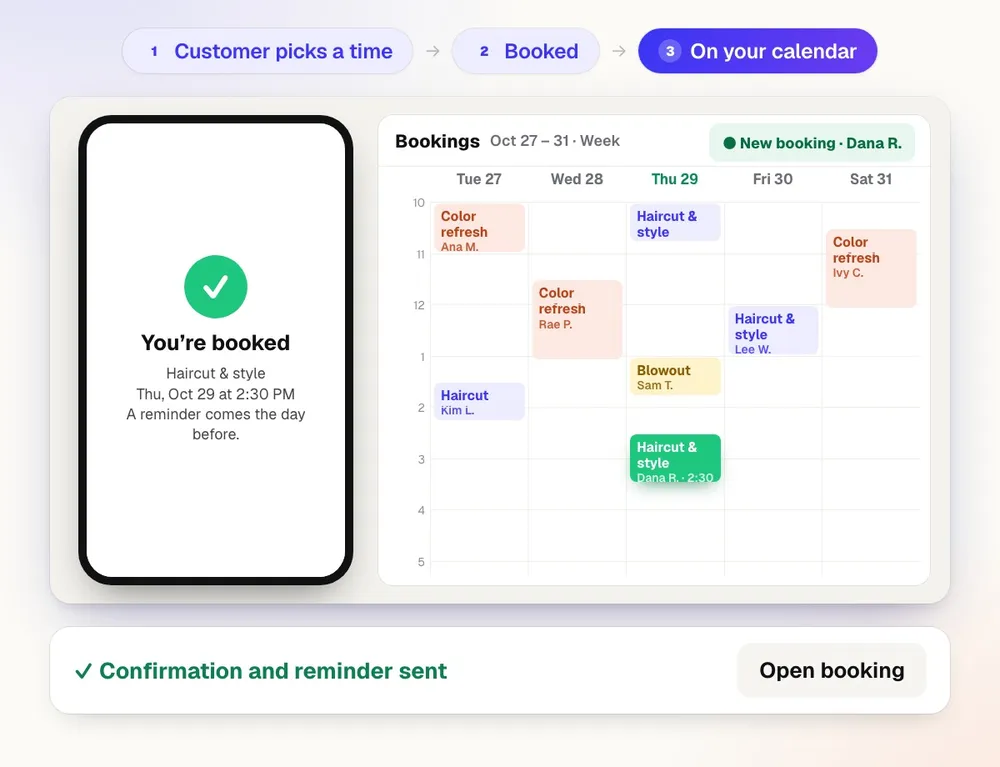
What you get
Customers pick an open time slot themselves, day or night — half of bookings happen when your business is closed.
Three steps to a booked time
Customers pick a service (with its length, price, description and extras), who they'd like, then a day on a month calendar and a time grouped into morning, afternoon and evening.
Only times that are really open
Weekly hours with breaks, closed days, notice, how far ahead people can book, a daily limit, buffers between visits and each team member's days decide what shows. Every booking is checked again, so two people never get the same time.
Classes and groups
Run a class with a set number of seats, add a waitlist for full days, and offer repeating bookings every week, two weeks or four weeks.
Customers change it themselves
Confirmation and reminder emails carry Add to calendar buttons and the customer's own link to change the time or cancel, inside the policy you set.
Your look
Your logo, a cover photo, your colors, and a photo for each team member and service.
One calendar for the day
The Bookings tool shows day, week and month views, a searchable list, customers with their history, blocked time, and statuses from confirmed to completed or no-show.
Share it anywhere
Your booking link, a QR code, embed code for any page, and a calendar feed for Google, Apple or Outlook.
Every feature
Everything in Booking
The complete list, from the tool as it works today.
- A modern three-step booking page: services with prices, descriptions and extras, who you'd like, a month calendar, and times grouped by morning, afternoon and evening
- Weekly hours with breaks, closed days, notice, how far ahead, daily limits, buffers, team members' days, group classes with seats, and your own questions per service
- Instant confirmation or confirm-each-one, confirmation and reminder emails with Add to calendar, and the customer's own link to change or cancel inside your policy
- A waitlist for full days and repeating bookings (weekly, every 2 or 4 weeks)
- Your logo, cover photo, colors, and a photo per team member and service; deposits by card (Authorize.net, test mode for now); text reminders with consent and STOP; a review ask after each Completed visit
- The Bookings tool: day, week and month calendar, a searchable list, customers with their history, add a booking, block time, and statuses (confirmed, completed, no-show, canceled)
- Your booking link, a QR code, embed code for any page, and a calendar feed for Google, Apple or Outlook
What’s included
What you get with Booking, and how it works with the rest of aiKit
Included with a free aiKit account
- The booking page on your aiKit website, in your look
- The Bookings tool: calendar, list, customers, blocked time and statuses
- Hours, breaks, buffers, notice, daily limits, team days, classes with seats, waitlist and repeating bookings
- Confirmation and reminder emails with the customer's change-or-cancel link
- Booking link, QR code, embed code and calendar feed
What uses AI, and what’s free
Booking itself uses no AI allowance; building the page as part of a website does.
Works with your other aiKit tools
- Your websites: The booking page lives on your aiKit website, in the site's look.
- Reviews & customer photos: A completed visit sends your review ask.
Keep Booking in any of your kits, next to the tools you use with it. One account and one monthly AI allowance cover every tool.
How it works
From first click to finished, in 4 steps.
Add the booking page
Add Booking to an aiKit website; the page is built with your services.
Set your rules
In Tools → Bookings → Settings, set hours, breaks, closed days, notice, buffers, team days and classes. The page follows them right away.
Share your link
Put the link, QR code or embed on your site, menus, cards and social posts.
Run the day
Work from the calendar, mark visits completed or no-show, and let finished visits send your review ask.
Who it’s for
How different businesses use Booking
Travel time built in
A mobile detailer adds a 30-minute buffer after every job, so the next booking always leaves time to drive.
A Saturday class that fills itself
A made-up bakery runs a Saturday bread class with eight seats and a waitlist for the next date.
Calls without the back-and-forth
A coach shares one link; clients pick an open hour, get a reminder, and move it themselves if plans change.
Lessons that repeat
A music teacher offers weekly lessons that book the same time every week.
Booking for every client
An agency adds a branded booking page to each salon and studio site it runs.
Ideal for
- Salons, studios, trainers, clinics and consultants with set appointment lengths
- Trades and on-site services that need travel time between jobs
- Classes and small groups with a set number of spots
Good to know
- Not for: Two-way sync with Google or Outlook busy times (next step; a calendar feed sends bookings to your calendar today)
- Emails go out once email is set up for your account; until then, each booking still shows its change-or-cancel link to copy.
- It works on an aiKit website; it doesn't run on its own.
Questions
Booking: questions people ask
How do I let customers book appointments from my website?
Does the booking page only show times I'm really free?
Can customers change or cancel their own booking?
Can I run classes or group sessions with a set number of spots?
Can my booking page use my logo, photos and colors?
How do I see and manage all my bookings?
Can my bookings show up in Google Calendar, Apple Calendar or Outlook?
How do I share my booking page?
Can I approve each booking before it's confirmed?
Does aiKit Booking ask customers for a review after a visit?
Works well with
Tools to add to the same kit
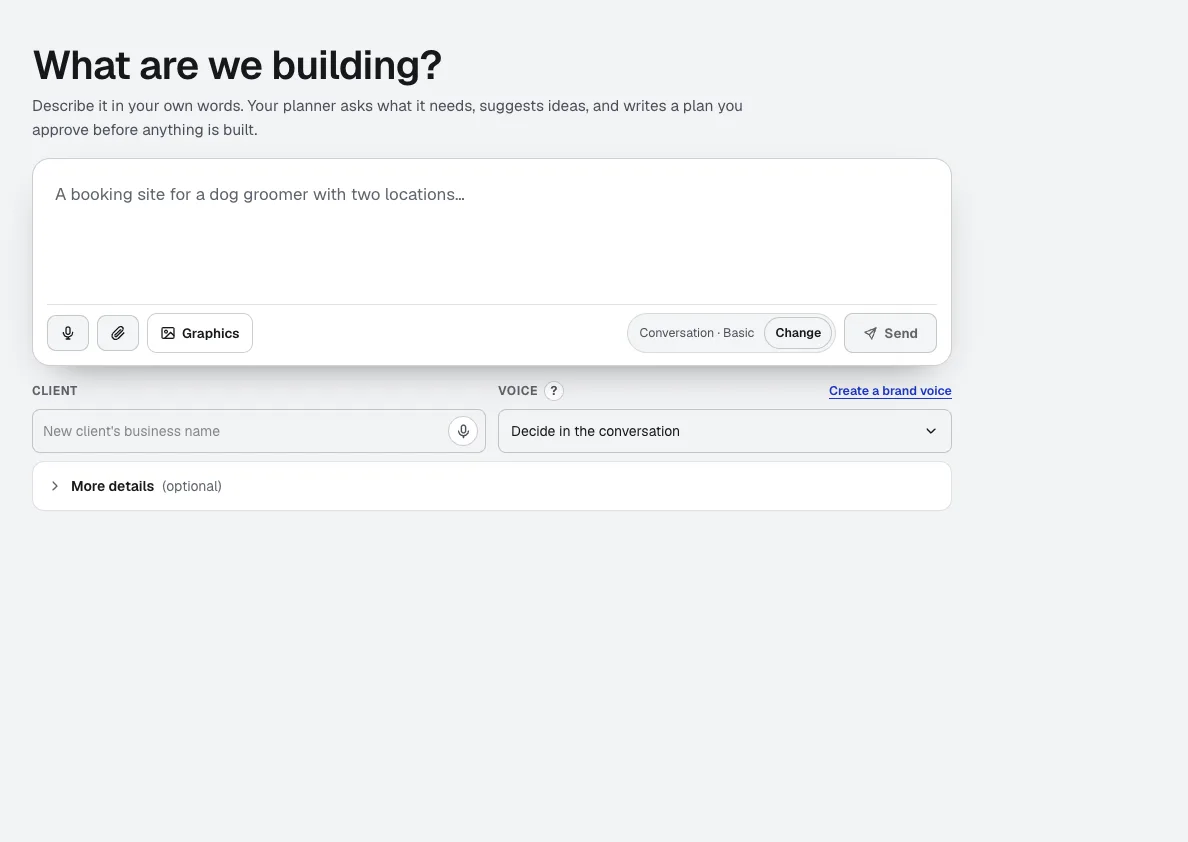
Your websites
aiKit is an AI website builder with hosting: it plans the pages, writes the copy, builds the site and hosts it. Every later change is a request in your own words, saved as a version you can undo, for your own business or for every client you run sites for.
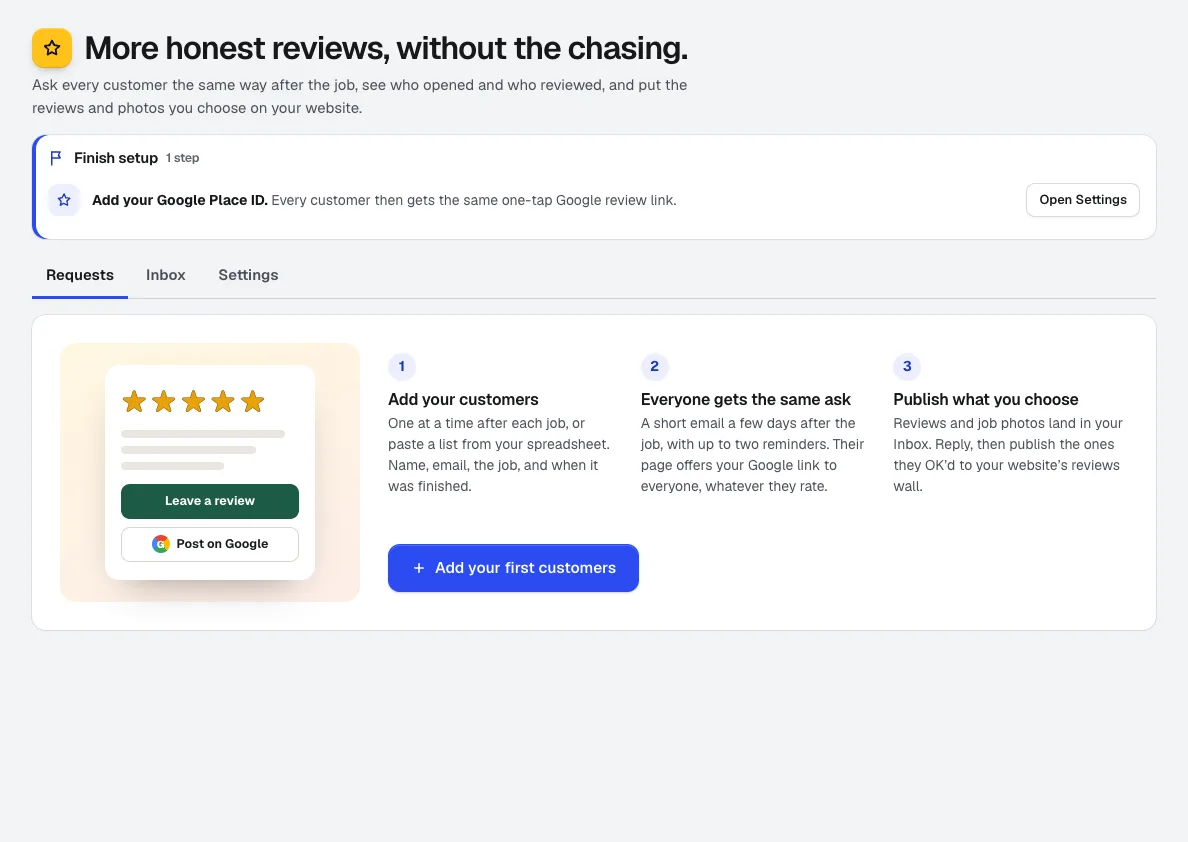
Reviews & customer photos
NewGet more Google reviews: add customers after the job and Reviews asks them on schedule, tracks who opened, visited, and reviewed, collects job photos, and puts the reviews you pick on your aiKit website.
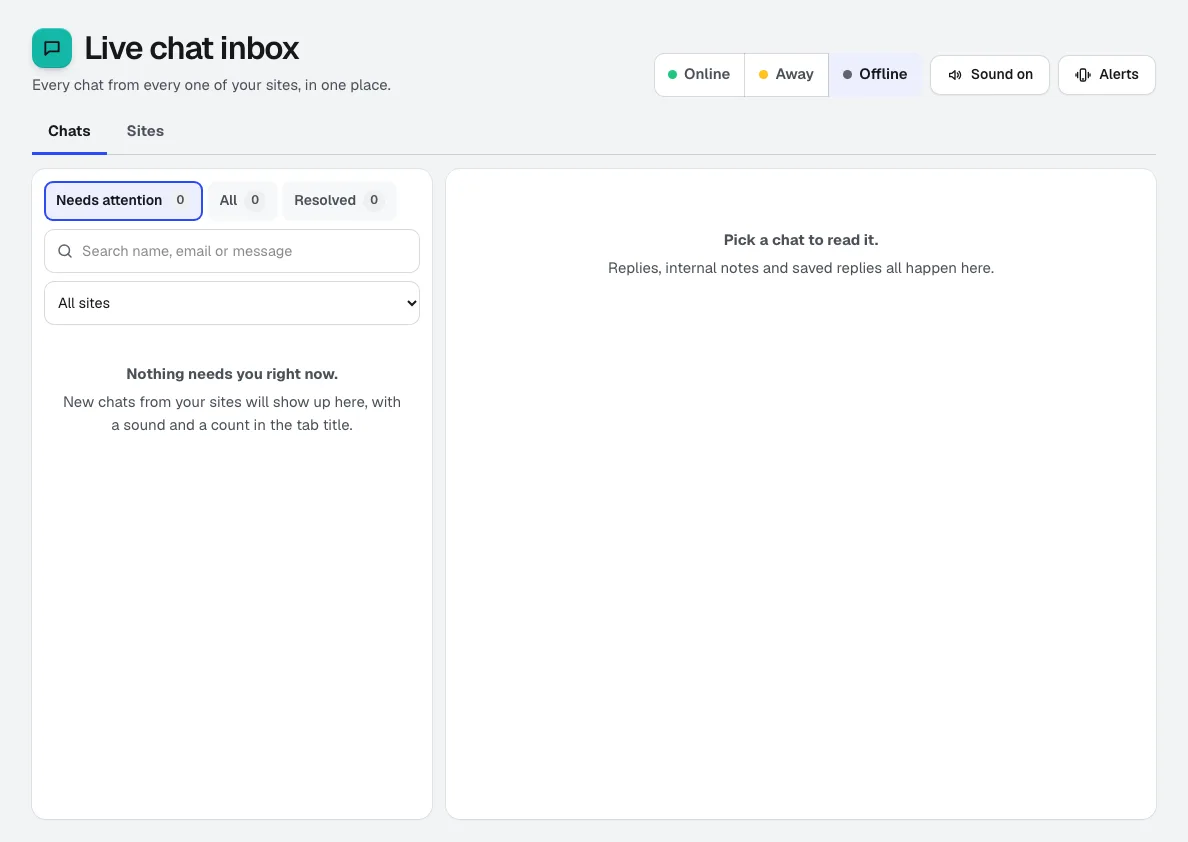
Live Chat
NewaiKit Live Chat puts a live chat widget on any website and brings every conversation into one shared inbox, with an assistant that answers from your own pages when nobody is online and passes the chat to a person when it isn't sure.
Use Booking today.
Make a free aiKit account and open Booking, plus every other tool in your kit.
Page last checked against the product on 2026-10-26.