

Your websites
Describe your business. Get a live website you change in plain words.
aiKit is an AI website builder with hosting: it plans the pages, writes the copy, builds the site and hosts it. Every later change is a request in your own words, saved as a version you can undo, for your own business or for every client you run sites for.
Free account, no card. Already using aiKit? Log in to open Your websites

What you get
Describe the business and get a real website, hosted by aiKit, that you change by asking in words.
From a conversation to a live site
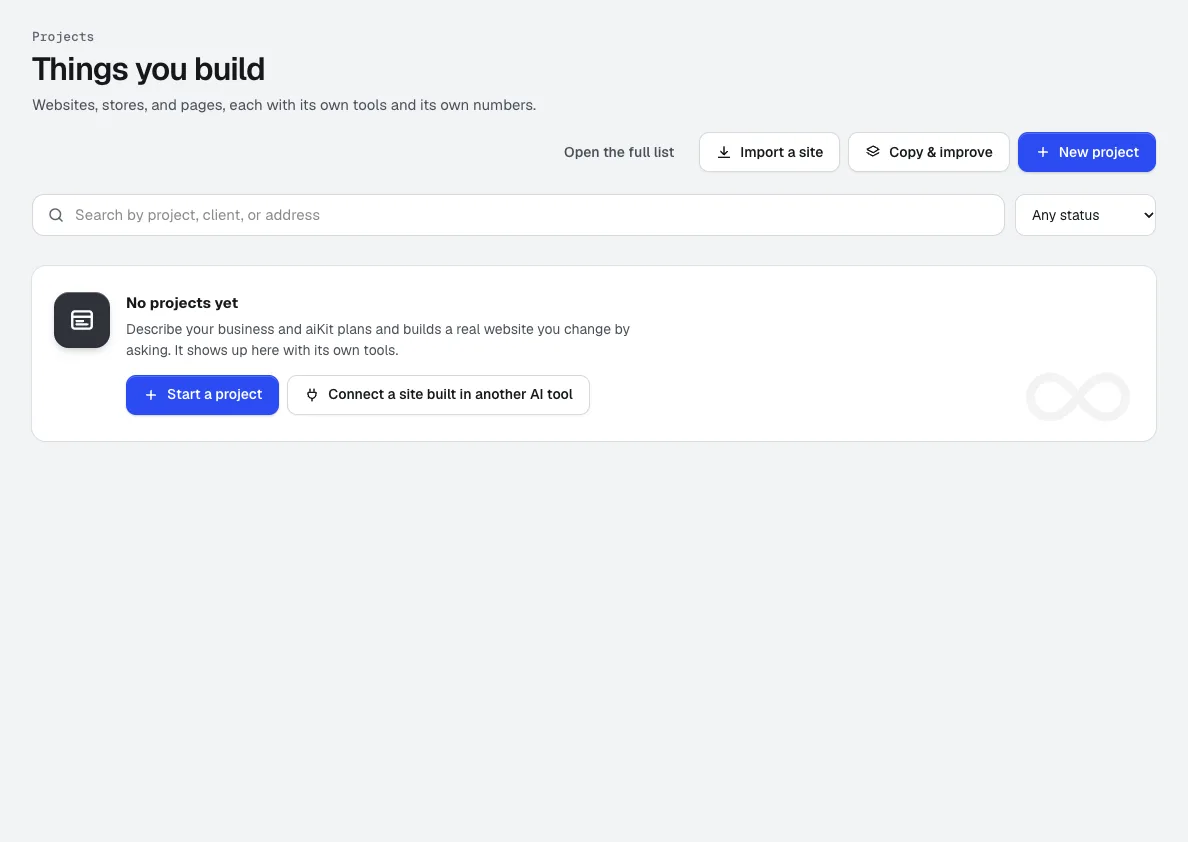
Describe the business in the planner's chat. It asks what it needs, writes a plan with pages, tools, brand and open questions, and builds the site when you press Build this project. Go live gives it a working https address right away.
Changes in plain words, never a builder to learn
Ask the Assistant to "change Saturday hours to 9 to 1" or click a spot on the live page and pin a note. Every change becomes a numbered version, and Restore puts any older one back.
Nothing reaches the public site by surprise
On a live site, AI changes wait as a draft. Compare draft and live side by side or with a slider at computer, tablet and phone sizes, let automatic checks look for broken links, missing pictures and forms that stopped sending, then press Publish.
Forms and bookings that really work
Quote requests, the contact form, online booking, lead capture, Send us your file and the quote builder come from tested modules in the Kit. Entries land on the project's Requests tab, and Check it works sends a marked test entry through the real form.
Clients in the loop, without accounts
Send a client discovery questions they answer at a link, a proof of a draft they can mark up, or the live site with feedback pins turned on. Their answers and requests land in the project, ready to act on.
One change across many sites
Tick several sites on the projects list, describe the change once, and aiKit runs it on each site in turn. Every site gets its own version and its own draft, with Publish per site or Publish all ready.
Every feature
Everything in Your websites
The complete list, from the tool as it works today.
- A live site on a free aiKit address, and your own domain when you connect it
- Every change saved as a version you can restore in one click
- A Requests tab for the site's forms, and a client link for feedback pins
What’s included
What you get with Your websites, and how it works with the rest of aiKit
Included with a free aiKit account
- A live site on a free aiKit address, and your own domain when you connect it
- A 90-day free preview with 10 AI edits, at most 3 in any 24 hours
- Hosting that stays free after the preview
- Every change saved as a version you can restore in one click
- Working quote, booking, contact, and file-upload forms built from tested modules
- A Requests tab, a client feedback link, and a Site Plan
What uses AI, and what’s free
The first build and each AI edit use AI: the free preview includes 10 AI edits, at most 3 in any 24 hours, and after that AI edits are metered. Questions to the Assistant don't use an edit. Hosting, versions and restores, forms, the Requests tab, and client feedback pins use no AI.
Works with your other aiKit tools
- Site Plan: Every site gets a plan that stays true after each change.
- Bring in a site you built elsewhere: Bring in a site built in another tool and manage it the same way.
- Customer Proofs: Send any site version as a proof; marks land on the Feedback tab.
- Quote Studio: Quote requests from the site start a quote in one press.
- Reviews & customer photos: A reviews wall and photo gallery that update when you publish.
Keep Your websites in any of your kits, next to the tools you use with it. One account and one monthly AI allowance cover every tool.
How it works
From first click to finished, in 4 steps.
Describe it
Open New project and tell the planner about the business in your own words, or answer a few quick questions. Add the current site, brand files, a voice and a look if you have them.
Read the plan, then build
The planner writes the pages, tools with reasons, brand, search phrases and open questions. Refine it in chat, then press Build this project and watch the first build finish.
Go live
Press Go live for a working address on aiKit hosting. Connect your own domain from the Hosting tab whenever you're ready.
Keep improving it by asking
Use the Assistant's chat, pins on the live page, or kit pages from the Kit. Review each draft, publish it, and restore any version if you change your mind.
Who it’s for
How different businesses use Your websites
A plumbing company's site that books jobs
An invented plumbing company describes its services and service area, adds online booking and a quote request page with photo upload, and gets every request on one Requests tab instead of scattered voicemails.
Twenty client sites from one list
A marketing agency runs each client's site under its own client card, sends discovery questions before building, and pushes a holiday-hours notice to every location site in one run, checking each draft before it goes live.
A listing agent's site with lead capture
A made-up agent gets a site with neighborhood pages, a lead capture form and showing bookings, then asks for a new listing page each week in a single sentence.
A café that changes its menu weekly
A fictional café drops its new menu into the chat as a photo or PDF and asks for the menu page to match. The change waits as a draft until the owner presses Publish.
A sign shop that receives print files
An invented sign shop adds Send us your file and the quote builder. Each uploaded print file is checked automatically, and only the shop's team sees the result on the request.
An event rental company's landing page
A fictional AV rental company builds a one-offer landing page for a summer package, with a quote request form, and later restores the spring version in one click.
Ideal for
- Service businesses, shops, and teams of any size who want a real site without a builder to learn
- Agencies and freelancers running sites for several clients from one list
- Anyone who wants customer requests, bookings, and messages landing in one place
Good to know
- Not for: Apps that need their own server and database, such as logins with private data (those need their own hosting)
- Not for: Pixel-perfect hand-coded designs you plan to maintain in code yourself
- The AI writes from what you tell it. Check names, prices, and claims before you share the site.
- The free preview runs 90 days from the start and includes 10 AI edits, at most 3 in any 24 hours; hosting stays free after it and AI edits are metered.
- Forms, bookings, and quote requests are built from tested modules. Anything else a site needs to do is planned as work, never faked.
Why aiKit
Your websites vs. drag-and-drop website builders
| Point | aiKit Your websites | Drag-and-drop website builders |
|---|---|---|
| How you make a change | Ask in plain words or pin a spot on the live page; the AI edits the site | Learn the editor and move blocks yourself |
| Getting started | A planner asks about the business and writes a page-by-page plan before it builds | Pick a template, then replace its sample content |
| Undo | Every change is a numbered version with one-click Restore, and a restore can be undone too | Limited history, often per page or per session |
| Changes to a live site | Saved as a draft, compared with live, checked for broken links and forms, then published | Edits often go live as soon as you save |
| Client feedback | Clients pin notes on the real page, answer questions at a link and mark up proofs, with no account | Emails and screenshots you sort out by hand |
| Many sites at once | One instruction runs on every site you tick, each with its own draft | Open and edit each site one at a time |
Questions
Your websites: questions people ask
Can AI build me a website and host it too?
How do I change my website without learning a website builder?
Can I undo a change an AI made to my website?
Will AI edits go straight to my live website?
Can my clients give feedback on their website without an account?
How do I send a client questions before building their website?
What's the best way to manage websites for many clients in one place?
Do the forms on an AI-built website actually work?
Can AI build an online store, admin system or client portal?
Can I move my existing website into an AI website tool?
Is there an AI website builder with hosting included?
Works well with
Tools to add to the same kit
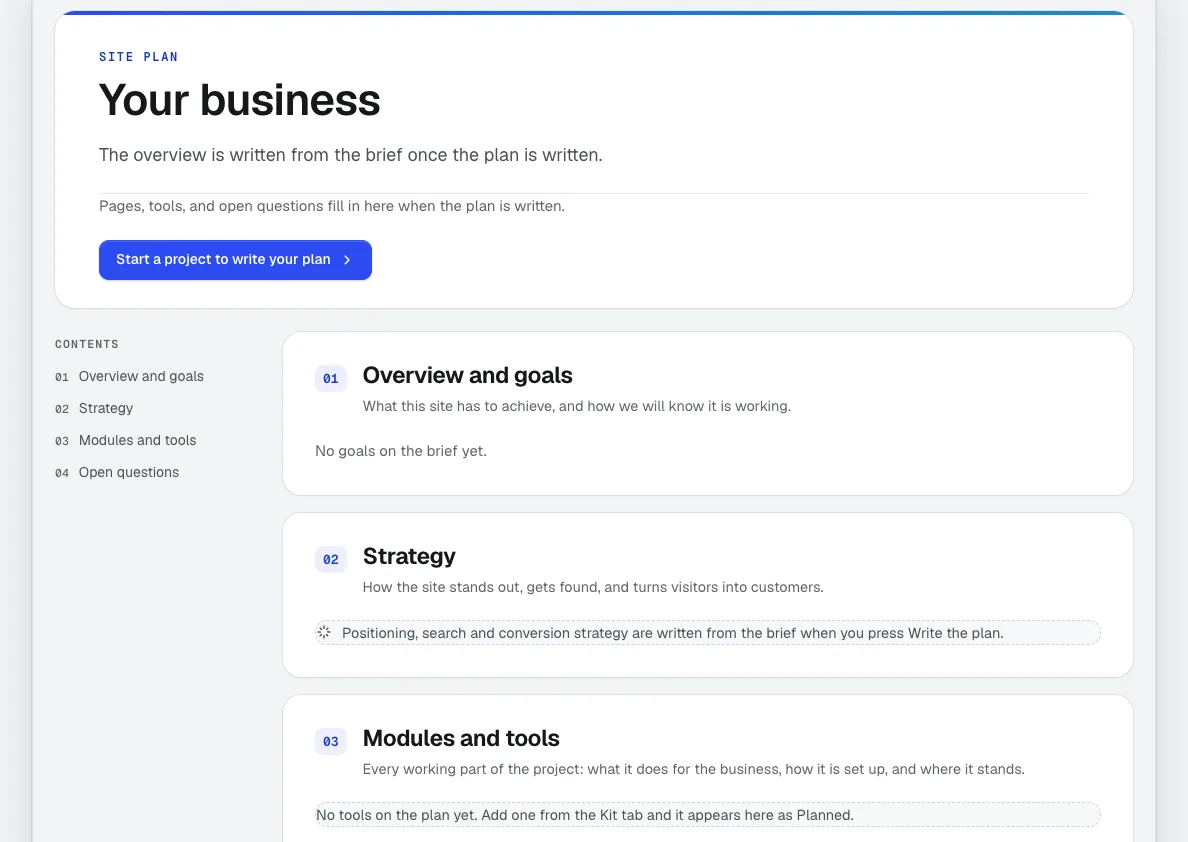
Site Plan
Every aiKit website gets a professional website project plan: goals, audience, strategy, sitemap, every tool explained, timeline and open questions. It's measured against the real site after each change, with a Make it button on every build step and a private link for your client.
Bring in a site you built elsewhere
Built a site in another AI tool or by hand? Host an AI-built website on aiKit: publish it straight from that tool's chat, and keep updating it from there or in aiKit, with every change saved as a version you can undo.
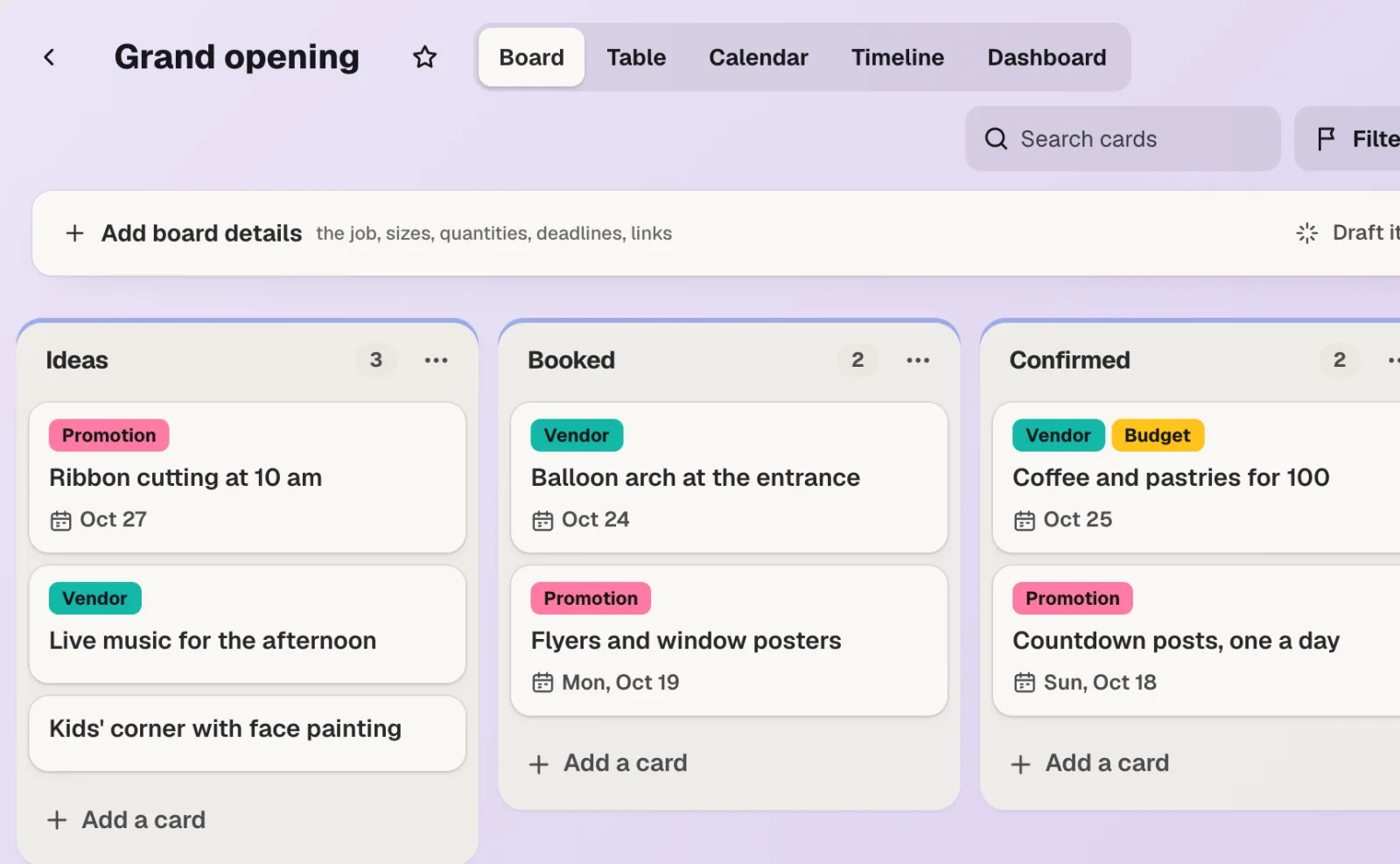
aiKit Hub
NewaiKit Hub is client project management software: to-do lists that flip into boards, messages, chat, a shared schedule, docs and files, and a client view that shows only what you choose. Your quotes, proofs, bookings and website requests live on the cards they belong to.
Use Your websites today.
Make a free aiKit account and open Your websites, plus every other tool in your kit.
Page last checked against the product on 2026-10-16.