

Education & training
The AI kit for teachers, trainers and course creators.
Turn a topic into a presentation, a recording into clean notes and a summary, and a script into a training video with a natural voice-over.

Sound familiar?
The day, before aiKit.
“Building a slide deck takes longer than teaching the class.”
“I record every session and never turn it into notes.”
“Training videos need a voice-over and I hate my recorded voice.”
“Every new hire gets a slightly different version of the training.”
The kit
8 tools for education & training.
Start with these, then add any other tool to your kit. Every tool takes any instruction in plain words.
Lesson Kit
NewLesson Kit is an AI lesson plan generator for any subject: say what to teach and who it's for, check the outline, then get full lessons with the quizzes, answer keys, worksheets, flashcards and slides you pick. Change anything in plain words.
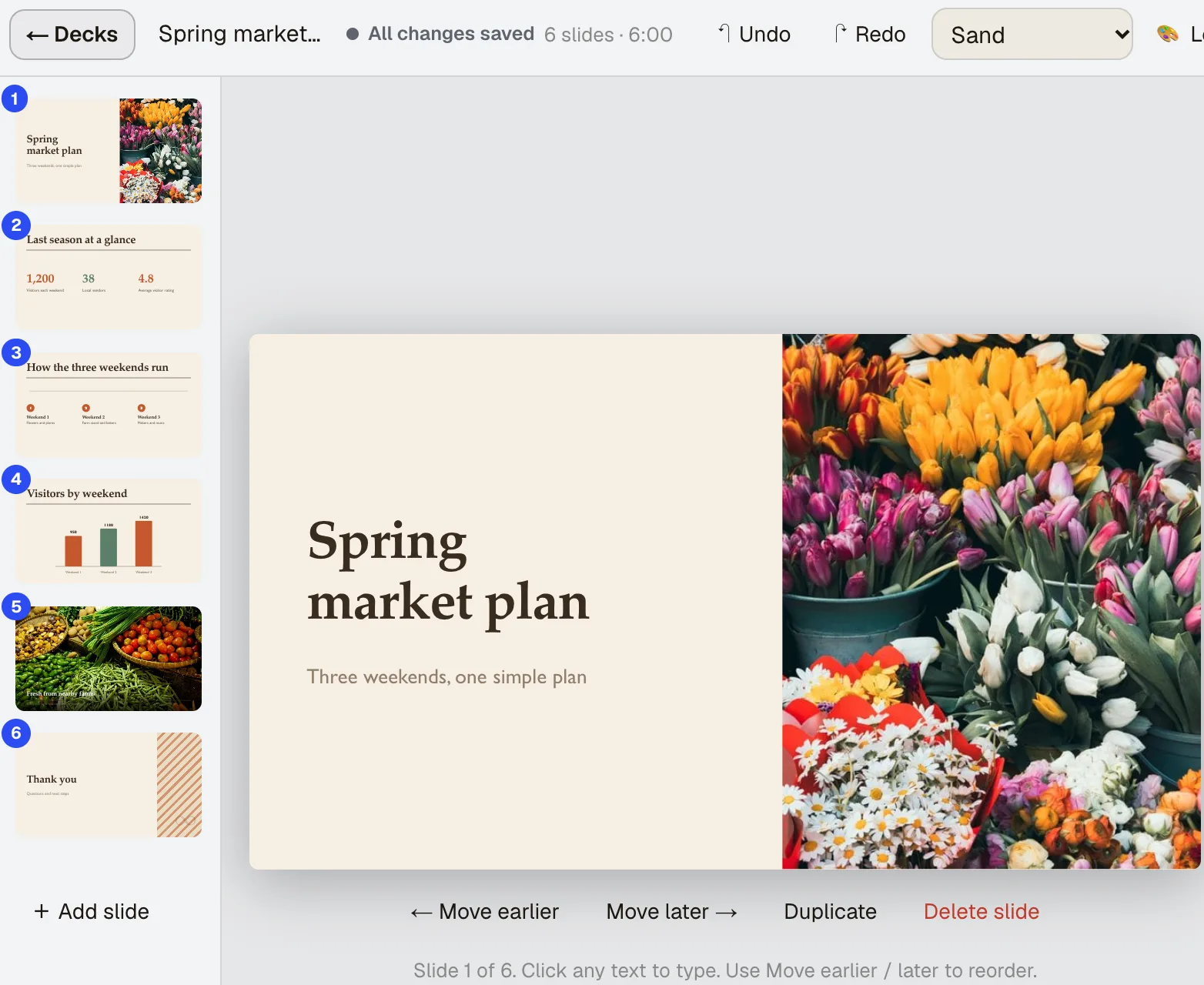
Presentation Builder
NewAn AI presentation maker that starts from what you have. Say what the deck is for, add what you already have, and get slides with speaker notes that you can click and type into, present, share as a live link, or download as PowerPoint.
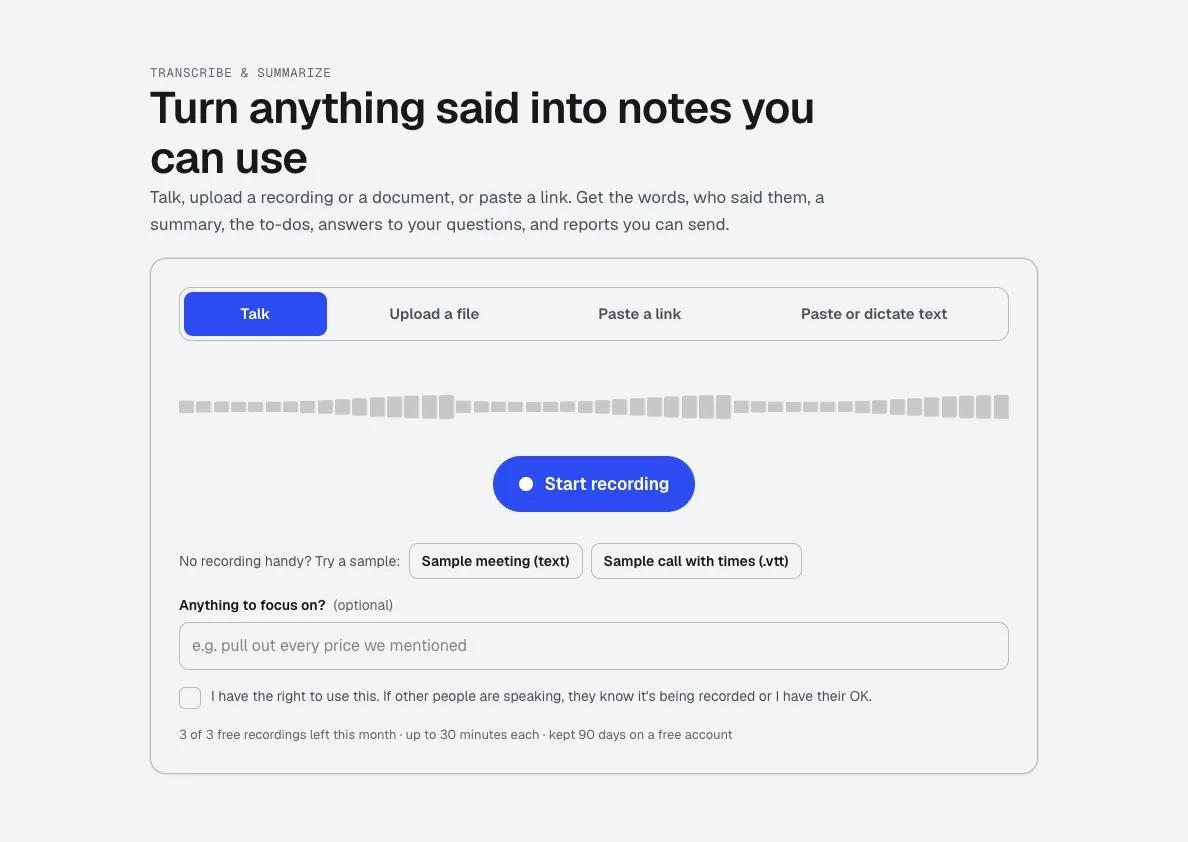
Transcribe & Summarize
NewTalk, upload a recording, or paste a link. Get the transcript with times and speakers, a summary, the decisions and to-dos, and ready-to-send reports like minutes or a client brief.
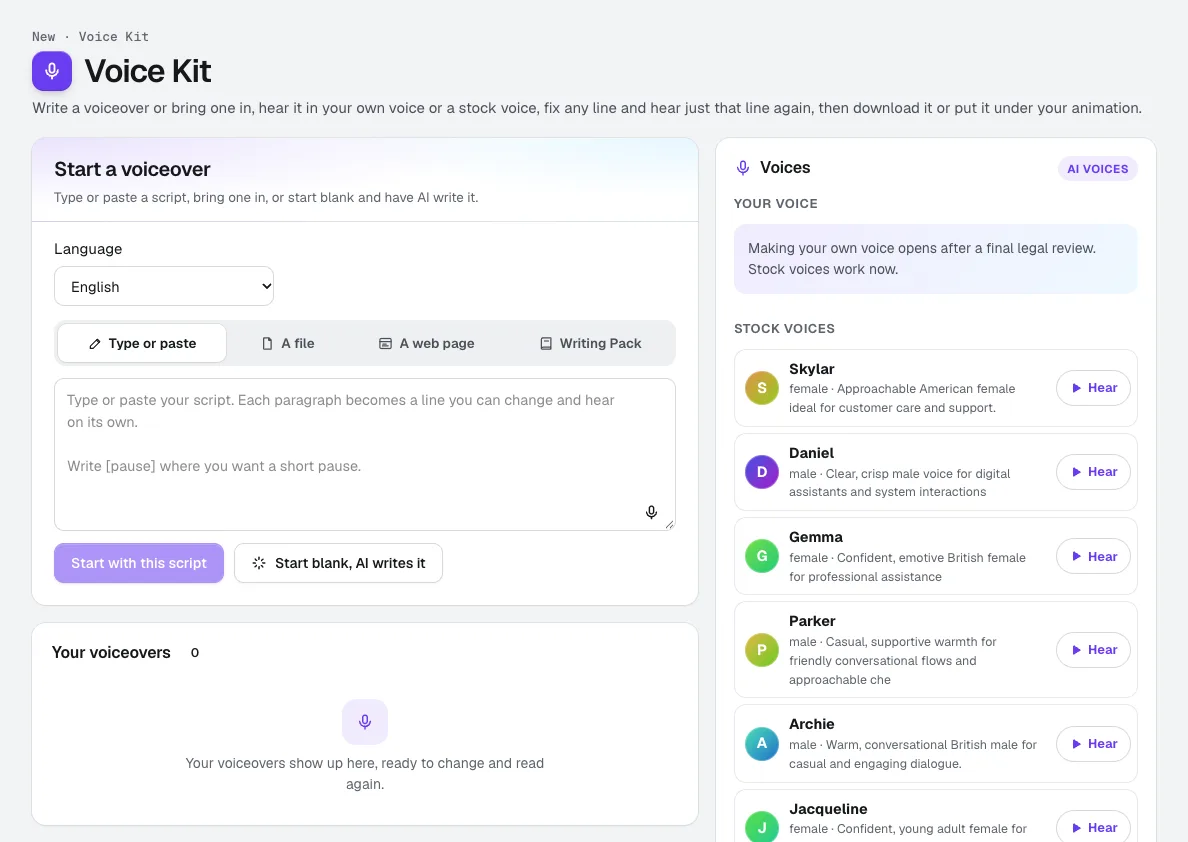
Voice Kit
NewaiKit's AI voiceover generator writes or fits your script in your Brand Voice, a natural AI voice reads it, and you fix any line and hear only that line again. Download it, or put it under your animation or video.
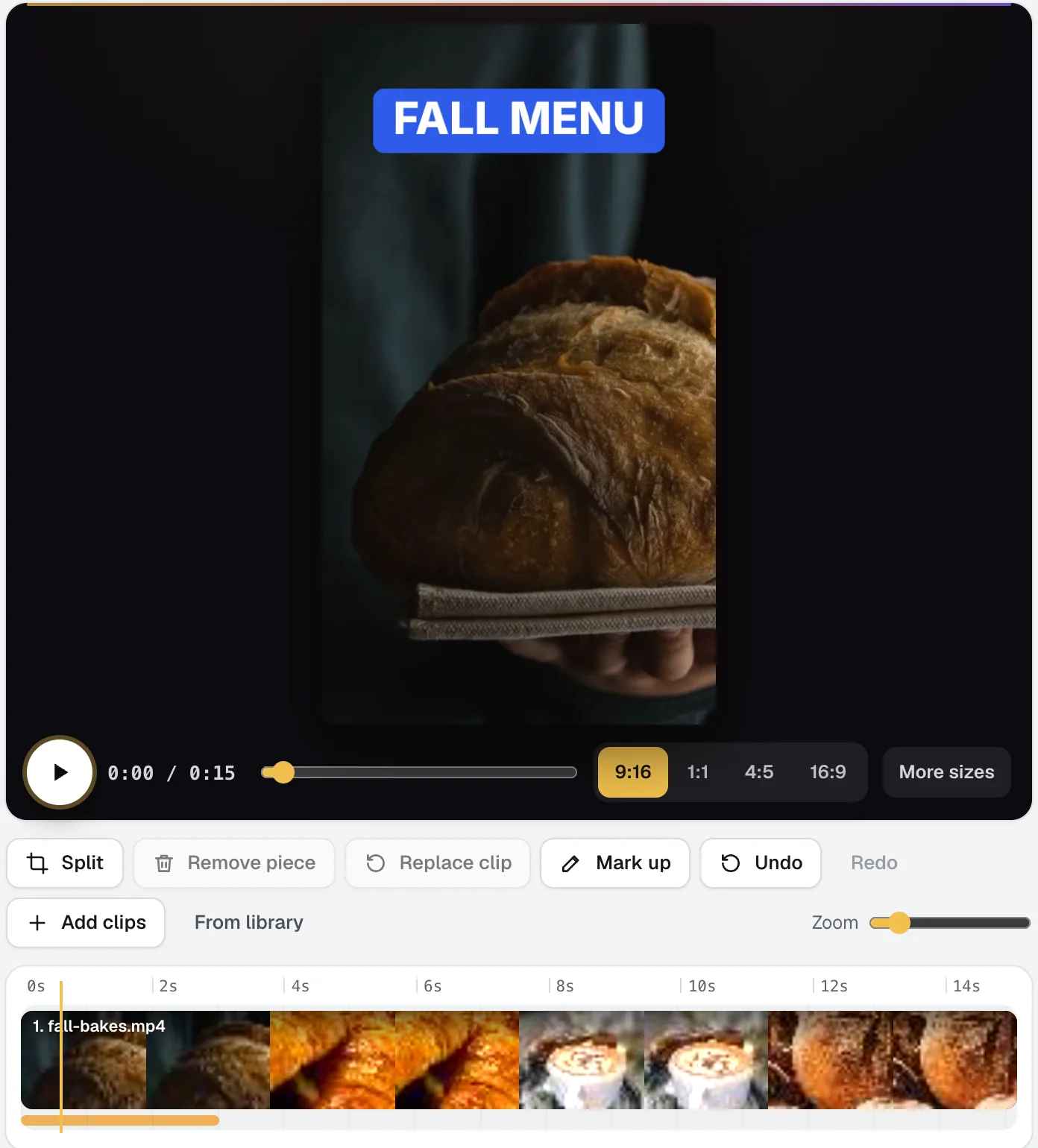
Video Kit
NewVideo Kit is an AI video editor for social media: drop in your clips and edit them like a document. Delete words to cut the video, remove pauses and ums in one pass, and ask for any change in plain words. Captions, sizes, music and your logo are built in.
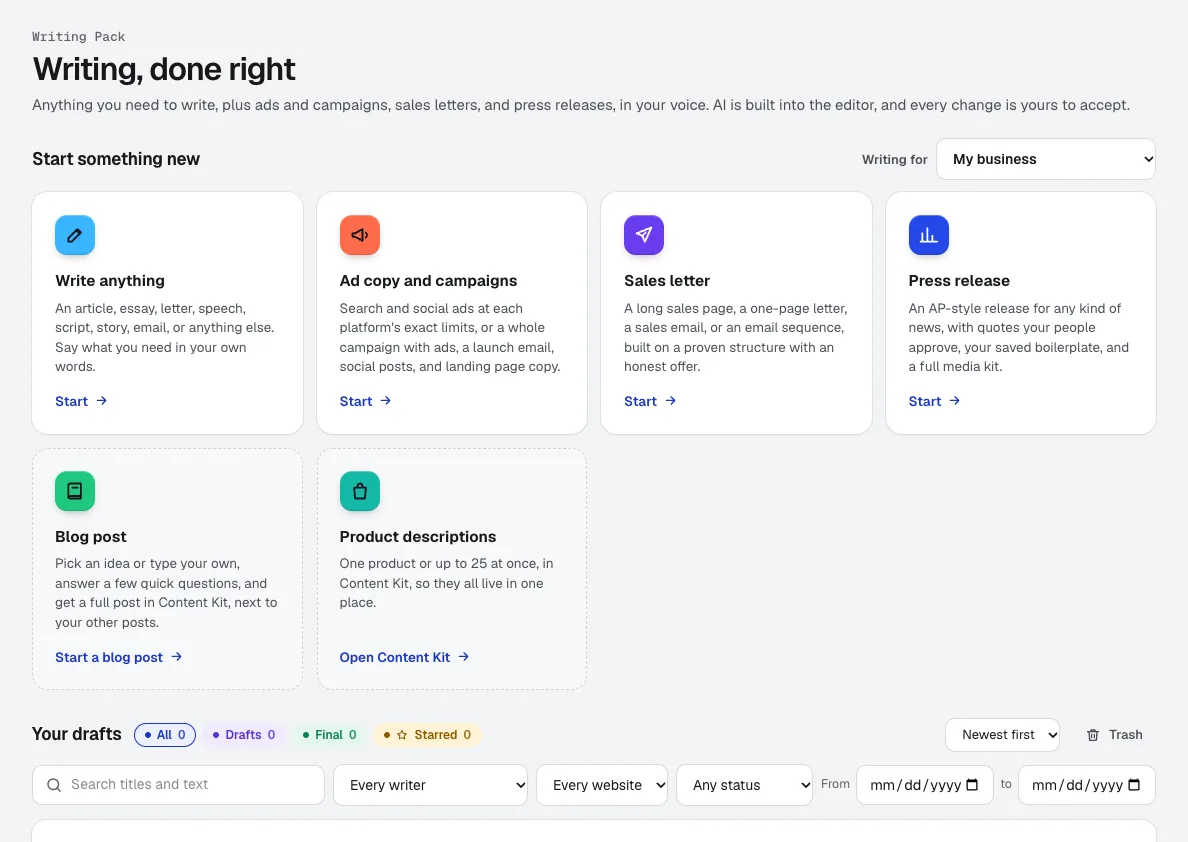
Writing Pack
NewAn AI copywriting tool for anything from a speech to a full ad campaign, in the voice you set in Brand Voice. AI is built into the editor, and every change it suggests is yours to accept or reject.
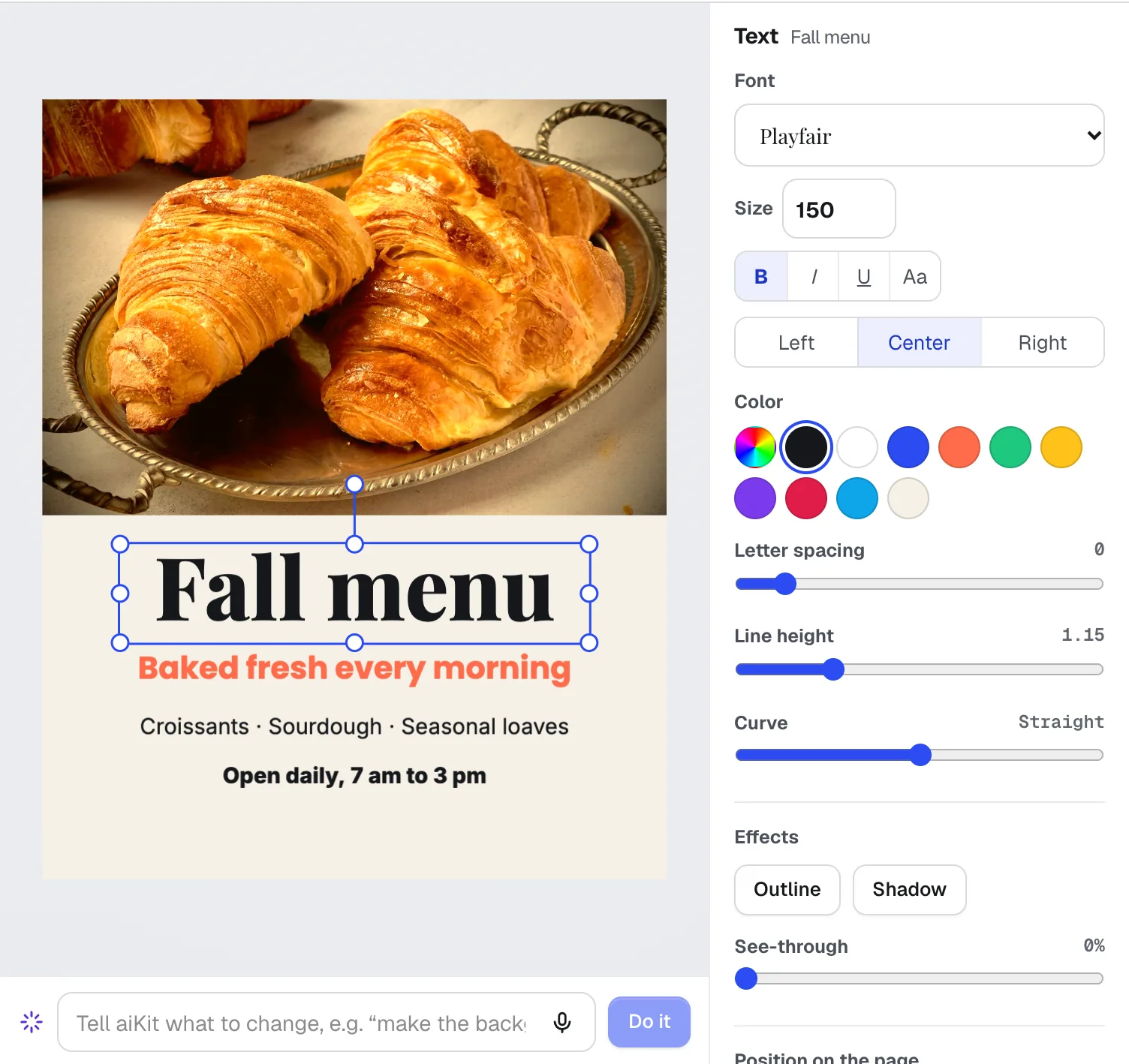
Magic Canvas
NewMagic Canvas is an AI flyer maker and social post designer: it lays out posts, flyers, cards, banners and email headers from your words, then lets you change anything by hand or by saying it. Your brand colors and logos are one click away.
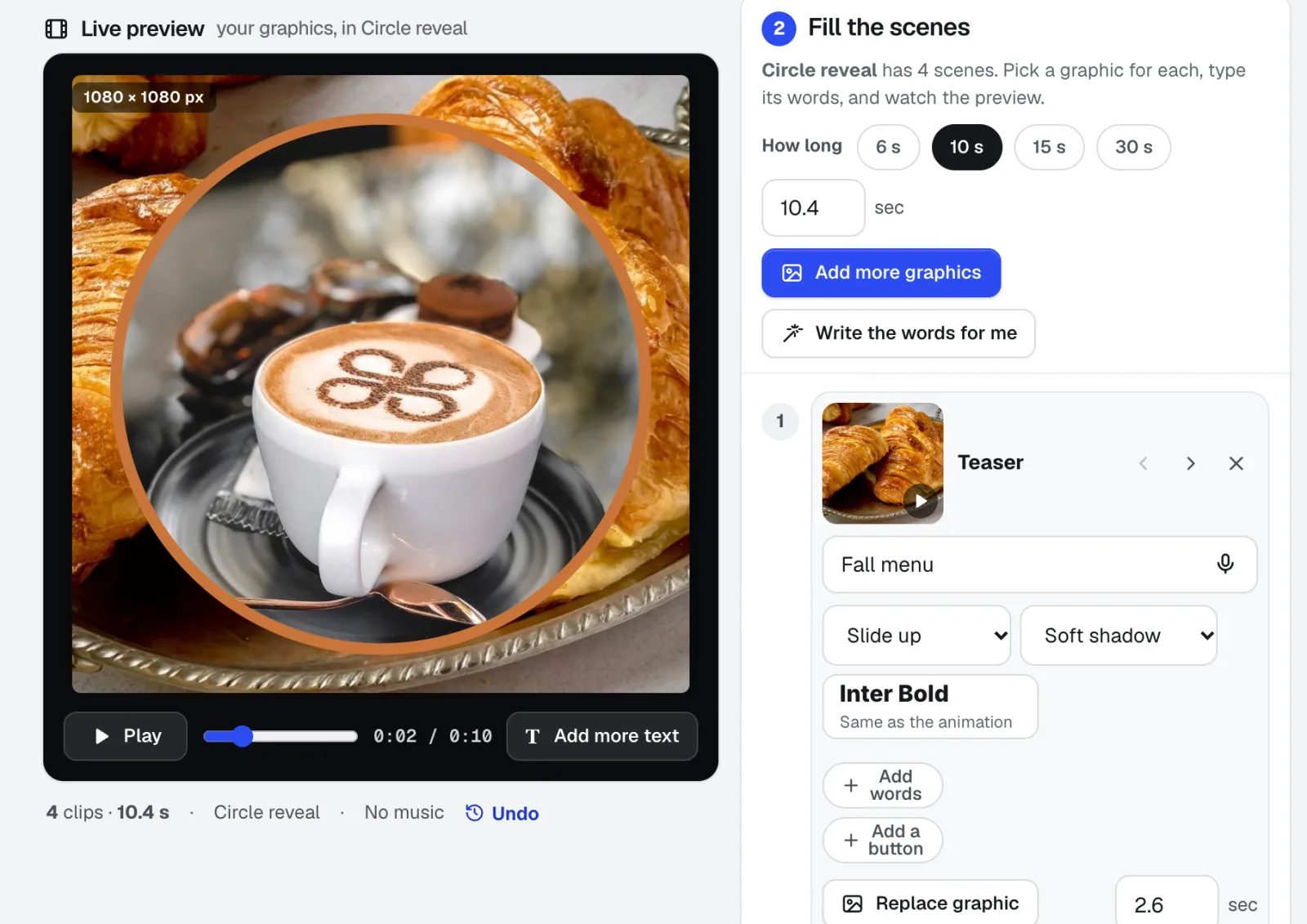
Motion Maker
NewAn animated GIF maker for email, plus banners and promo clips: pick one of 26 animation styles, drop in your photos, type the words right on the stage, and add music cut on the beat. Export an MP4, WebM or email-ready GIF straight from your browser.
In practice
What education & training businesses do with aiKit
A course page that stays up
An invented tutoring center publishes a course information site it built in an AI tool, so families can open it whether or not the teacher's laptop is on.
Keeping a school site honest
An invented training center uses the Health card to find pages with no main heading and pictures without descriptions, and presses Fix on each one.
A beginner learns options safely
A fictional student turns on Simple mode, reads the trade-type cards and glossary, and paper trades in Practice to see how each kind of trade behaves before using real money.
A speech for graduation night
A school principal answers three quick questions and gets a draft speech, then shortens two paragraphs by selecting them and accepting the suggested edits.
A fractions unit with quizzes and keys
A fourth-grade teacher plans six 45-minute lessons on fractions, tags Common Core, and ticks quizzes, a final test, answer keys and an Extra-support version for students who need smaller steps. The learner link goes to the class the same afternoon.
Shared graphics for a training team
A training center's staff find the current course logos and event photos themselves, with Find duplicates clearing out years of copies.
Short lessons from a long explanation
A trainer records a 3-minute how-to, trims it to the steps that matter by deleting words, and shows the captions in Spanish for a second group of learners.
Narration for a training module
A trainer imports a Word file of instructions, splits it into lines, and re-reads only the two lines that changed when the process was updated.
Event flyers for a tutoring center
Bright Path Tutoring makes an open-house flyer, adds photos from its Graphics Library, and saves the design so next month's version takes a minute.
A lesson with quiz slides
A middle-school teacher types the unit topic and adds a reading as a PDF. The Lesson kind adds learning goals, a quiz after each section and a recap, written at the level of the audience she picked.
Study notes from a lecture
A student uploads a recorded lecture and makes Study notes with headings, key ideas and terms, then downloads SRT subtitles for the video.
A course launch on a timeline
A fictional training center plans a new course on the Timeline view, tracks progress on the Hill Chart, and collects weekly Check-ins from instructors.
Learn a new skill by a date
A trainer who wants to teach an advanced course next term sets a Learning goal. The plan builds from the basics up, with outside resources under each milestone and Guide me on any step that stalls.
Questions
Questions education & training businesses ask
Can AI make a presentation from my notes?
How do I turn a recorded class or meeting into notes?
Is there an AI voice-over tool for training videos?
Can trainers make videos without editing software?
Is aiKit only for schools?
Can AI make a training video from slides?
Can AI add quiz questions to a lesson presentation?
Can I rehearse a presentation and get feedback on my pace?
Can I turn a recorded lecture into subtitles?
Can I translate training materials into Spanish or another language?
Can I import my existing PowerPoint into an AI presentation tool?
Can I turn a staff meeting into a to-do list for my team?
Can I make a flyer for a class or open house without a designer?
Other kits: Print, promo & signs · Marketing & agencies · Trades & service businesses · Retail, restaurants & e-commerce · Events, lighting & AV · Real estate · Creators, coaches & consultants
Your kit is ready.
Make a free account and open the education & training kit today.