

Creators, coaches & consultants
The AI kit for creators, coaches and consultants.
Make videos and voice-overs, build decks, write in your own voice, turn calls into summaries, and run a website that books clients.
Sound familiar?
The day, before aiKit.
“I have ideas for ten videos and time to edit one.”
“My proposals take a full day to put together.”
“I forget what we agreed on the call by the time I write it up.”
“Everything I post sounds like everyone else's AI writing.”
The kit
8 tools for creators, coaches & consultants.
Start with these, then add any other tool to your kit. Every tool takes any instruction in plain words.
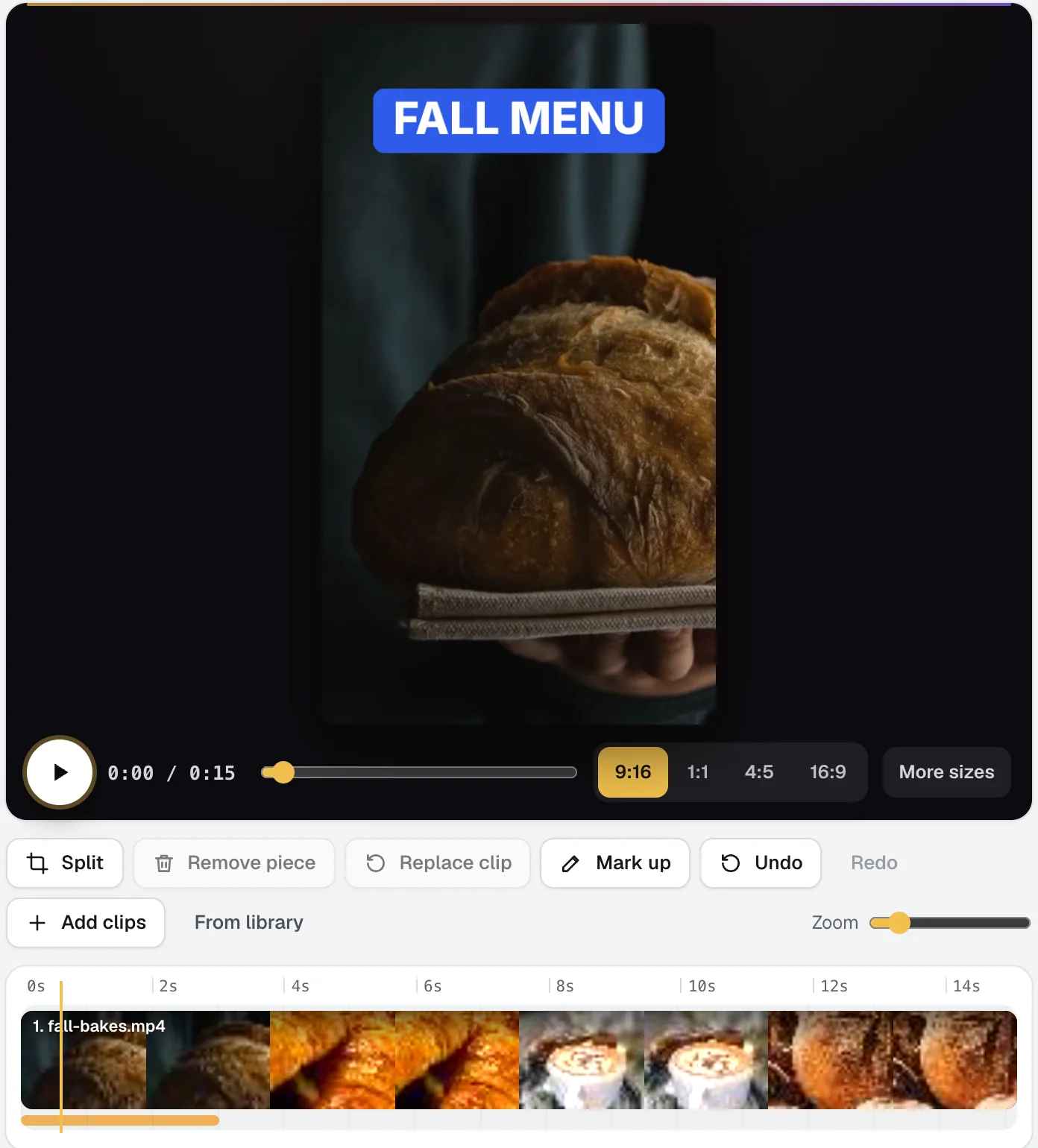
Video Kit
NewVideo Kit is an AI video editor for social media: drop in your clips and edit them like a document. Delete words to cut the video, remove pauses and ums in one pass, and ask for any change in plain words. Captions, sizes, music and your logo are built in.
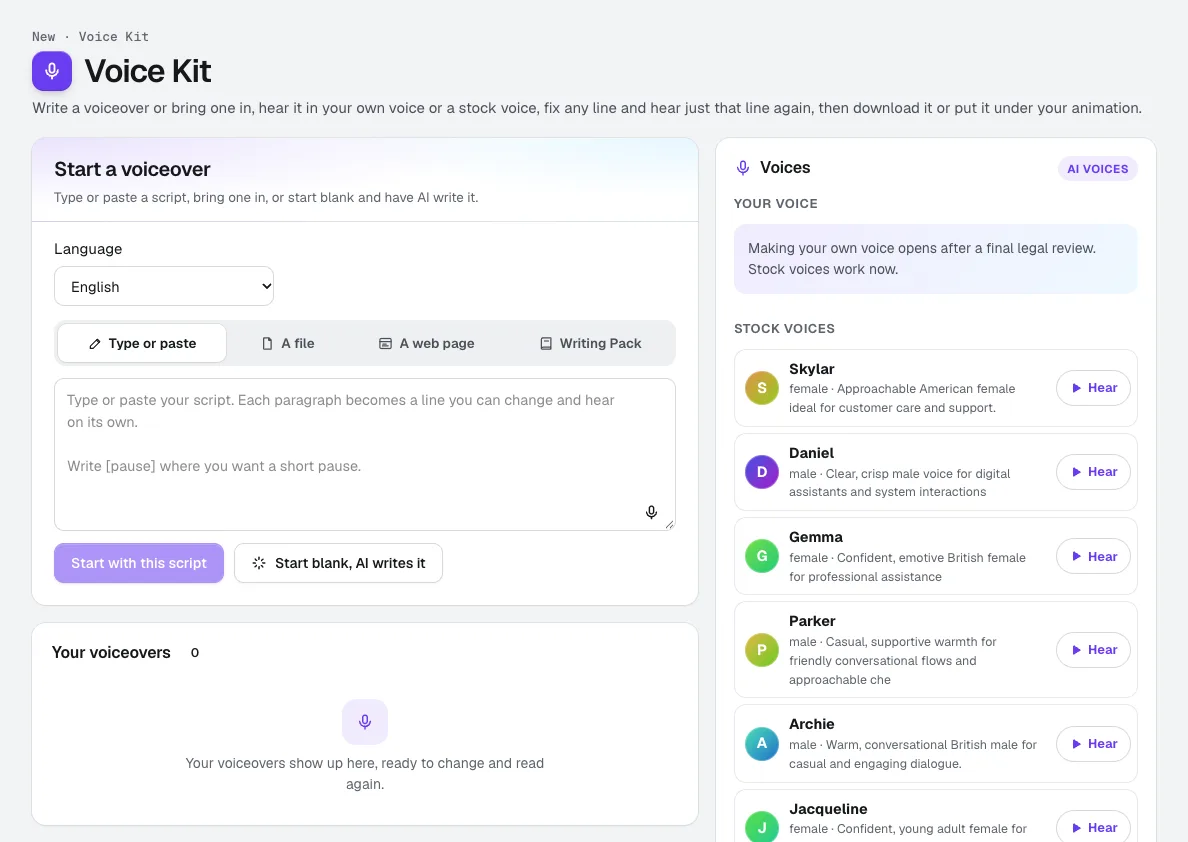
Voice Kit
NewaiKit's AI voiceover generator writes or fits your script in your Brand Voice, a natural AI voice reads it, and you fix any line and hear only that line again. Download it, or put it under your animation or video.
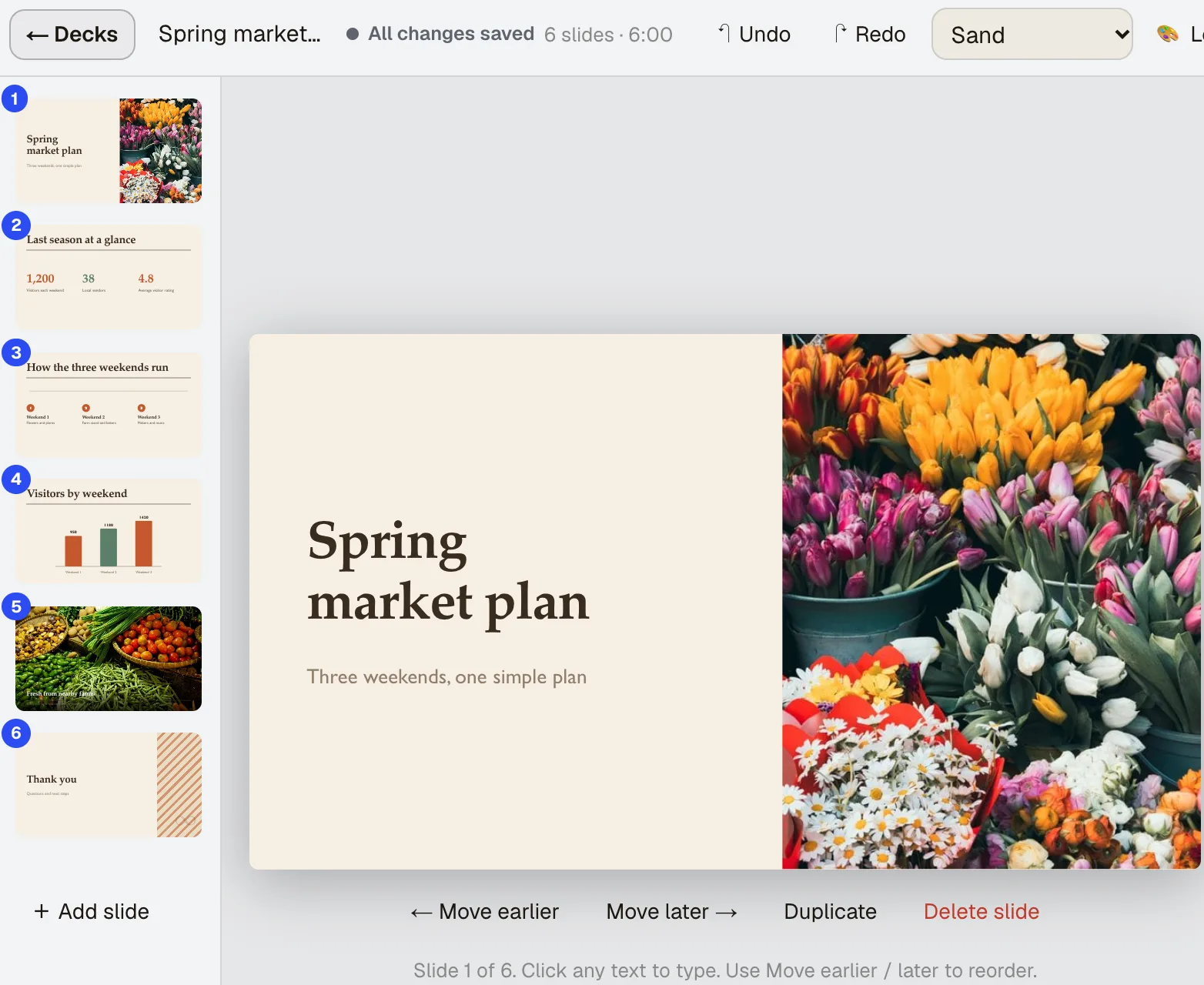
Presentation Builder
NewAn AI presentation maker that starts from what you have. Say what the deck is for, add what you already have, and get slides with speaker notes that you can click and type into, present, share as a live link, or download as PowerPoint.
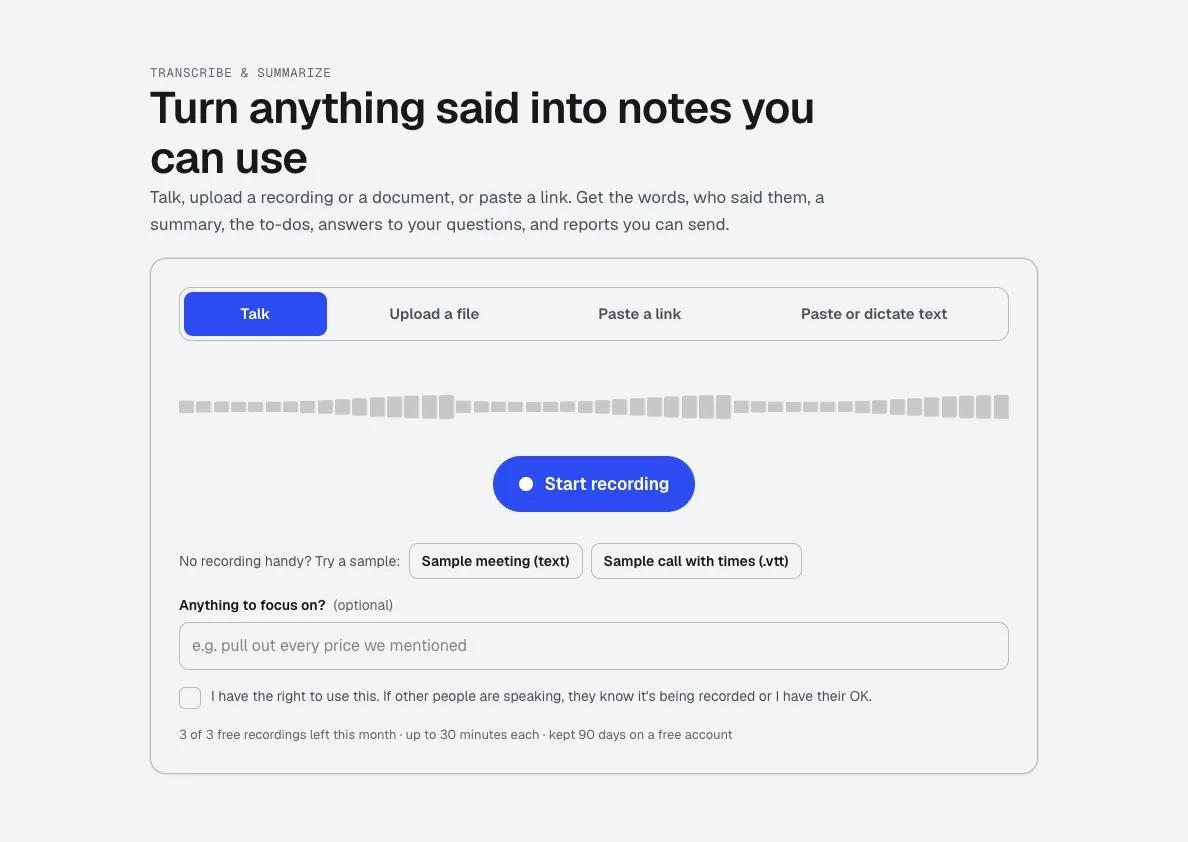
Transcribe & Summarize
NewTalk, upload a recording, or paste a link. Get the transcript with times and speakers, a summary, the decisions and to-dos, and ready-to-send reports like minutes or a client brief.
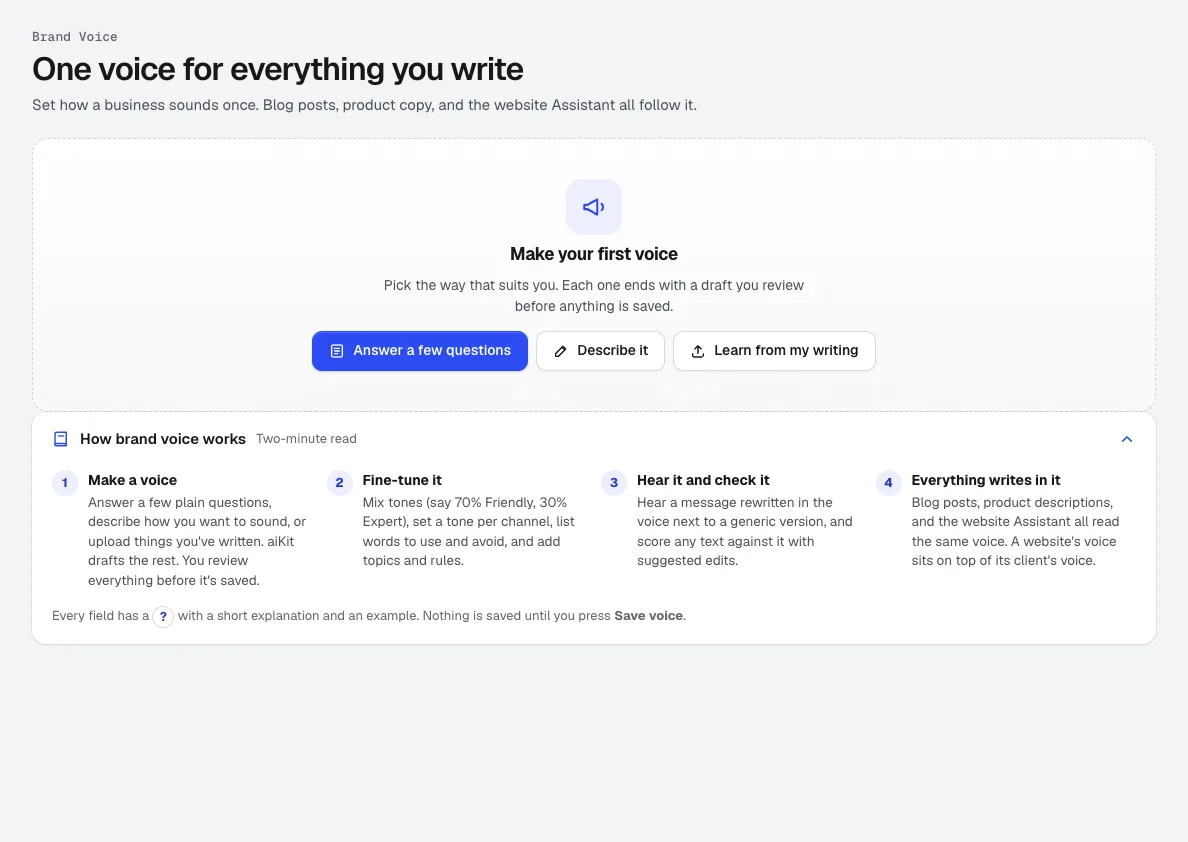
Brand Voice
NewA brand voice generator that learns from your own writing, your description, or a few answers. Blog posts, ads, voiceovers, emails, quotes and your website Assistant then write in it.
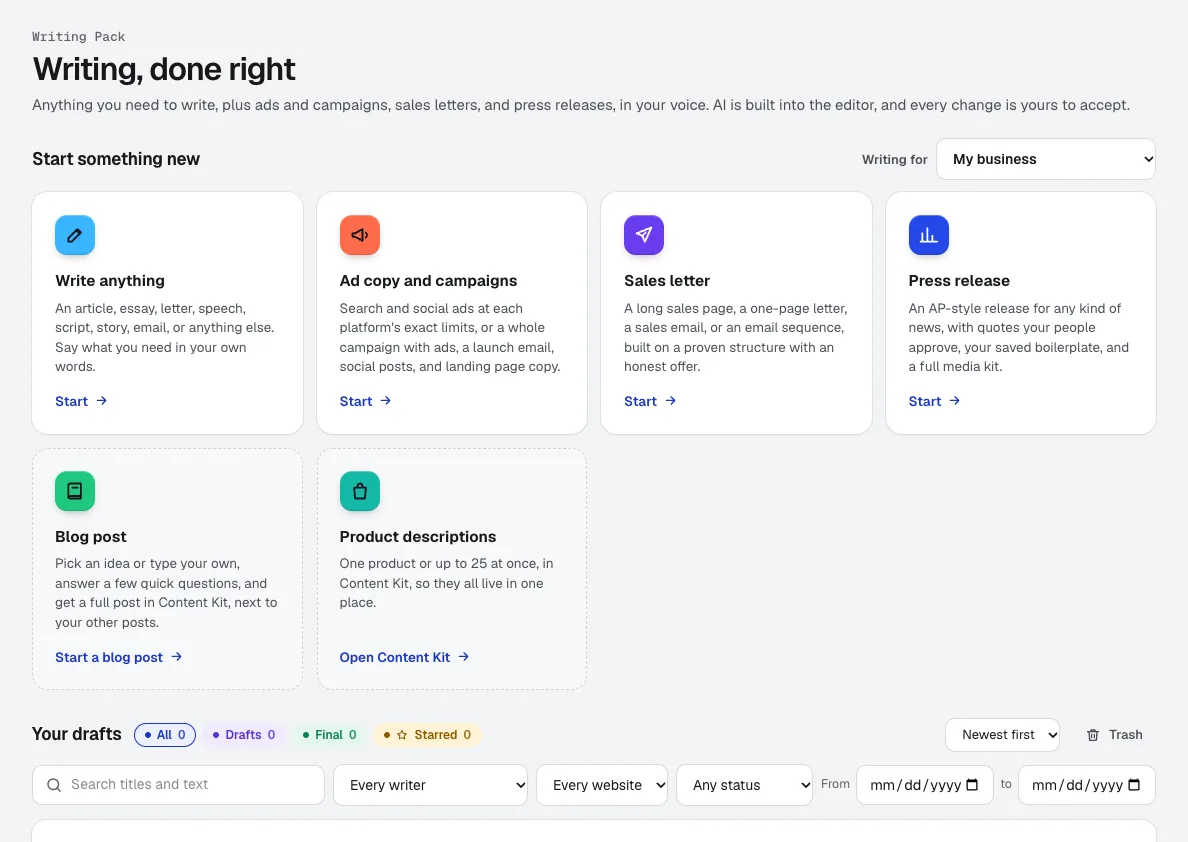
Writing Pack
NewAn AI copywriting tool for anything from a speech to a full ad campaign, in the voice you set in Brand Voice. AI is built into the editor, and every change it suggests is yours to accept or reject.
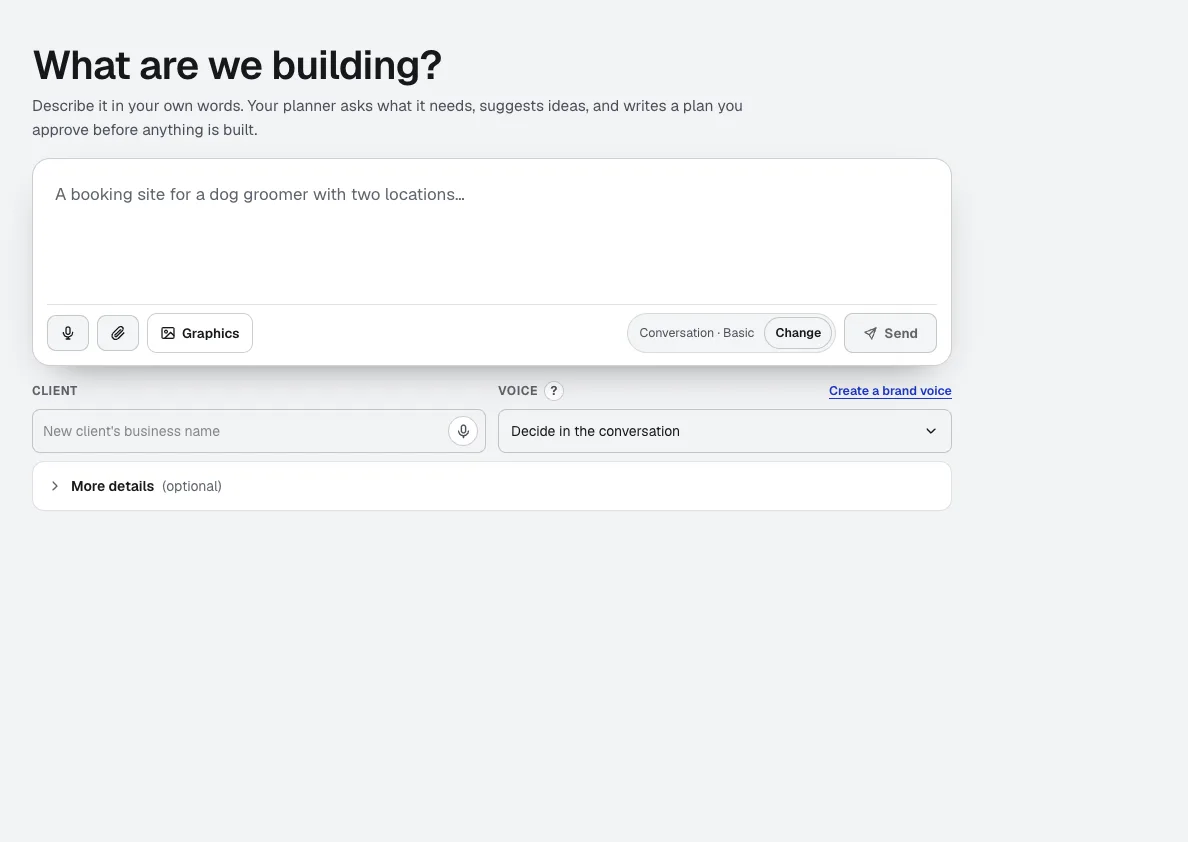
Your websites
aiKit is an AI website builder with hosting: it plans the pages, writes the copy, builds the site and hosts it. Every later change is a request in your own words, saved as a version you can undo, for your own business or for every client you run sites for.
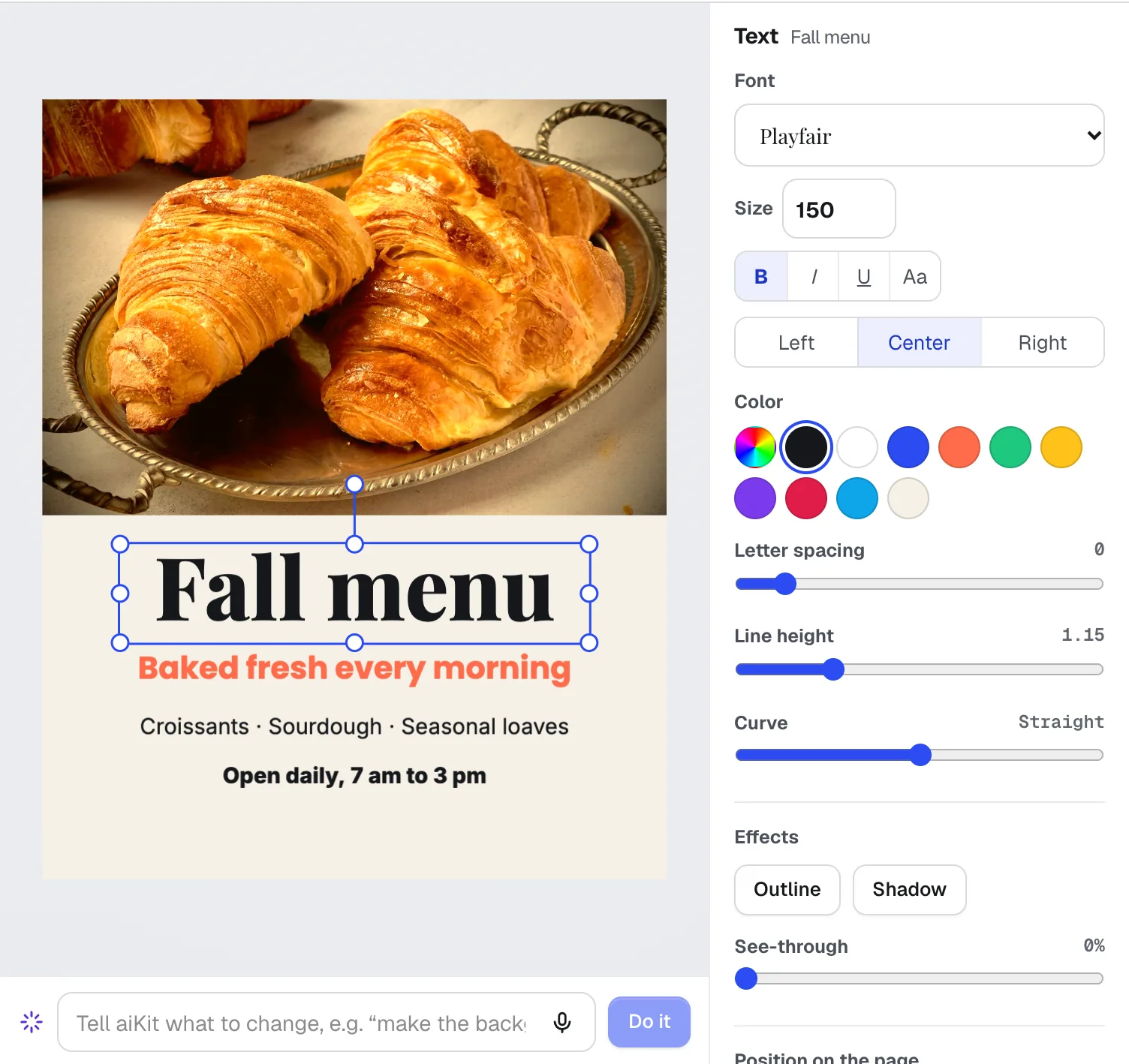
Magic Canvas
NewMagic Canvas is an AI flyer maker and social post designer: it lays out posts, flyers, cards, banners and email headers from your words, then lets you change anything by hand or by saying it. Your brand colors and logos are one click away.
In practice
What creators, coaches & consultants businesses do with aiKit
A coach's site built over a weekend
An invented life coach builds a booking-ready site in an AI chat app, publishes it to aiKit from the same chat, and adds a working booking page from the Kit.
A welcome series planned in one step
A coach plans a three-email welcome series with timing, subject, and purpose for each, then creates all three as drafts in one click.
An options seller keeps one journal
An invented consultant who sells option spreads on the side logs each trade, combines a spread's legs into one row, and sees profit and loss by strategy at the end of each month.
Notes on a video, down to the second
A video producer sends a 60-second ad. The client leaves comments at 0:08 to 0:11 and draws a box on the frame; the producer exports the comments as a CSV with start and end times.
Two businesses, one login
A consultant who also runs a training company sends quotes from both, each with its own logo, terms, and numbering, from one account.
Your voice when someone else writes
A coach with a virtual assistant shares one voice, and the assistant checks every email draft against it before it goes out.
A sales page for a workshop
A consultant uploads the workshop outline as a PDF and gets a long sales page with placeholders where real testimonials go, ready to fill with actual client quotes.
A course outline from a workshop
A photography coach turns workshop notes into an eight-lesson course with worksheets, flashcards and video scripts, then makes the slides and starts a captioned video in Video Kit.
Talking-head clips without the busywork
A coach films one idea a day. Video Kit cuts the ums, adds word-by-word captions, and exports a square and a tall version of the same edit.
On-brand posts without a designer
A coach makes weekly quote cards in her brand colors, with curved headings and a duotone portrait, and keeps every design in My designs to reuse.
A workshop deck from an old PowerPoint
A consultant imports last year's workshop deck, makes a copy rewritten for executives, and updates the numbers from a new report so only the affected slides change.
A podcast episode into a blog post
A coach uploads a 25-minute episode and turns it into a blog post and a chapter list without listening back to the whole thing.
Land the first five coaching clients
A new coach sets a 3-month goal with a budget and 5 hours a week. Steps cover the offer, a simple site, outreach and a review request, and the weekly check-in keeps the pace honest.
A consultant decides what to automate
An invented bookkeeping consultant runs the automation report to see which back-office tasks eat the most hours and which one module to build first.
A brand mark for a coaching practice
A business coach compares concepts in different styles, asks one designer to "use the blue from concept 2," and downloads the winner.
Questions
Questions creators, coaches & consultants businesses ask
What AI tools do coaches and consultants use?
How do I make AI writing sound like me?
Can AI summarize my client calls?
What's an easy way to make videos for YouTube and social media?
Can clients book sessions on my website?
Can AI add captions to my videos?
Can AI remove the ums and pauses from my videos?
Can I turn a wide video into a vertical reel?
Can I turn a podcast or webinar into a blog post?
Can AI write a sales page or email sequence in my voice?
Can AI write a press release for my launch or event?
Can I send a proposal deck and see when the client opens it?
Can clients leave time-stamped notes on a video I made?
Other kits: Print, promo & signs · Marketing & agencies · Trades & service businesses · Retail, restaurants & e-commerce · Education & training · Events, lighting & AV · Real estate
Your kit is ready.
Make a free account and open the creators, coaches & consultants kit today.