

Infinite 3D Studio新功能
AI 3D model generator: your product in 3D, then everywhere
Describe your product or drop photos, a drawing or a logo. Watch the 3D model form, change its look in plain words, then get product photos, a turntable video and 3D files, all from one model.
免費帳號,無需信用卡。 已經在使用 aiKit 了嗎? 登入以開啟 Infinite 3D Studio
Start your way
4 ways to start
Type what you picture, or drop what you already have. Every clip is the tool's own viewer; open What you need under each one before you start.
Describe a character
Type what you picture, like a friendly owl mascot with big round eyes. It forms on screen, then you restyle it in your own words.
What you need
- One object, said in a sentence or two: what it is, its main colors and what it is made of.
- Skip whole scenes and crowds. Say the scene afterwards, it is free to change.
- About 5 to 30 words works best. A Quick draft reads the first 200 characters.
Describe a product
A mid-century lounge chair with walnut legs and a teal velvet seat, said in one line. Then change the scene and light for free.
What you need
- One object, said in a sentence or two: what it is, its main colors and what it is made of.
- Skip whole scenes and crowds. Say the scene afterwards, it is free to change.
- About 5 to 30 words works best. A Quick draft reads the first 200 characters.
Drop photos of your product
One photo, or 2 to 4 from different sides. Your phone shots come together as a 3D model with the real colors.
What you need
- One photo: the product alone, in the middle, sharp and fully in view.
- Several photos: 2 to 4 of the same product from different sides, in the order front, left side, back, right side.
- A plain or clean background, soft even light and no shadows across the product. Keep the same light in every photo.
- No hands, text or filters over the product. Shiny glass and thin parts come out best from a straight-on view.
- JPG, PNG or WebP up to 25 MB each. iPhone HEIC photos: share them as Most Compatible (JPG) first. They are made smaller on your device before they are sent.
- Coming soon: a phone video walking once around the product. It is not ready yet, so video files are not accepted today.
Drop a logo or a sketch
An SVG logo becomes exact 3D for free, then chrome, gold or neon with one word. A drawing or a PNG logo is built with AI.
What you need
- SVG logo (up to 5 MB): needs solid filled shapes. Outline-only lines are skipped. It is made 3D from its real shapes, in your browser, free.
- PNG logo, sketch or drawing: one subject on a plain background with clear, dark lines. It is built with AI and shows its cost first.
您會得到什麼
Your product in 3D, then everywhere.
Describe it, get a model
Type what you picture, a character, a mascot or a product, and the 3D model forms in front of you. Or start from one photo, 2 to 8 photos from different sides, a sketch, a logo or your own 3D file. Drag and drop anywhere, on a computer or a phone.
Watch it come to life
The real steps of the build show as they happen, then the model forms in front of you and settles into a slow turn.
Change it in your own words
"Rose gold on a sunset beach, close-up." Material, color, light, scene and camera changes are instant and free. A new shape shows its tokens first.
44 looks to start from
18 materials from chrome to holographic, 8 lighting setups, 10 scenes and 8 moods, all searchable, plus any color and a Make it pop button.
Every asset from one model
Product photos in 12 social, ad and web sizes, a transparent cut-out, a turntable video and GLB, USDZ, STL and OBJ files at a real size, made in your browser for free.
Exact 3D logos
An SVG logo becomes 3D from its real shapes, with depth and a bevel, so the lettering stays crisp. Free, and nothing is redrawn.
所有功能
Infinite 3D Studio 的全部功能
完整清單,依工具目前的實際運作整理。
- Five ways to start: describe your product in words, one photo, 2 to 8 photos from different sides, a sketch or drawing, or a logo
- SVG logos become an exact 3D logo in your browser, free, made from the real shapes and never redrawn
- Open your own GLB, glTF, STL, OBJ, PLY or FBX file to view it, restyle it and save it in another format, free
- Drag and drop anywhere on the workspace, or choose files on a computer or a phone
- Three qualities (Quick draft, Standard, Best detail), each with its token cost on the Build button before you press it
- Watch it come to life: the real steps of the build as they happen, then the model forms on screen
- A 3D viewer you can spin, drag, zoom and pinch, with Clay and Wire views, in Simple or Pro mode
- A prompt box under the model for any change in your own words: material, color, light, scene and camera changes are free and instant; a new shape shows its cost first
- 44 looks to search and click: 18 materials, 8 lighting setups, 10 scenes and 8 moods, plus any color and Make it pop
- Get your assets: product photos in 12 social, ad and web sizes, a transparent cut-out, a turntable video, and GLB, USDZ, STL and OBJ files at a real size
- Save photos and videos to your Graphics Library, and What's next sends them to Photo Studio, Mockup Studio, Motion Maker, Video Kit or Email Studio
- Five free samples to try first, a list of your models with their own links, and thumbs up or down on every model
包含內容
使用 Infinite 3D Studio 能獲得什麼,以及它如何與 aiKit 其他工具搭配
免費 aiKit 帳號即可使用
- 使用你帳戶的代幣,也就是所有 aiKit AI 工具共用的同一種代幣
- Five free samples to try first
- SVG logos to exact 3D and your own 3D files, free
- 44 looks and changes in your own words, free
- Product photos, cut-outs, turntable videos and 3D files, free
- Your models list with a link for each model
哪些會用到 AI,哪些免費
Building a new model uses tokens, shown on the Build button first: about 34 for a Quick draft, 60 for Standard and 90 for Best detail. Loose-wording changes use well under a token. Looks, photos, cut-outs, turntables and file downloads are made in your browser and use no tokens.
可與你的其他 aiKit 工具搭配使用
- Photo Studio: What's next sends the transparent cut-out as the product photo, ready for a scene.
- Mockup Studio: The cut-out opens in Mockup Studio for shelves, hands and displays.
- Motion Maker: The turntable video lands on the Motion Maker timeline.
- Video Kit: The turntable video opens in Video Kit for an ad with captions.
- Email Studio: A header picture of the product opens in Email Studio.
- Graphics Library: Photos, cut-outs and videos are saved in the Infinite 3D Studio folder.
Keep Infinite 3D Studio in any of your kits, next to the tools you use with it. One monthly AI allowance covers every tool you add.
運作方式
從第一次點擊到完成,只要 4 個步驟。
開始
Type a description or drop photos, a drawing or a logo. Pick Quick draft, Standard or Best detail; the tokens show on the Build button.
Watch it form
See each real step, then the model forms on the stage. Spin it, zoom it, and try the Clay and Wire views.
Pick a look
Click a look or type what you want under the model. Gold, glass, neon, studio white, golden hour: free and instant.
Get your assets
Download photos, a cut-out, a turntable video or 3D files, save them to your Graphics Library, or send them to Photo Studio, Mockup Studio, Motion Maker, Video Kit or Email Studio.
More it does
More of Infinite 3D Studio at work
Packaging on any backdrop
The same gift box on white, black, pastel and concrete, one line per campaign.
Swap the material in a line
Gold, chrome, rose gold, glass, holographic: free and instant, so a jeweler shows five finishes from one model.
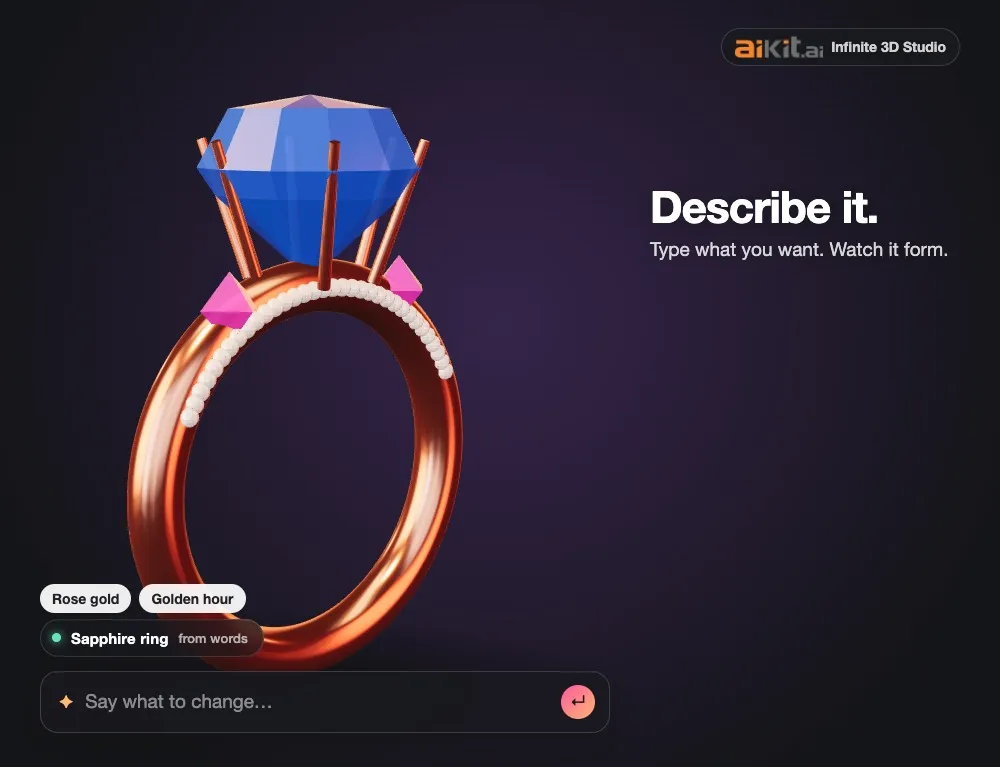
From one sentence to a ring
Type a gold ring with a big sapphire, watch it form, then switch it to platinum or rose gold for free.
Every file from one model
Product photos in 12 sizes, a turntable video, a see-through cut-out, GLB and USDZ for AR, and STL for 3D printing.
適用對象
不同行業如何使用 Infinite 3D Studio
A candle shop's new scent line
A candle maker photographs one jar from four sides, builds the model once, and makes the launch posts in amber, sage and blush by typing the color, with a story-size turntable for each.
Show the bottle before the order
A promo shop drops a customer's SVG logo in, turns it into a glossy 3D logo, and sends the cut-out to Mockup Studio for the approval email.
Pitch visuals in an afternoon
A small creative team describes a concept sneaker in words, picks a moody black-velvet look, and exports 12 sizes of hero shots for the pitch deck.
A maker's printable figure
A hobby maker turns a child's crayon robot into a 3D model and downloads an STL at 14 centimeters tall for the printer.
A spinning logo for the stage screen
An event company makes the client's logo 3D in chrome, records a 10-second wide turntable, and sends it to Video Kit for the opening loop.
A product photo without a studio
A bakery supply shop builds its new mixing bowl from photos and saves a transparent cut-out and a white-background store photo the same day.
最適合
- Product sellers who need product shots and spins without booking a studio every time a color changes
- Print shops and promo sellers showing a customer their product or logo in 3D before ordering
- Makers who want a 3D file to print or put on their own site
注意事項
- 不適合: Engineering parts that need exact measurements (use CAD)
- 不適合: Game characters with rigging and animation at scale
- A new model uses tokens, shown on the Build button first: about 34 for a quick draft, 60 for Standard and 90 for Best detail. A model that fails is given back automatically.
- Looks, photos, cut-outs, turntable videos and 3D files are made in your browser and use no tokens.
- AI models can come out lumpy or smeared, and words or logos drawn on them by the AI may be garbled: rate it and build again, or use an SVG logo for an exact one.
- Phone video walk-arounds, campaigns, print checks and the website viewer are coming next.
問題
Infinite 3D Studio:常見問題
Is there a free AI 3D model generator?
Can I 3D print the model?
Does it work on a phone?
Can I use the 3D models and photos commercially?
What is Infinite 3D Studio?
How many tokens does a 3D model cost?
Can I turn photos of my product into a 3D model?
Can I make a 3D model from a sketch or a kid's drawing?
Can I make my logo 3D?
Which 3D files can I download, and at what size?
Can I change the model by typing what I want?
How do I get product photos and a video from my 3D model?
Can I send my 3D product to other aiKit tools?
What do my photos, logo or description need to make a good 3D model?
Is what I upload private?
搭配效果很好
可加入同一工具組的工具
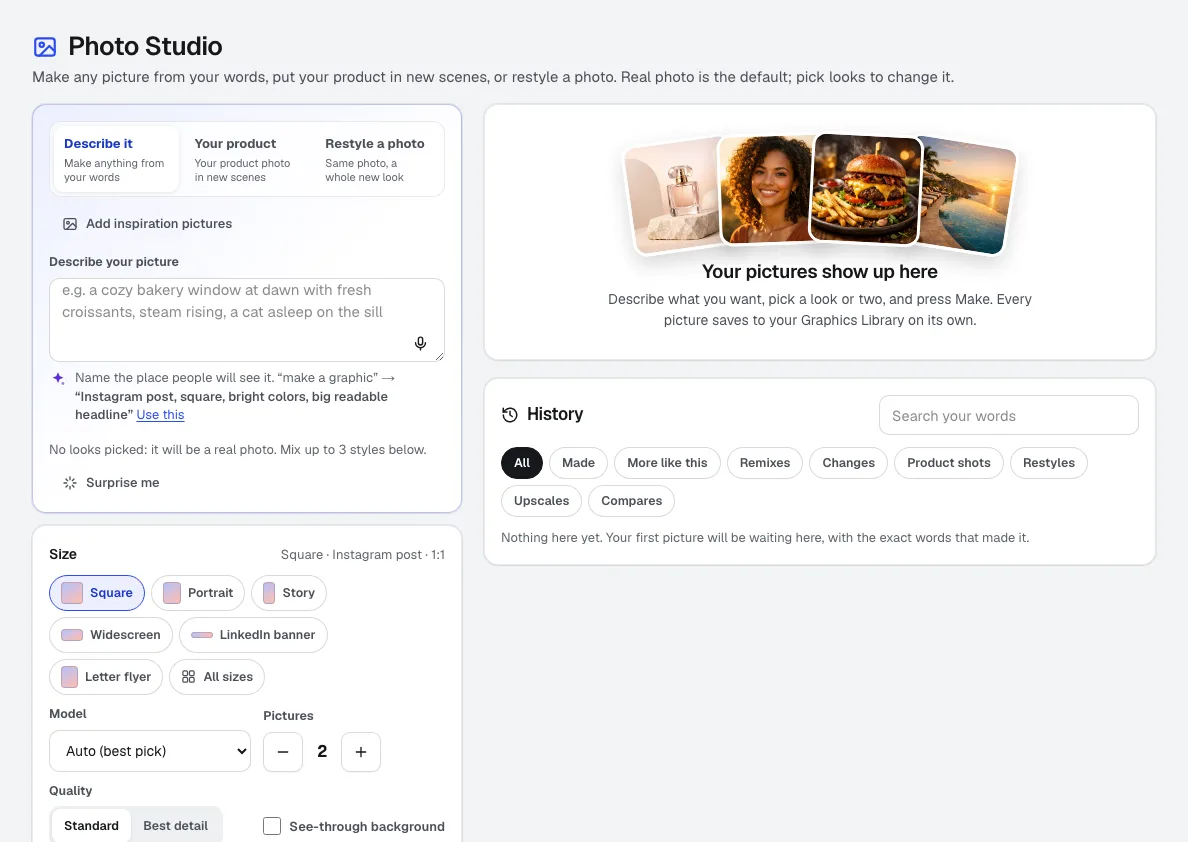
Photo Studio
新功能Photo Studio 是為企業打造的 AI 圖片生成工具:描述畫面,點選並混搭來自 288 張真實範例圖的風格,將你自己的產品放進新場景或重新設計照片風格,並以適用於社群、網頁或印刷的精確尺寸取得照片、產品圖、場景與藝術作品。
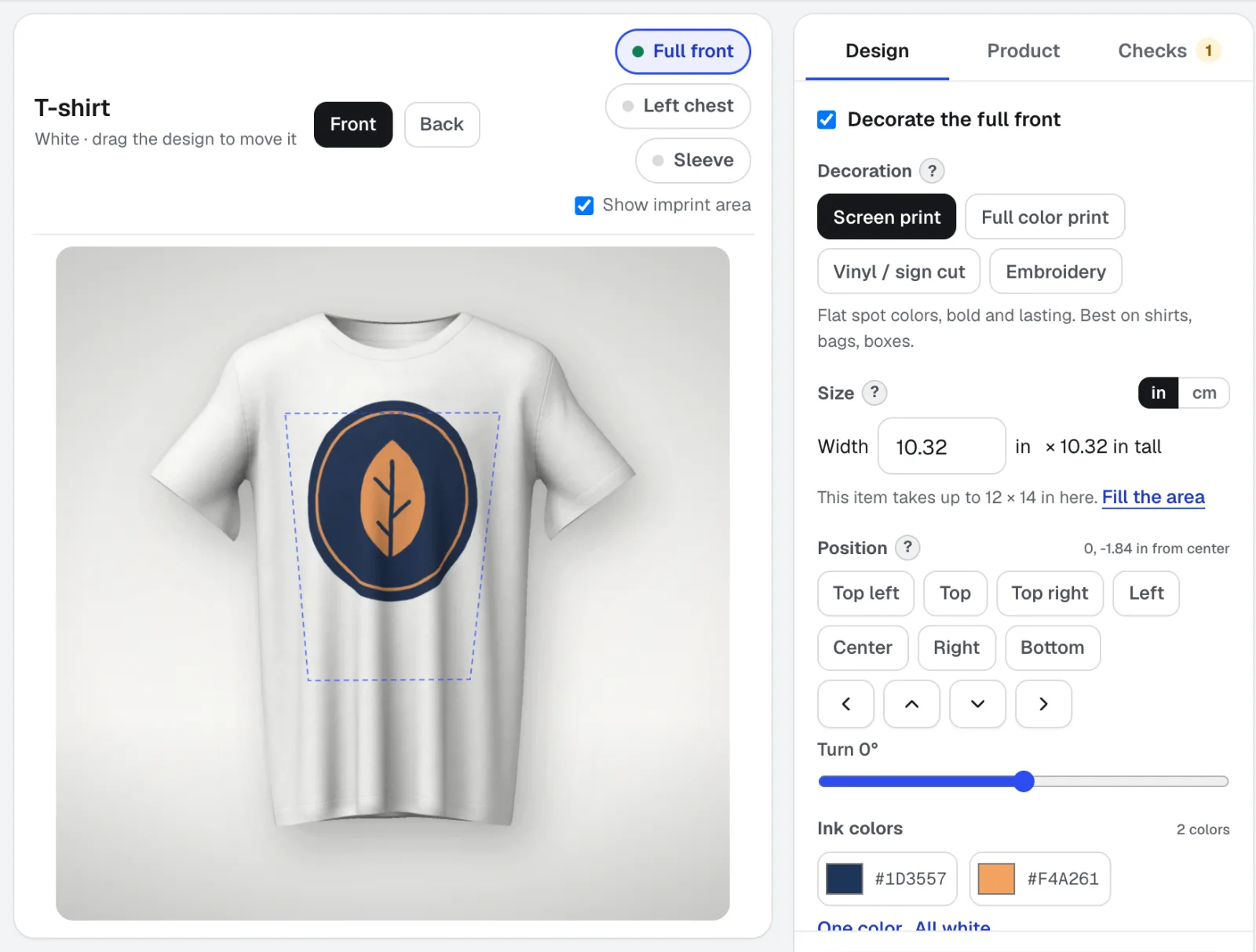
Mockup Studio
樣機工作室是適用於衣服、馬克杯、招牌、包裝和印刷品的標誌樣機產生器,也可使用您提供的任何產品照片。它會檢查印刷店家會檢查的裝飾規範,並提供報價所需的規格表。
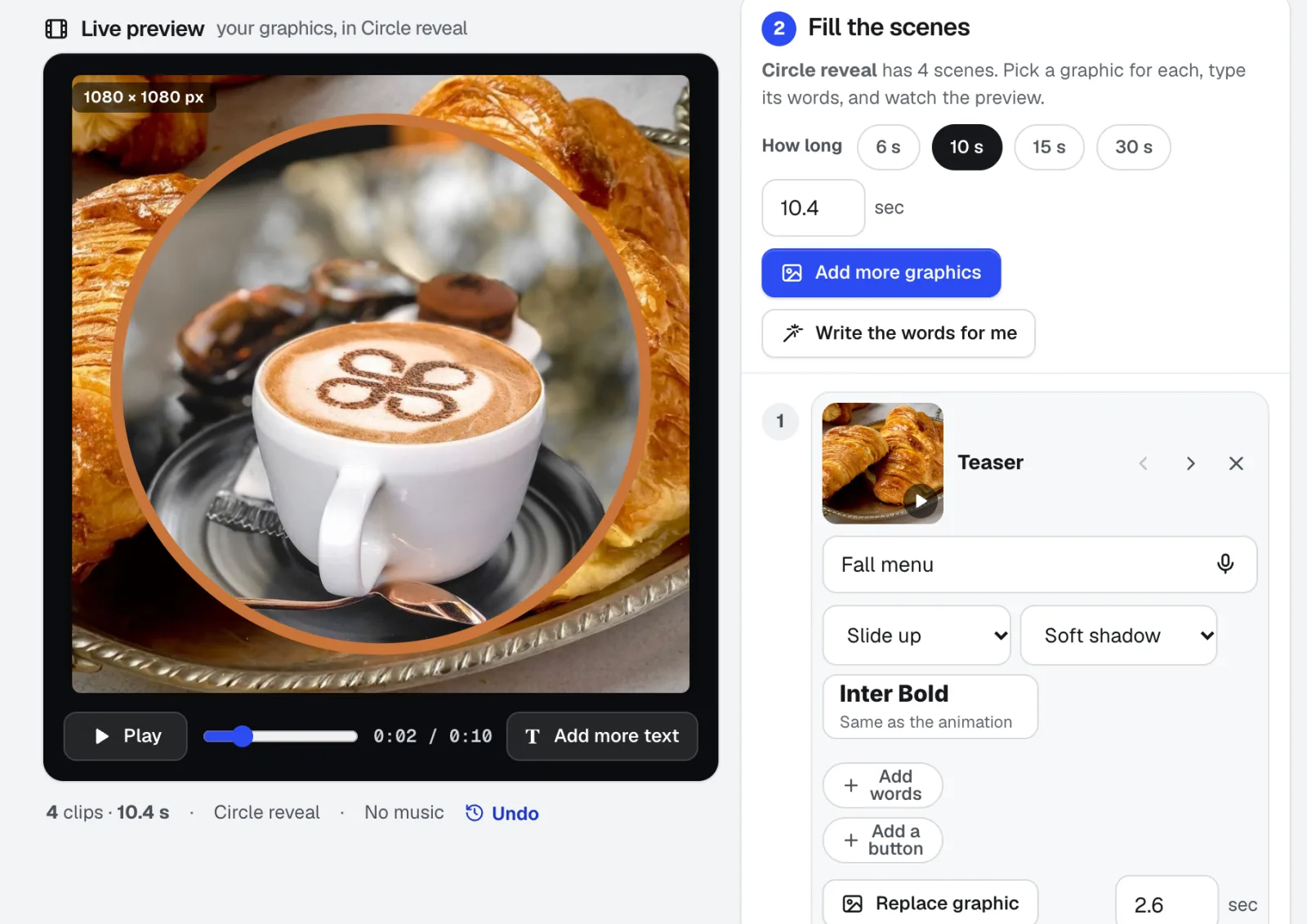
Motion Maker
新功能專為電子郵件設計的動態 GIF 製作工具,另可製作橫幅和宣傳短片:從 26 種動畫風格中選一種,放入照片,直接在畫面上輸入文字,並加入依節拍剪輯的音樂。可直接從瀏覽器匯出 MP4、WebM 或適合郵件使用的 GIF。
本頁內容已於 2026-11-01 對照產品確認。