

The situation
Teachers plan in the evenings. A new unit means a sequence of lessons, a hook for each one, activities, a quiz with an answer key, a worksheet for the students who finish early and a modified version for the students who need smaller steps. Writing all of that from scratch for every unit is the part of the job that eats weekends.
AI can draft it, but a teacher needs control: an outline to check before anything is written, a grade level and standards that fit, and output in formats that open in the tools the school already uses.
The aiKit tools for this job
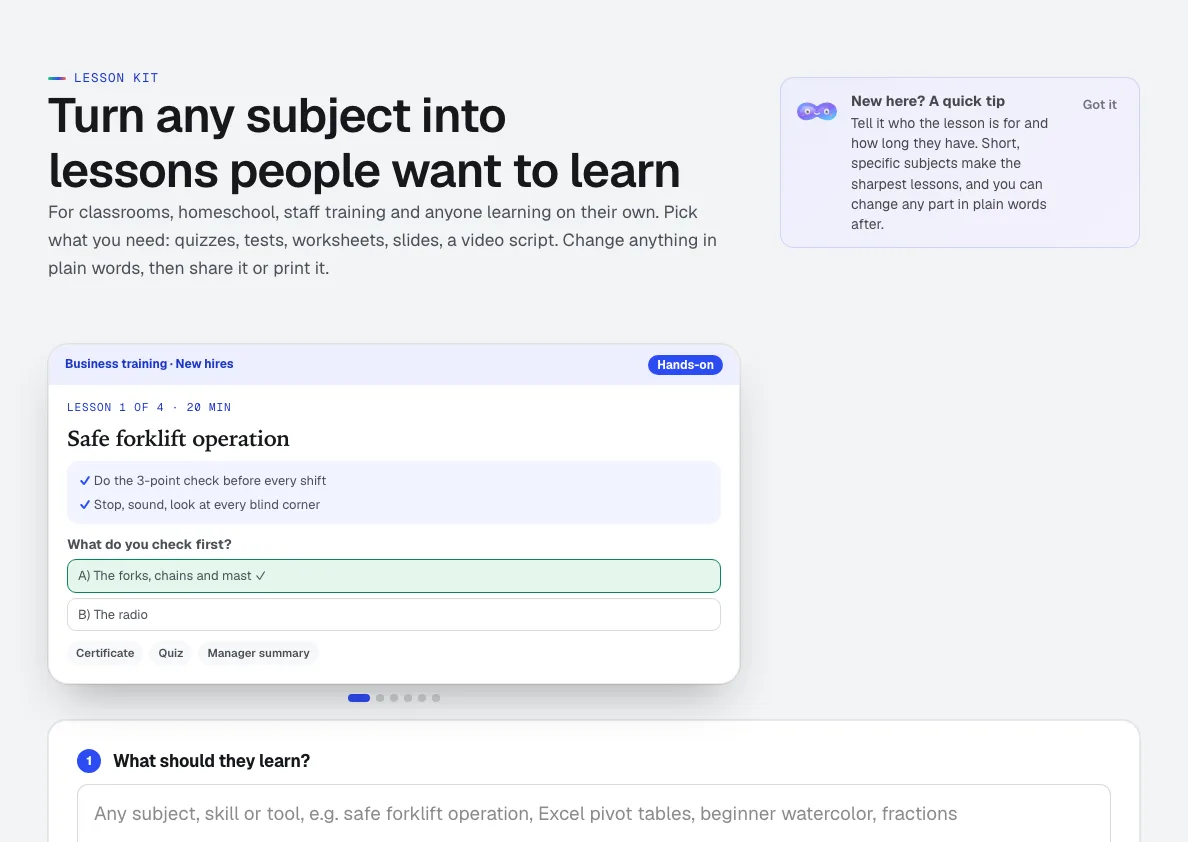
- Lesson Kit: Plans and writes the lessons and the add-ons you pick, at the grade and reading level you set.
- Presentation Builder: Make the slides builds a deck from the lessons, with speaker notes and quiz slides.
- Video Kit: Turns those slides into a captioned video for flipped or absent students.
Step by step
Say the subject and who it is for
Type or speak the subject, pick School class, and choose the grade. Standards such as Common Core or NGSS can be added.
Lesson Kit →Pick the size and the add-ons
Choose 1 to 30 lessons and 10 to 120 minutes each, then tick quizzes, a final test, answer keys, worksheets, flashcards, homework, exit tickets, a rubric or anything you type.
Lesson Kit →Check the outline
Press Plan my lessons. Reorder, rename or change lessons by hand or in your words before anything is written.
Lesson Kit →Write everything
The screen shows about how many tokens it will use, then writes each lesson and add-on with the real step showing. Stop after this step keeps everything finished so far.
Lesson Kit →Teach it
Download Word, PDF or Google Docs, print the quiz and answer key, turn on the learner link, or press Make the slides.
Lesson Kit →
Examples
A fractions unit with quizzes and keys
A fourth-grade teacher at an invented school, Maple Hollow Elementary, plans six 45-minute lessons on fractions, tags Common Core, and ticks quizzes, a final test, answer keys and an Extra-support version. The learner link goes to the class the same afternoon.
A science unit in two languages
A middle school teacher plans a water cycle unit, then makes a Spanish version of each lesson at a simpler reading level for newcomer students.
A homeschool week
A homeschool parent picks Homeschool, plans five lessons on ancient Egypt with flashcards and a project rubric, and prints the study materials.
Tips
- Read the For line on the outline; it says who the lessons are for and what learners will do, so misunderstandings show up early.
- Treat standards codes as suggestions and check them against your official list.
- Use the extra-support version for students who need smaller steps instead of writing a second unit.
- Read each lesson before you teach it, especially on recent events or local rules.