

Video KitNew
Turn phone footage into captioned social videos in minutes
Video Kit is an AI video editor for social media: drop in your clips and edit them like a document. Delete words to cut the video, remove pauses and ums in one pass, and Ask for changes in plain words. Captions, sizes, music and your logo are built in.
Free account, no card. Already using aiKit? Log in to open Video Kit
Video Kit in short
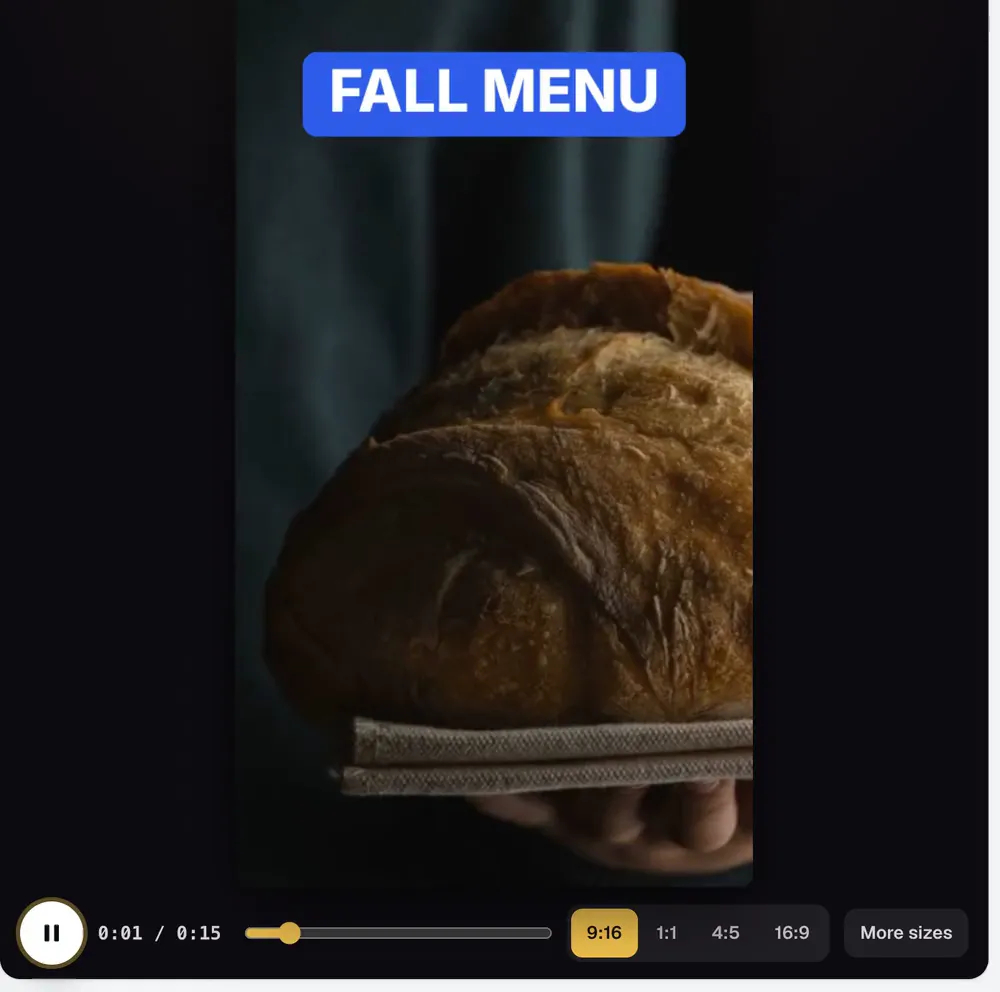
Video Kit turns your own footage into short social videos with captions that move with your voice. You edit by deleting words, remove pauses and ums from a list you check first, and ask for any change in plain words. It is for owners, teams and agencies who post reels, TikToks and Shorts and want captions without the busywork.
| What it makes | Short social videos with word-by-word captions |
|---|---|
| Who it is for | Owners, teams and agencies posting reels, TikToks and Shorts |
| Sizes | 9:16, 1:1, 4:5 and 16:9, with face-following framing |
| Length | Videos up to 3 minutes |
| Captions | 31 fonts and 7 looks; any word editable in the Words tab |
| Price | Free to start with a monthly AI allowance, no card. Paid plans from $18.88 a month. |
| Runs in | Any web browser, nothing to install |
What you get
Short social videos from your own footage.
Templates with real 3D and your logo built in
Printing and promo products and real estate templates move a real 3D camera through every photo, turn 3D tumblers, bottles and mugs with your logo printed on them, and print your logo onto totes, caps, cards and banners. Real estate comes in five regional looks, commercial real estate has office, retail and warehouse templates, and 9 new layouts work for any business: big-word reveals, 3D cubes and carousels, split screens, phone, laptop and billboard screens, a photo wall, a map pin and a scrapbook. Change any shot with words, such as "swap the t-shirt for a hoodie".
Edit the words, and the video follows
Select words in the transcript and press Delete: the video cuts with them. Cut words stay in the list, struck through, so one click brings any of them back.
Pauses and ums gone in one pass
Remove pauses and ums lists every long pause and every um or uh with a checkbox and the time it happens, plus the seconds you save. Untick what you want to keep, press Cut, and one Undo puts them all back.
Captions that move with your voice
Make captions writes the words as people speak, with the spoken word lit up. Pick the font, look and spot, fix any word, and show them in another language while they still follow the voice.
Ask for changes in plain words
Type "make it 30 seconds for Instagram" or "put the price on screen when I say it". Video Kit makes the change with its own editing steps, and Undo puts it back.
One video, every size
Switch between 9:16, 1:1, 4:5 and 16:9, or set a custom size up to 4096 pixels. Follow the face keeps a speaker in frame when a wide clip becomes a tall one.
Your brand on every clip
Add an intro and outro card in a Motion Maker style, your logo in the corner, a color look, and music that dips under the voice by itself. Save the look as a template for the next video.
Every feature
Everything in Video Kit
The complete list, from the tool as it works today.
- Editing starts at once in your browser while footage copies to the cloud in the background (resumable), so a saved video opens on any device
- Captions word by word as people speak, the spoken word lit up, in 31 fonts and 7 looks, placed anywhere, any word editable
- Edit by the words: delete words and the video cuts; remove pauses and ums from a list you check first; Undo for everything
- Ask for any change in plain words, with anything not done listed first
- Sizes 9:16, 1:1, 4:5 and 16:9 with fill or a blurred background, face-following framing, and a color look
- Intros and outros in Motion Maker's styles, your logo, music that dips under the voice, narration from Voice Kit, and extra footage (shots laid over your video) suggested from your Graphics Library
- Transitions between pieces (lightning, flash, glitch, whip pan, and more), effects placed exactly where you want them (at a moment, at every cut, every few seconds, on one piece, or the whole video), and captions shown in another language
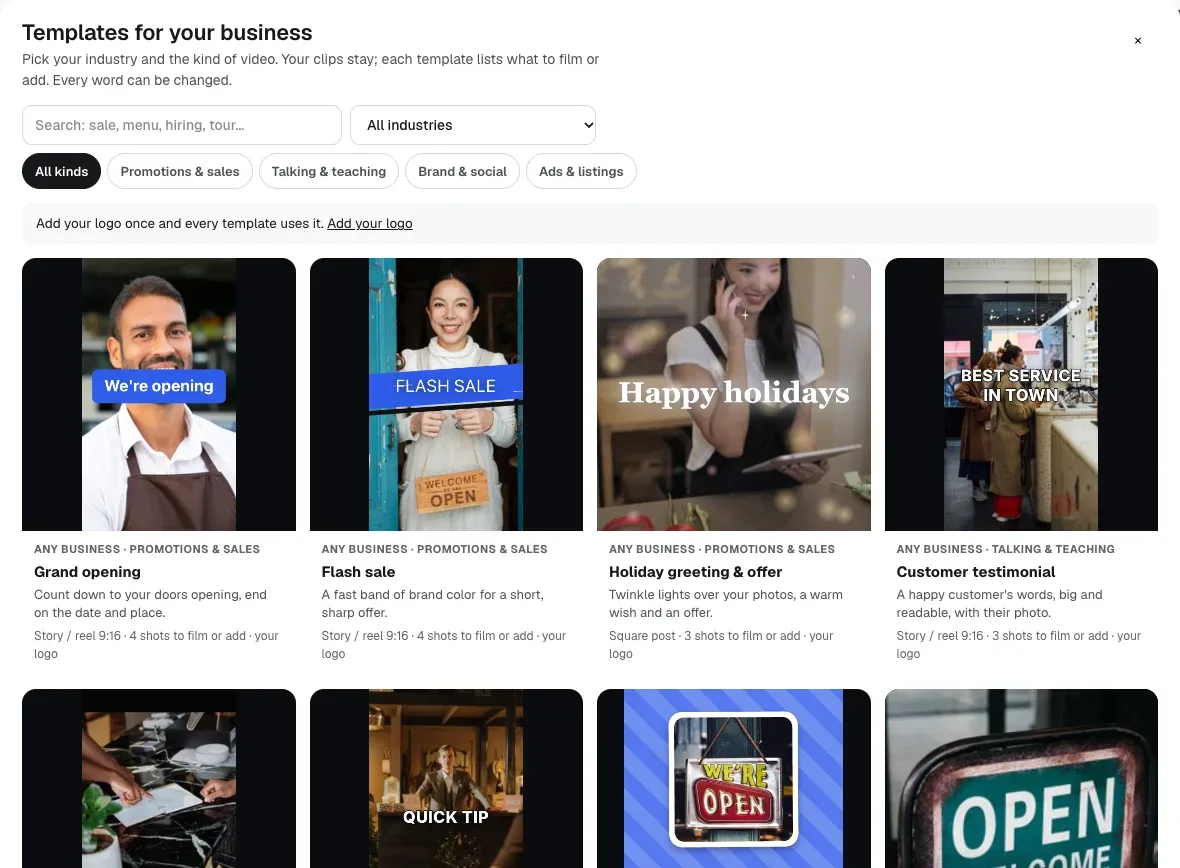
- Industry templates that start ready to play with their own photos and words, each photo marked Your photo here to swap for yours
- 3D templates for print and promo and real estate: a real 3D camera through the photos, 3D products with your logo printed on them, your logo printed on the products in the photos, regional looks for real estate (South Florida, Northeast, Southwest, Mountain & Pacific NW, Midwest & South) and commercial real estate templates
- 9 layouts for any business: big-word reveal, 3D cube, carousel, bold split, on every screen (laptop, phone, billboard), photo wall, pin on the map, scrapbook and before-and-after wipe
See every feature (13)
- Change it with words: describe what should change in a photo shot (swap the product, the scene, the season) and the picture is changed for you
- Your brand in the video: tastefully throughout, at the opening and closing, or off, with your own photo in "meet us" frames
- MP4 made in your browser, saved to your Graphics Library or downloaded
What’s included
What you get with Video Kit, and how it works with the rest of aiKit
Included with a free aiKit account
- Video Kit with every editing tool: words, timeline, sizes, text, effects, brand and sound
- Videos up to 3 minutes each
- The footage of your last 3 videos kept in the cloud for 30 days, so a saved video opens on any device
- Exports made in your browser: MP4, WebM, an email GIF up to 15 seconds, sound as WAV, or a still PNG
- aiKit Original music, intro and outro cards, transitions and effects
- Saved videos, versions and templates of a video's look
- 114 templates for 24 industries, including 17 with a moving camera, 9 layouts for any business and five regional looks for real estate, and Change it with words on any photo shot
What uses AI, and what’s free
Making captions, showing captions in another language, Ask for any change, Change it with words on a shot, and Fix it on a marked-up note use your monthly AI allowance. Once captions are made, cutting by deleting words and Remove pauses and ums work from them with no more AI. Trimming, sizes, Follow the face, text, effects, music and exporting run in your browser and are free.
Works with your other aiKit tools
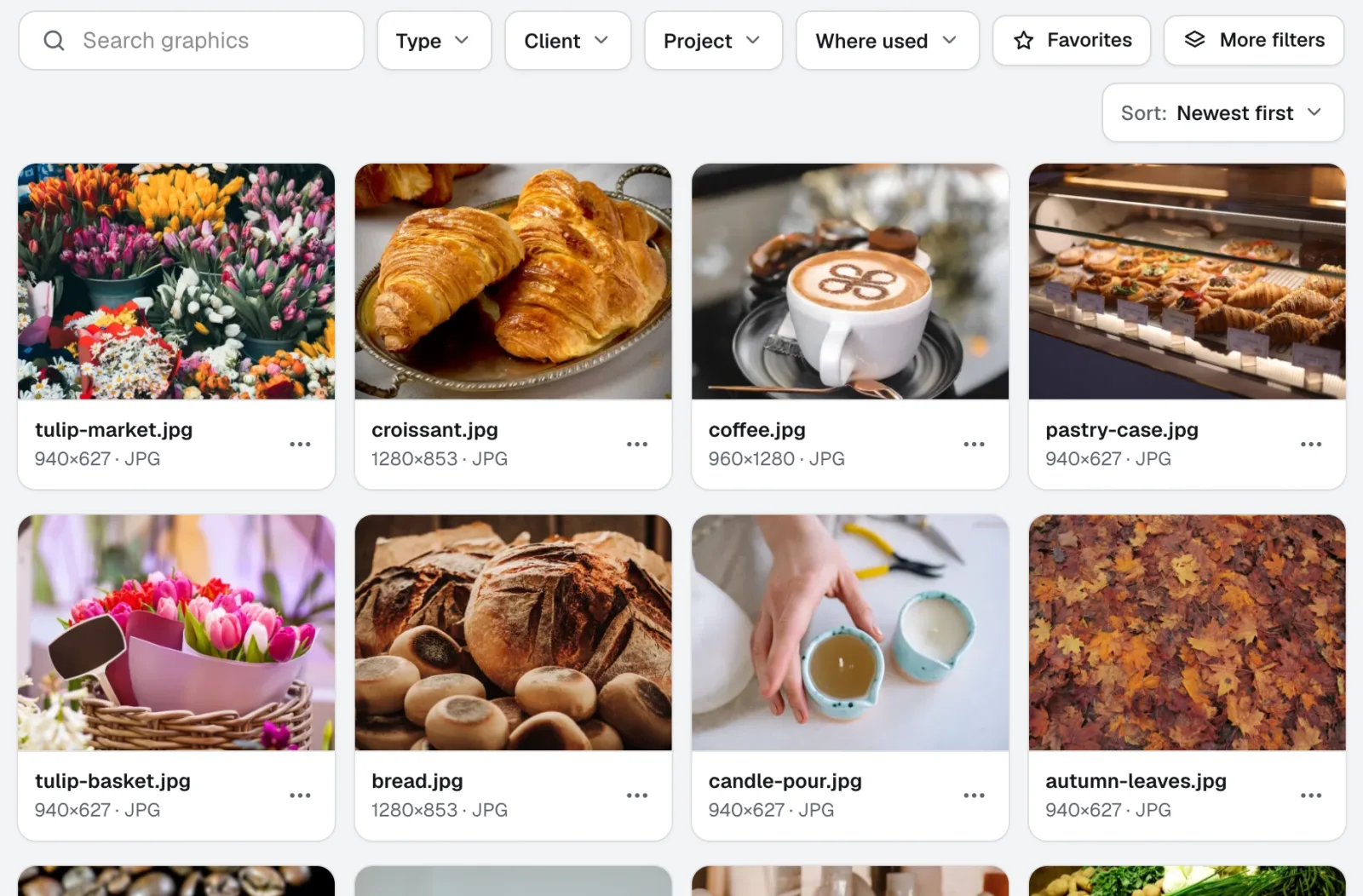
- Graphics Library: Video Kit opens clips, pictures and music from your Graphics Library, suggests extra footage from it, and saves finished videos into it.
- Motion Maker: Intro and outro cards use Motion Maker's animation styles, and both tools share the same templates for your industry.
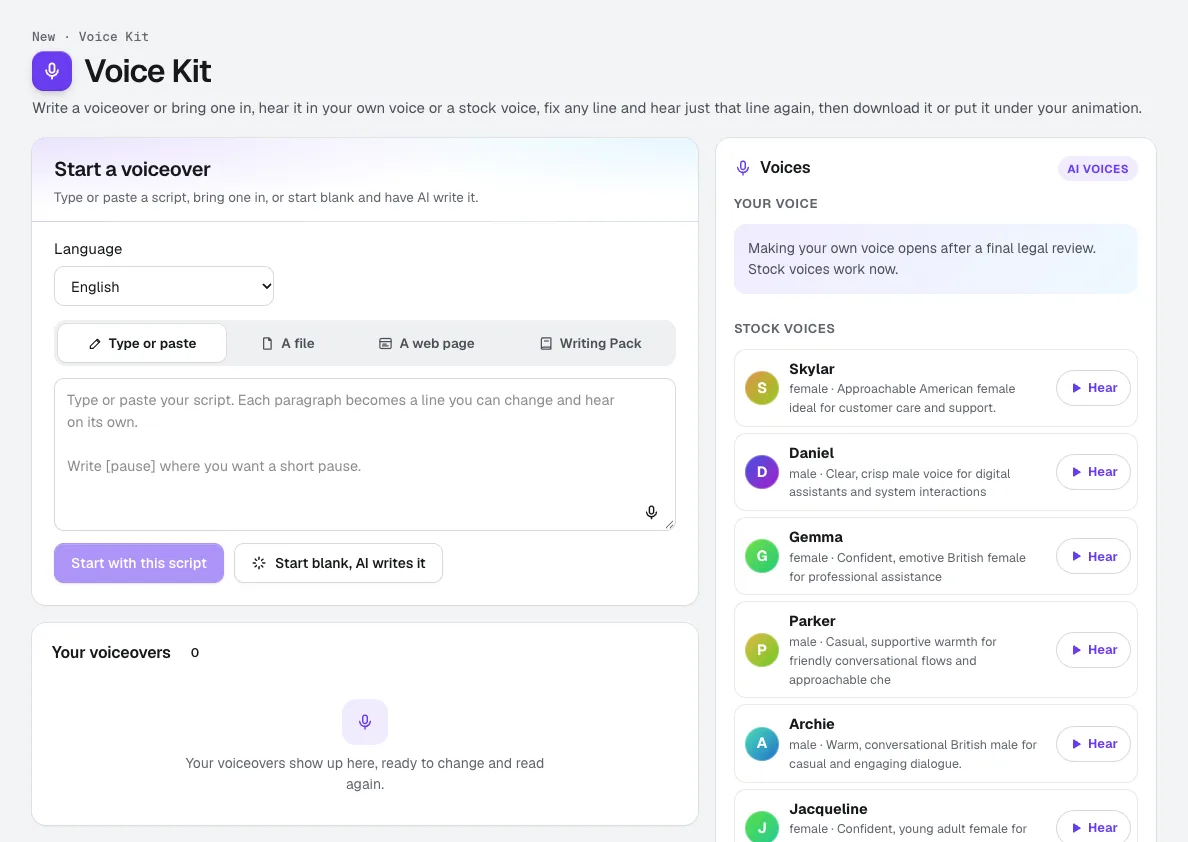
- Voice Kit: Voice Kit reads narration for a video, and the music dips under it.
- Presentation Builder: A Presentation Builder deck becomes a video with one piece per slide, its speaker notes read by Voice Kit.
- Vectorize Kit: The logos and colors you saved to a brand kit in Vectorize Kit are ready for the corner logo and the intro and outro cards.
Keep Video Kit in any of your kits, next to the tools you use with it. One monthly AI allowance covers every tool you add.
How it works
From first click to finished, in 5 steps.
1. Drop in your clips
Choose up to 3 minutes of footage, photos or sound. Editing starts at once in your browser while each clip copies to the cloud in the background, so the saved video opens on any device.
2. Make captions and clean up the talk
Press Make captions, then use the Words tab to delete stumbles and run Remove pauses and ums. Fix a misheard name by double-clicking the word.
3. Pick the size, brand and sound
Choose 9:16 for reels, turn on Follow the face, add your intro, outro and logo, and pick an aiKit Original or your own music. Add text like a price or phone number from the Text tab.
4. Polish by asking
Type a change such as "add an outro that says Book this week". Watch the result, then keep the change or press Undo.
5. Export and share
Export an MP4 made in your browser, or a WebM, an email GIF, the sound as WAV, or a still PNG. Save it to your Graphics Library or download it.
Who it’s for
How different businesses use Video Kit
A tip video from the job site
A plumber films a 90-second tip on his phone between calls. He cuts the false starts by deleting words, adds captions and a "Call today" outro with the shop's number, and posts a 9:16 reel that evening.
This week's special, captioned
The owner of an invented cafe, Maple Street Bakery, records herself describing a new pastry. Video Kit removes the pauses, puts the price and "today only" on screen when she says it, and adds the bakery's logo and warm music.
Client clips with the client's look
An agency saves each client's intro, outro, logo, caption style and color look as a template. A new batch of phone footage gets the same branded finish in a few clicks.
A walk-through reel from one take
An agent records a wide walk-through of a listing and turns it into a tall reel with Follow the face for the talking parts, captions for silent viewers, and an outro card with the open-house time.
Short lessons from a long explanation
A trainer records a 3-minute how-to, trims it to the steps that matter by deleting words, and shows the captions in Spanish for a second group of learners.
Talking-head clips without the busywork
A coach films one idea a day. Video Kit cuts the ums, adds word-by-word captions, and exports a square and a tall version of the same edit.
Ideal for
- Owners and teams who post reels, TikToks and Shorts and want captions without the busywork
- Agencies turning clients' phone footage into on-brand clips with their logo, colors and intro
- Anyone who'd rather edit a video like a document than fight a timeline
Good to know
- Not for: Long-form video over 3 minutes
- Not for: Animated promos from photos (use Motion Maker)
- Not for: Multi-camera or many-track film editing
- Videos up to 3 minutes. Free keeps the footage of your last 3 videos in the cloud for 30 days; paid plans keep more. Finished videos live in your Graphics Library (up to 25 MB a file) or are downloaded.
- Captions come from speech-to-text and can mishear names or unusual words: read them and fix any word in the Words tab.
- Plain-words changes can misread a request; anything not done is listed under Not done yet, and Undo puts the edit back.
Good to know
Before you use Video Kit
Real people need permission. Only use faces, voices, and names of people who agreed (and a parent or guardian for anyone under 18). No fake endorsements. Label AI-made video and pictures as AI. Check music, fonts, and footage rights before you publish.
Questions
Video Kit: questions people ask
Can I use an AI video editor for social media with no editing experience?
How does Video Kit speed up editing short talking clips?
Is there a free AI video editor with auto captions?
How do I make social videos for my business without hiring a video editor?
Can I edit videos online without installing software?
Can I make Reels, TikToks, and YouTube Shorts from one video?
Does Video Kit work with my Graphics Library, logo, and Voice Kit?
Which parts of Video Kit use AI, and which are free?
What should I check before posting a video made with Video Kit?
How do I edit a short video with captions in aiKit?
Can I edit a video by editing its transcript?
How do I remove silences and ums from a video?
What are Video Kit's Infinity effects?
Can I add transitions and special effects like lightning in Video Kit?
Can I save versions of a video, or swap a clip without starting over, in Video Kit?
Works well with
Tools to add to the same kit
Motion Maker
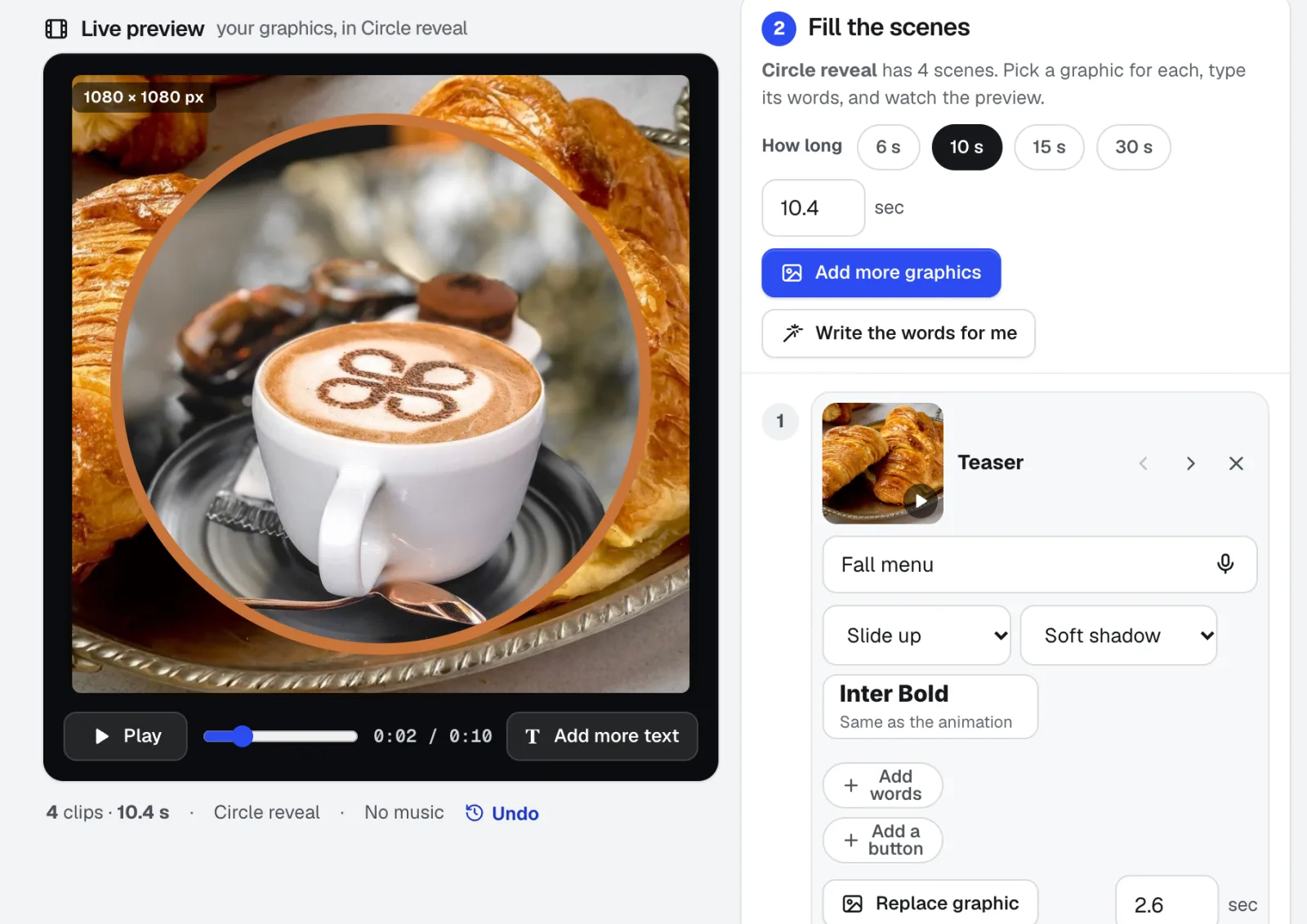
NewAn animated GIF maker for email, plus banners and promo clips: pick one of 29 animation styles, drop in your photos, type the words right on the stage, and add music cut on the beat. Export an MP4, WebM or email-ready GIF straight from your browser.
Voice Kit
Your voiceRecord about a minute, confirm it is your own voice, and aiKit makes an AI voice of you. Read scripts, ads and animation voiceovers in it, fix any line and hear only that line again, and see the tokens before anything runs.
Graphics Library
NewGraphics Library is digital asset management software for teams: every client's and project's logos, photos and design files in one labeled place. Drop in whole folders, label hundreds at once, and anyone on your team finds the file they need.
Use Video Kit today.
Make a free aiKit account and open Video Kit, plus every other tool in your kit.
Page last checked against the product on 2026-11-12.