

Pro DesignerNew
An online photo editor with layers and masks, right in your browser
Pro Designer gives you layers, masks, selections, retouching brushes and PSD files with nothing to install. Ask for changes in plain words, and the free on-device tools do most of the work.
Free account, no card. Already using aiKit? Log in to open Pro Designer
Pro Designer in short
Pro Designer is a layered photo editor that runs in your web browser, with masks, selections, brushes, retouching, filters and PSD files, plus AI you can ask for any change. It is for designers, print shops and business owners fixing product and team photos. Every editing tool and the on-device AI are free; AI pictures and plain-words changes use your AI allowance.
| What it does | Layered photo editing and retouching in the browser, plus AI changes in words |
|---|---|
| Who it is for | Designers, print shops and owners fixing product and team photos |
| Files | Opens and saves PSD files; text and shapes are saved as pictures in PSD |
| Free vs. AI | Every tool and the on-device AI are free; AI pictures and requests use tokens |
| Good to know | Very large print files need Chrome and a recent computer |
| Price | Free to start with a monthly AI allowance, no card. Paid plans from $18.88 a month. |
| Runs in | Any web browser, nothing to install |
What you get
Photoshop-style editing in your browser.
A full editor layout
Menu bar, toolbar, options bar, rulers and the Layers, History, Properties and Adjustments panels, with keyboard shortcuts for the common tools.
Ask for changes in plain words
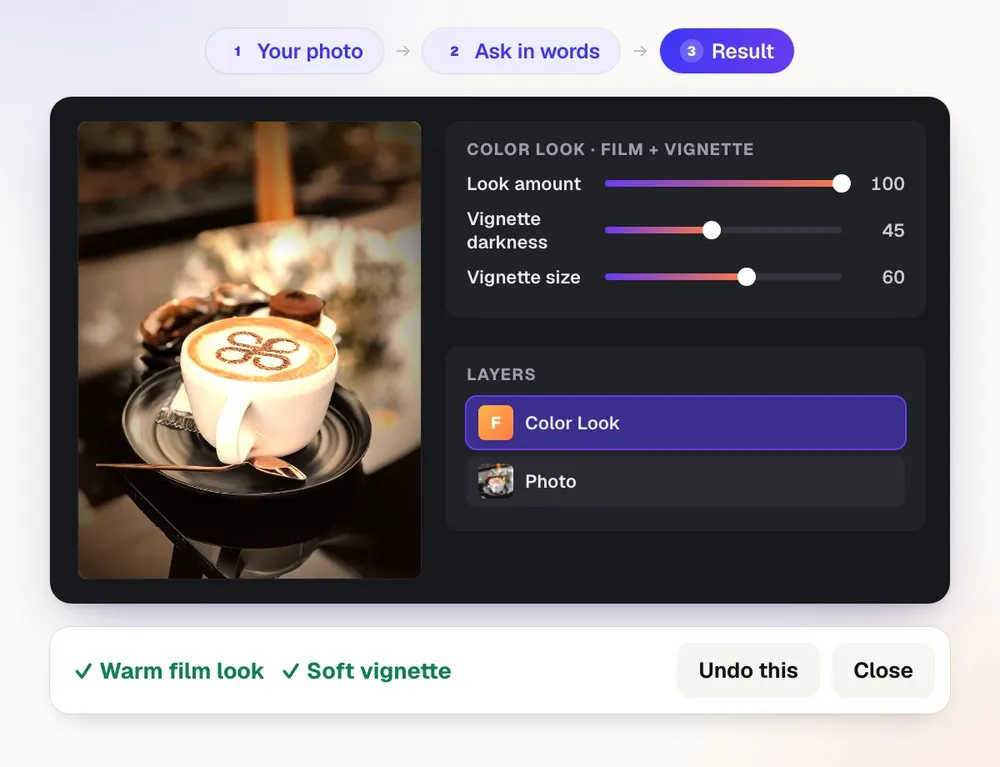
Type or say "make the sky bluer and remove the sign on the left." aiKit uses the editor's own tools, and Undo this puts everything back.
Retouching that runs on your device
The Remove tool, Object Selection, sky replacement, auto straighten, white balance, skin smoothing, denoise and recolor to brand all run in your browser and use none of your monthly AI allowance.
Real layers, real file types
Pixel, text, shape, adjustment and group layers with masks, clipping masks, 16 blend modes and layer styles. Open and save PSD files with their layers, groups and masks.
Print files from the same window
Set up in inches, millimeters or picas with bleed, margins and a column grid. Save As gives you PDF with crop marks, CMYK PDF and TIFF, and Vector PDF or SVG with text as outlines, up to 2,400 ppi.
Flat designs become editable again
Image > Make Text Editable rebuilds the words in a flat picture as real text layers in the closest Google font, and tells you which ones are not an exact match.
Every feature
Everything in Pro Designer
The complete list, from the tool as it works today.
- Photoshop layout and shortcuts: menu bar, toolbar, options bar, rulers and guides, Layers, History, Properties, Adjustments and Color panels
- Layers: pixel, text, shape, adjustment and group layers; masks, clipping masks, 16 blend modes, opacity, styles (drop shadow, stroke, outer glow, color overlay)
- Selections: marquee, ellipse, lasso, polygonal lasso, magic wand, select subject (AI on your device), modify, add/subtract/intersect
- Painting and retouching: brush, pencil, eraser, paint bucket, gradient, clone stamp, healing, spot healing, dodge, burn, sponge, blur, sharpen, smudge
- Image > Adjustments (levels, curves, hue/saturation, color balance and 11 more), the Filter menu, Magic effects (auto-enhance, color looks, duotone, portrait blur, color splash), remove background, Enlarge 2×
- Free Transform: scale, rotate, skew, distort and perspective; crop, image size, canvas size, rotate and flip
- Free on-device AI: Remove tool (brush over anything), Object Selection (click), sky select and replace, auto straighten, white balance, skin smoothing, denoise, match color, recolor to brand, palette, resize for every social size
- Ask aiKit: any change in plain words (it looks at the picture and prefers the free tools), Generative Fill to add new things, AI pictures as layers
- Open photos and PSDs; save projects with every layer; export PNG, JPG, WebP, print PDF with bleed and crop marks, SVG, PSD; save to the Graphics Library
What’s included
What you get with Pro Designer, and how it works with the rest of aiKit
Included with a free aiKit account
- Every editing tool: layers, masks, selections, brushes, retouching, adjustments, filters and Free Transform
- Free on-device smart tools: Remove, Object Selection, Select Subject, sky replacement, auto straighten, white balance, skin smoothing and denoise
- Open and save PSD files with their layers, and save projects with every layer to reopen later
- Save As JPG, PNG, WebP, print PDF with bleed and crop marks, CMYK PDF, TIFF, Vector PDF and SVG
- Automate: the same steps on many files at once, from a ready-made recipe or your own
- Free stock photo search, plus your Vectorize Kit logos and colors in the Brand tab
- Ask aiKit, Generative Fill and AI pictures, drawing on your monthly AI allowance
What uses AI, and what’s free
Editing by hand, the on-device smart tools (Remove, Object Selection, Select Subject, sky replacement, auto straighten, white balance, skin smoothing, denoise, remove background and Enlarge 2x), the free stock photo search, ready-made Automate recipes and every export are free and use none of your monthly AI allowance. Ask aiKit, Generative Fill, AI pictures, the AI background ideas in Change Background, reading the words for Make Text Editable, and an Automate request typed in plain words use your monthly AI allowance.
Works with your other aiKit tools
- Vectorize Kit: The Brand tab shows the logos and colors from the brand kits you saved in Vectorize Kit, one click to place or use.
- Graphics Library: Place any picture from your Graphics Library, and save finished files there with Export / Save to Library, Resize for Every Size or Automate.
- Magic Canvas: Open in Pro Designer in Magic Canvas saves the design to your Graphics Library and opens it here for detailed retouching.
- Design Contest: Design Contest (early access) opens a winning concept in Pro Designer to finish by hand, with its words rebuilt as editable text when you ask.
Keep Pro Designer in any of your kits, next to the tools you use with it. One monthly AI allowance covers every tool you add.
How it works
From first click to finished, in 4 steps.
1. Start a document or open a file
Pick a size from Social, Print, Web, Email and more, or open a photo, PDF, AI or PSD file at its own size. Print sizes get 1/8 inch of bleed that you can change.
2. Edit by hand or by asking
Select, paint, retouch and adjust with the toolbar, or type the change under the picture. Generative Fill adds new things to a selection on its own masked layer, made by ChatGPT Image, ChatGPT Image Fast or Nano Banana (you pick, and the button shows the cost).
3. Bring in your brand
The Brand tab places your Vectorize Kit logos and colors. Place a picture from your computer, a free stock photo search, your Graphics Library or an AI picture (pick ChatGPT Image, Nano Banana, Imagen, Ideogram or Recraft), inside a box or as the page background.
4. Save the file you need
Save the project with every layer, or use Save As for JPG, PNG, WebP, PDF, CMYK PDF, TIFF, PSD, Vector PDF or SVG. The preview shows the real file and its size before you download. You can also save to the Graphics Library.
Who it’s for
How different businesses use Pro Designer
Fix a customer's flyer before it goes to press
Harbor Line Print Co. gets a flat JPG flyer with a typo. Make Text Editable turns the words into text layers, the fix takes a minute, and Save As exports a CMYK PDF with bleed and crop marks.
Brighter listing photos without a retoucher
An agent at Cedar Point Realty straightens a crooked living room shot, fixes the yellow cast with Auto White Balance, and replaces a gray sky with a sunset on its own masked layer.
Clean product shots for the online store
Maple Street Bakery brushes a stray napkin out of a cake photo with the Remove tool, removes the background, and exports square images for every social size.
Open the client's PSD and keep working
A designer at Northlight Studio opens a client's layered PSD, adjusts masks and blend modes, and sends back a PSD with the layers kept, all from a laptop with nothing installed.
Before-and-after posts that look professional
Brightway Landscaping places two job photos side by side, matches their color with Match Color, adds the logo from the Brand tab and saves a post-ready PNG.
Ideal for
- Designers and print shops who want Photoshop's workflow without installing anything
- Business owners fixing product and team photos: remove a spot, brighten, swap a background
- Anyone who'd rather ask for a change in words and still have real layers to adjust after
Good to know
- Not for: Quick designs from one sentence (use Magic Canvas)
- Not for: Video and animation (use Motion Maker)
- Everything runs in your browser; very large print files (posters) need Chrome and a recent computer.
- PSD: text and shapes are saved as pictures, adjustment layers with their effect applied.
- Generative Fill, AI pictures and Ask aiKit use token; every tool and the on-device AI are free.
Good to know
Before you use Pro Designer
Check before you print or publish. Edits made with AI can leave small flaws. Zoom in before you use the picture. If it is going to print, open it at actual size and approve your printer's proof.
Questions
Pro Designer: questions people ask
Is there a free online photo editor with layers and masks?
Can I make a print-ready PDF with bleed and crop marks in a browser photo editor?
Can a browser photo editor handle layered retouching and print files?
Can I edit photos online without installing any software?
How do I edit product photos for my online store?
Can I do everyday photo retouching myself in Pro Designer?
What's included in Pro Designer with a free aiKit account?
Does Pro Designer work with my logo and brand colors?
How do I retouch portraits online, like smoothing skin and removing blemishes?
How do I check an AI edit in Pro Designer?
Does aiKit have a Photoshop-style editor?
What file types can Pro Designer open and save?
How do I put a photo inside a shape or box in Pro Designer?
Can I choose the quality and file size when saving from Pro Designer?
Can Pro Designer add bleed or resize many files at once?
Works well with
Tools to add to the same kit
Magic Canvas
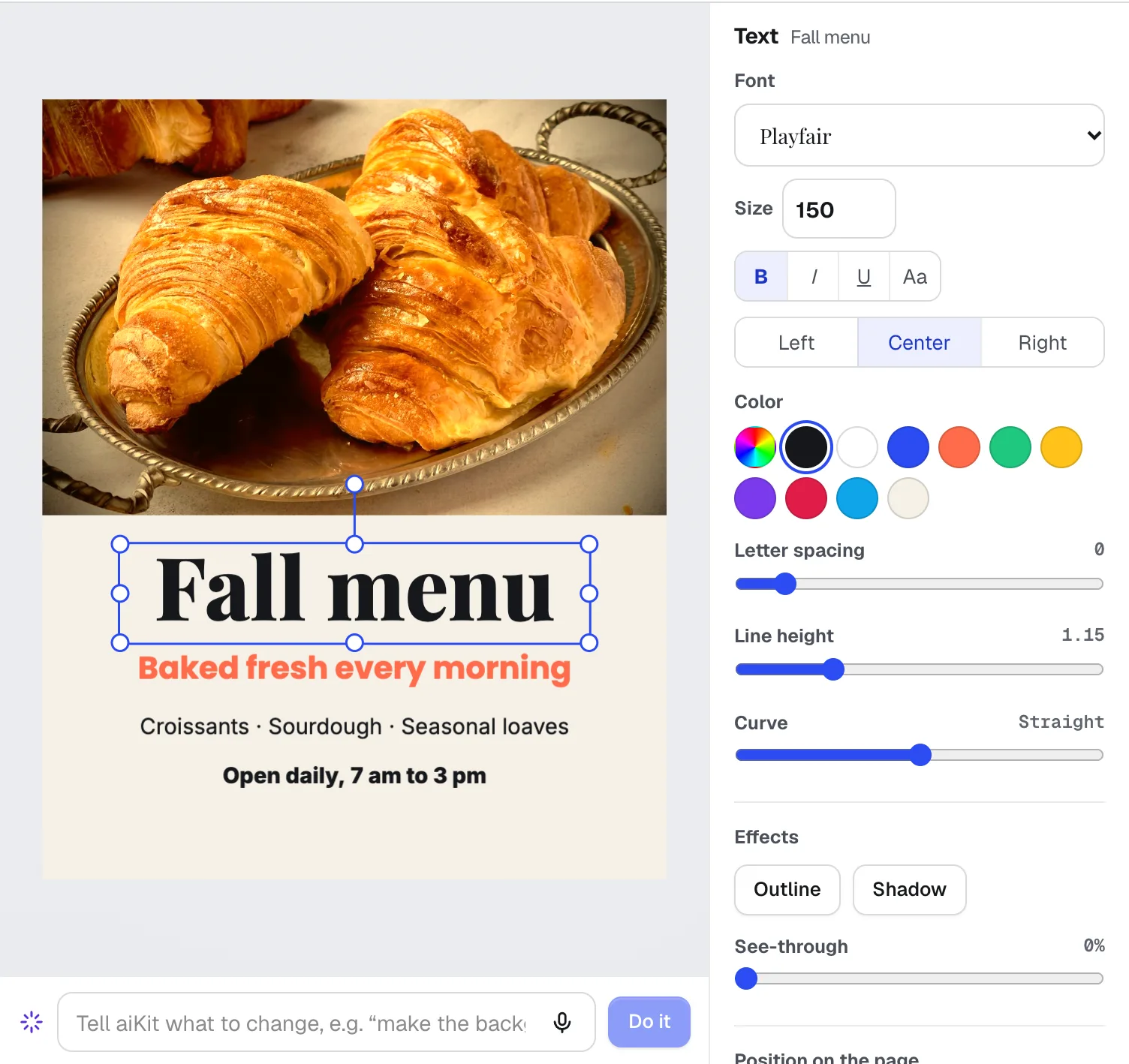
NewMagic Canvas is an AI flyer maker and social post designer: it lays out posts, flyers, cards, banners and email headers from your words, then lets you change anything by hand or by saying it. Your brand colors and logos are one click away.
Vectorize Kit
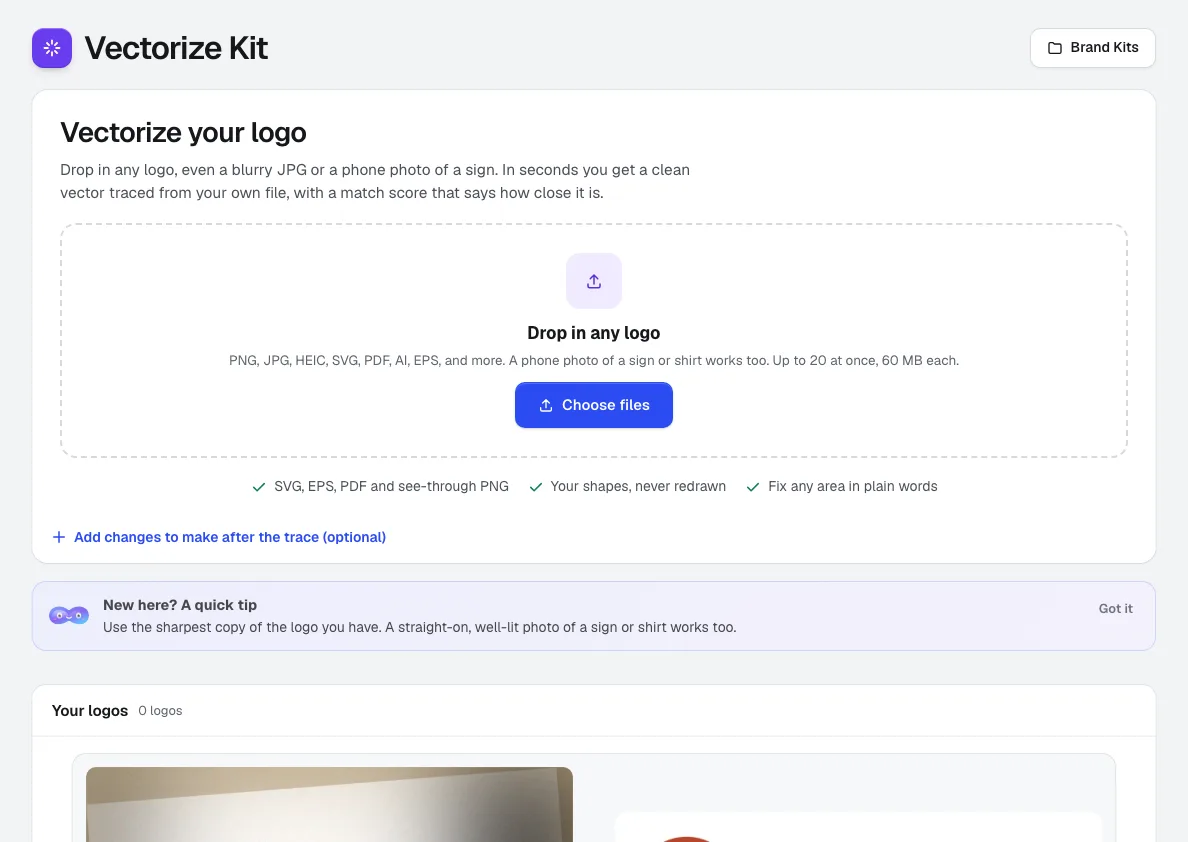
Drop in a blurry JPG, a small PNG, a PDF or a phone photo of a sign. Vectorize Kit traces your own file into a clean vector, shows how closely it matches with a score and a zoomable before and after, and hands you SVG, EPS, PDF and PNG in one click.
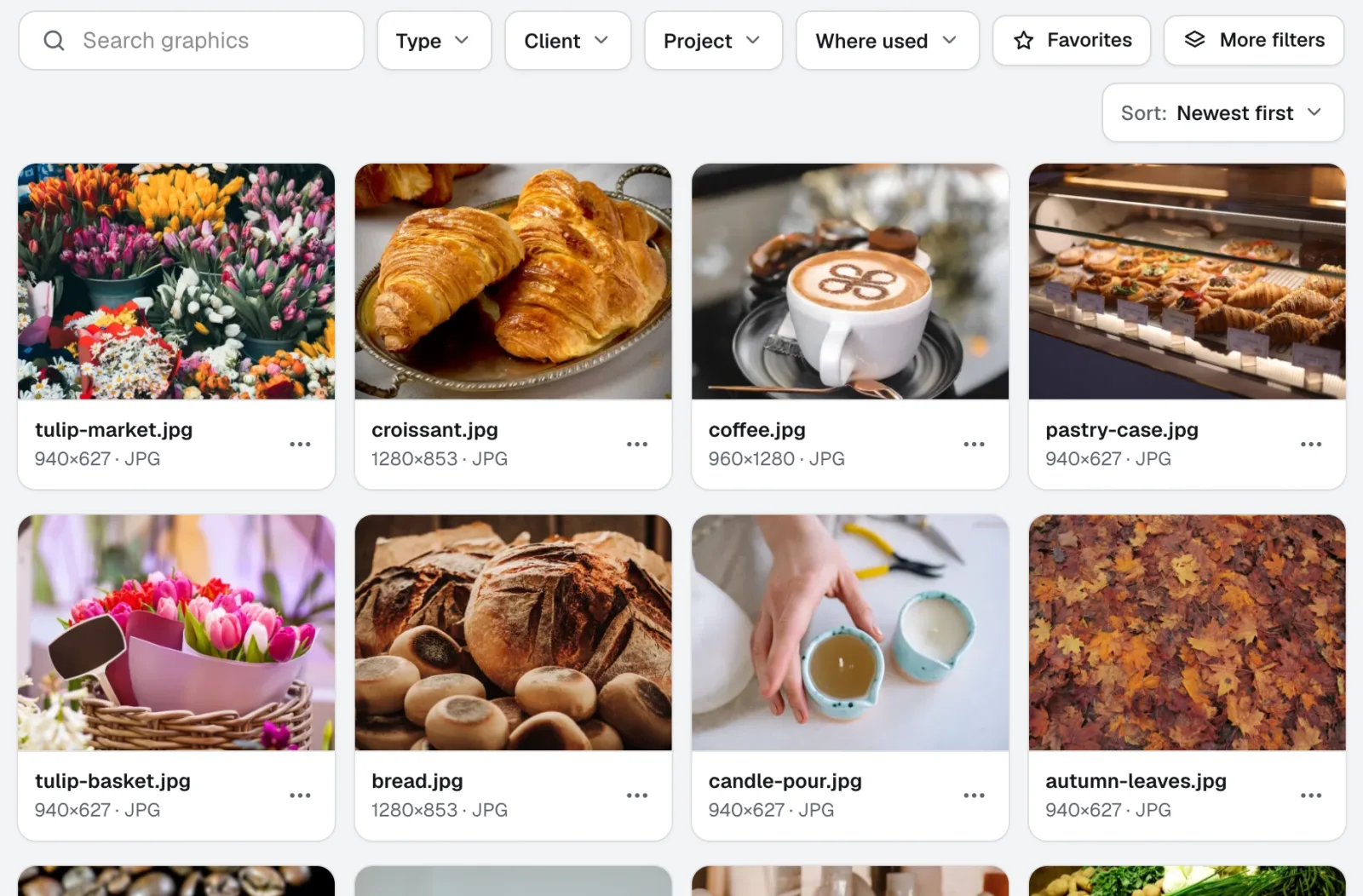
Graphics Library
NewGraphics Library is digital asset management software for teams: every client's and project's logos, photos and design files in one labeled place. Drop in whole folders, label hundreds at once, and anyone on your team finds the file they need.
Use Pro Designer today.
Make a free aiKit account and open Pro Designer, plus every other tool in your kit.
Page last checked against the product on 2026-10-16.