

Real estate
The AI kit for real estate agents and teams.
Make listing graphics and video in minutes, run a website that captures leads and books showings, and follow up by email without retyping.
Sound familiar?
The day, before aiKit.
“Every listing needs a flyer, a post, a story and a video.”
“Leads from my site land in my inbox and get lost.”
“Showing requests come by text at all hours.”
“My website still shows a listing that sold in March.”
The kit
8 tools for real estate.
Ready-made for your industry and customized to your business: start with these, then add or remove any tool.
Magic Canvas
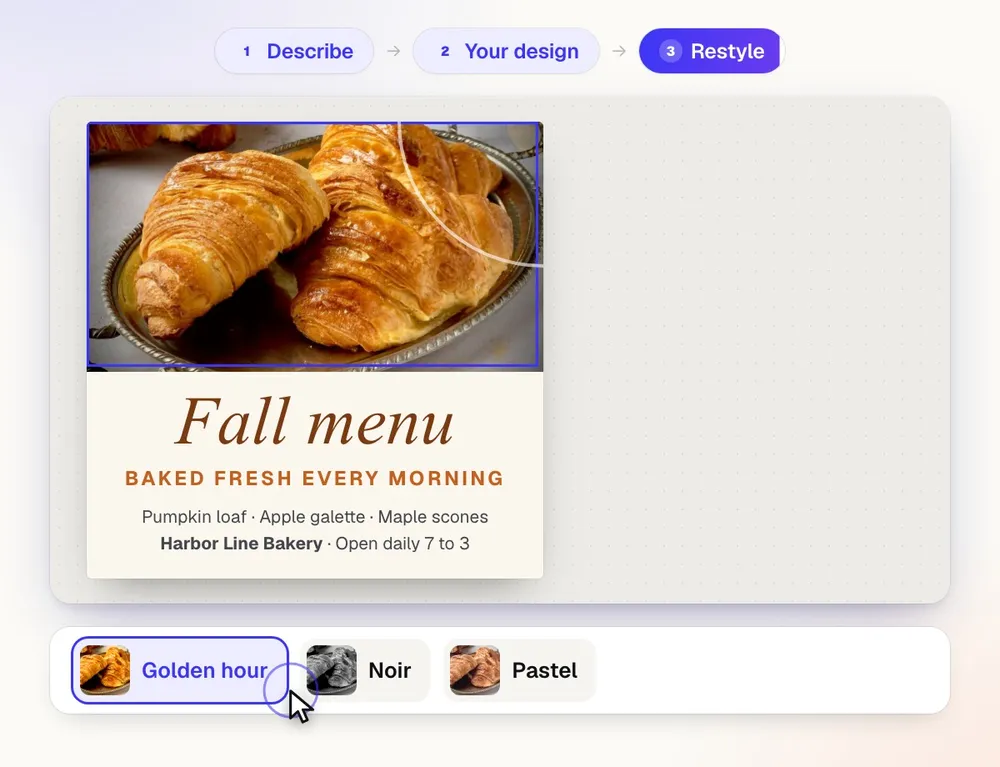
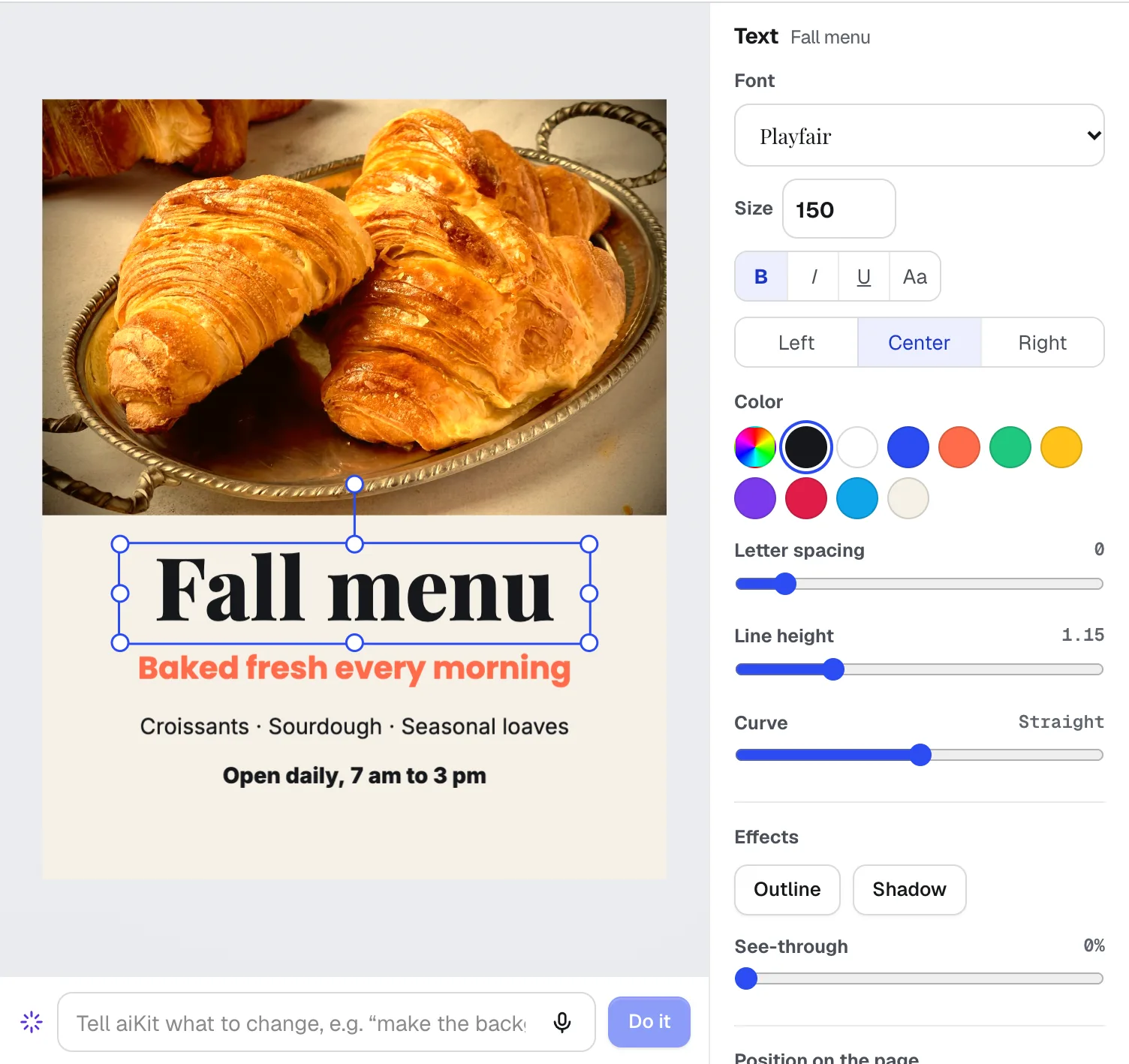
NewMagic Canvas is an AI flyer maker and social post designer: it lays out posts, flyers, cards, banners and email headers from your words, then lets you change anything by hand or by saying it. Your brand colors and logos are one click away.
Video Kit
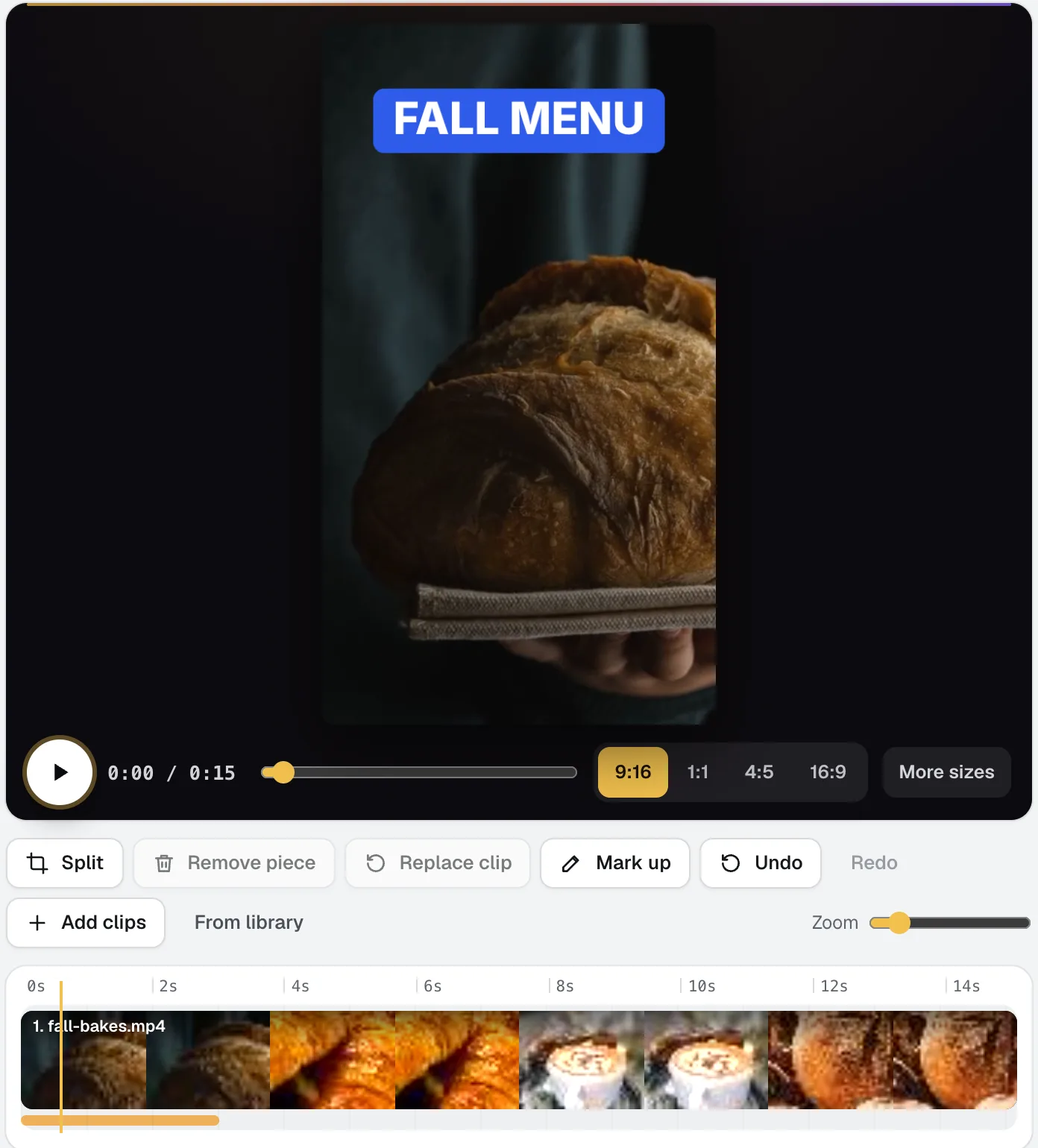
NewVideo Kit is an AI video editor for social media: drop in your clips and edit them like a document. Delete words to cut the video, remove pauses and ums in one pass, and Ask for changes in plain words. Captions, sizes, music and your logo are built in.
Your websites
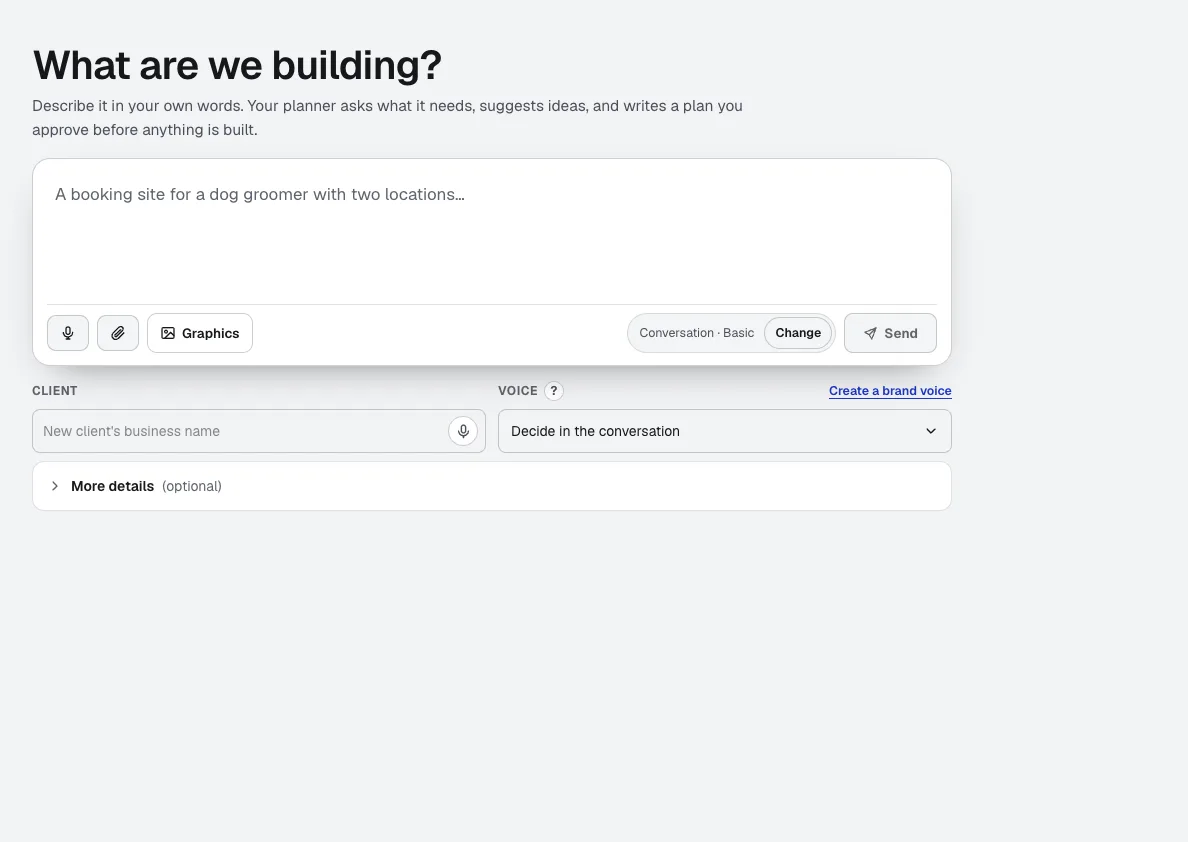
aiKit is an AI website builder with hosting: it plans the pages, writes the copy, builds the site and hosts it. Every later change is a request in your own words, saved as a version you can undo, for your own business or for every client you run sites for.

Email Studio
BetaEmail Studio is an email template builder you edit by clicking the email itself. Pick a goal, start from a layout in your brand colors, and let the assistant write it in your Brand Voice, then export the HTML or save it to your own Klaviyo as a template.
Pro Designer
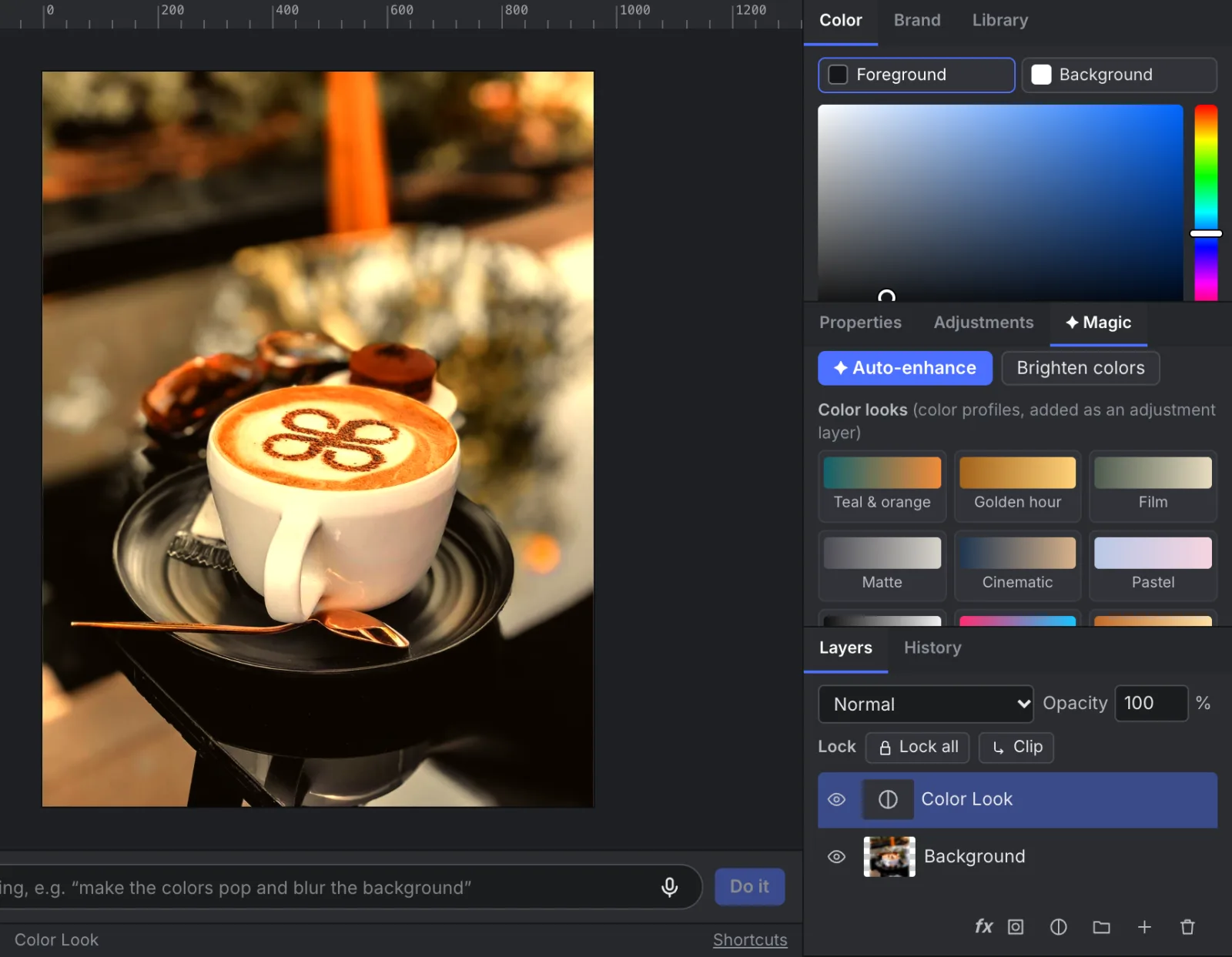
NewPro Designer gives you layers, masks, selections, retouching brushes and PSD files with nothing to install. Ask for changes in plain words, and the free on-device tools do most of the work.
Reviews & customer photos
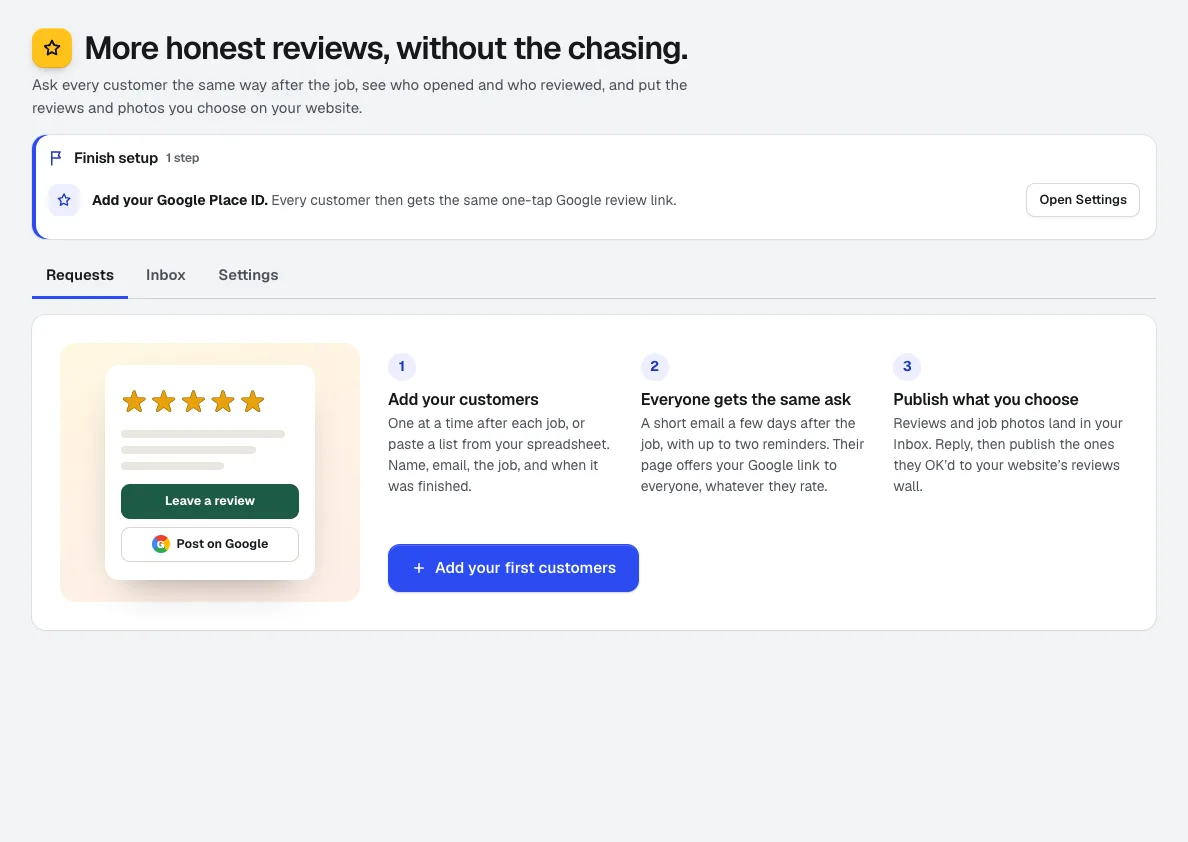
NewGet more Google reviews: add customers after the job and Reviews asks them on schedule, tracks who opened, visited, and reviewed, collects job photos, and puts the reviews you pick on your aiKit website.
Motion Maker
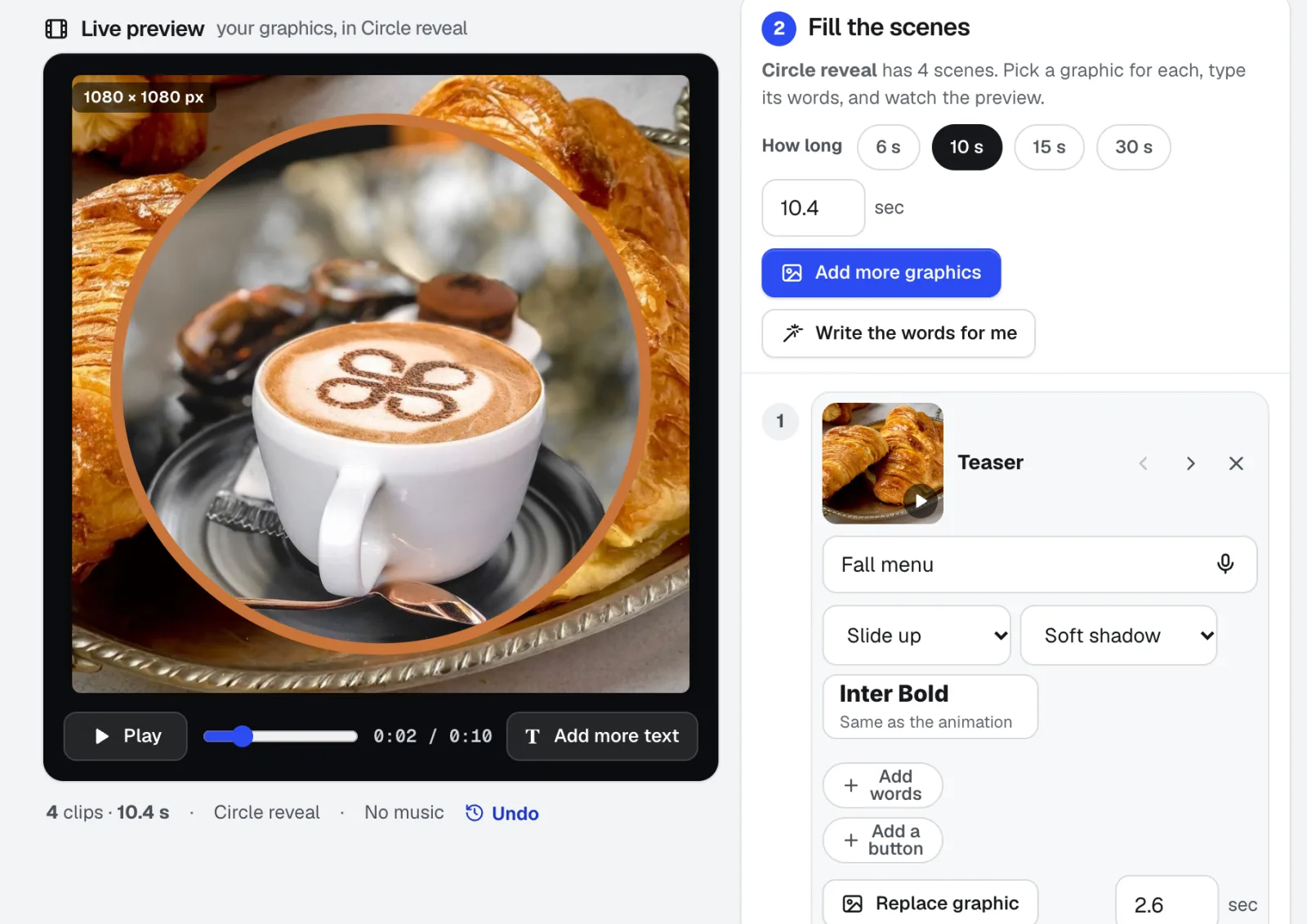
NewAn animated GIF maker for email, plus banners and promo clips: pick one of 29 animation styles, drop in your photos, type the words right on the stage, and add music cut on the beat. Export an MP4, WebM or email-ready GIF straight from your browser.
Voice Kit
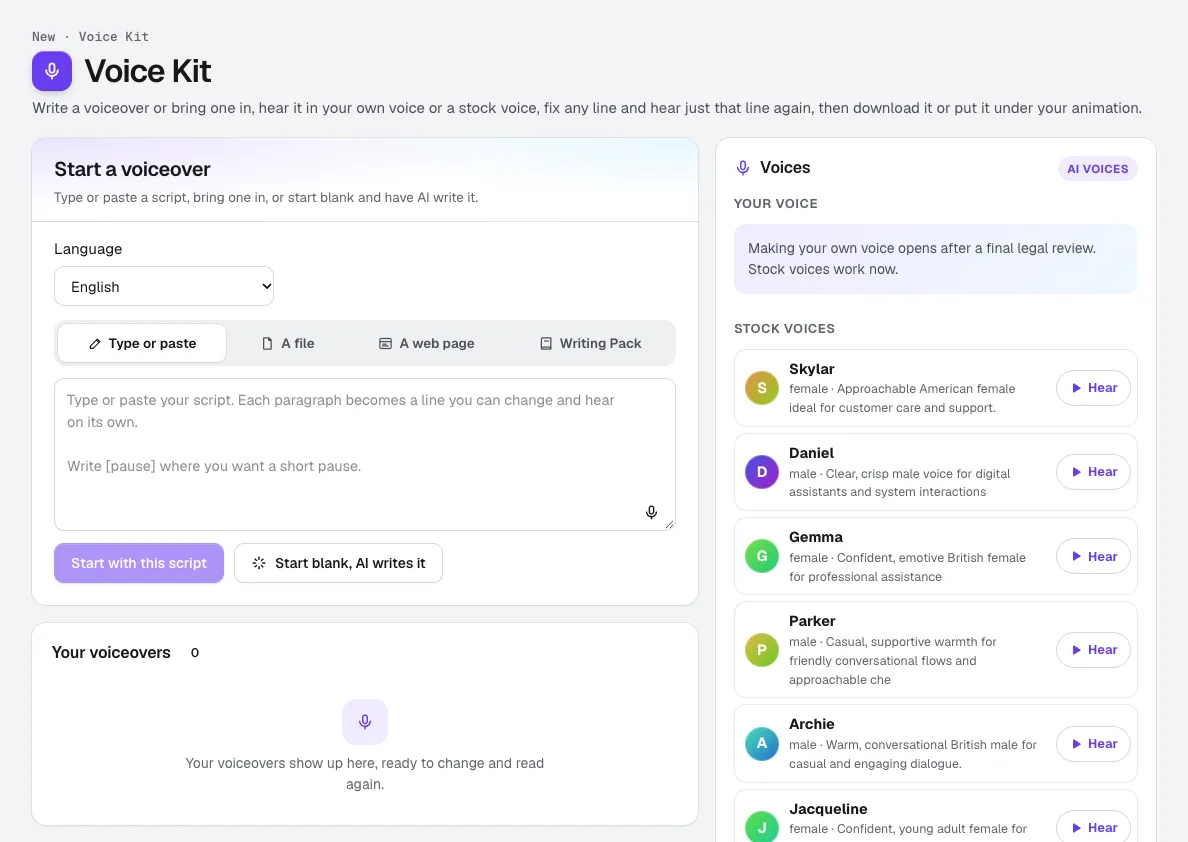
Your voiceRecord about a minute, confirm it is your own voice, and aiKit makes an AI voice of you. Read scripts, ads and animation voiceovers in it, fix any line and hear only that line again, and see the tokens before anything runs.
In practice
What real estate businesses do with aiKit
A listing agent's site with lead capture
A made-up agent gets a site with neighborhood pages, a lead capture form and showing bookings, then asks for a new listing page each week in a single sentence.
Handing a site to a teammate
A fictional brokerage hands its agent site to a new assistant with one link instead of a long email: every page's purpose, the brand notes, and the decisions not to revisit.
Yard signs and rack cards ready for the printer
A brokerage sets up yard signs and 4 x 9 rack cards at the printer's exact sizes, with the safe area marked, and gets a proof the agent approves from a phone.
Listing flyers approved from a phone
A brokerage's marketing coordinator sends a listing flyer to the agent, who approves it between showings without making an account.
An NDA before sharing listings data
A brokerage sends a mutual NDA to a partner before sharing private numbers, with both sides signing in order.
Buyers who write in another language
An agent turns on translation for a buyer who writes in Spanish and keeps the whole conversation in one thread.
Listings that sound like the agent
An agent uploads ten past listing descriptions, and Brand Voice picks up her calm, specific style and the words she never uses, like "cozy" for small rooms.
Area and buyer guides
An agent writes a first-time buyer guide and a neighborhood guide from her own notes, with an FAQ section and placeholders where local figures need confirming.
Testimonials after every closing
A brokerage adds each closed client with the closing date. Reviews the client OKs to show go on the brokerage's aiKit site with a public reply under each.
Listing photos by property
A brokerage files each listing's photos under its own project, with alt text for the website and a focus point so the front of the house stays in every crop.
A personal hello to a new lead
An agent records a 60-second camera-only welcome, and the link opens on any phone with the agent's summary under the video.
A walk-through reel from one take
An agent records a wide walk-through of a listing and turns it into a tall reel with Follow the face for the talking parts, captions for silent viewers, and an outro card with the open-house time.
A new listing in 15 seconds
An agent picks the Film letterbox style, drops in eight listing photos, adds the price and open-house date on the closing scene, and exports a feed post and a story.
A twilight listing teaser
An agent restyles a phone clip of a house into a warm twilight look with a slow dolly move for the listing post.
A listing tour narration
An agent drafts a 60-second tour script from the listing notes, leaves a placeholder where the price goes until it's confirmed, and adds the read to a listing animation.
A home tour soundtrack
An agent makes an elegant, hopeful instrumental for a listing walkthrough and sends it to Video Kit under the tour footage.
Brighter listing photos without a retoucher
An agent at Cedar Point Realty straightens a crooked living room shot, fixes the yellow cast with Auto White Balance, and replaces a gray sky with a sunset on its own masked layer.
Watermark a whole listing
An agent adds a small logo to all 35 listing photos and resizes them for the listing site, without opening a single one by hand.
Room and twilight scenes for listings
Cedar Point Realty makes a twilight exterior and a bright living room for a mailer, then upscales the cover photo 4× for print.
Signs, flyers and covers for an office
A made-up brokerage keeps its navy and gold, makes yard signs, listing flyers and LinkedIn banners, and changes the headline across all of them in one request.
Just-listed graphics for every channel
An agent at Cedar Point Realty makes a just-listed post, then a website banner and an email header from the standard sizes, all in the brokerage's brand colors.
A neighborhood guide for buyers
An agent adds area notes and her own photos, picks Story, and presents a short guide at a buyer meeting with the pace timer running.
Buyer calls, summarized
An agent uploads a recorded buyer consultation and keeps a medium summary with the must-haves and the next steps, with times to jump back to each point.
Every listing, edited by asking
An invented brokerage keeps each listing's photos, documents and showing schedule in its own project, with the seller seeing only the shared updates.
Get more listings from past clients
An agent plans a 90-day push: a past-client email, review requests and a monthly market note. The weekly steps fit around showings, and late steps re-plan in one click.
A logo on the sidewalk outside an open house
A brokerage wants its logo projected at the entrance. The calculator says the standard lens tops out short of the size, and offers the lens or the distance that works.
Step by step
Guides for real estate
- Listing videos for real estate agents, from footage or photos: Make captioned listing reels from your walk-through footage or listing photos, with real estate templates and your branding. Free to start with aiKit.
- Real estate flyer maker: just-listed flyers, posts and print PDFs: Make just-listed flyers, posts and banners in your brokerage's colors from one sentence, then download a print PDF with bleed and crop marks.
Questions
Questions real estate businesses ask
What AI tools help real estate agents market listings?
Can I get a real estate website that captures leads?
How do I turn listing photos into a video?
Can buyers book showings online?
Is aiKit for teams or single agents?
Can AI brighten listing photos?
Can AI write a listing description in my style?
Can I get yard signs and rack cards ready for the printer?
Can I write a neighborhood guide for buyers with AI?
Can I send a just-listed email without coding?
Can I make a buyer presentation with AI?
How do I keep each listing's photos, documents and showings organized?
Other kits: Print, promo & signs · Marketing & agencies · Trades & service businesses · Retail, restaurants & e-commerce · Education & training · Events, lighting & AV · Creators, coaches & consultants