

Recipe MakerNew
Recipes from what's in your fridge, with a shopping list
Type what you have or snap a photo of your fridge. Pick a diet, time and servings, choose one of three ideas, and get the full recipe with a shopping list of only what's missing.
Free account, no card. Already using aiKit? Log in to open Recipe Maker
What you get
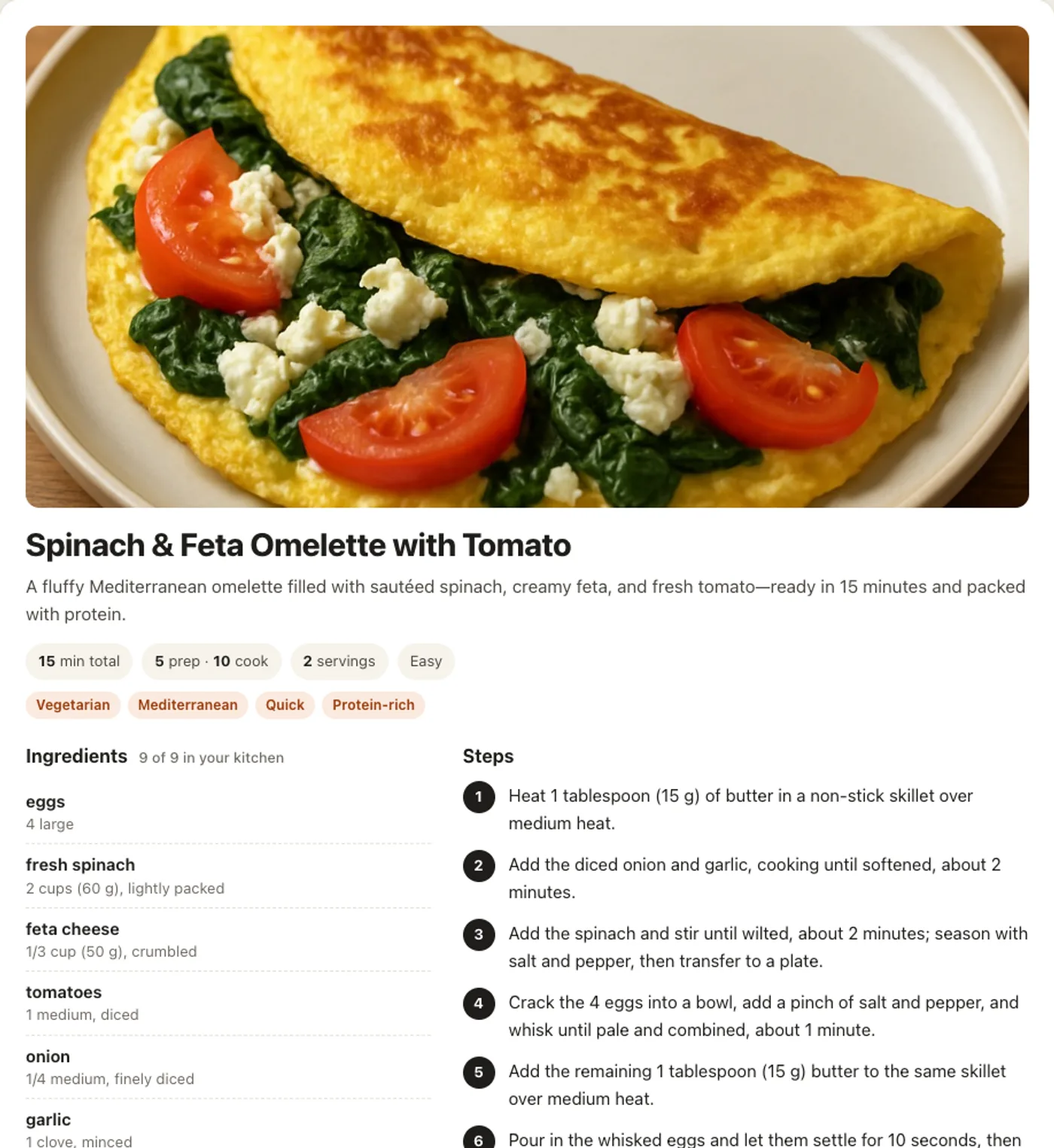
Type what's in your fridge or snap a photo of it, pick your diet, time and servings, and get three recipe ideas, then the full recipe with a shopping list for only what's missing.
Start from what you have
List it in plain words, say it with the microphone, or add a photo of your open fridge. The photo is read in the same step and never stored.
Three real choices
Each idea shows its time, what it uses of yours and exactly what you'd need to buy, so you pick the one that fits tonight.
Shop for less
Ingredients are marked in your kitchen or to buy, and the shopping list holds only the missing items, with amounts.
Every diet, followed
Ten diets from vegan to halal and kosher, plus time, servings and skill. The tags on each recipe list only the diets it truly meets.
Change it in your words
"Make it spicier", "no oven", "double it": the amounts, steps and shopping list are rewritten to match.
Save, print, share
Keep favorites in Your recipes, print a clean page, add a picture of the dish, or share a private link that shows only the recipe.
Every feature
Everything in Recipe Maker
The complete list, from the tool as it works today.
- A box for what you have, in plain words or by voice, or a photo of your fridge or pantry (read in the same step, then thrown away)
- Filters: 10 diets (vegetarian, vegan, pescatarian, gluten-free, dairy-free, nut-free, low-carb / keto, high-protein, halal, kosher), time, servings and skill, plus an Anything else box for any request
- Three different recipe ideas, each with its time, what it uses of yours and what you'd need to buy
- The full recipe: ingredients with amounts marked in your kitchen or to buy, numbered steps with doneness cues, tips, and a shopping list of only the missing items
- Change it in your own words ("make it spicier", "no oven", "double it"), with one-click quick changes
- Picture of the dish on request, Save to Your recipes, Print, and a share link that shows only the recipe
- An honest Not done yet note first whenever part of a request isn't possible, and the token cost on every result
What’s included
What you get with Recipe Maker, and how it works with the rest of aiKit
Included with a free aiKit account
- Runs on your account's tokens, the same tokens every aiKit AI tool uses
- Ten diets, time, servings and skill filters, plus any request in your words
- Three ideas, the full recipe, a shopping list of only what's missing, and changes in your words
- Saved recipes kept until you delete them, Print, and private share links
What uses AI, and what’s free
Recipe ideas (with or without a fridge photo), a full recipe and each change use about 1 token each, and a picture of the dish 2. A step that fails uses nothing. Saving, printing, sharing and deleting use no AI.
Works with your other aiKit tools
Keep Recipe Maker in any of your kits, next to the tools you use with it. One account and one monthly AI allowance cover every tool.
How it works
From first click to finished, in 4 steps.
Tell it what you have
Type, dictate or photograph what's in your fridge or pantry. Add any request, such as microwave only or kid friendly.
Set your limits
Pick diets, the most time you have, servings from 1 to 12, and your skill.
Pick one of three ideas
Compare the cuisine, minutes and what each needs from the store, then press Make this one.
Cook, change or keep it
Follow the numbered steps, change anything in your words, add a dish picture, then save, print or share it.
Who it’s for
How different businesses use Recipe Maker
A daily special from the walk-in
A made-up corner cafe lists the produce that has to go today and gets three lunch special ideas with times and a short buy list.
A cooking class on a budget
A home economics teacher enters the pantry staples the class already has, sets Beginner and 45 minutes, and prints the recipe for every station.
Feeding the crew
An event crew lead photographs the green-room fridge and gets a no-oven recipe for twelve with only two things to pick up.
Meal ideas for clients
A wellness coach sets Gluten-free and High-protein, enters a client's usual groceries, and shares a private recipe link after the session.
Dinner after a long job
A tradesperson types what's left in the fridge on the drive home and picks a 15-minute recipe that uses only what's there.
Ideal for
- Home cooks who want dinner from what's in the fridge instead of another grocery run
- People cooking around a diet (vegan, gluten-free, halal, kosher, low-carb and more) who need every idea to follow it
- Cafes, caterers and cooking teachers who want quick dish ideas from the stock on hand
Good to know
- Not for: Medical or allergy-critical meal plans (always check labels yourself)
- Not for: Weekly meal planning across many days
- Ideas (with or without a photo), a full recipe and each change use about 1 token each; a dish picture uses 2.
- The AI can misread a photo or get an amount wrong: check allergens, labels and cooking temperatures yourself.
- Unsaved recipes are cleared after 7 days; saved ones stay until you delete them.
Questions
Recipe Maker: questions people ask
Is there an app that makes recipes from ingredients I already have?
What can I cook with what's in my fridge?
Can I get a vegan or gluten-free recipe from my leftovers?
Does it make a shopping list for the missing ingredients?
Is there a free AI recipe maker that reads a photo of my fridge?
Can I print or share a recipe?
What is Recipe Maker?
Can Recipe Maker read a photo of my fridge?
How many tokens does a recipe use?
Who can see a recipe I share?
Works well with
Tools to add to the same kit
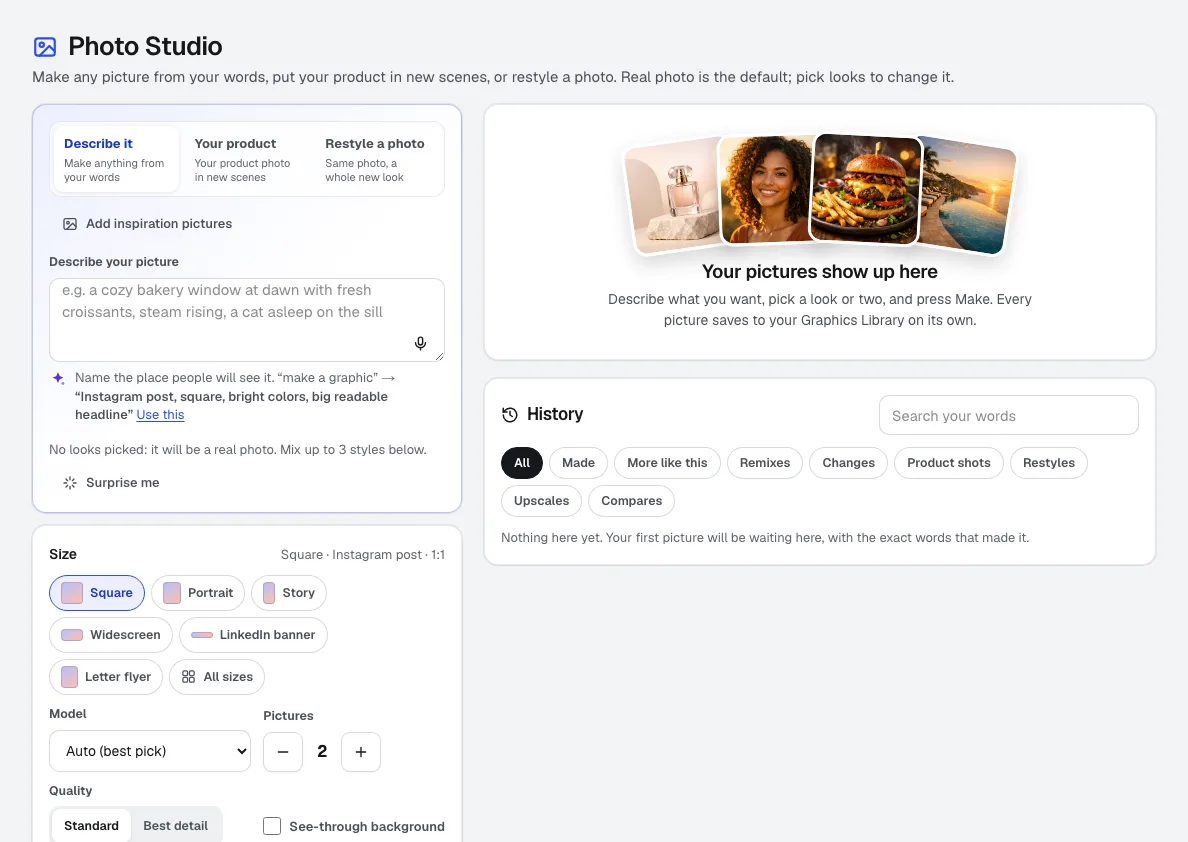
Photo Studio
NewPhoto Studio is an AI image generator for your business: describe a picture, click and mix looks from 288 real sample pictures, put your own product in new scenes or restyle a photo, and get photos, product shots, scenes and art in the exact size for social, web or print.
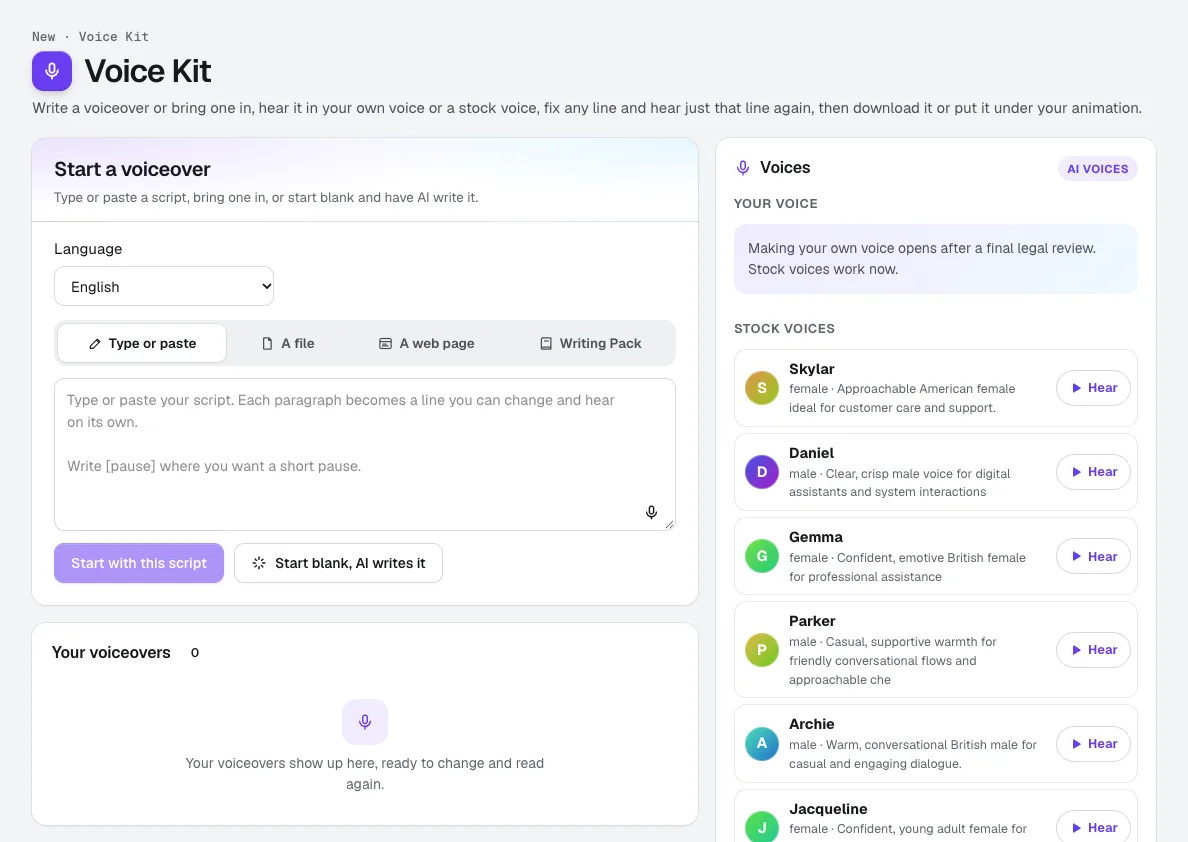
Voice Kit
NewaiKit's AI voiceover generator writes or fits your script in your Brand Voice, a natural AI voice reads it, and you fix any line and hear only that line again. Download it, or put it under your animation or video.
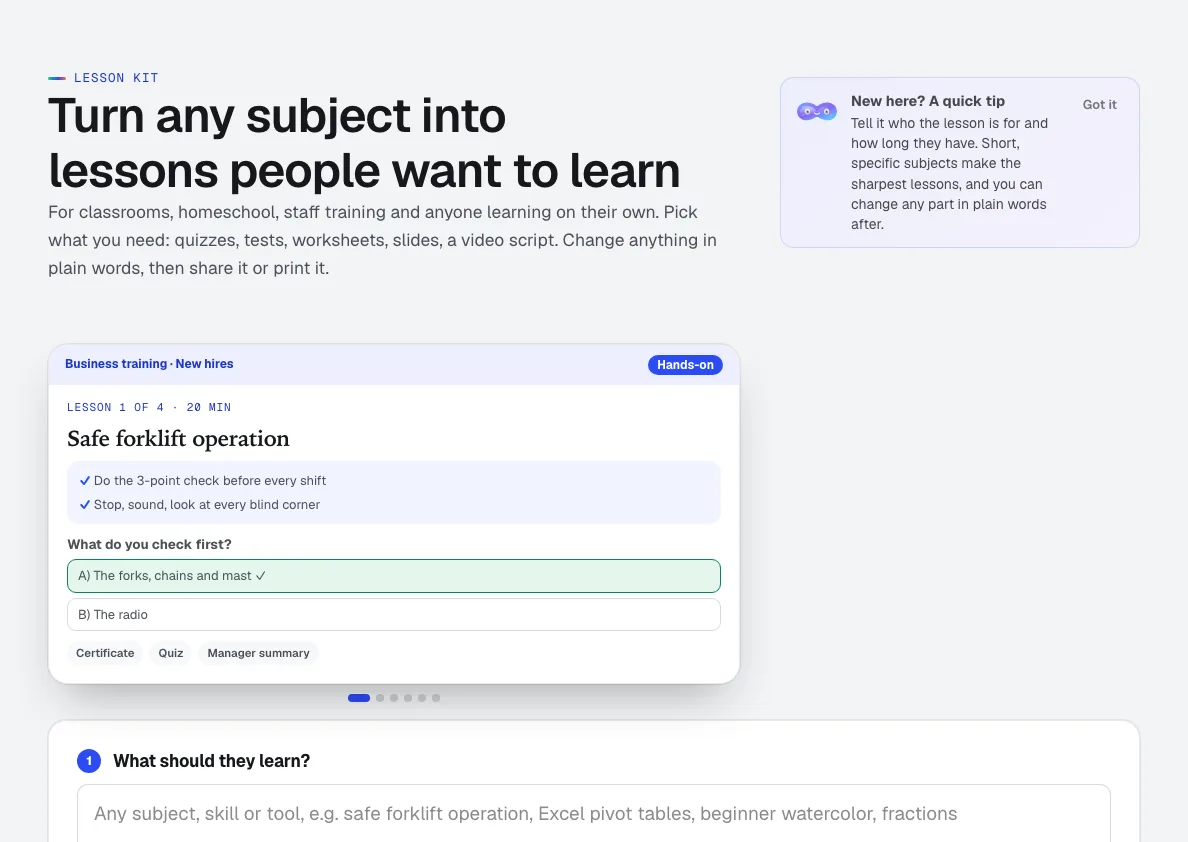
Lesson Kit
NewLesson Kit is an AI lesson plan generator for any subject: say what to teach and who it's for, check the outline, then get full lessons with the quizzes, answer keys, worksheets, flashcards and slides you pick. Change anything in plain words.
Use Recipe Maker today.
Make a free aiKit account and open Recipe Maker, plus every other tool in your kit.
Page last checked against the product on 2026-10-24.