

Trading CopilotInvite-only
Keep every trade in one record and understand each one
Trading Copilot is an options trading journal for your stock, option and crypto positions, with profit and loss on each, checks against your own stops and limits, and every trade type explained in plain English. It's education and record-keeping only: it never places a trade, and you make every decision.
Invite-only right now: open to a small group of people while we finish a review. Request access and we'll get back to you.
What you get
Track every stock, option and crypto position, see the profit or loss on each trade, and get scans, alerts and plain-English explanations built on your own rules.
One clean record of every position
Profit or loss on every trade in dollars and percent, plus win rate, average win and loss, and totals by strategy. Bring positions in from a broker screenshot and check every row before anything is saved.
Your own rules, checked on demand
Set stops, targets, exit dates and your own loss and exposure limits. Check my positions says which positions are near a stop, near a target or close to expiring.
Numbers computed, not guessed
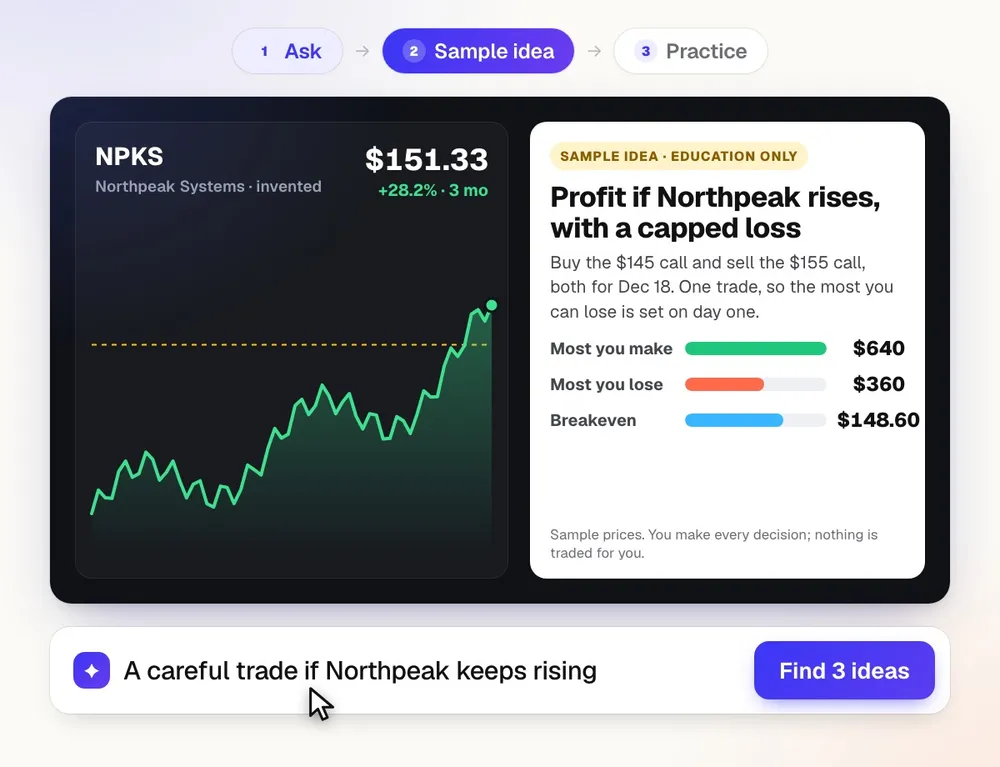
Option ideas are checked against the delayed option chain before you see them. Cost, max loss and gain, breakeven and contracts that fit your budget come from the real bid and ask, not from the AI.
Plain-English explanations
Every idea spells out how you'd place it, the risk and reward, a profit table at different prices, and when to get out. Learn & tools adds trade-type cards, a glossary of about 60 terms and calculators.
Practice without real money
Switch to Practice to paper trade. Practice trades are kept apart from your real positions, so you can see how an idea would have done before you risk anything.
Clear about risk
Ideas carry cautions such as low odds, earnings before expiration or a wide bid/ask spread. Ask about a trade can answer Risky, Bad idea or Wait, and never promises an outcome.
Shows its work
While it answers, each real step appears as it finishes, with the numbers it found. After the verdict, What this is based on lists the case for and against, every data point with its source and time, and the assumptions.
Every feature
Everything in Trading Copilot
The complete list, from the tool as it works today.
- Profit or loss on every trade in dollars and percent, win rate, average win and loss, totals by strategy
- Import positions from a broker screenshot, then check each row
- Stops, targets, exit dates and your own loss and profit limits, checked by Run scan
- An AI chat that answers using your positions
- Ask about a trade: live step-by-step progress, a plain verdict, and what it is based on (data, sources, times, assumptions)
- Trade ideas with strike, break-even, premium and contracts on every row, sorting, filters, search, nearby variations and a real reward vs risk
What’s included
What you get with Trading Copilot, and how it works with the rest of aiKit
Included with a free aiKit account
- Beta: open to any signed-in aiKit account
- Positions with profit and loss, win rate, and totals by strategy
- Practice mode for paper trades, kept apart from real ones
- Learn & tools: strategy cards, a glossary of about 60 terms, and calculators
- Run scan against your own stops, targets, and limits
- Daily AI limits, such as 60 answers, 25 idea searches, and 20 screenshot reads
What uses AI, and what’s free
Ask Copilot, idea searches, company briefs, trade opinions, and screenshot reads use AI; they count toward your account's monthly AI credits, shared with every aiKit tool, and have their own daily limits. Your positions, profit and loss, Practice mode, Run scan, and Learn & tools use no AI. It's education and record-keeping only, never advice, and it never places a trade.
Works with your other aiKit tools
- Goal Kit: Goal Kit can match a plan step to Trading Copilot and open it from the step.
Keep Trading Copilot in any of your kits, next to the tools you use with it. One monthly AI allowance covers every tool you add.
How it works
From first click to finished, in 4 steps.
1. Read the notice
The first visit explains that this is an educational tool, that aiKit is not an investment adviser, and that trading carries real risk.
2. Bring in your positions
Drop a broker screenshot, add positions by hand from the option chain, or log trades as you make them. Optionally set up a trading profile with your experience, risk and rules.
3. Check, learn and research
Run Check my positions, ask the chat about your positions, research a company, or open a trade type's card for a worked example.
4. Record what you decide
Place any trade at your own broker, then log it, log the close or the roll, and watch your profit and loss and history build up.
Who it’s for
How different businesses use Trading Copilot
An options seller keeps one journal
An invented consultant who sells option spreads on the side logs each trade, combines a spread's legs into one row, and sees profit and loss by strategy at the end of each month.
A beginner learns options safely
A fictional student turns on Simple mode, reads the trade-type cards and glossary, and paper trades in Practice to see how each kind of trade behaves before using real money.
An owner with little time checks limits
A made-up contractor who holds a few positions sets a max loss per trade and per day, then presses Check my positions once a day to see what needs a decision.
Ideal for
- Active traders who sell options or day trade
- Long-term investors who want every position and its profit
- Anyone learning options who wants each trade explained
Good to know
- Not for: Financial advice; it's education and you make every decision
- Not for: Placing trades for you (not yet; approve-to-trade comes with broker connections)
- Prices and option chains are delayed about 15 minutes, not live; check your broker before you trade.
- Broker connections (Schwab first, then Coinbase and Robinhood Crypto) are coming next.
Good to know
Before you use Trading Copilot
Education and record-keeping only. This is not financial advice, and it never places a trade. AI explanations can be wrong. You make every decision and carry every risk.
Questions
Trading Copilot: questions people ask
Is there an app that tracks options trades and shows profit and loss?
Can AI explain options trading in plain English?
Can I practice options trading without real money?
Does Trading Copilot give financial advice?
What's a good options trading journal app?
What's included with Trading Copilot on a free aiKit account?
Can Trading Copilot import trades from my broker?
How does Trading Copilot check my positions against my own rules?
Does Trading Copilot give investment advice?
What is Trading Copilot in aiKit?
Does Trading Copilot place trades for me?
How does Trading Copilot match the way I actually trade?
Where do I see only the trades the copilot suggested?
How does Trading Copilot make sure its trade ideas are real and accurate?
Does Trading Copilot show what it's checking and why it reached its answer?
Works well with
Tools to add to the same kit
Free AI business report
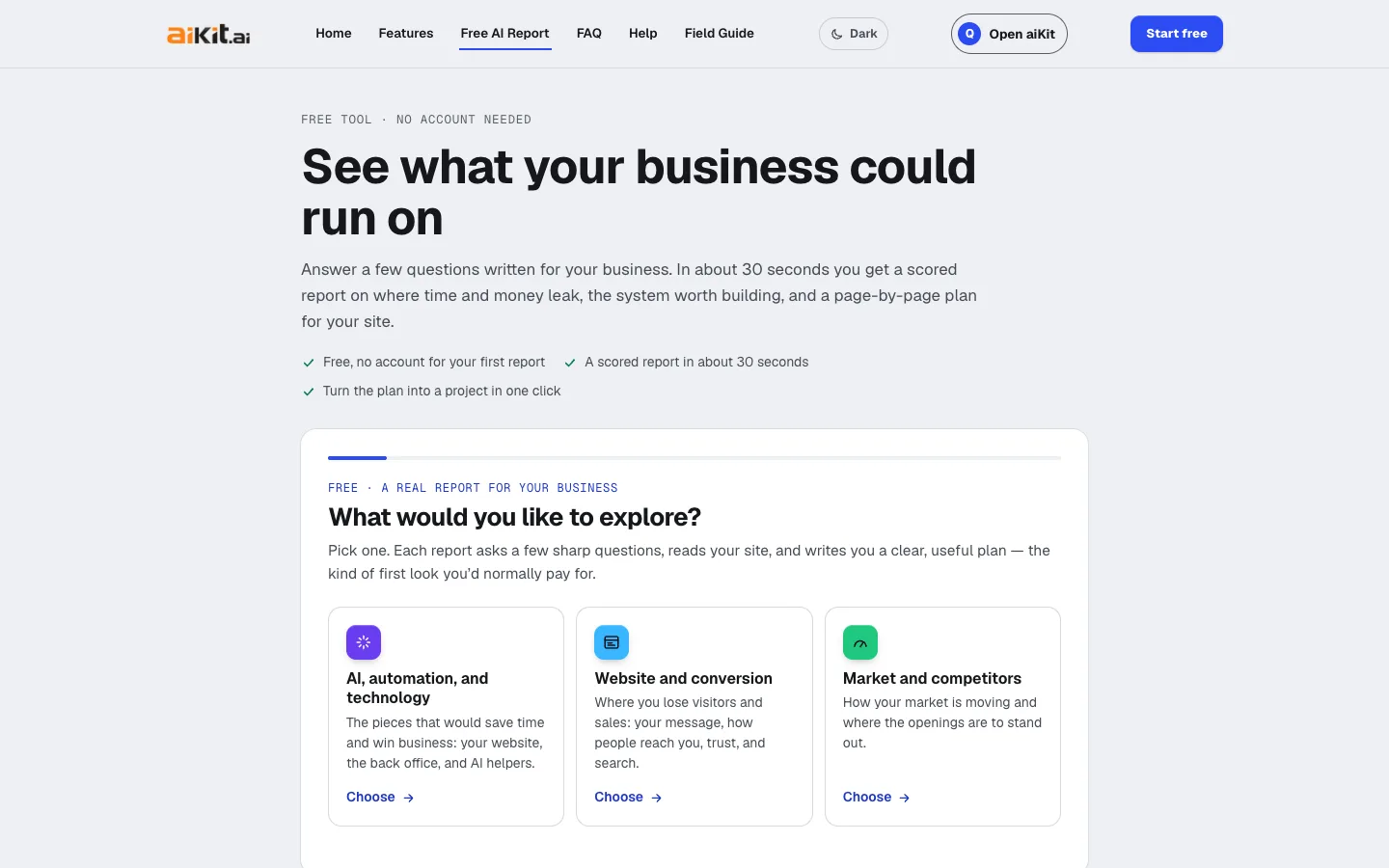
No account neededAnswer a few questions written for your trade and get a free AI business report in about 30 seconds: graded areas with the evidence behind each grade, the system worth building, a 30/90-day plan, and a page-by-page site plan you can build in one click.
aiKit Hub
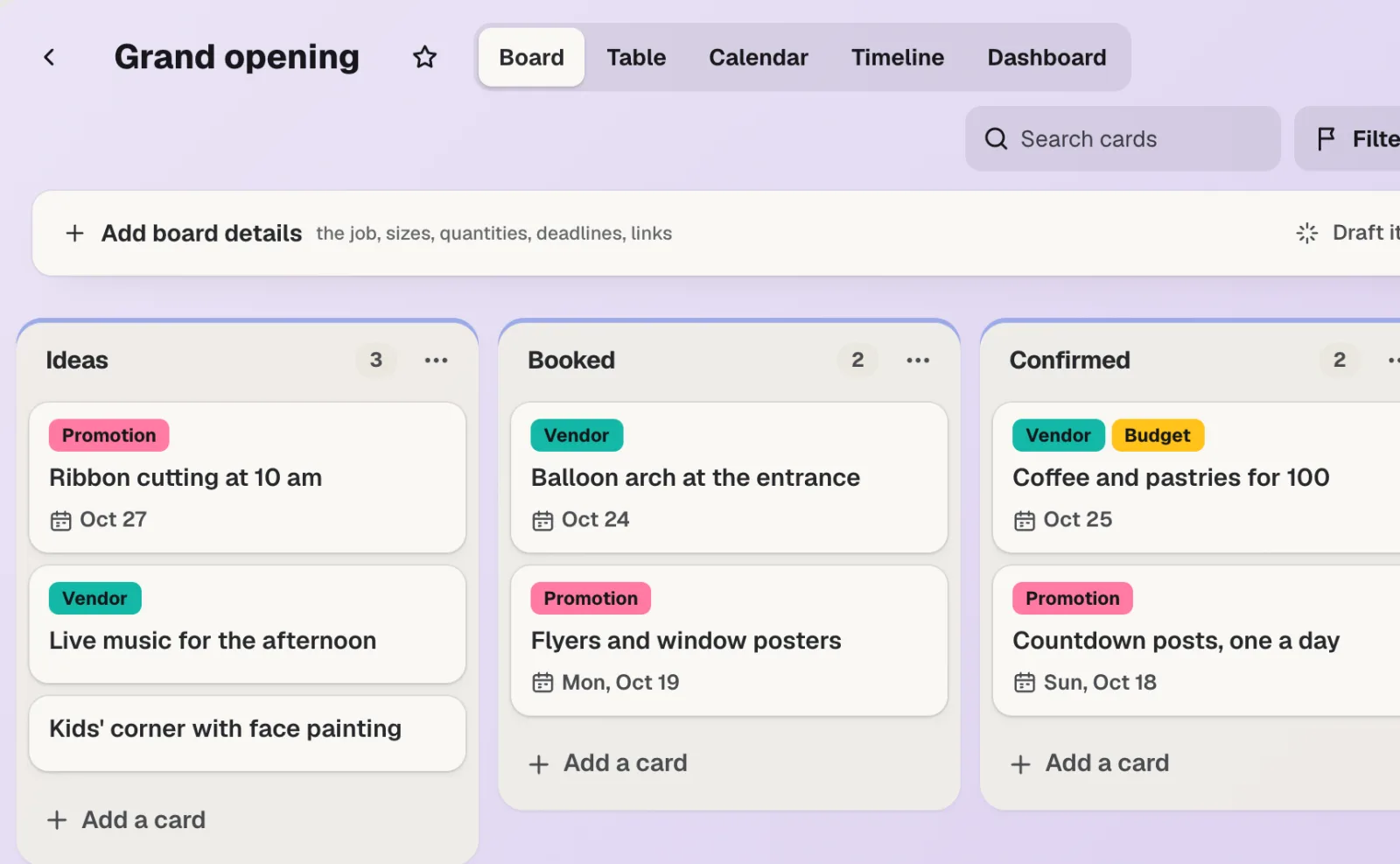
NewaiKit Hub is client project management software: to-do lists that flip into boards, messages, chat, a shared schedule, docs and files, and a client view that shows only what you choose. Your quotes, proofs, bookings and website requests live on the cards they belong to.
Page last checked against the product on 2026-10-16.