

The situation
A consultant's value is in the conversation, and the conversation is gone the moment the call ends unless someone wrote it down. Taking notes while also listening, asking good questions and watching the client's reaction means doing two jobs badly. Afterward comes the follow-up email, which is usually written from memory at the end of the day.
Good meeting notes are not a full transcript; they are the decisions, the to-dos with owners, and a recap the client can say yes to. The transcript is there for when someone asks "what exactly did we agree?"
The aiKit tools for this job
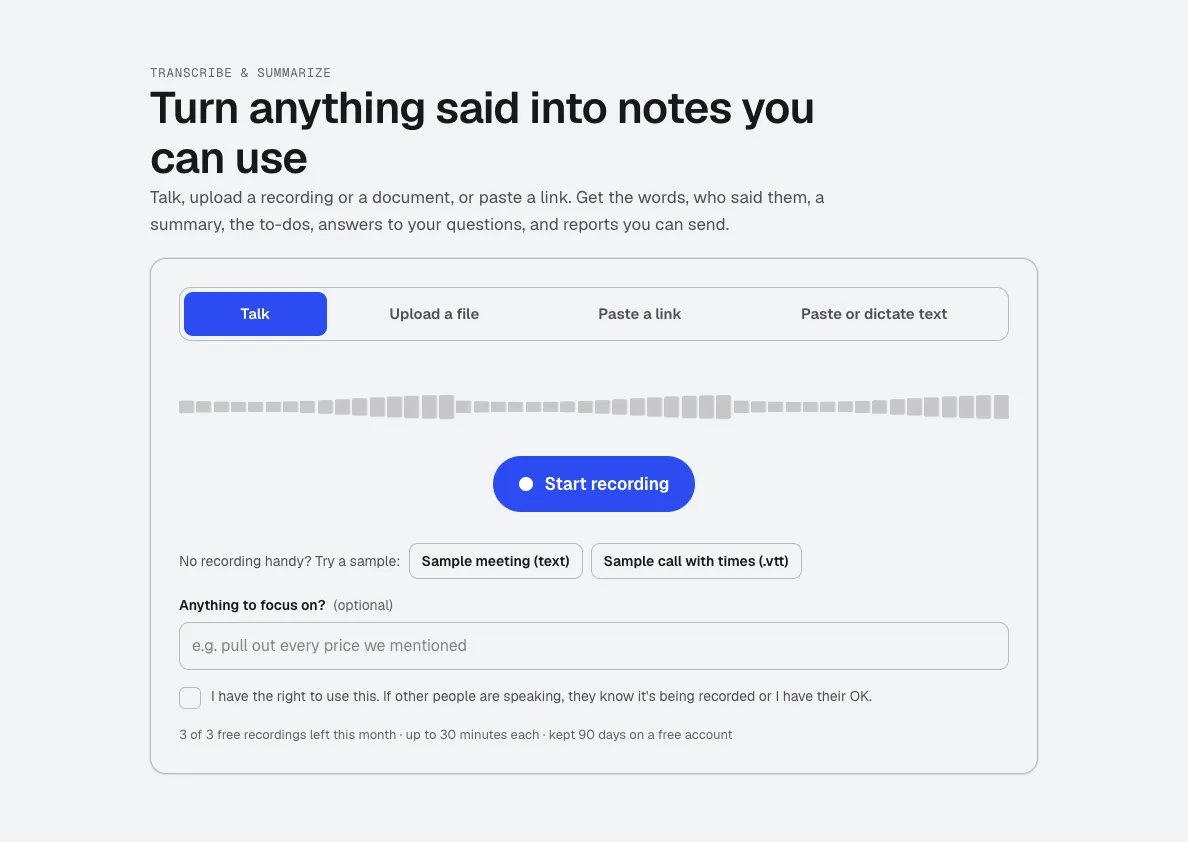
- Transcribe & Summarize: Transcribes, finds speakers, summarizes, lists decisions and to-dos, answers questions about the call, and writes reports.
- aiKit Hub: To-dos go to your Hub with the owner, due date and the recording they came from.
- Screen Recorder: Send a short video recap instead of a long email, when a walkthrough says it better.
Step by step
Bring in the call
Record with your microphone, upload an MP4, MOV, MP3, M4A, WAV or WebM file, paste a link, or paste text. Confirm everyone knows it is recorded.
Transcribe & Summarize →Read the transcript
Click any line to jump to that moment. Type real names into the speaker boxes, and use Find and replace to fix a misheard name everywhere.
Transcribe & Summarize →Get the summary and to-dos
Pick a short, medium or detailed summary, check the decisions, and send the to-dos to your Hub.
Transcribe & Summarize →Ask the call questions
Type questions like "what budget did they mention?" and get answers from what was said.
Transcribe & Summarize →Make what you send
In Rewrite as, choose Follow-up email, Meeting minutes, Client brief or type your own request, then copy it or download Word, PDF or text.
Transcribe & Summarize →
Examples
A discovery call to a proposal brief
Clearpath Advisory, an invented consulting firm, uploads a 45-minute discovery call, makes a Client brief from it, and drafts the proposal the same day with every client requirement listed.
A coaching session recap
A leadership coach records a session with the client's OK, keeps a medium summary with the commitments, and sends a follow-up email that lists exactly what the client agreed to try this week.
A workshop into a blog post
A consultant uploads a recorded workshop and turns it into a blog post and a chapter list without listening back to the whole thing.
Tips
- Tell everyone on the call that you are recording before you start.
- Type real names into the speaker boxes; speakers are estimated from the words, not the voices.
- Check names, numbers and figures in the transcript before you send a recap built on them.
- Upload a recording file when you have one; it is more reliable than a video link.