

Site Plan
A website plan that reads like a proposal and stays true
Every aiKit website gets a professional website project plan: goals, audience, strategy, sitemap, every tool explained, timeline and open questions. It's measured against the real site after each change, with a Make it button on every build step and a private link for your client.
Free account, no card. Already using aiKit? Log in to open Site Plan

What you get
A professional plan for websites, admin systems and their modules.
A plan you can hand a client
Overview and goals with how each is measured, audience, strategy, a sitemap of every page with its job, every tool with what it does for the business, a content plan, a timeline in phases, decisions and open questions.
It never claims what isn't built
Pages count as built only when aiKit finds them in the site's real files, and tools only from the verified build report. A Planned, Built or Live status on each item tells you where it stands.
A Make it button on every build step
Build steps list everything in order. Make it opens the right aiKit tool already filled in from the plan, from the Assistant for a missing page to Hosting for going live. Steps check themselves off when aiKit sees the result.
A health score with one-click fixes
The site is scored out of 100 from rules checked in its files: missing titles and descriptions, broken links, pages nothing links to, pictures without descriptions, forms with nowhere to send. Each issue has a Fix button.
Your client sees it, minus the internals
Share a private plan link protected by the client's access code. Health, history, who asked for what and any line you mark internal are removed on the server before the page is sent. Clients can approve each page.
Every feature
Everything in Site Plan
The complete list, from the tool as it works today.
- Build steps with a Make it button on each, opening the right aiKit tool already filled in from the plan
- A plan document for each website, written from the brief, the client's answers and the measured site
- Every tool on the plan with what it does for the business and Planned, Built or Live
- A private link for the client with nothing internal on it
- A full editor with a health score, history and a downloadable file
What’s included
What you get with Site Plan, and how it works with the rest of aiKit
Included with a free aiKit account
- Comes with every aiKit website, including sites brought in from other tools
- Goals, audience, strategy, sitemap, tools, content plan, timeline, and open questions
- Build steps with a Make it button that opens the right aiKit tool, filled in
- A private client link with nothing internal on it
- A full editor with a health score, history, and a downloadable file
What uses AI, and what’s free
Opening and reading the plan never uses AI, and the measured parts (pages, tools and their status, and the health score) are read from the real site. Write the plan and Update the plan draft the strategy parts with AI, which counts toward that website's AI use.
Works with your other aiKit tools
- Your websites: The plan is measured against the real site after every change.
- Bring in a site you built elsewhere: A site brought in from another tool gets a plan started for it.
- Brand Voice: The brand voice build step opens Brand Voice.
- Content Kit: Blog post build steps open Content Kit, filled in.
Keep Site Plan in any of your kits, next to the tools you use with it. One account and one monthly AI allowance cover every tool.
How it works
From first click to finished, in 4 steps.
Start a website
The plan comes with every aiKit website. It's written from the brief, the client's answers and the measured site after the first build.
Read and edit the plan
Open the Plan & brief tab. Edit any section's text directly, or use Ask for a change to file a request that updates the site and, in turn, the plan.
Build from the steps
Press Make it on each build step. The right tool opens filled in, and nothing runs until you press Send or Save there.
Share it and keep it current
Copy the client link, download the plan file, and let it update after every change. If it falls behind, the screen says why and offers Refresh plan.
Who it’s for
How different businesses use Site Plan
A proposal-grade plan for every client
An invented agency sends each new client the plan link before launch, walks through the sitemap and timeline on a call, and collects page-by-page approvals in the same place.
Seeing what's done and what's next
A made-up landscaping company checks the progress band to see pages built, tools built and questions answered, then presses Make it on the next step: a Book online page.
Handing a site to a teammate
A fictional brokerage hands its agent site to a new assistant with one link instead of a long email: every page's purpose, the brand notes, and the decisions not to revisit.
Keeping a school site honest
An invented training center uses the Health card to find pages with no main heading and pictures without descriptions, and presses Fix on each one.
Ideal for
- Walking a client through their site before launch
- Agencies that want every client to get a plan that reads like a proposal
- Handing a site to a teammate without a long email
Good to know
- Not for: Editing the site; changes are made by asking on the project, and the plan follows
- The plan reads what aiKit measures. If a change was made outside aiKit, the plan shows it after the next aiKit change.
- Strategy text is written by aiKit from the brief; read it before you share it.
Why aiKit
Site Plan vs. a sitemap document or slide deck
| Point | aiKit Site Plan | A sitemap document or slide deck |
|---|---|---|
| Staying current | Measured against the site's real files after every change | Goes stale the day the site changes |
| What's built | Planned, Built or Live on every page and tool, from what aiKit finds in the files | Whatever someone last typed |
| Acting on it | A Make it button per step opens the right tool already filled in | Copy items into a task list by hand |
| Sharing with the client | Private link with internal lines removed on the server, plus page-by-page approval | Export a copy and remember to delete the internal notes |
| Site quality | A health score out of 100 with a Fix button on each issue | A separate audit tool, run now and then |
Questions
Site Plan: questions people ask
How do I make a website project plan with a sitemap for a client?
Is there a website plan that updates itself when the site changes?
How can I show a client what's built and what's still planned on their website?
Can clients approve a website page by page?
How do I turn a website plan into actual work?
How do I check my website for SEO and accessibility problems?
Can I keep internal notes in a plan I share with my client?
Does a site I built somewhere else get a site plan too?
Can I see every past version of a website and what changed?
Where can I see an example of a website plan?
Works well with
Tools to add to the same kit
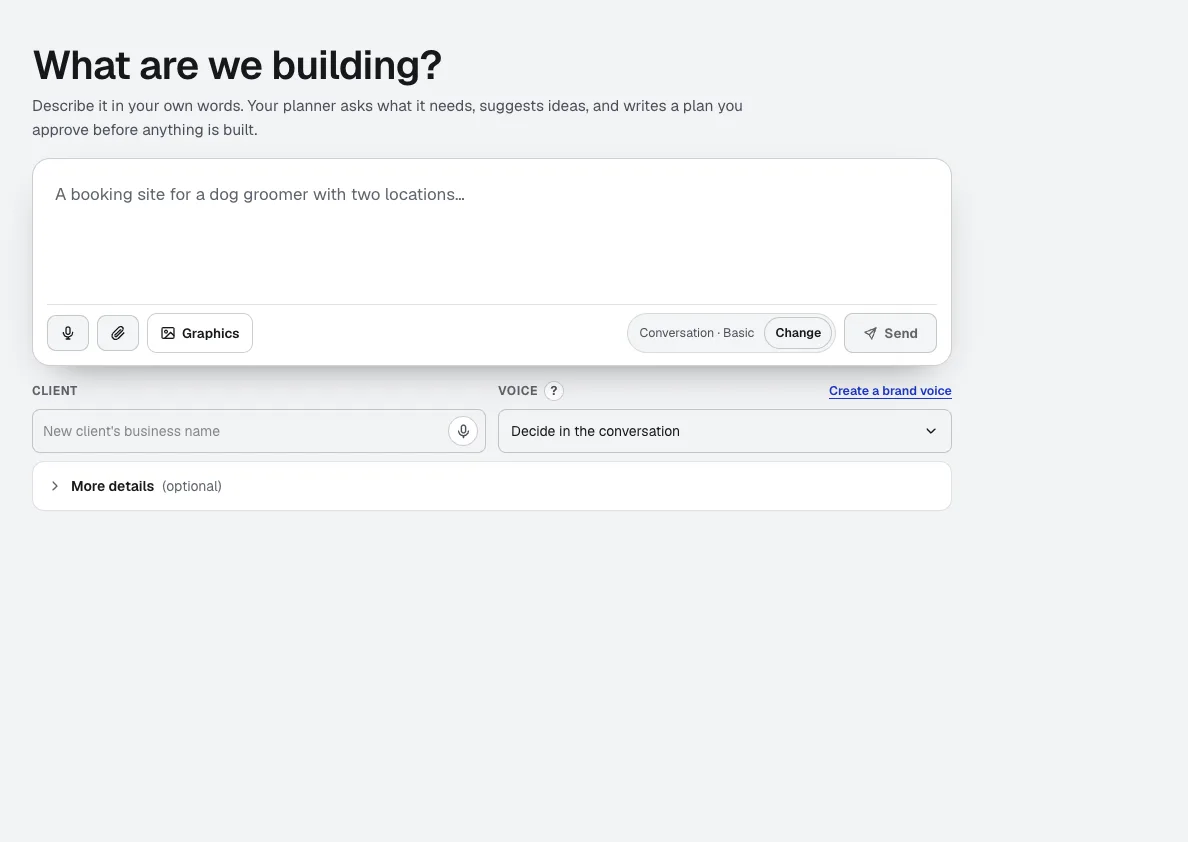
Your websites
aiKit is an AI website builder with hosting: it plans the pages, writes the copy, builds the site and hosts it. Every later change is a request in your own words, saved as a version you can undo, for your own business or for every client you run sites for.
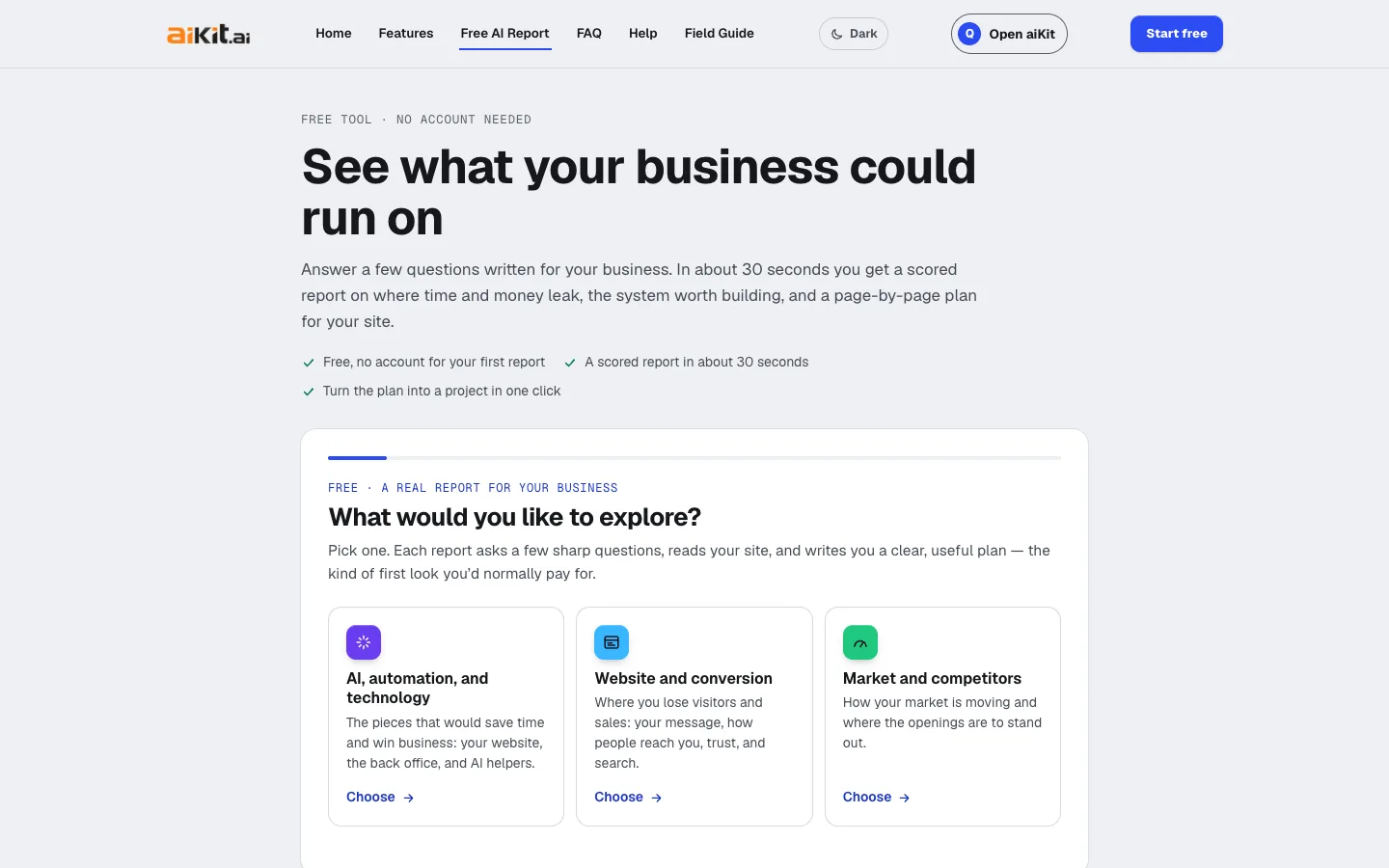
Free AI business report
No account neededAnswer a few questions written for your trade and get a free AI business report in about 30 seconds: graded areas with the evidence behind each grade, the system worth building, a 30/90-day plan, and a page-by-page site plan you can build in one click.
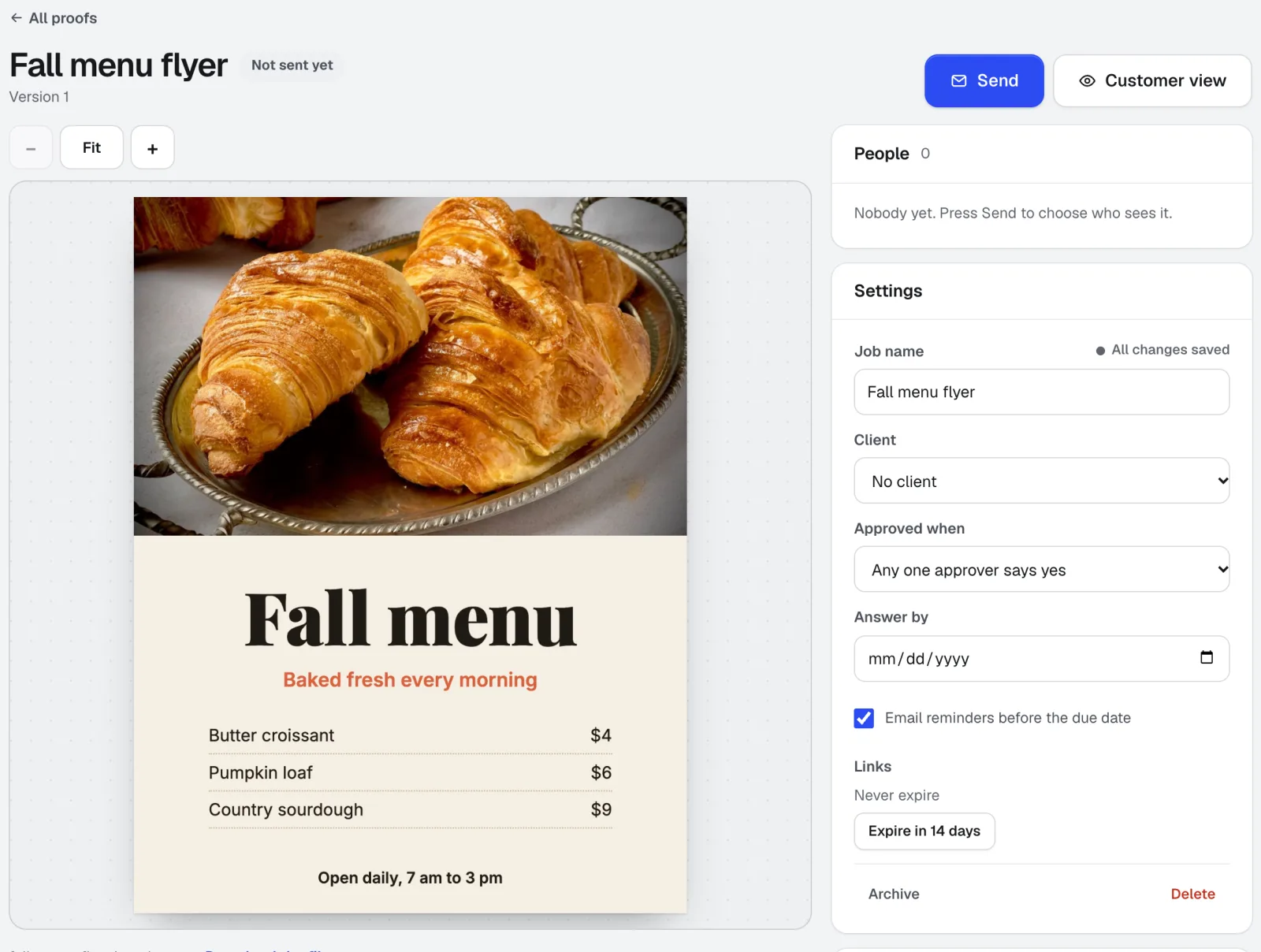
Customer Proofs
No account needed for customersCustomer Proofs is online proofing software for any design, web page, video, or sound file. Send it to one or more people; each gets a private link to pin comments on the exact spot and approve with a checklist and their typed name. No account on their side.
Use Site Plan today.
Make a free aiKit account and open Site Plan, plus every other tool in your kit.
Page last checked against the product on 2026-10-16.