

The situation
Listings with video get attention on social feeds, and buyers scroll with the sound off. The agent's reality is a phone walk-through shot between showings, a folder of photos from the photographer, and no hours to sit at a timeline adding captions, cutting the stumbles and resizing for every platform.
A listing video also has to be honest. Captions, music and motion make a home look good; changing what is actually in the home does not belong in a listing. The tools below are built to polish real footage and real photos.
The aiKit tools for this job
- Video Kit: Edits the walk-through by deleting words, adds word-by-word captions, sizes it to 9:16, and offers real estate templates for photo-based videos.
- Scene Studio: Animate a photo turns one listing photo into a short 4 to 15 second moving clip.
- Voice Kit: Reads a narration script in your own AI voice, with the music dipping under it.
Step by step
Bring in footage or photos
Drop up to 3 minutes of footage, photos or sound into Video Kit. Editing starts at once in your browser while clips copy to the cloud.
Video Kit →Or start from a real estate template
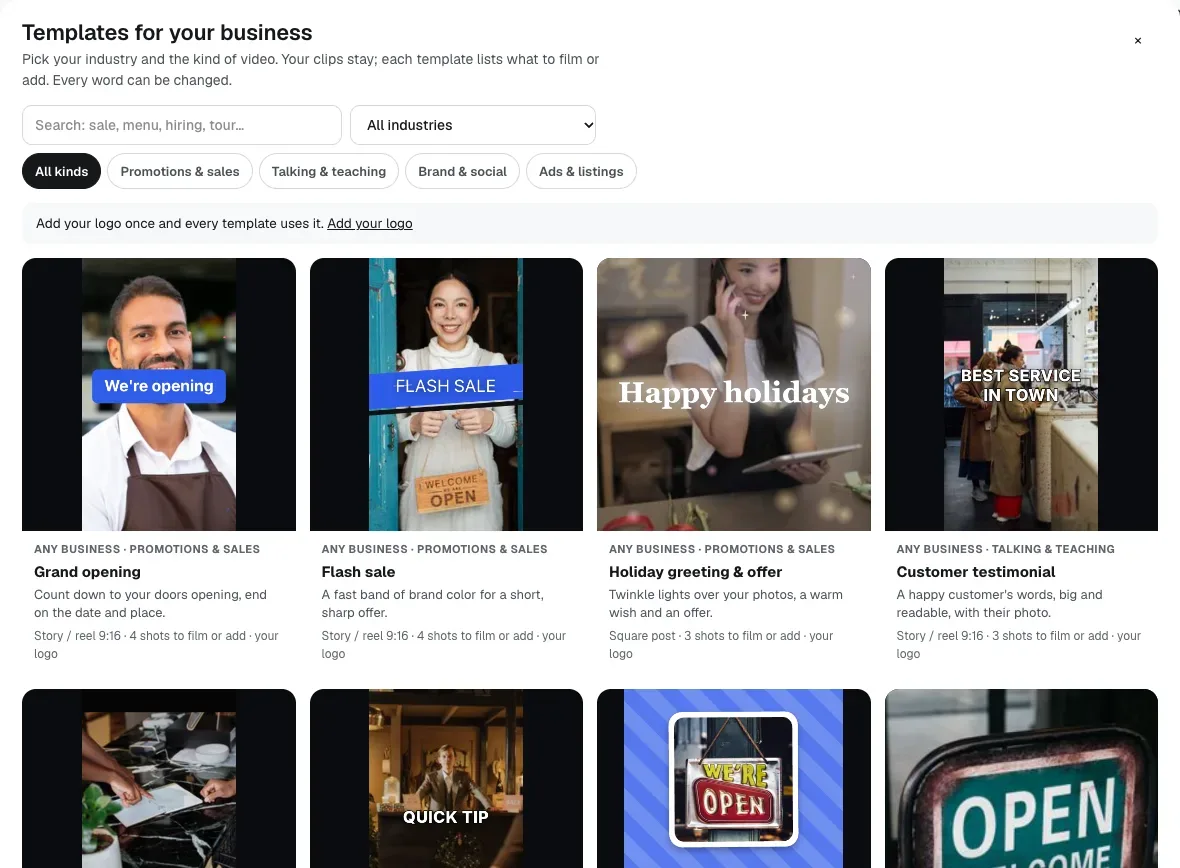
Pick a real estate template, including 3D templates with a camera moving through the photos and regional looks, then swap each Your photo here for the listing photos.
Video Kit →Make captions and clean up the talk
Press Make captions, delete stumbles by deleting words, and run Remove pauses and ums. Double-click a misheard street name to fix it.
Video Kit →Brand it and size it
Choose 9:16 for reels, turn on Follow the face for talking parts, add your logo, intro and outro with the open-house time, and pick music.
Video Kit →Export and post
Export an MP4 made in your browser, save it to your Graphics Library, or download it for the listing and social posts.
Video Kit →
Examples
One take, one reel
An agent at Harborview Homes, an invented brokerage, records a wide walk-through of a listing and turns it into a tall reel: Follow the face for the talking parts, captions for silent viewers, and an outro card with Sunday's open-house time.
Photos only, no footage
For a condo with only still photos, Copper Ridge Realty picks a 3D real estate template, drops in eight photos, and gets a moving tour with the address and price typed on screen.
A living room that moves
An agent uses Scene Studio's Animate a photo on the living room shot for a slow camera push, sees the cost on the Make button first, and joins the clip into the reel in Video Kit.
Tips
- Keep videos true to the property: use captions, music and camera motion, and leave the rooms, views and finishes exactly as they are.
- Read every caption before you post; speech-to-text can mishear street and builder names.
- Make the 9:16 version first, then reuse the same edit at 1:1 or 16:9 for the listing page.
- Put the open-house date and your contact in the outro card, where viewers who watch to the end look for it.