

The situation
Every new listing needs the same set: a flyer for the showing table, a just-listed post, a story, an email header and maybe a postcard. Each one carries the address, the price, the beds and baths, the agent's photo and the brokerage's colors, and each one has to be correct before it goes anywhere.
Template sites help with the first one; the trouble is the next twenty, plus the printer who wants bleed, plus the broker who wants to approve the flyer before it prints.
The aiKit tools for this job
- Magic Canvas: Lays out the flyer, post or banner from a sentence in your brand colors, and exports PNG, JPG, SVG or a print PDF with bleed and crop marks.
- Customer Proofs: Sends the flyer to the listing agent or the seller to approve from a phone.
- Printer’s Helper: Sets up yard signs and rack cards at a printer's exact sizes.
Step by step
Pick a size or describe it
Choose a print flyer, an Instagram post, a Story, a website banner or an email size, or type "just-listed flyer for 14 Birch Lane, 3 bed, 2 bath, open house Sunday 1 to 3" and press Make my design.
Magic Canvas →Add the listing photos and your brand
Upload photos or pick them from your Graphics Library, and click a brand color or logo from the Brand panel.
Magic Canvas →Change it by hand or by asking
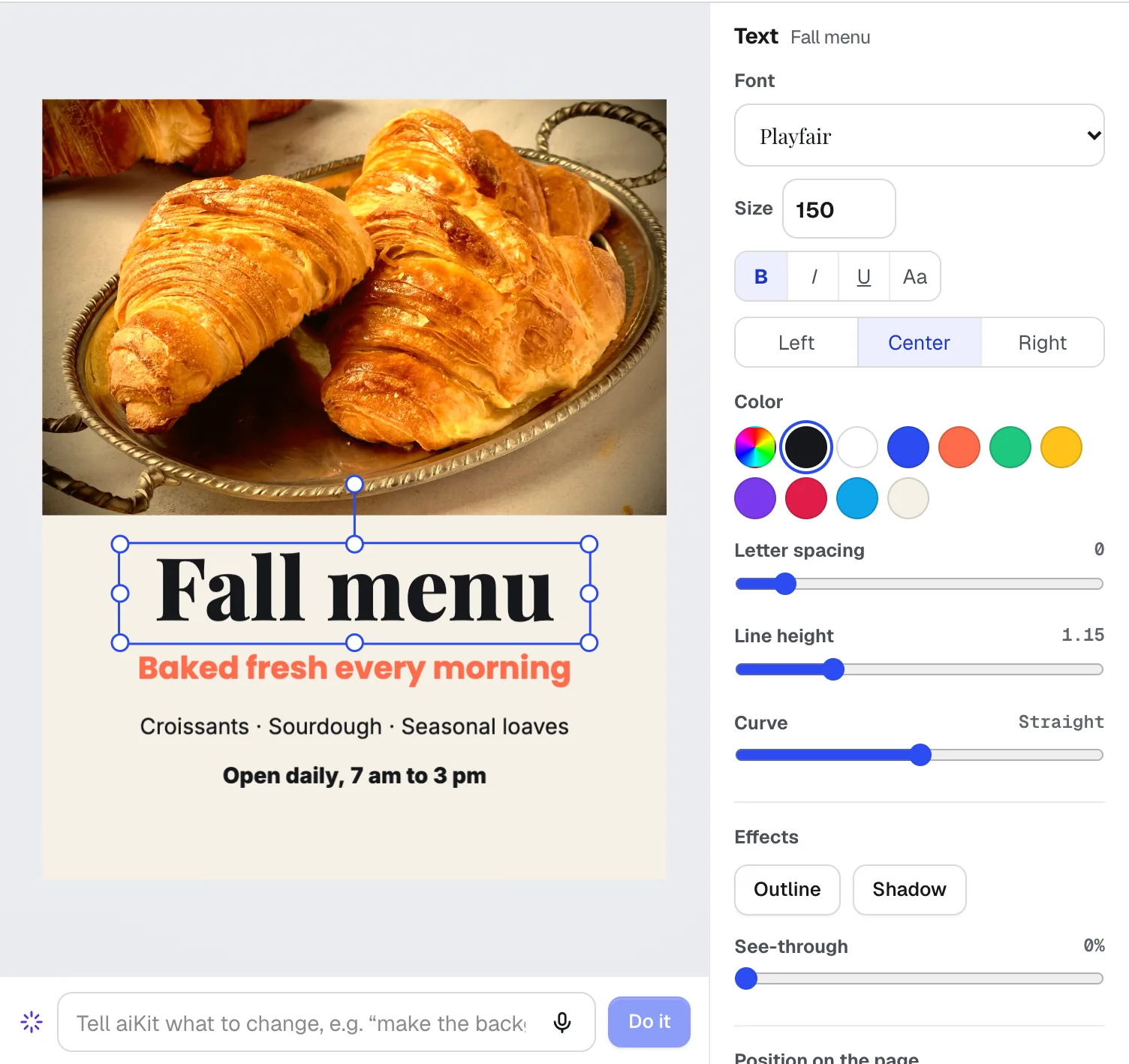
Edit text and photos on the page, or type a change such as "make the price bigger and move my headshot bottom right". Anything not done is listed first.
Magic Canvas →Get it approved
Send the flyer through Customer Proofs; the agent or seller approves with a typed name from a phone.
Customer Proofs →Print and post
Download a print-ready PDF with crop marks for the printer and PNGs for social. Saved designs reopen with every layer for the next listing.
Magic Canvas →
Examples
One listing, every channel
An agent at Harborview Homes, an invented brokerage, makes a just-listed flyer, then a post, a story and an email header from the standard sizes, all in the brokerage's colors, in one sitting.
Approved between showings
The marketing coordinator at Copper Ridge Realty sends a listing flyer proof to the agent, who approves it from a phone without making an account, and the PDF goes to the printer the same afternoon.
Next week's flyer in a minute
A team saves its open-house flyer once. For each new listing it reopens the design, swaps the photos and details, and downloads the print PDF.
Tips
- Type the price, address and room counts yourself; the AI uses only what you give it.
- Use real listing photos on flyers. AI pictures are for mood and backgrounds, never for the property itself.
- Use Chrome for very large print sizes such as posters.
- Keep one saved design per format, so every listing looks like your brand.