

The situation
A new product line arrives with a supplier spreadsheet: names, sizes, materials, maybe a sentence each. Turning that into real product pages, with a short line for the grid, a longer description for the page, bullets, specs and alt text for every image, is hours of copy that all starts to sound the same by product twelve.
The danger with AI copy is invention. A description that promises a feature the product does not have creates returns and complaints. A store needs a writer that works only from the facts given and says what is missing.
The aiKit tools for this job
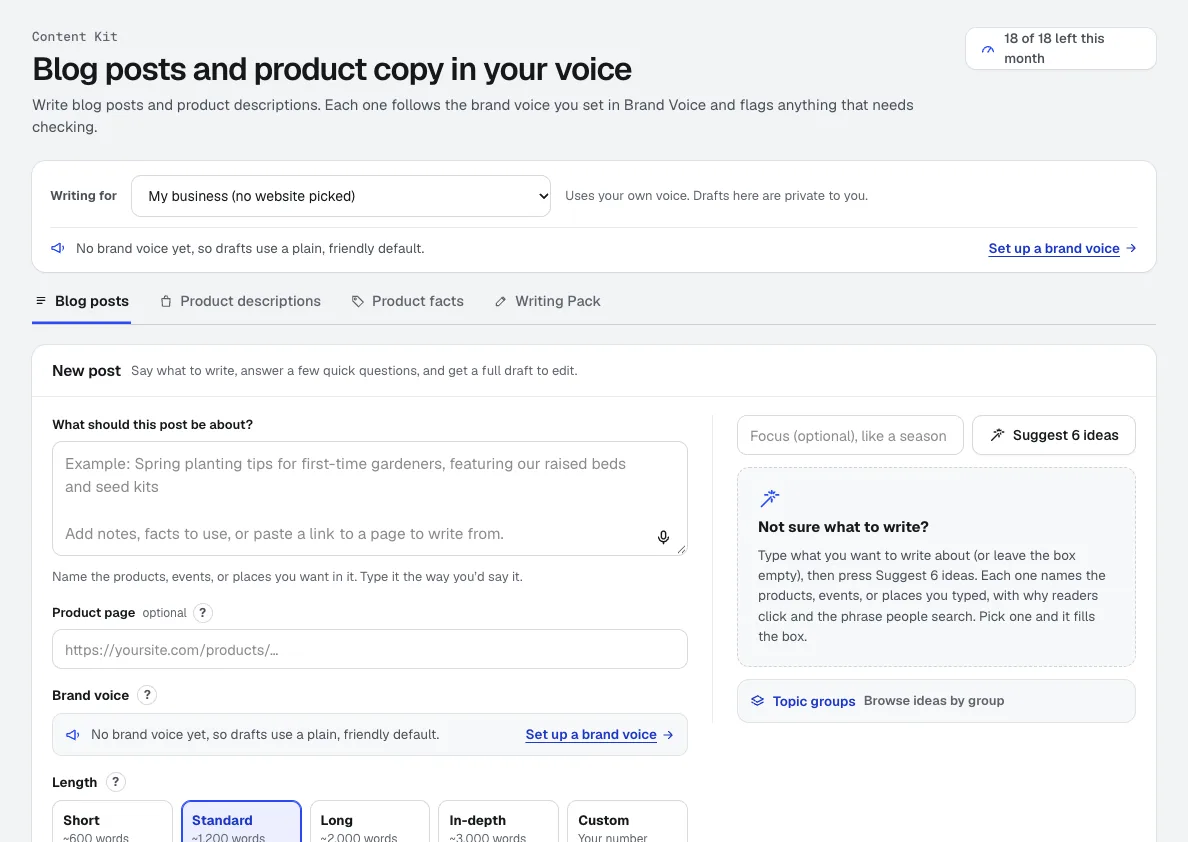
- Content Kit: Writes product descriptions singly or in batches of up to 25, from pasted lines or a CSV, with a CSV download.
- Brand Kit: Keeps every description in your store's tone, with its product-copy rules.
- Photo Studio: Makes the scene photos the new descriptions sit next to.
Step by step
Set your store's voice
In Brand Kit, describe your tone or let it learn from pages that already sound right. Product copy can have its own tone mix.
Brand Kit →Paste the products
Add one product, or paste lines or a CSV for up to 25 at once, with the specs and notes you have.
Content Kit →Get the descriptions
Each product gets a short and long description, features, specs and alt text. Specs come only from your notes; missing details are listed, never guessed.
Content Kit →Polish by asking
Ask for a change in plain words, such as "shorter, and mention it is dishwasher safe". Writing a product again is free.
Content Kit →Download for your store
Download a CSV, Markdown or HTML and import or paste it into your store.
Content Kit →
Examples
Twenty new home goods in one batch
Hearth & Hollow, an invented home-goods shop, pastes 20 new products with their specs, gets short and long descriptions for each, approves them, and downloads one CSV for its store.
Missing facts called out
A jewelry seller pastes a ring with no metal listed. The description is written, and the missing metal is listed for the seller to add instead of being guessed.
A blog post that sells the line
After the batch, the shop writes a gift guide blog post in Content Kit with headings, an FAQ, a search title and alt text, linking to the new products.
Tips
- Paste every spec you have: materials, sizes, care and what is included. Better input means fewer missing-detail notes.
- Use the short description for category grids and the long one for the product page.
- Keep the alt text; it helps shoppers using screen readers and helps search engines understand the images.
- Read every description before publishing, especially sizes and materials.