

The situation
Ad copy work at an agency is volume work under rules: thirty headlines that fit in 30 characters, descriptions that fit in 90, variations for testing, a different voice for the law firm and the pet groomer, and everything typed again into upload sheets. Generic AI drafts tend to blow past limits, sound the same for every client and invent claims nobody approved.
Agencies need a writer that counts characters, stays in each client's voice, leaves facts it does not have as placeholders, and hands back files the ad platforms take.
The aiKit tools for this job
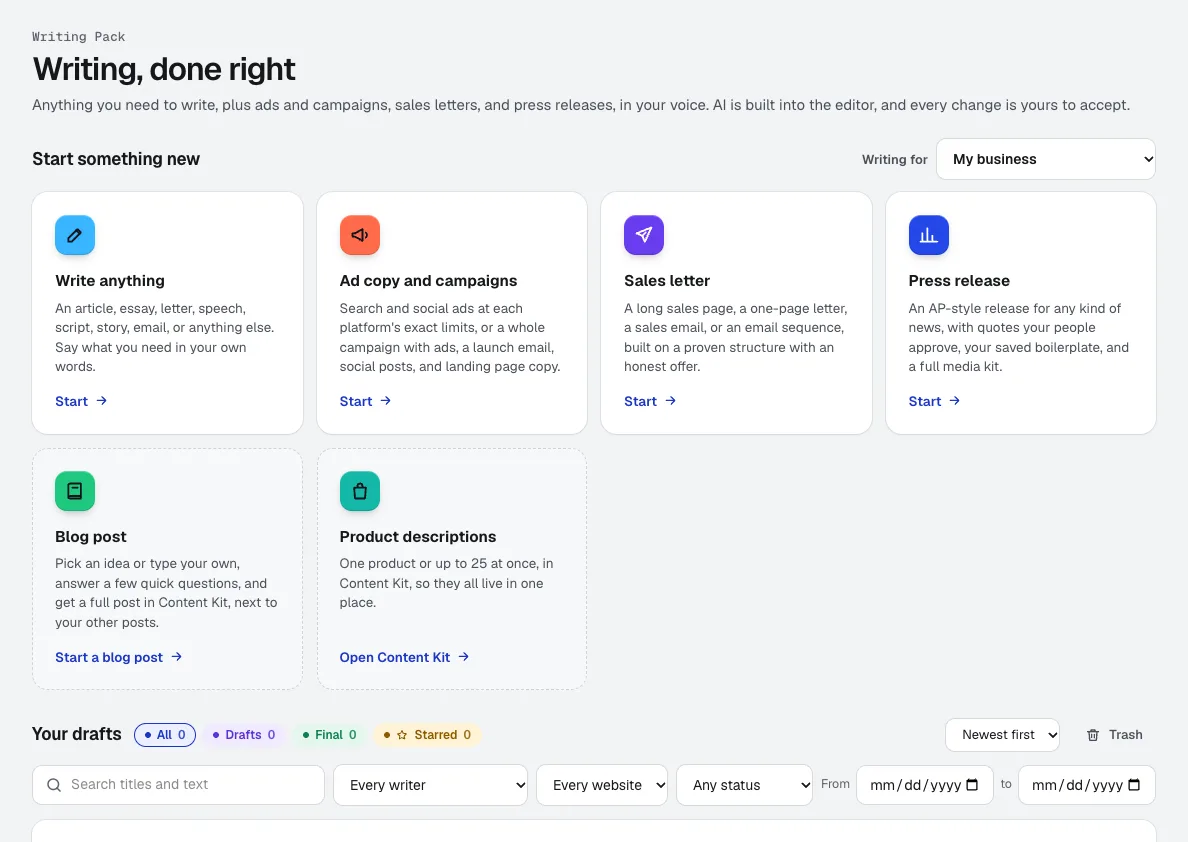
- Writing Pack: Writes ads and full campaigns at platform limits, with CSV downloads and a launch email, social posts and landing page copy.
- Brand Kit: Keeps each client's tone, rules and samples separate, and every draft follows the kit you pick.
- Content Kit: Writes the blog posts and product descriptions the campaign points to.
Step by step
Set each client's voice
In Brand Kit, set up a voice per client from a few questions, a description, or their own writing, with required rules that are checked word for word.
Brand Kit →Pick Ad copy and campaigns
Choose single ads or a full campaign, the platforms (Google, Performance Max, Meta, Stories and Reels, TikTok, LinkedIn, Microsoft or placements you type), and the client's voice.
Writing Pack →Give it the facts
Fill in the offer and audience, answer 2 to 4 optional quick questions, and add references such as a brochure PDF or the landing page link. Missing facts stay as [placeholders].
Writing Pack →Edit with AI beside you
Every AI change is a suggestion to accept or reject. Select a headline to shorten it, change the tone, or ask for anything.
Writing Pack →Download and upload
Download Google Ads Editor, Microsoft Advertising, keyword and every-line CSVs, or Word, PDF, HTML, Markdown and text, and upload them where they go.
Writing Pack →
Examples
A spring push for an HVAC client
Northgate Marketing, an invented agency, writes Google Search and Meta ads for a client's spring tune-up at each platform's limits, then downloads the Google Ads Editor CSV to upload in one go.
One message, every channel
Bayside Creative builds a full campaign for a clinic client: ad groups, A/B angles, keywords and negatives, plus a matching launch email, social posts and landing page copy that carry the same offer.
Ten clients, ten voices
A freelancer switches the Brand Voice per client, so a law firm's ads stay formal and a dog groomer's stay playful, with each client's required rules checked word for word.
Tips
- Give real proof points in the references; Writing Pack never invents testimonials or statistics.
- Write more headline variations than you need and keep the strongest few for A/B testing.
- Fill every [placeholder] before export; they mark facts it did not have.
- A whole campaign shows the tokens first and asks you to confirm, so you see the cost before a big run.