

The situation
Most contractors need a website that does three things: shows up when someone in the service area searches, looks trustworthy at a glance, and turns a visitor into a request with enough detail to price the job. Instead, many sites are a phone number and a contact form that collects "call me" with no address and no photos.
Building and updating a site is the other problem. A contractor has no time to learn a builder, and paying someone for every small change, a new service area or holiday hours, adds up.
The aiKit tools for this job
- Your websites: Plans, builds and hosts the site from your description, with every change saved as a version.
- Quote Studio: Requests from the site's quote form start a quote in one press.
- Booking: Lets customers book estimates or service visits from real open times, with travel buffers.
- Reviews & customer photos: Publishes customer reviews and job photos to the site's reviews wall.
Step by step
Describe the business
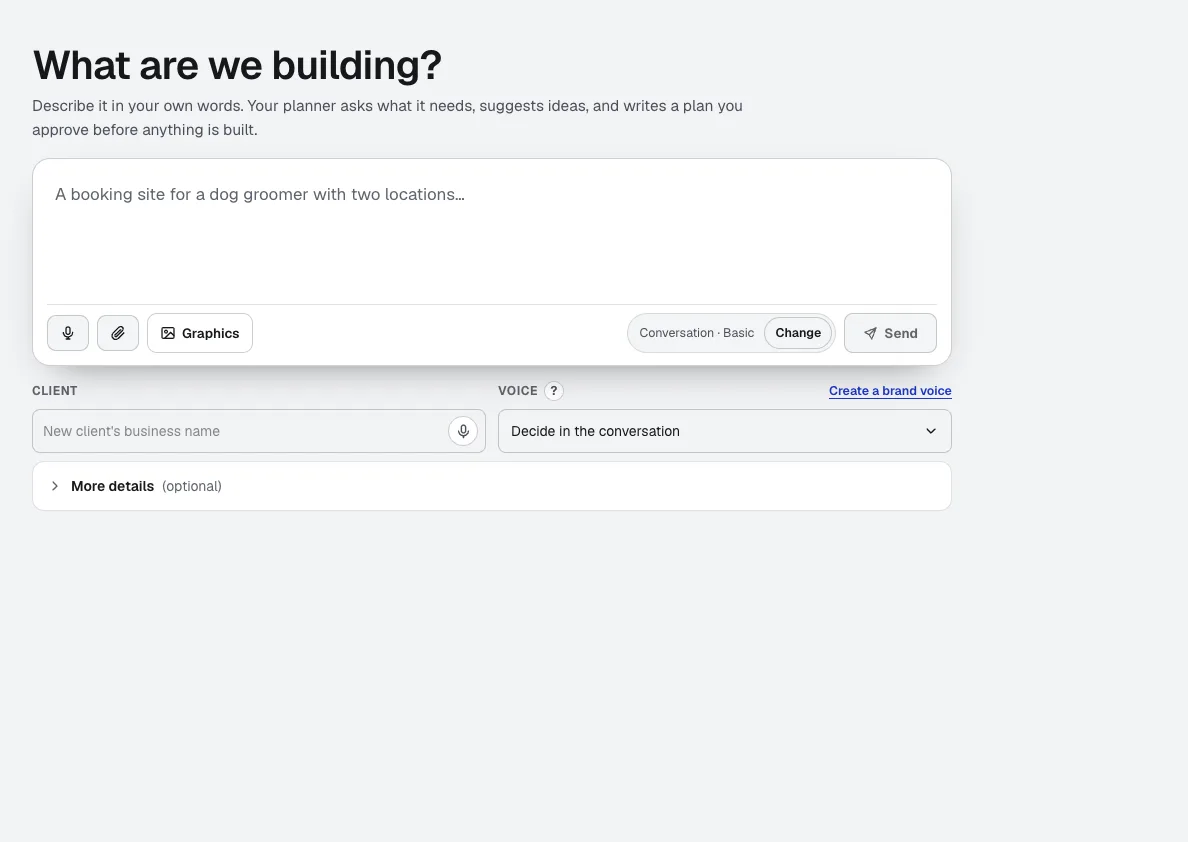
Open New project and tell the planner about your trade, services and service area in your own words, or answer a few quick questions. Add your logo and photos if you have them.
Your websites →Read the plan, then build
The planner writes the pages, tools with reasons, search phrases and open questions. Refine it in chat, then press Build this project.
Your websites →Add the working parts
A quote request page with up to 4 photos per request, online booking, and a reviews wall are built from tested modules, not improvised forms.
Your websites →Go live
Press Go live for a working address on aiKit hosting, and connect your own domain from the Hosting tab whenever you are ready.
Your websites →Keep it current by asking
Ask for changes in chat, such as "add a page for gutter cleaning in our three towns". Review each draft, publish it, and restore any version in one click.
Your websites →
Examples
A plumber's site that books jobs
Keystone Plumbing & Drain, an invented company, describes its services and service area, adds online booking and a quote request page with photo upload, and gets every request on one Requests tab instead of scattered voicemails.
Requests that arrive ready to price
A painting contractor's quote page asks for the rooms, the timeline and photos. Each request opens in Quote Studio with one press and becomes a quote that evening.
Reviews on the homepage
A roofing company publishes its newest reviews and before-and-after job photos from the Reviews tool; the wall on the site updates within a minute.
Tips
- Name every town you serve and every service you want calls for; the plan and pages are written from what you tell it.
- Ask for photos on the quote request page; you will price more jobs without a site visit.
- Check names, prices and claims on every page before you share the site.
- Use the Requests tab as your inbox, and track each request through to Won.