

The situation
For a local service business, Google reviews are close to the whole marketing plan: people search, compare the stars and the number of reviews, and call one of the top few. Happy customers mean to leave a review and forget by dinner. The fix is boring and reliable: ask every customer, soon after the job, with one easy link, and remind them once or twice.
The shortcut to avoid is review gating, which means sending only happy customers to Google and steering unhappy ones somewhere private. Google's rules forbid it. A review tool for service businesses should make asking everyone the easy path.
The aiKit tools for this job
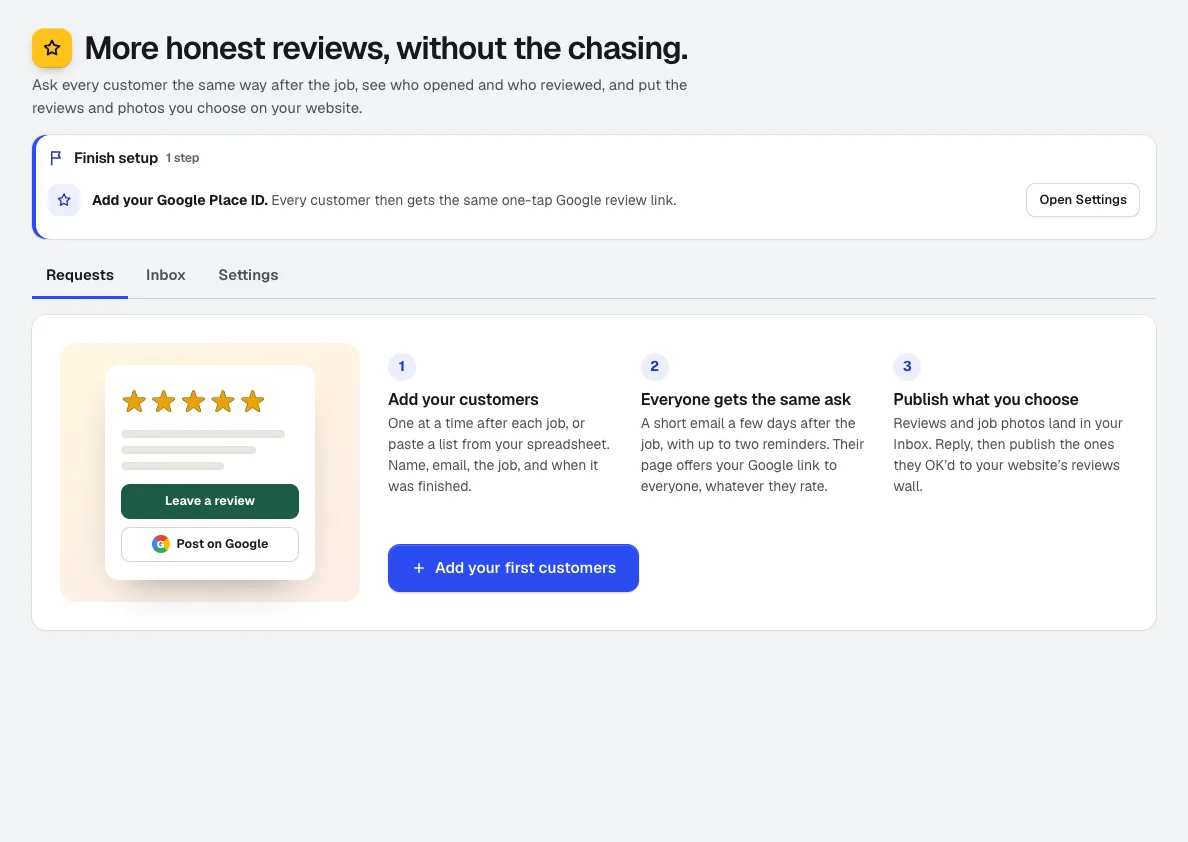
- Reviews & customer photos: Sends the ask, tracks every step, gives each customer a phone-first review page with your Google button, and publishes the reviews you choose.
- Quote Studio: A job from an accepted quote marked Done adds the customer and schedules the ask.
- Booking: A booking marked Completed queues the ask automatically.
- Your websites: A reviews wall and job photo gallery on your aiKit website, updated within a minute of each publish.
Step by step
Set your Google link and wording once
Paste your Google review link or Place ID, and write the request or have it written in your Brand Voice. The preview shows the real email before anything goes out.
Reviews & customer photos →Add customers
One at a time, a pasted list, or a CSV of up to 500. Ask now, a set number of days after the job, or copy the link and send it yourself.
Reviews & customer photos →Customers review from their phone
Each gets a private page with five big stars, a few words, your Google button, job photos and an optional private note to you.
Reviews & customer photos →Watch the counts
Sent, opened, clicked, reviewed and went-to-Google, each a click into the customers behind it. Reminders stop on their own once someone opens or reviews.
Reviews & customer photos →Reply and publish
Everything lands in your Inbox first. Reply, keep it private, mark spam, or publish it to the reviews wall on your aiKit website.
Reviews & customer photos →
Examples
A review ask after every cleaning
Fresh Nest Cleaning, an invented company, pastes last week's customers from a spreadsheet. Each is asked three days after the visit, and the owner watches the went-to-Google count climb over the month.
Photos of the finished job
Clearwater Pool Care asks customers to add a photo of the finished pool on their review page. The owner publishes the strongest ones to the gallery on the company's aiKit website.
Automatic asks from finished jobs
A handyman business marks jobs Done from accepted quotes; each customer is added to Reviews and asked after the usual wait, with no list to keep.
Tips
- Ask within a few days of the job, while the work is fresh in the customer's mind.
- Keep the request short and personal; have it written in your Brand Voice and read it before you save.
- Reply to reviews, good and bad; future customers read the replies too.
- Do not offer discounts or gifts for reviews; aiKit checks request wording so it never gates or rewards reviews.